
Creator monetization platforms take between 0% and 30% of each sale, and the right one depends on what you sell.
Choose a platform like Uscreen if video is your main format and you want recurring monthly income from a membership. Consider Kajabi or Podia if you sell courses and digital products.
Go with Circle, Mighty Networks, or Skool if a paid community is the core of your business. Pick Substack, beehiiv, or Ghost if writing and newsletters come first. Choose Patreon, Ko-fi, or Gumroad if you want to start with tips or one-off sales and no monthly commitment.
What are creator monetization platforms?
Creator monetization platforms help you earn money directly from your content, such as videos, courses, newsletters, or digital products. They handle payments, hosting, and member access in one place. For example, a yoga teacher can upload classes, charge members a monthly fee, and deliver every video from a single dashboard.
The four main categories are:
- Video and membership platforms: These tools sell recurring access to a video library or course set. Members keep paying because new videos arrive each week. They suit any video business with a library ready to sell.
- Community and discussion platforms: These tools put a paid member conversation at the center. Members stay for the discussion, so the group gains value as more people join and post. They suit coaches and groups whose members learn from each other.
- Newsletter and writing-first platforms: These tools send each post by email and publish it online. Readers pay a subscription for premium posts, and recommendation networks help new readers find you. They suit writers, journalists, and independent publishers.
- Tip and digital product platforms: These tools handle tips and one-off sales with little or no monthly cost. Fans can pay once without joining a plan. They suit e-books, templates, and other downloads sold one at a time.
Should you earn through platform payouts or direct member revenue?
Platform payouts and direct member revenue are different earning structures, and the main difference is control.
With payouts, a platform like YouTube collects ad revenue and pays you a share. The platform sets the rate and controls the schedule. With direct member revenue, you set the price, and members pay you directly through a tool like Uscreen or Ghost.
Most businesses land somewhere between the two. Patreon sits in the middle: you set your own tier prices, but your page runs on Patreon, and the platform keeps a cut of each payment.
Each model has a cost. Payouts need little setup and scale with view counts, but your income moves whenever a platform changes its rates or its algorithm.
Direct member revenue takes more upfront work (you need a product people will pay for each month), but your income then depends on your members and the price you set. Many video businesses run both at once. Free YouTube videos bring in new viewers, and a paid membership converts the most engaged viewers into steady monthly income.
How to choose the right creator monetization platform for you?
The right creator monetization platform is the one built around the content you sell most. A video business needs a strong streaming setup, while a newsletter writer needs good email tools. Start with your main format. Then compare the fees and features that matter at your current stage.
Here is what to compare before you choose:
- Main content format: Pick a platform built for the thing you sell most. Video businesses need a streaming catalog and enough video storage, while newsletters need reliable email delivery.
- Fee model: Check whether the platform takes a percentage of each sale or charges a set monthly plan. Percentage fees cost less when your sales are small. As your income grows, a monthly plan often leaves you with more of each sale. The fee table below shows both models side by side.
- Where members watch: Think about how your members will reach your content each day. Some platforms work only in a web browser, while others offer mobile or TV apps. Branded apps are often limited to higher plans, so check which plan includes them before you sign up.
- Growth and migration: Look at what changes as your business grows. Check member limits, storage caps, and team seats on each plan. Also check whether you can export your member list, and whether the platform helps with migration. That support makes a later move easier.
What are video and membership platforms?
Video and membership platforms let you sell recurring access to videos, courses, and other digital content. Members pay a monthly or annual fee, and you deliver everything from one dashboard. The tools in this group differ in focus. Uscreen is built around a video catalog and live streams, while Kajabi and Podia center on courses and digital products.
1. Uscreen: best for video-first membership businesses
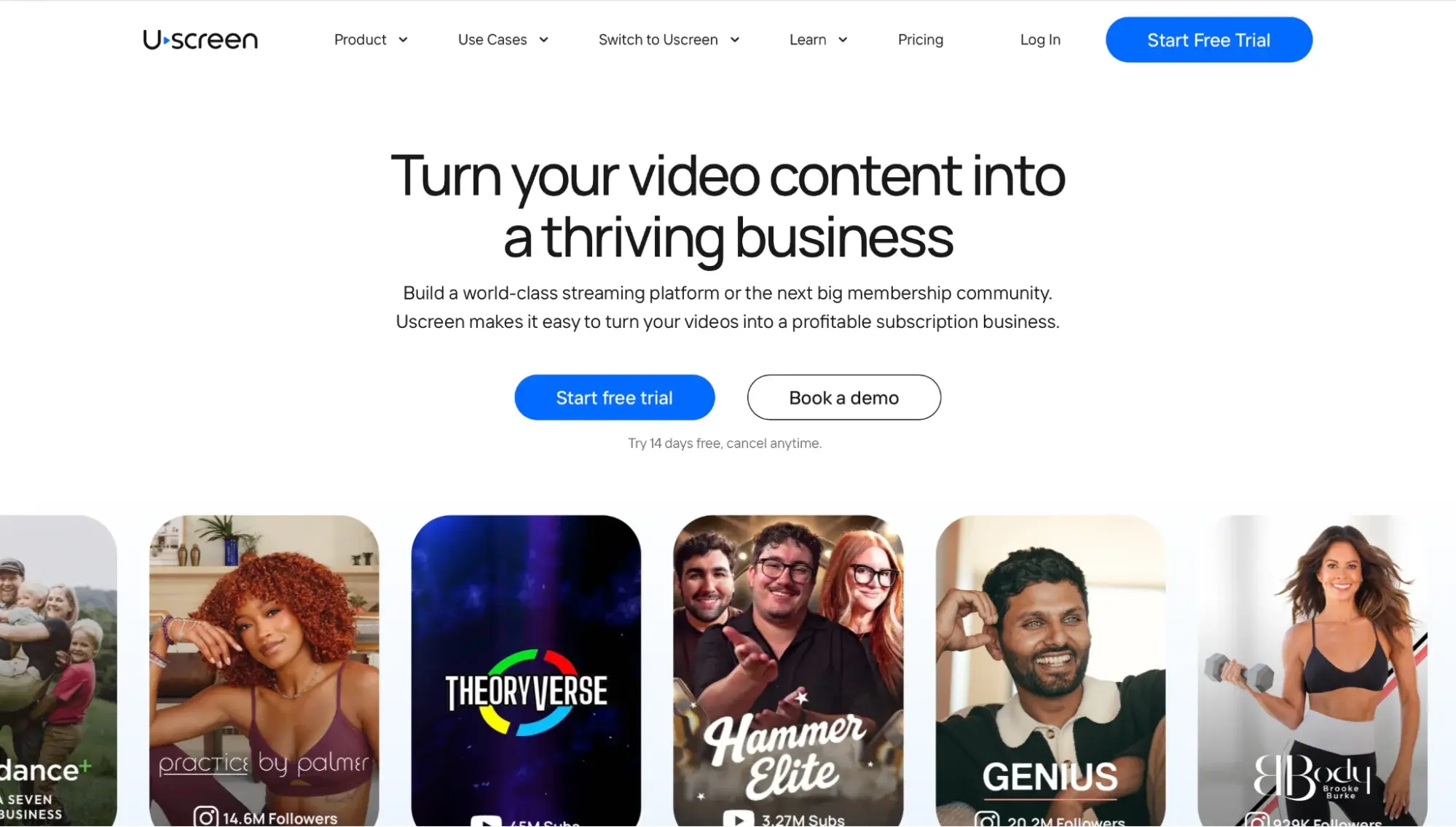
Uscreen (opens in new tab) turns your video library into a membership business. You group videos into collections, set your price, and sell access from one dashboard. Members browse a streaming-style catalog and always know where to find the next video.
Live streams and gated Zoom sessions give members a reason to come back each week. Starter, Growth, and App Essentials include one free live hour a month, and Custom includes more. Built-in marketing automations help keep members subscribed.
Uscreen is built for fitness studios, faith ministries, educators, and media brands with a video library. Branded mobile apps are included on the App Essentials and Custom plans. TV apps and community tools are available only on the Custom plan. If you mainly sell written posts or a few downloads, a newsletter tool or Gumroad will cost you less.
Pricing: Starter costs $49/month (opens in new tab) for up to 100 subscribers and is billed monthly only. Growth costs $199/month, or $149/month billed annually, plus $1.99 per subscriber. App Essentials costs $499/month, or $449/month billed annually, plus $0.99 per subscriber. Custom is priced by quote.
Want to see how your library would look on Uscreen? Start a 14-day free trial (opens in new tab) or book a demo (opens in new tab) .
2. Kajabi: best for courses and coaching
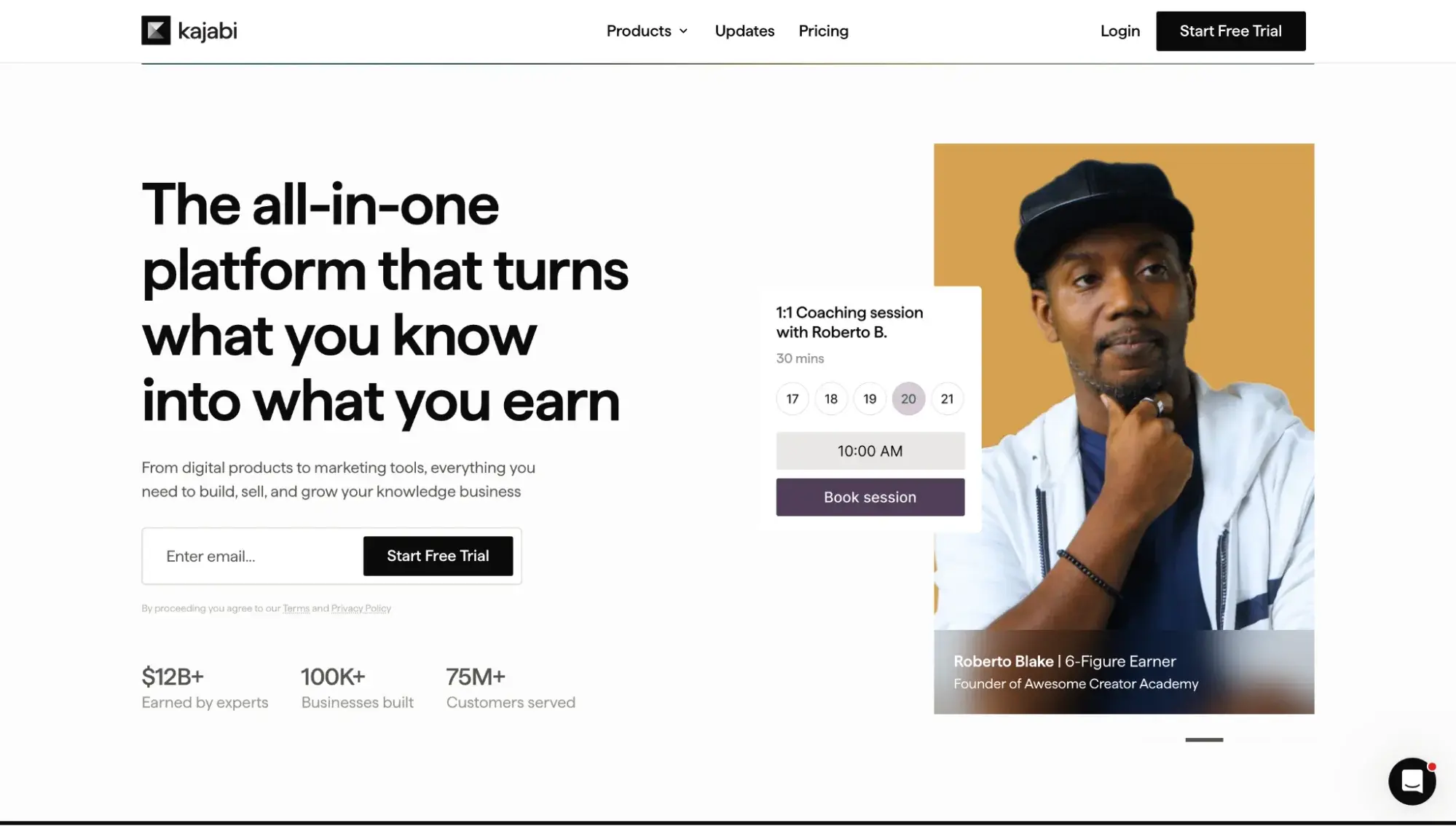
Kajabi (opens in new tab) is a monetization platform for people who sell courses and coaching. Your website, email marketing, landing pages, and checkout all sit in one account. Courses, coaching programs, and memberships run from the same dashboard. Every plan includes at least one community, and Pro includes three.
Kajabi fits coaches and educators whose main product is a structured course or coaching program. It also suits people who want marketing tools like funnels and email campaigns. If you only sell a few downloads, Podia’s $49 Mover plan costs far less than Kajabi’s $179 Basic plan. A branded app under your own name is included on Pro, or costs $199/month as an add-on on Basic and Growth.
Pricing: Basic costs $179/month (opens in new tab) , or $143/month billed annually. Growth costs $249/month, or $199/month billed annually. Pro costs $499/month, or $399/month billed annually. Each plan comes with a 14-day free trial. If you sell video, see how Kajabi compares to Uscreen (opens in new tab) .
3. Podia: best for bundling courses, downloads, and a simple platform

Podia (opens in new tab) lets you sell courses and downloads side by side. You can sell online courses and digital downloads, then bundle them together at a single price. Every plan includes email marketing and community spaces. Buyers can join your email list, buy a product, and take part in your community without leaving Podia.
Podia fits sellers with a mix of courses, downloads, and other digital products. It works best when a simple product catalog matters more than a large video library. The Earthquaker plan removes the video storage limit.
Pricing: Mover costs $49/month (opens in new tab) , or $42/month billed annually. Shaker costs $99/month, or $84/month billed annually. Earthquaker costs $179/month, or $150/month billed annually. Shaker and Earthquaker charge no transaction fees.
What are community and discussion platforms?
Community and discussion platforms are tools where members pay to join an ongoing conversation. A discussion feed sits at the center, and courses, events, and live calls are added around it. These platforms suit businesses where members value talking to each other as much as the content itself. Circle, Mighty Networks, and Skool are covered in this group.
4. Circle: best for community-led businesses
Circle (opens in new tab) is a community monetization platform that puts discussion spaces and courses on one site. You can sell access with built-in payments, host live streams and events, and message members directly. To keep the community active, Circle uses gamification to reward participation. Members can join on the web or through Circle’s iOS, Android, and desktop apps.
Circle suits businesses where discussion is the main product, with courses and events built around it. If your members mainly come to watch a video library, a video-first platform will fit better. It also suits teams that want to automate tasks, since higher plans include workflows and AI agents. Branded mobile apps under your own name are available only on Circle Plus. On the other plans, members use Circle’s own app.
Pricing: Professional costs $89/month (opens in new tab) , Business costs $199/month, and Scale costs $419/month, all billed annually. Circle Plus is priced by quote. Each plan starts with a 14-day free trial, and the optional Email Hub adds $99/month for 10,000 contacts.
5. Mighty Networks: best for branded communities with a course layer
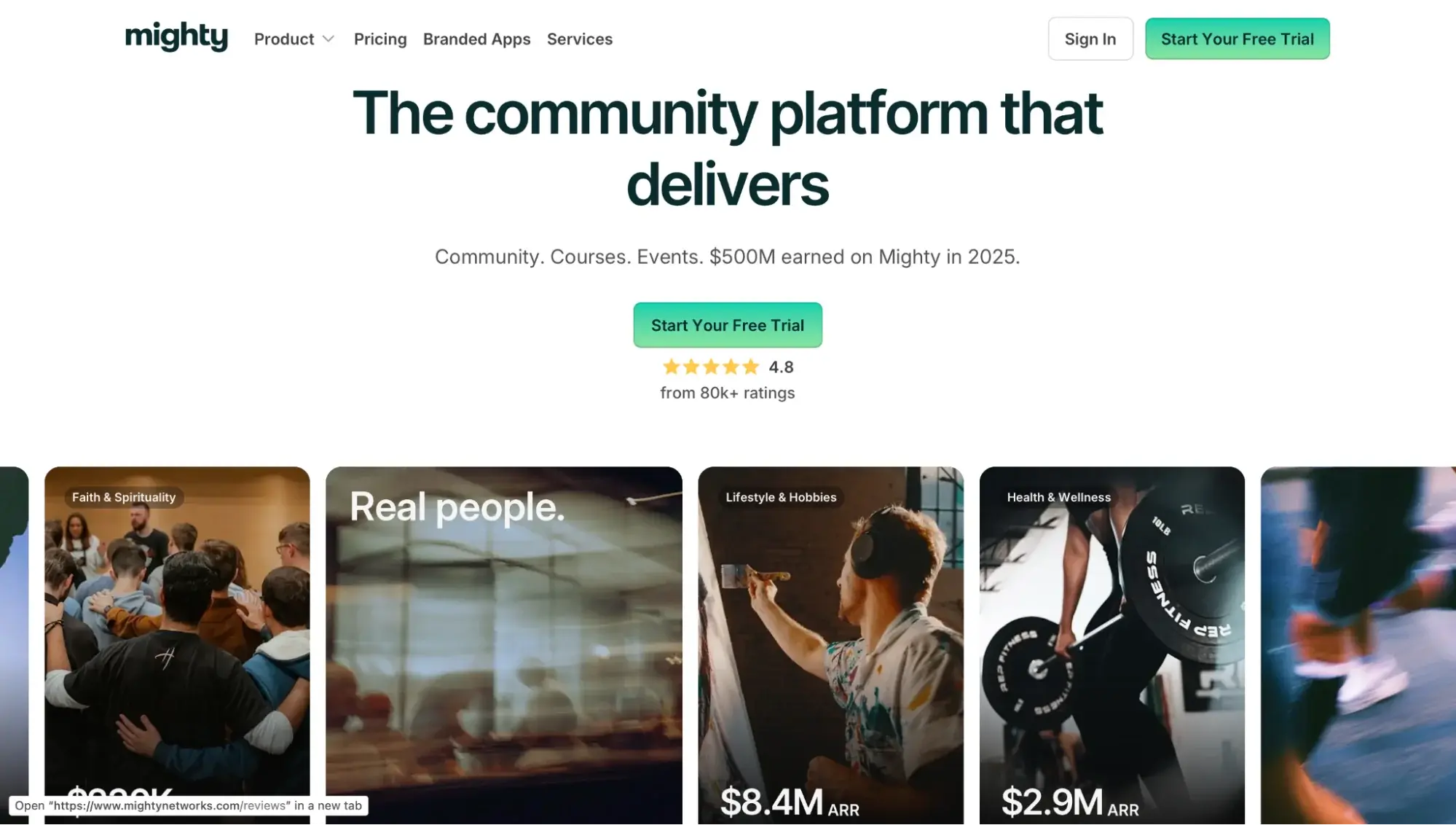
Mighty Networks (opens in new tab) combines a member feed with courses, events, and paid memberships. You can charge for the whole network or for a single space, either as a subscription or as a one-time fee. Courses can run on demand or as cohorts, with quizzes included.
When you sign up, its AI Cohost tool drafts a landing page and a community template for you. Mighty Networks suits people new to community building, since AI Cohost gives them a starting structure. It’s less suited to big live audiences on the Launch plan, which caps streams at 100 viewers.
Live streaming is capped at 20 hours a month and 100 viewers per stream on the Launch plan. The higher plans raise both caps.
Pricing: Launch costs $95/month (opens in new tab) , or $79/month billed annually. Scale costs $215/month, or $179/month billed annually. Growth costs $425/month, or $354/month billed annually. Mighty Pro is priced by quote. Every plan starts with a 14-day free trial, which gives you access to the Growth plan’s features before you choose a plan.
6. Skool: best for community-driven cohort learning
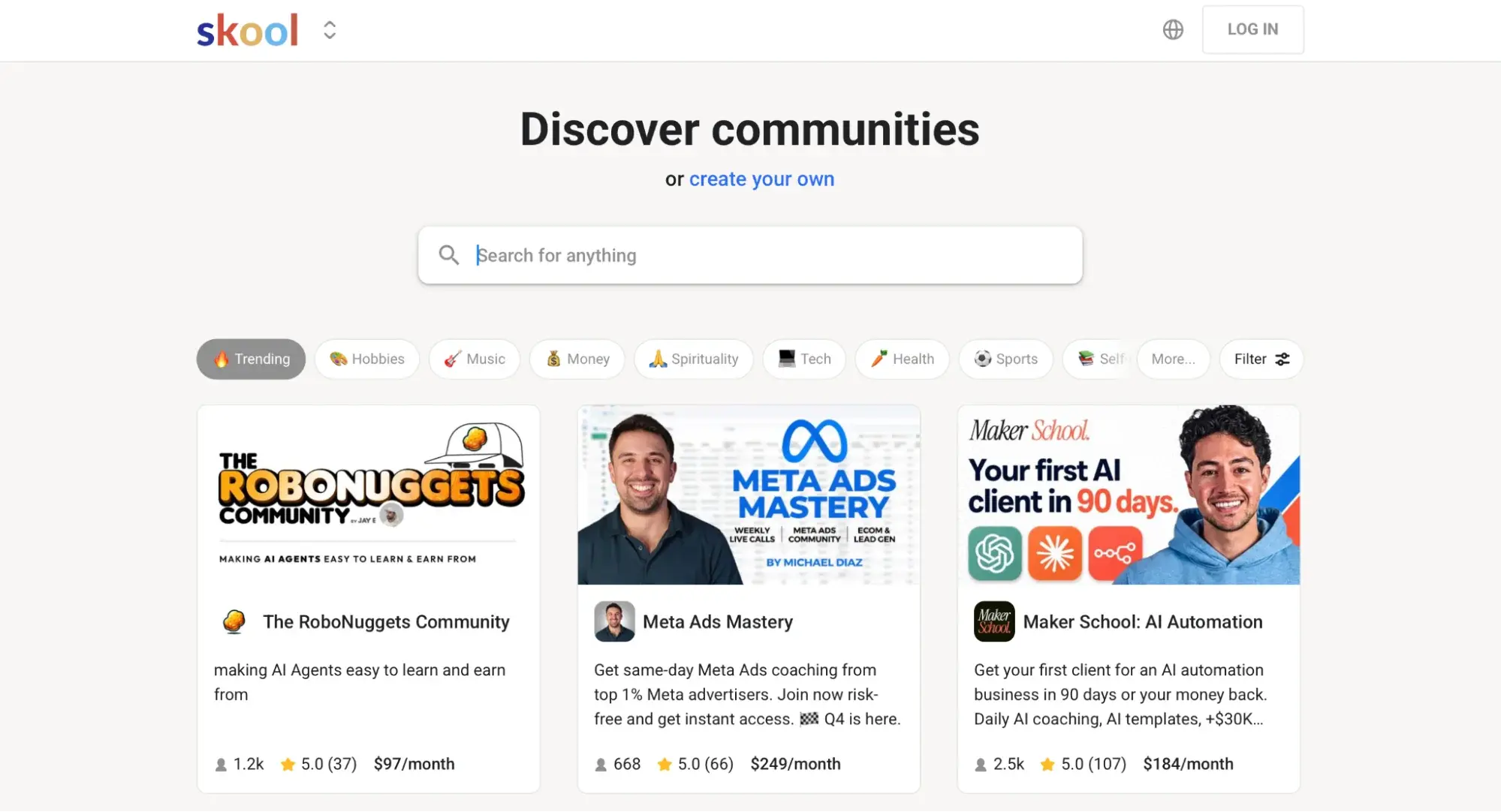
Skool (opens in new tab) puts a community feed, courses, an event calendar, and paid memberships in one place. It lists groups in a public directory, where people can browse free and paid communities by topic. Each listing shows the group’s price and member count so that new people can find and judge your group quickly.
Skool is built for learning groups that center on courses and regular live calls. It’s not the pick if you want your own branded site, since Hobby groups live on a skool.com address. Both plans share the same core features, keeping setup simple. Custom URLs and the affiliate program are available only on Pro. Groups on the Hobby plan therefore use a standard Skool web address.
Pricing: Hobby costs $9/month (opens in new tab) , or $7.50/month billed annually, plus 10% + 30¢ per transaction. Pro costs $99/month, or $82/month billed annually, plus 2.9% + 30¢ per transaction (3.9% + 30¢ on sales of $900 or more). Skool’s fee covers card processing, so there’s no separate Stripe charge. Both plans include a 14-day free trial.
What are newsletter and writing-first platforms?
Newsletter and writing-first platforms publish your writing by email and on a website at the same time, with built-in paid subscriptions. You choose which posts are free and which are for paying readers only. Substack, beehiiv, and Ghost all work this way, though each differs in fees, design control, and how much help it gives you in finding new readers.
7. Substack: best for writers and newsletter-first publishers
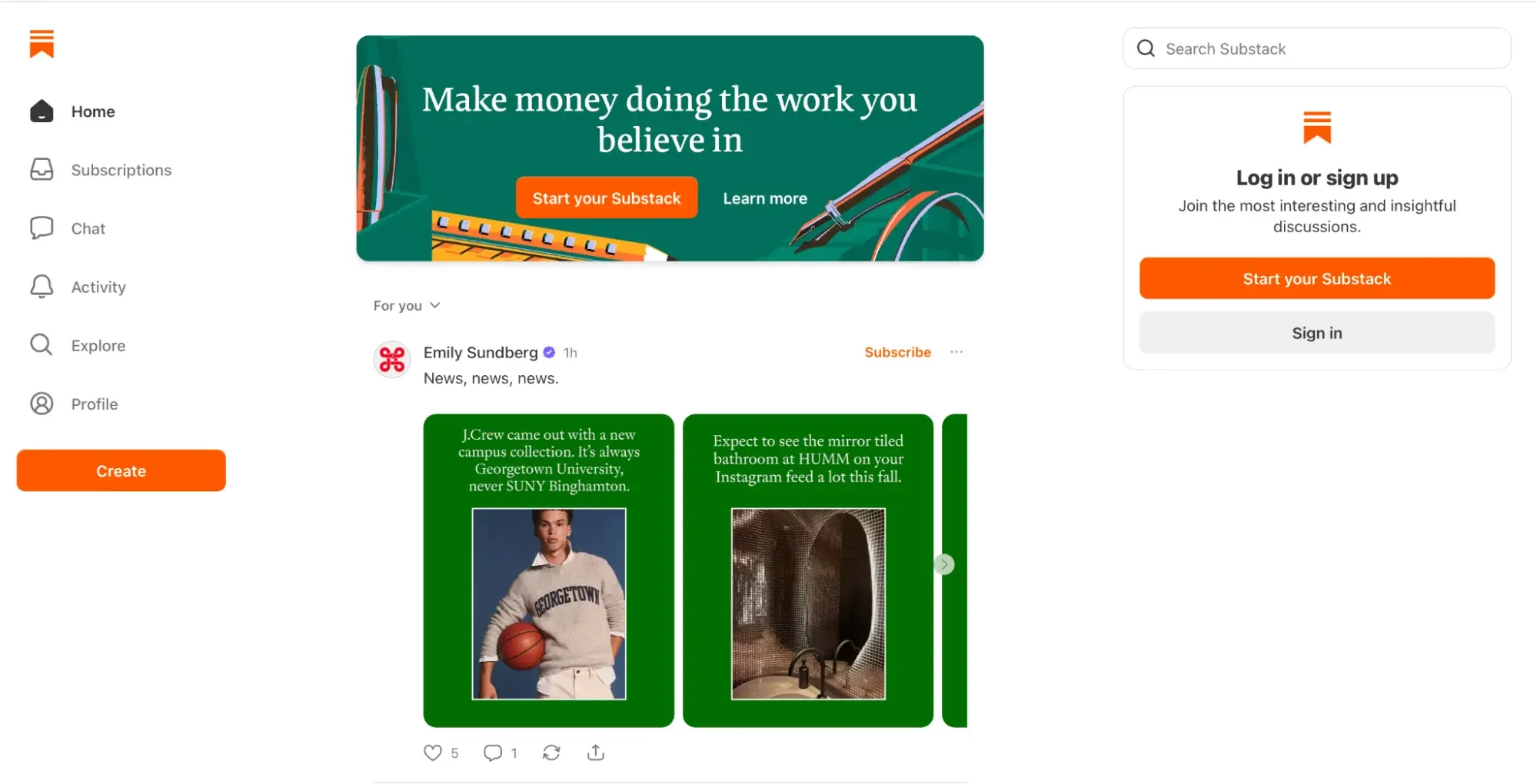
Substack (opens in new tab) is a publishing platform where you can monetize a newsletter through paid subscriptions. Each post goes to the web, to email, and to the Substack app at once. You choose which posts are free and which are only for paid subscribers. You can also publish podcasts and videos, and you can place a paywall on a whole episode or at any point inside one.
Substack helps writers reach new readers. Notes, Chat, and direct messages connect you with readers between posts. You can change your layout, colors, and fonts in Substack’s theme settings, but every publication works within those preset options.
Pricing: Substack is free to start (opens in new tab) . Once you turn on paid subscriptions, Substack keeps 10% of your subscription revenue, and credit card fees are deducted separately.
8. beehiiv: best for newsletters that want to keep more revenue.
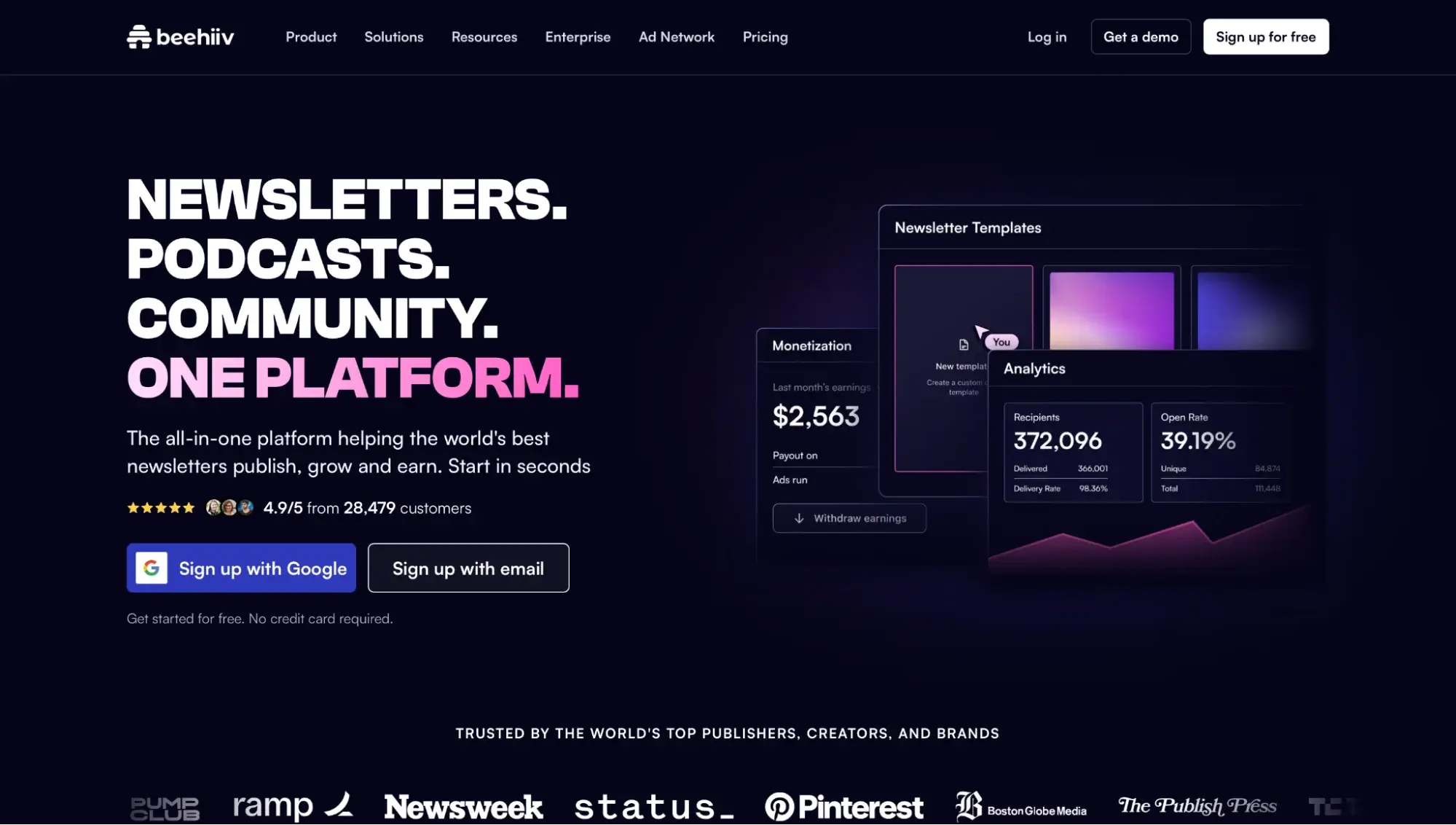
beehiiv (opens in new tab) is a newsletter platform that includes a website, podcast hosting, a community, and digital products on every plan. The plans differ by limits and advanced features, while the core products stay the same. Every plan includes unlimited email sends and access to beehiiv’s recommendation network.
beehiiv brings multiple income streams into one tool. It’s not the right fit if video is your main product, since beehiiv is built around email. Beyond paid subscriptions, the beehiiv Ad Network connects you with sponsors, and you can sell digital products from the same dashboard.
The Free plan does not include paid subscriptions, so you need Lite or higher to charge readers. Removing beehiiv branding requires Pro.
Pricing: The Free plan supports up to 2,500 subscribers. At 1,000 subscribers, Lite costs $59/month (opens in new tab) , or $49/month billed annually. Pro costs $109/month, or $95/month billed annually. Enterprise is priced by quote. Lite and Pro include a free trial.
9. Ghost: best for independent publishers who want to own their stack
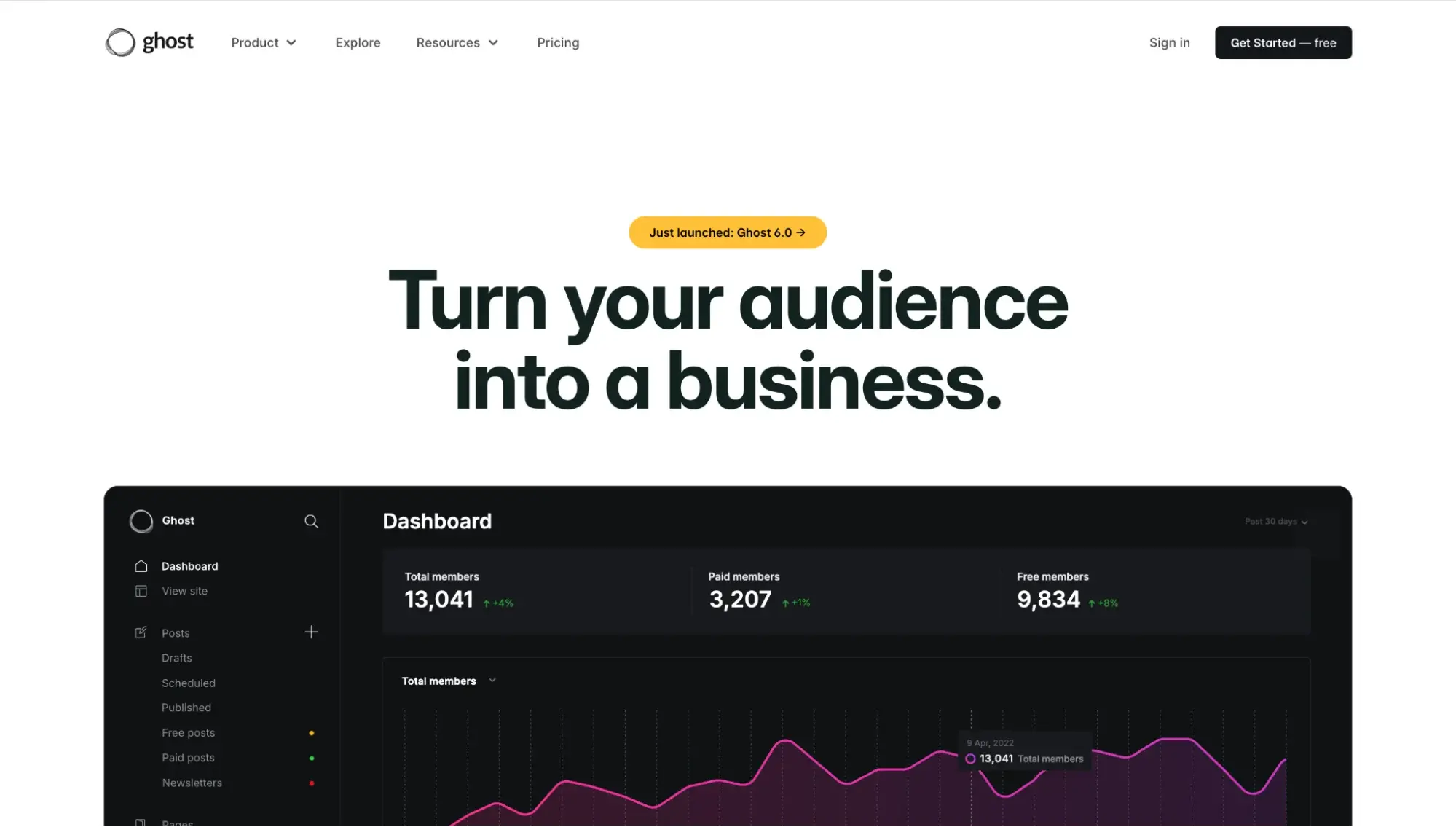
Ghost (opens in new tab) is an open-source publishing platform run by a nonprofit foundation. You can host it yourself or use Ghost(Pro), the official managed hosting. Every plan includes a website, an email newsletter, and member comments. Paid subscriptions start on the Publisher plan.
Posts can also reach readers on Bluesky, Threads, and Mastodon through Ghost’s social web distribution, and your site is listed in the Ghost Explore directory.
Ghost gives developers and publishers control over design and code. Custom themes, webhooks, and the Admin API let developers shape the site as they need. It is not designed for large media files. Each upload is capped (opens in new tab) at 5MB on Starter and 100MB on Publisher.
Pricing: Starter costs $18/month (opens in new tab) , or $15/month billed annually. Publisher costs $35/month, or $29/month billed annually. Business costs $199/month billed annually. Starter and Publisher cover up to 1,000 members, and Business covers up to 10,000. Custom is priced by quote.
What are tip and digital product platforms?
Tip and digital product platforms let fans pay you directly, with no monthly plan required to get started. They handle one-time tips, digital downloads, and simple memberships from a single page. They take a percentage of each sale instead of charging a fixed monthly bill, making them a low-risk starting point. Patreon, Ko-fi, and Gumroad each work this way, with different fee structures and audience sizes.
10. Patreon: best for ongoing fan support and tiered memberships
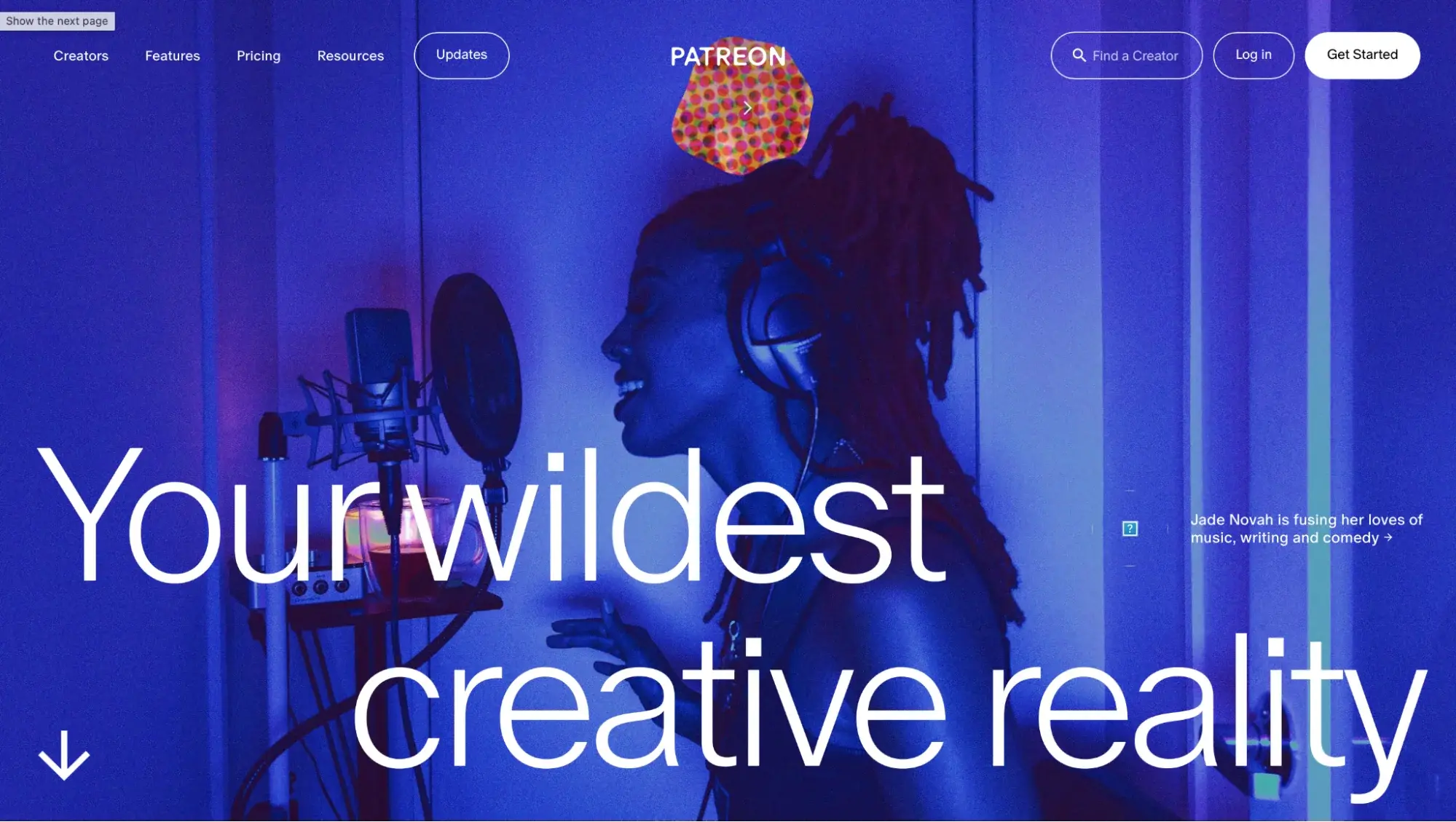
Patreon (opens in new tab) is a membership platform where fans pay you through monthly or annual subscriptions. You can set up membership tiers and also sell one-time items. Posts can include video, live streams, audio, images, and text, and you can send email newsletters from the same place. Patreon’s Autopilot tool can also send automatic promotional offers to help you grow and keep your members.
Patreon lets you collect ongoing support from existing fans with little setup. Chats, direct messages, and comments keep members talking between posts, and your email list can be exported at any time.
One thing to note: you can point a custom domain at your page, but the page itself still lives on Patreon’s infrastructure. You do not host it yourself.
Pricing: Patreon is free to start (opens in new tab) . Once you earn, Patreon keeps 10% of your income, plus payment processing, currency conversion, payout fees, and applicable taxes.
11. Ko-fi: best for a first monetization step with no commitment
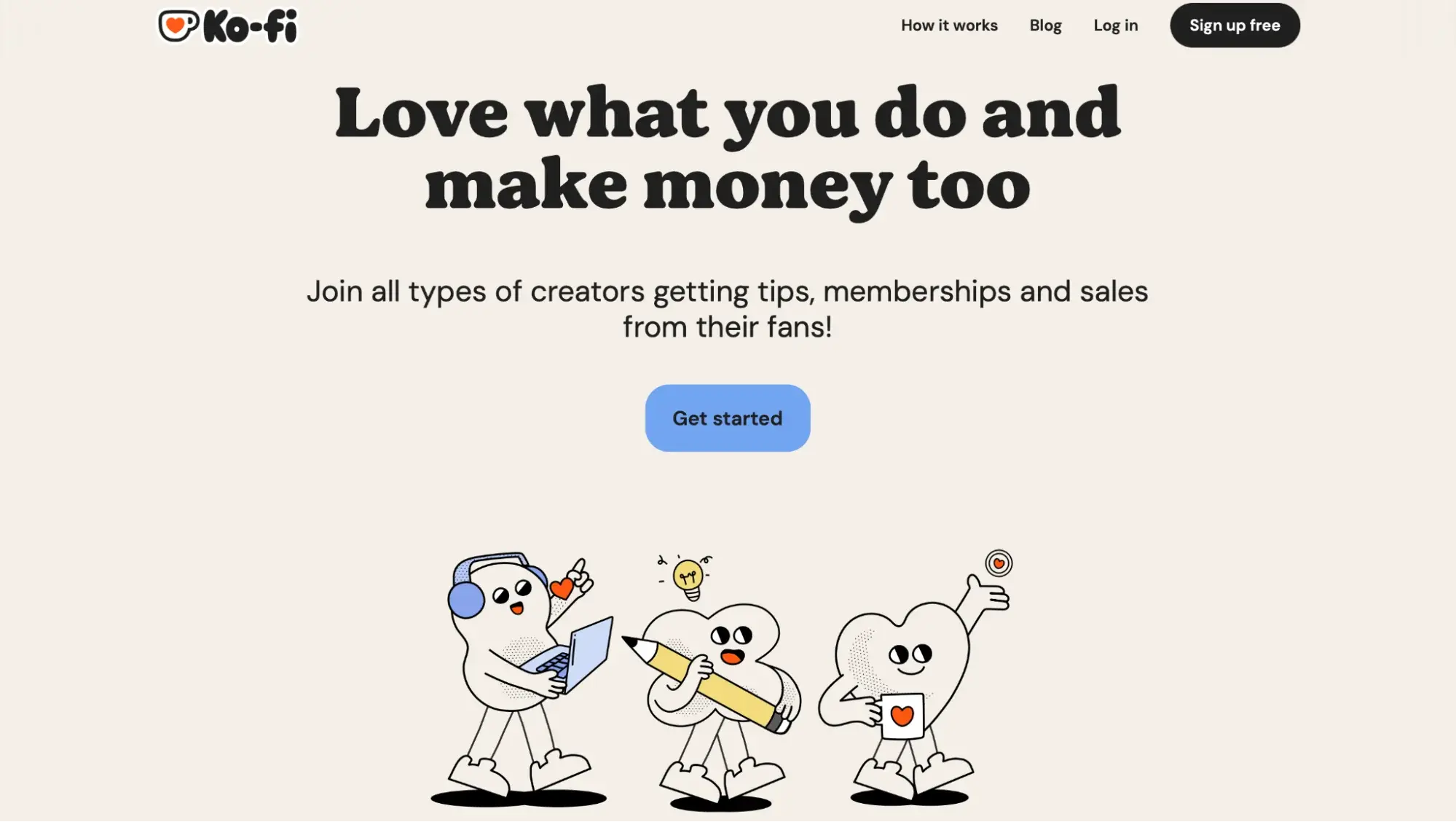
Ko-fi (opens in new tab) gives fans one place to tip you, buy your products, join a membership, or commission work. Every payment goes straight into your connected PayPal or Stripe account. Ko-fi never holds the money, so you see it as soon as a supporter pays.
A Ko-fi page costs nothing to set up, so it works well for testing whether fans will pay. Streamers can add tip overlays to their streams, and supporters can receive exclusive Discord roles.
Pricing: Standard is free (opens in new tab) . On Standard, Ko-fi takes 0% of one-time tips and 5% of memberships, monthly tips, shop sales, and commissions.
12. Gumroad: best for one-off digital product sales
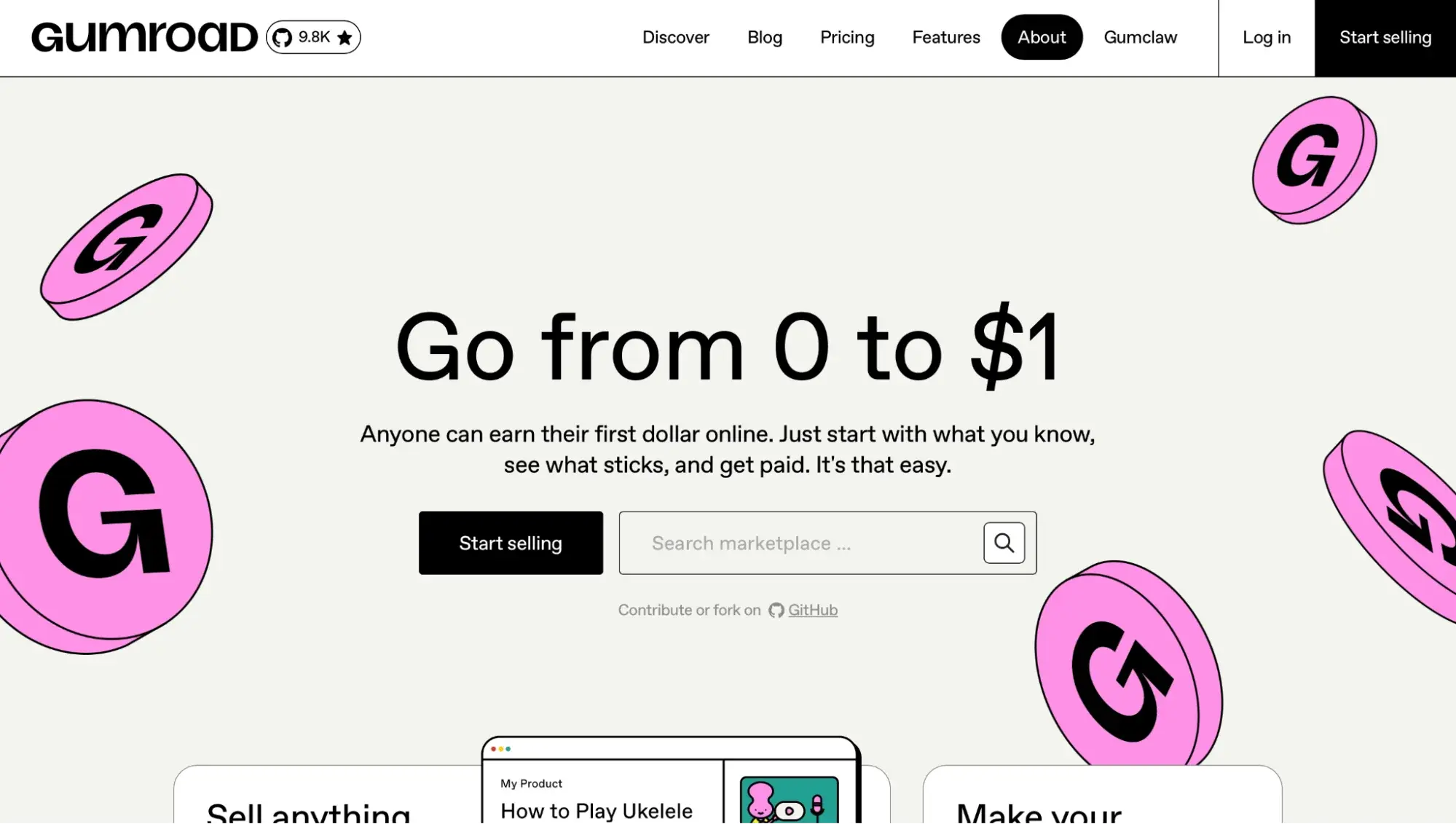
Gumroad (opens in new tab) lets you sell digital products directly to buyers without building a website. You upload a file, set a price, and share the link. Buyers pay through Gumroad’s checkout, and Gumroad handles sales tax collection worldwide, so you do not deal with VAT or GST yourself.
Gumroad fits one-off digital products that need very little setup. Its Discover marketplace can also show your products to new buyers, though those sales cost more than direct ones.
Pricing: Gumroad has no monthly fee. Sales through your profile or direct links cost 10% + $0.50 per transaction (opens in new tab) , and sales through the Discover marketplace cost 30% per transaction.
How much do creator monetization platforms take from each sale?
These platforms take between 0% and 30% of each sale, depending on the fee model. Substack and Patreon keep 10% of every payment. Gumroad keeps 10% plus $0.50 on direct sales and 30% through its Discover marketplace. Kajabi, Ghost, and beehiiv charge a monthly plan and take no percentage.
The table below shows how every platform in this guide compares.
| Platform | Fee model | Platform fee on sales |
|---|---|---|
| Uscreen (opens in new tab) | Plan + fee | 5% to 10% on one-time sales, plus a subscriber fee from Growth |
| Kajabi (opens in new tab) | Plan | 0% with Kajabi Payments; 0.5% to 2% if you use an outside processor. |
| Podia (opens in new tab) | Plan + fee | 5% on Mover; 0% on higher plans |
| Circle (opens in new tab) | Plan + fee | 0.5% to 2%, by plan |
| Mighty Networks (opens in new tab) | Plan + fee | 0.5% to 2%, by plan |
| Skool (opens in new tab) | Plan + fee | 10% + 30¢ on Hobby; 2.9% + 30¢ on Pro (processing included). |
| Substack (opens in new tab) | Revenue share | 10% |
| beehiiv (opens in new tab) | Plan | 0% |
| Ghost (opens in new tab) | Plan | 0% |
| Patreon (opens in new tab) | Revenue share | 10% |
| Ko-fi (opens in new tab) | Revenue share or plan | 0% on one-time tips, 5% on other sales on Standard; 0% on Gold. |
| Gumroad (opens in new tab) | Revenue share | 10% + $0.50 direct; 30% via Discover |
A platform with no monthly cost takes a fee from every sale, so costs grow as you earn. At $1,000 a month in sales, a 10% fee costs you $100 each month, or $1,200 a year. A 2% fee on the same sales costs $20 a month. Plan-based tools work the other way: the monthly price stays the same as your sales grow.
On most of these platforms, payment processing is charged on top of the platform fee. For example, Stripe charges 2.9% plus $0.30 per transaction. The exceptions are Skool, whose transaction fee includes processing, and Gumroad’s Discover sales. Fees change often, so check each platform’s current pricing page before you sign up.
How to move your video business to Uscreen?
Moving your video business to Uscreen is a guided process (opens in new tab) , and we work with you every step of the way. On App Essentials and above, Uscreen’s Migration team moves your videos and members for you. It has completed thousands of successful migrations. Each migration is tailored to your goals and timeline, so the length varies by setup.
Most saved payment methods move automatically, so members do not need to enter their card details again. PayPal is the main exception, and the Migration team maps those members so the switch is mostly seamless.
After the migration, members sign in with a magic link sent to their email, so they don’t need a new password. Thinking about a move? A demo (opens in new tab) lets you see the platform and ask how a migration would work for your business.