
Creator monetization platforms are tools that creators use to turn digital content into revenue. Today’s creators rely on diverse income streams, with subscriptions emerging as the highest-earning model for Uscreen creators, generating an average of $94,731 in the past 12 months.
Choosing the right platform matters because it directly impacts your revenue and audience engagement. This guide compares the top content creator monetization platforms in 2026 to help you find the right partner for sustainable content monetization.
| Platform | Category | Best for |
| Uscreen | All-in-one membership platform | Monetizing video content |
| Thinkific | Skill development courses | Online learning courses |
| Mighty Networks | Community & memberships | Live and pre-recorded events |
| Kajabi | Marketing | Marketing funnels, courses, memberships |
| Patreon | Donations | Creators seeking recurring support |
| Teachable | Educational courses | Educators |
| Podia | Digital products | Diversifying revenue methods |
| Arketa | Fitness | Hybrid fitness businesses |
| Circle.io | Coaches | Community spaces |
| Membership.io | Gated content | Integrating with existing websites |
1. Uscreen
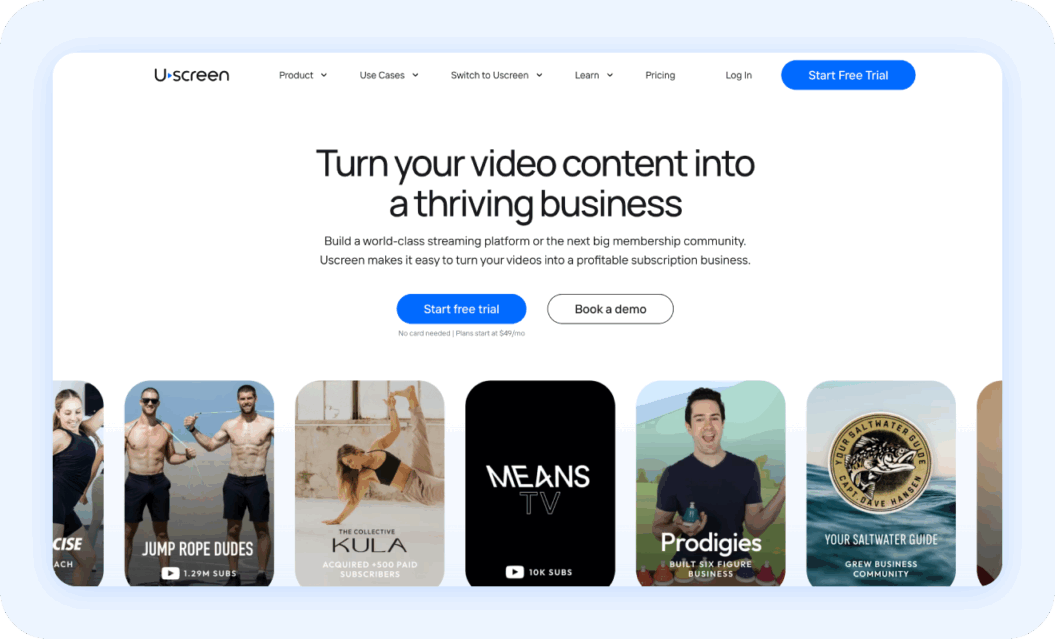
Best for: Monetizing video content & OTT channels
G2 Rating: 4.7/5
Uscreen is an all-in-one creator monetization platform built for video-first creators who want consistent, scalable revenue. It enables creators to monetize directly through subscriptions, one-time purchases, rentals, and digital products, offering flexible revenue models and full control over pricing and access.
Beyond video hosting, Uscreen lets creators build a branded membership website with tiered access, white labeling, and built-in community tools that support engagement and retention. Content and memberships can be delivered across multiple devices, including web, mobile, and TV apps, helping creators reach audiences wherever they watch.
Uscreen is best suited for creators with an engaged audience who are focused on building predictable income streams and long-term audience relationships.
Key features
- Premium immersive video experience
- Intuitive membership tools
- Diverse video monetization and payout options
- Flexible live stream or on-demand content across devices
Pros
- A premium, Netflix-like viewing experience
- Multiple revenue streams for flexible monetization
- Responsive, creator-focused support
- Fully branded mobile apps
- Seamless, easy-to-manage payment system
Reviews
Pricing
Uscreen has four plans with one custom option:
- Starter plan: $49/month, billed monthly
- Growth plan: $149/month (plus $1.99 subscriber fee), billed annually
- App Essentials plan: $449/month (plus $0.99 subscriber fee), billed annually
- Custom-made plan: Custom pricing; contact sales
2. Thinkific
Best for: Online learning courses
G2 Rating: 4.5/5
Thinkific is a popular course creation and monetization platform designed for creators, educators, and businesses selling online learning products. It helps creators build, market, and sell structured courses through one-time purchases, subscriptions, or bundled offerings, with a focus on educational content.
With its intuitive setup and course creation tools, creators can quickly launch and sell courses. However, creators outside the traditional educational space may benefit from exploring Thinkific alternatives with features better suited for memberships, community engagement, or multi-platform video platform monetization.
Key features
- Drag-and-drop course builder for easy lesson creation
- One-time payments, subscriptions, and course bundles
- Student progress tracking and basic analytics
- Integrations with third-party software
Pros
- Easy setup and course creation for educators
- Flexible payment and subscription options
- Reliable hosting and student management
Cons
- Limited community and membership features
- Restricted design and analytics on lower plans
- Mainly suited for educational content
Reviews
Thinkific gives us a complete, user-friendly course platform without the need for heavy custom development, so we can focus on content and the learner experience instead of building tech from scratch. The course builder, student experience, payments, automation, and analytics all stand out, and the guided setup makes it easy to launch without a developer. While there’s room for improvement in design flexibility, reporting depth, and advanced assessments, it covers most of what we need out of the box.
Daniel B., Verified G2 review
Pricing
Thinkific has four plans with one custom plan:
- Basic: $30/mo, billing annually
- Start: $74/mo, billing annually
- Grow: $149/mo, billing annually
- Thinkific Plus: contact sales team
3. Mighty Networks
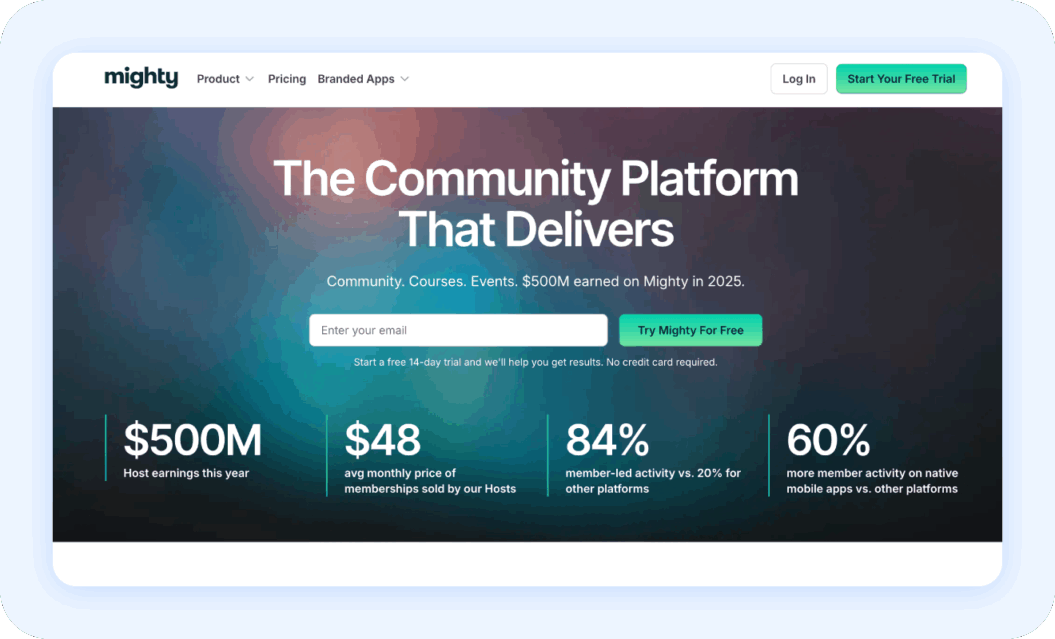
Best for: Live & pre-recorded events
G2 Rating: 4.6/5
Mighty Networks is a platform designed for creators and coaches looking to build engaged communities around their content. Creators can host live and pre-recorded events, sell memberships, and offer courses or digital products, all within a community-driven environment. The platform also supports customization of look and feel of their community with flexible branding and design options.
While Mighty Networks is excellent for community engagement and live events, creators seeking more robust video monetization or stronger branded streaming apps may explore Mighty Networks alternatives like Uscreen.
Key features
- Community spaces with discussion boards
- Live streaming and pre-recorded events
- Event registration and ticketing tools
- Analytics on engagement and membership growth
Pros
- Excellent for building engaged communities
- Strong support for live events
- Flexible membership and subscription options
Cons
- Limited advanced video monetization and VOD features
- Branded streaming apps require higher-tier plans
- Deep design customization is restricted
Reviews
Mighty Networks has been genuinely inspiring for building our community. The People Magic Profit course offers practical, immediately applicable guidance, and the platform is clearly designed around real community dynamics. Features like the AI assistant and the Mighty Hosts community have been incredibly helpful, even though there’s a learning curve in getting familiar with the platform’s structure.
Patrica L. Verified G2 Review
Pricing
Mighty Networks has four plans depending on your needs:
- Launch Plan: $79/month billed annually
- Scale Plan: $179/month billed annually
- Growth Plan: $354/month billed annually
- Mighty Pro: Contact sales
4. Kajabi

Best for: Marketing funnels, courses, memberships
G2 Rating: 4.1 out of 5
Kajabi is an all-in-one platform for creators and entrepreneurs looking to sell courses, memberships, and digital products, with a strong focus on marketing and sales funnels. It combines membership website creation with email automation and outreach tools, making it ideal for creators who want integrated marketing features.
While Kajabi excels at funnel-driven sales and marketing automation, creators focused on video-first memberships, multi-platform streaming, or fully branded apps may consider Kajabi alternatives for more robust video monetization and recurring revenue options.
Key features
- Templated website and landing page builder
- Membership and subscription management
- Courses and digital products
- Strong email marketing funnels and automation tools
Pros
- Integrated marketing tools
- Built-in payment processing and analytics
- Easy-to-use templated website and landing page builder
- Good for creators focused on sales and growth
Cons
- Video monetization and live streaming are limited
- Branded apps and multi-platform video delivery require workarounds
- Design customization and layout flexibility can be restrictive
Reviews
Kajabi has been my go-to recommendation for course creators because it’s a truly comprehensive, all-in-one platform. Having websites, funnels, automations, upsells, and marketing tools all in one place makes launches fast and efficient. While there’s still room for improvement around checkout and upsell customization, it’s an incredibly powerful solution for scaling a digital product business.
Jonathan W., Verified G2 Review
Pricing
Kajabi has four pricing plans you can pick from:
- Kickstarter: $71/month
- Basic: $143/month
- Growth: $199/month
- Pro: $399/month
5. Patreon
Best for: Creators seeking recurring support
G2 Rating: 4.1/5
Patreon is a membership platform for creators of all sizes seeking recurring support from their audience. It allows creators to offer exclusive content, perks, and early access in exchange for monthly subscriptions, making it easy to convert engaged fans into paying members.
While Patreon provides a simple way to generate recurring revenue and engage a loyal fanbase, creators looking for advanced video monetization, multi-platform streaming, or fully branded membership experiences may explore Patreon alternatives like Uscreen.
Key features
- Monthly membership subscriptions
- Exclusive content delivery (posts, videos, audio, images)
- Tiered membership levels and perk
- Direct messaging with patrons
- Built-in audience discovery tools
Pros
- Simple setup for recurring revenue
- Easy for creators to engage with fans
- Strong brand recognition and community awareness
Cons
- Limited video monetization and streaming tools
- Branding and customization options are restricted
- Platform fees reduce earnings (10% of your revenue)
Reviews
Patreon offers flexible posting options, secure messaging, and strong integrations that make it easy to engage and reward patrons. Its brand recognition and built-in marketplace help reduce friction for signups, while automation tools simplify workflows. However, newer pricing structures and the removal of features like Goals may be a consideration for creators joining today.
Jen F., Verified G2 Review
Pricing
Patreon allows users to start for free, though it charges a 10% fee on their earnings.
6. Teachable
Best for: Educators
G2 Rating: 3.9/5
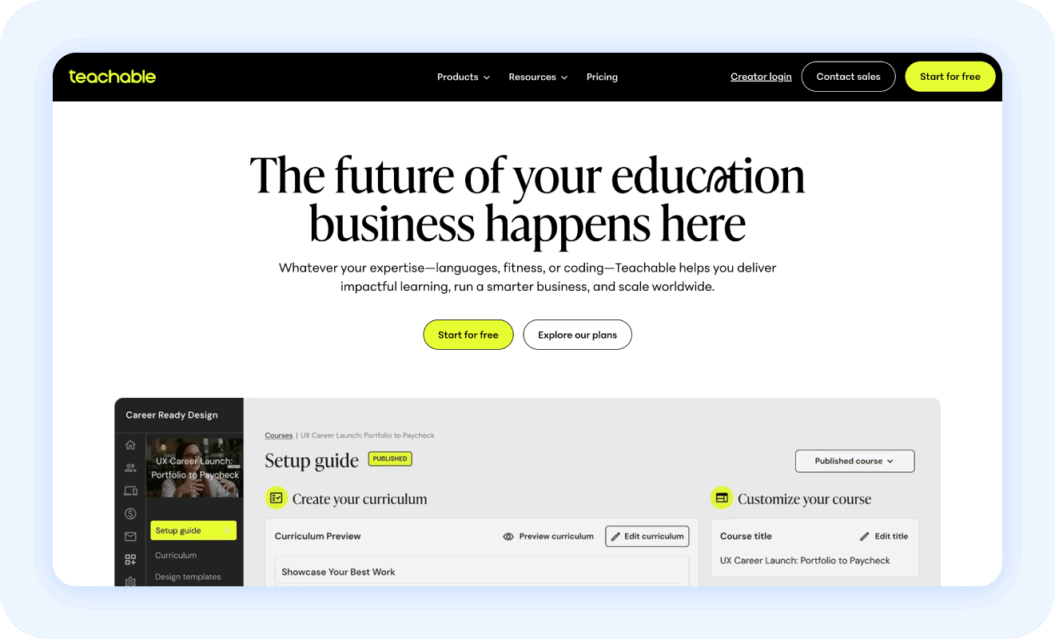
Teachable is a course creation platform designed for educators and creators who want to sell online courses with minimal technical setup. Similar to Thinkific, it helps creators build and sell courses through one-time purchases or subscriptions. Teachable is ideal for creators who want a straightforward, professional way to launch educational content without building a website from scratch or handling complex infrastructure.
While Teachable makes it easy to monetize educational content, creators looking for more advanced video monetization or deeper membership features may consider alternatives like Uscreen to expand recurring revenue and reach audiences across multiple devices.
Key features
- Drag-and-drop course builder and lesson editor
- One-time purchases and subscription-based courses
- Student progress tracking
- Membership analytics
- Email notifications and basic automation
- Integrates with marketing software
Pros
- Simple setup for educators and beginners
- Quick course creation and delivery
- Integrated payments and student management
Cons
- Limited community and membership features
- Advanced customization and analytics require higher-tier plans
- Site design and branding flexibility is limited
Reviews
Teachable makes it incredibly easy to turn your knowledge into a sellable course, with a straightforward editor, quick setup, and integrated payments that eliminate the need for extra tools. While site customization is more limited than a dedicated website builder and some features require higher-tier plans, it’s a strong option for creators who want a simple, professional way to launch.
Michael H., Verified G2 Review
Pricing
Teachable has four pricing plans including:
- Starter: $29/mo, billed annually
- Builder: $69/mo, billed annually
- Growth: $139/mo, billed annually
- Advanced: $309/mo, billed annually
7. Podia
Best for: Diversifying revenue methods
G2 Rating: 4.4 out of 5 stars
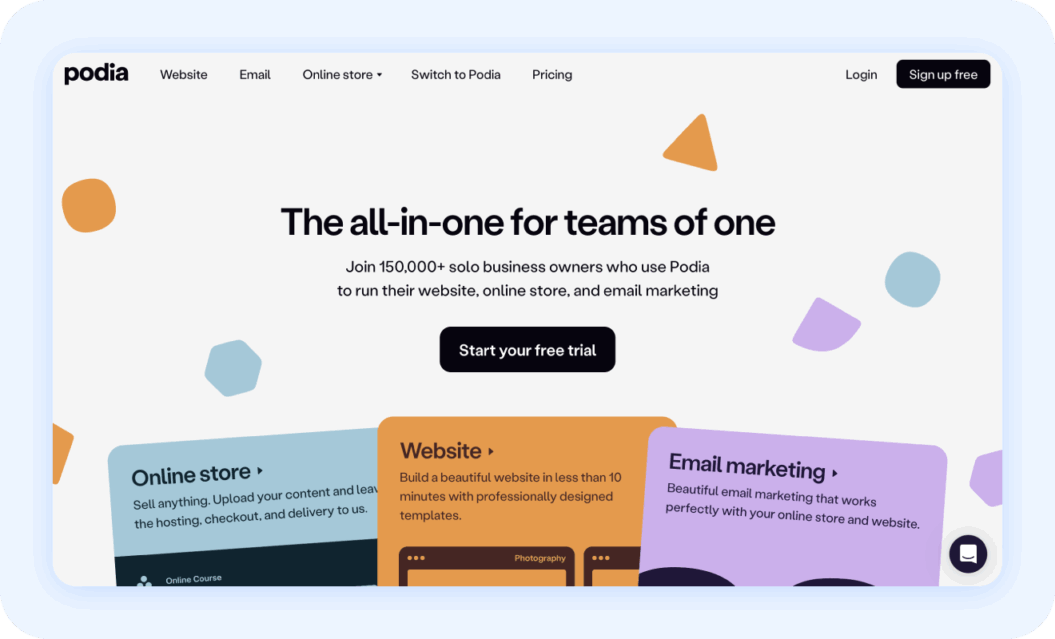
Podia is an all-in-one platform for creators looking to diversify their revenue streams through courses, digital products, memberships, and webinars. Its intuitive interface makes it easy to launch products quickly, making it ideal for creators who want a simple platform without managing multiple tools.
While Podia is easy to use, its simplicity can limit flexibility for creators scaling their business. Those seeking advanced control over membership sites, multi-platform streaming, or stronger video monetization may find alternative platforms better suited to their needs.
Key features
- Courses, digital products, and membership subscriptions
- Email marketing and messaging tools
- Affiliate management tools
- Basic analytics
Pros
- Easy for beginners to set up and use
- Supports multiple revenue opportunities
- Quick product launches without technical setup
Cons
- Limited advanced customization and design options
- No mobile apps or in-depth analytics
- Some feature gaps compared to more robust alternatives
Reviews
Podia is easy to use, but that simplicity comes at a significant cost. Ongoing tech issues, limited features, and unexpected changes made it difficult to scale, ultimately forcing a migration. While it may work for beginners, it’s not well suited for creators looking to grow long term.
Joe, Verified G2 Review
Pricing
Podia offers two pricing plans:
- Mover: $33/month + 5% transaction fees, billed annually
- Shaker: $75/month + no transaction fees, billed annually
- Both plans come with a 30-day free trial
8. Arketa
Best for: Hybrid fitness businesses
Capterra Rating: 4.4/5
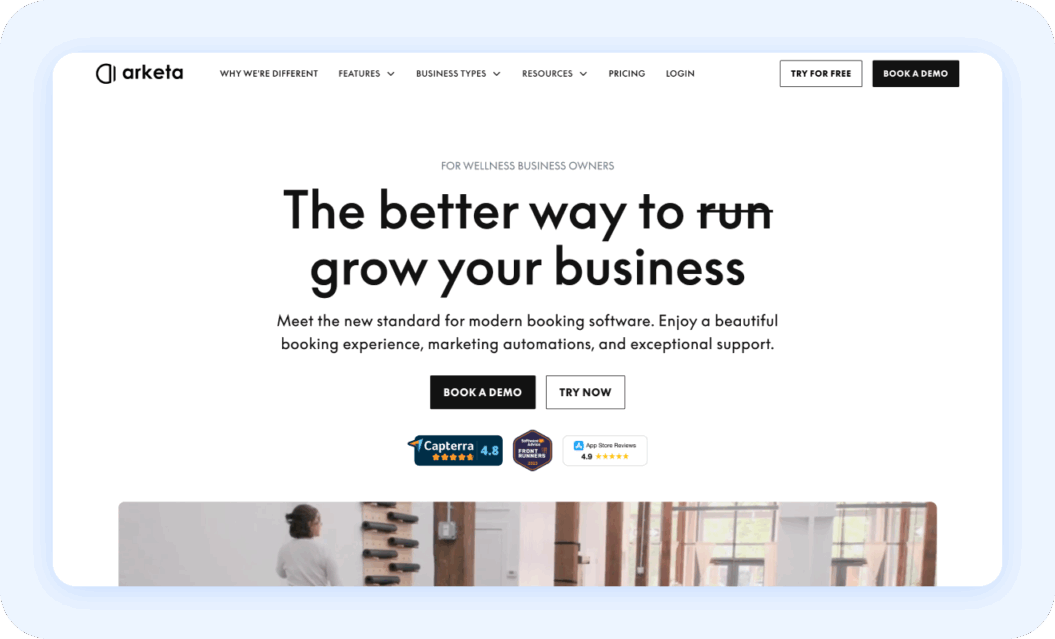
Arketa is a platform designed for hybrid fitness businesses that combine in-person and online offerings. It helps fitness creators and studio owners manage memberships, sell classes, and host on-demand video content from a single platform. With tools for live and virtual sessions, Arketa is ideal for fitness creators looking to streamline operations and grow recurring revenue.
While Arketa is highly effective for fitness businesses, creators outside this niche or those focused on general video membership monetization may consider alternatives for more flexible and scalable revenue options.
Key features
- Membership and subscription management
- Online class booking and scheduling
- Live streaming and virtual session hosting
- On-demand video content library
Pros
- All-in-one solution for hybrid fitness businesses
- Supports both live and on-demand content
- Helps grow recurring revenue streams
Cons
- Limited appeal for creators outside the fitness niche
- Less flexibility for general video creators
- May not scale as well for non-fitness digital products
Reviews
After nearly two decades running a fitness business and using platforms like Mindbody and Mariana Tek, Arketa has been a standout. The onboarding was exceptional, the software is easy to customize, and it brings everything I need for both my brick-and-mortar studio and online business into one place. The branded app and responsive support have made a huge difference for both me and my members.
Kathy C., Verified Capterra Review
Pricing
Arketa has three pricing plans:
- Individual Basic: $49/mo, billed annually
- Individual Growth: $83/mo, billed annually
- Individual Suite: $124/mo, billed annually
9. Circle.io
Best for: Community spaces with limited video features
G2 Rating: 4.2/5
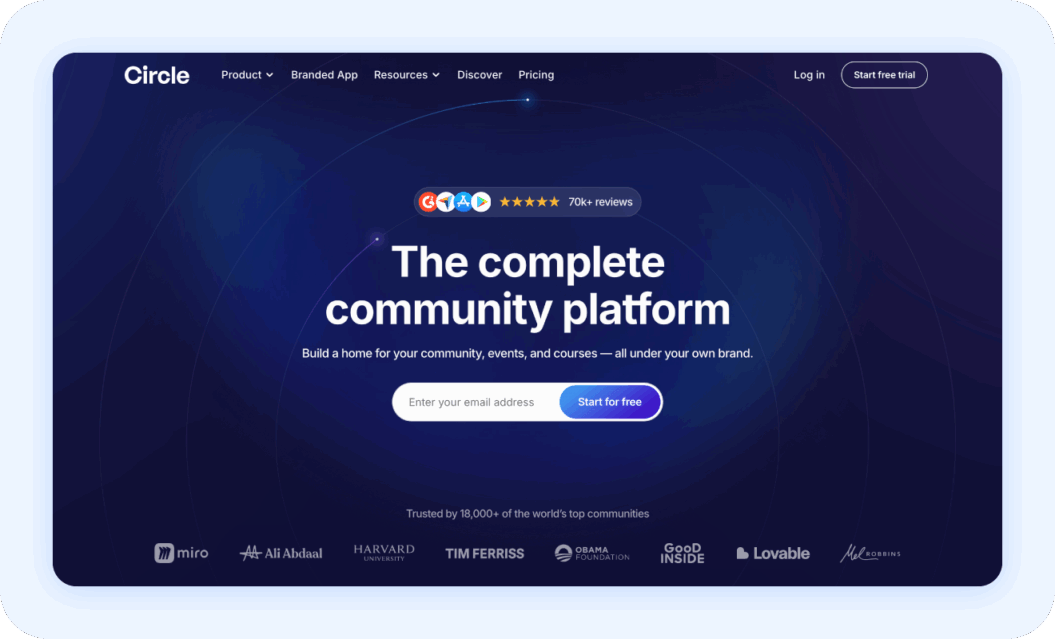
Circle.io is a platform focused on building online communities, offering creators and brands the tools to engage members through discussion forums, groups, and events. While video capabilities are limited, Circle excels at fostering active member engagement, organizing member access and participation, and developing niche or interest-based communities.
The platform is ideal for creators who prioritize engagement and connection with their audience. Circle is particularly well-suited for coaching programs and educational networks that want a dedicated space for conversation and collaboration.
Key features
- Customizable community spaces
- Member profiles with direct messaging
- Event hosting with calendar integration
- Membership management
- Integrations with email, payment processors, and other tools
- Moderation and community management tools
Pros
- Excellent for building highly engaged communities
- Intuitive, user-friendly interface
- Strong support for membership-based models
Cons
- Limited video hosting and streaming capabilities
- Less suitable for creators focused on video monetization
- May require additional tools for advanced content delivery
Reviews
Circle’s interactive features are unmatched for building a peer learning community. Tools like discussions, gamification, and leaderboards have been key for engagement, while automated onboarding and weekly digests make community management easy. Although pricing can feel high early on, comparable platforms offer similar—or higher—costs for the same level of functionality.
Jennifer B., Verified G2 Review
Pricing
Circle has four pricing plans:
- Professional: $89/mo, billed annually
- Business: $199/mo, billed annually
- Enterprise: $419/mo, billed annually
- Plus Branded App: Custom pricing
10. Membership.io
Best for: Integrating gated content with existing websites
Trustpilot Rating: 4.1/5
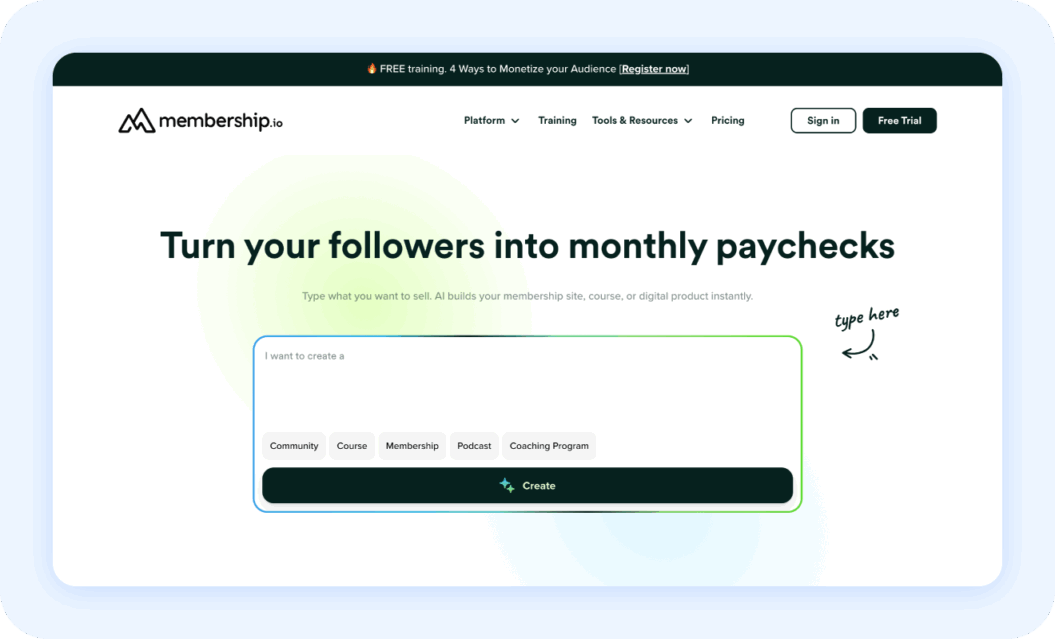
Membership.io is an all-in-one creator platform for creators who want to launch and manage digital courses, memberships, and coaching programs from a centralized Hub. It combines content delivery, membership management, and community engagement, with AI-powered tools that help structure content and personalize membership courses.
Membership.io is ideal for creators looking to deliver structured, interactive programs with a highly tailored experience. Its diverse features make it suitable for solo creators and teams who want to offer a professional, scalable learning and community experience.
Key features
- AI-assisted course builder and templates
- Membership and subscription management
- Payment integrations
- Accessibility features like auto captions, transcriptions, downloads
- AI-powered search and course chat
Pros
- All-in-one platform for courses, memberships, and coaching
- AI tools for personalization and content organization
- Detailed analytics for tracking engagement
Cons
- More complex setup than simple membership plugins
- May be overkill for small or basic programs
- Pricing can be higher for newer creators
Reviews
I have multiple memberships running on Membership.io. My customers and I love the experience. Navigating their hub is easy for users, and setting everything up to make it a great experience is easy for me. Everything inside Membership.io is thought out to simplify processes like organizing content, building engagement, and growing your business. The whole team is the best. Customer support is fast. Every time I have a question or a request, I get a quick, courteous, and professional response. Thank you, team! Plus, when I feel stuck, I look into their resources and always find either a solution or a fresh idea while staying focused on my goals.
Ana E., Verified Trustpilot review
Pricing
Membership.io has three pricing plans including:
- Start: $41/mo, billed annually
- Grow: $99/mo, billed annually
- Scale: $183/mo, billed annually
Key features to look for in a creator platform
Not all creator platforms are built for the same purpose. Some excel at video hosting, others focus on community engagement, and some specialize in educational content. The strongest platforms offer flexibility across content delivery, monetization options, and data insights, helping creators scale their business while improving audience engagement.
Key features to look for:
- Content delivery: Support for video, text, audio, courses, and other digital products to effectively reach your audience.
- Community tools: Discussion boards, live events, and memberships to keep fans engaged.
- Payment options: One-time purchases, recurring subscriptions, and tiered pricing that enable diversified revenue.
- Analytics & growth tools: Insights on engagement, member behavior, and revenue to guide optimization and growth.
By matching the platform’s features to your audience size and business goals, you can build a system that supports multiple revenue streams while keeping your fans engaged.
How to choose the right content monetization platform
When looking for the best content creator platforms, it’s important to go beyond any single factor. Your content format, business goals, and the role audience engagement plays in your strategy all influence which platform will be the best fit. Keeping these elements in mind will help you choose a platform partner for your monetization goals.
Align with your content models
Choose a platform that matches how you deliver content. Video-first businesses need strong streaming and creator monetization tools, while course-first creators benefit from structured lessons and gated access. If your content revolves around community engagement, you’ll want features that support member interaction and sustained engagement.
Consider your audience size and engagement style
Your audience size and engagement style should guide your platform choice. Newer creators often benefit from simple, easy-to-manage, and affordable tools, but it’s helpful to use a platform that can scale over time.
Mid-sized or larger brands may require advanced features such as analytics, team management, and scalable membership options to support higher traffic and more complex engagement.
Choose based on long-term revenue goals
When evaluating platforms, consider how they support your long-term revenue strategy. Subscription models provide consistent recurring income, but it’s helpful to have the option to diversify your monetization by combining memberships and one-time purchases. Choose a platform that gives you the flexibility to expand revenue streams and scale your business over time.
Tips for diversifying your monetization strategy
Relying on one monetization method leaves you vulnerable to market shifts or unexpected changes that can disrupt income. Diversifying can provide greater flexibility and resilience, helping stabilize your cash flow if one channel experiences disruption.
Felicity Wood Yoga is a great example of the power of revenue diversification. After switching from Vimeo to Uscreen in 2023, she expanded beyond a single offering by adding short-form course bundles and additional products, resulting in a 43% increase in monthly recurring revenue.

Being able to create specific landing pages for my beginners’ course and short-term bundles has opened up a new revenue stream. Those smaller courses act as a gentle introduction. People try them, love the experience, and then upgrade to the full membership.
Some effective ways to diversify your monetization strategy include:
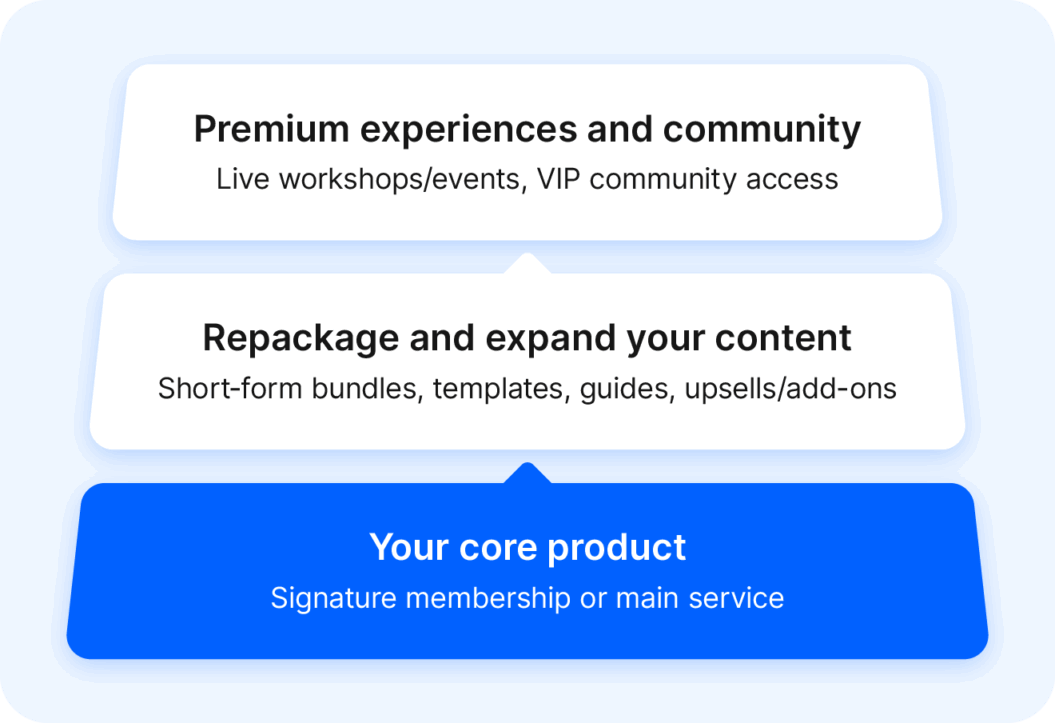
- Offering one-time purchases and recurring memberships to capture casual buyers and funnel them to long-term supporters over time
- Selling packaged courses, templates, or digital products so fans can get instant value without committing to a subscription
- Developing deeper, standalone content for community members looking to go beyond your main content
- Adding exclusive live events or workshops as premium experiences or limited-time offers
- Using upsells and bundles to increase average order value and guide customers through your product ecosystem
This layered approach is how top earners grow sustainably, but it’s important to test each new revenue stream gradually to understand what works best for your audience and business.
Find the right creator monetization platform partner with Uscreen
Choosing the right creator monetization platform can turn your strategy from unpredictable to predictable, scalable revenue. The ideal platform supports your content and growth goals, while helping you take advantage of trends in the creator economy.
Uscreen partners with creators to provide the tools they need to build effective monetization strategies that drive consistent income and audience growth.

FAQs
Earnings for content creators vary widely depending on audience size, platform, niche, and monetization methods. According to ZipRecruiter, creators with established audiences can earn anywhere from $29,000 to $129,000 per year, with higher earnings possible through diversified revenue streams such as sponsorships, digital products, and merchandise.
Many creators use all-in-one platforms that pay content creators like Uscreen, which provide tools to diversify income through multiple monetization options, including live streams, video-on-demand (VOD), and memberships. This allows creators to manage content and revenue without juggling multiple software solutions.
Yes, smaller creators with an engaged, loyal audience can generate revenue and grow a membership community by offering exclusive content, perks, or early access.
For brand-new creators, it can be helpful to start on platforms with built-in audience discovery before transitioning to a membership platform like Uscreen.
Some options include:
Facebook Live
Instagram
TikTok
YouTube Shorts
Once there, creators can continue building their membership base while leveraging marketing tools to engage and retain their audience.
Currently, YouTube offers some of the highest earning potential for creators through ad revenue, with TikTok close behind. However, income on both platforms is heavily dependent on advertisers and algorithm-based reach, which makes revenue less predictable.
Membership and subscription-based platforms like Uscreen offer a more reliable source of recurring revenue. By controlling content distribution and accepting payments directly from members, creators can establish a more stable and predictable income stream.
YouTube typically pays creators through ad revenue generated from ads displayed on their videos. Eligible creators can also earn income through channel memberships, Super Chats, Super Stickers, and YouTube Premium. Payouts are influenced by views, engagement, and audience geography.
There isn’t a single platform that pays the most for every creator. Ad-based platforms like YouTube can offer high earning potential at scale, while membership and subscription platforms often generate more consistent income per audience member. Ultimately, the best-paying platform depends on your audience size and overall monetization strategy.