- Choose platforms with flexible monetization options like SVOD, TVOD, or ad-supported models to maximize revenue potential.
- Prioritize branding and customization within apps and web players with your logo, colors, typography, and messaging.
- Consider audience engagement and device support features like community tools, analytics, and multi-device streaming.
With subscription-based models generating an average of $94,731 in the past 12 months on Uscreen, membership platforms are proving to be a reliable source of income for content creators.
Uscreen data also shows that mobile and TV apps play a major role in driving that growth. According to our 2025 Video Membership Report, subscribers with access to mobile and TV apps log in 63% more often and spend 78% more time on a platform than web-only users.
For established creators, these platforms provide an easy and cost-effective way to deliver a high-quality streaming experience that maintains brand presence while offering robust platform support. Picking the right white label OTT platform helps creators grow their audience and maximize revenue potential.
See how top platforms compare and which one could be the perfect fit for your growth.
| Platform | G2 rating | Category | Best for |
| Uscreen | 4.7/5 | Small to mid-sized creators | Building communities and monetizing memberships |
| Muvi One | 4.6/5 | Mid-sized to large enterprises | Full-featured OTT solution with apps |
| Dacast | 4.3/5 | Small to mid-sized businesses | Live streaming and pay-per-view events |
| Brightcove | 4/5 | Large enterprises | Scalable video platform for large brands |
| VPlayed | 4.8/5 | Mid-sized to large enterprises | Customizable white label OTT apps and streaming |
| Vimeo Streaming | 4.3/5 | Small to mid-sized creators | Branded video hosting and monetization tools |
| Kaltura | 4.3/5 | Large enterprises | Flexible platform for education and enterprise |
| JW Player | 3.4/5 | Small to mid-sized businesses | Fast, customizable video player and monetization |
| Wowza | 4.5/5 | Mid-sized to large enterprises | Custom live streaming and hybrid solutions |
| Vodlix | 4.6/5 | Small to mid-sized creators | Quick launch of branded streaming apps |
Uscreen
G2 rating: 4.7/5
Best for: Building communities and monetizing memberships
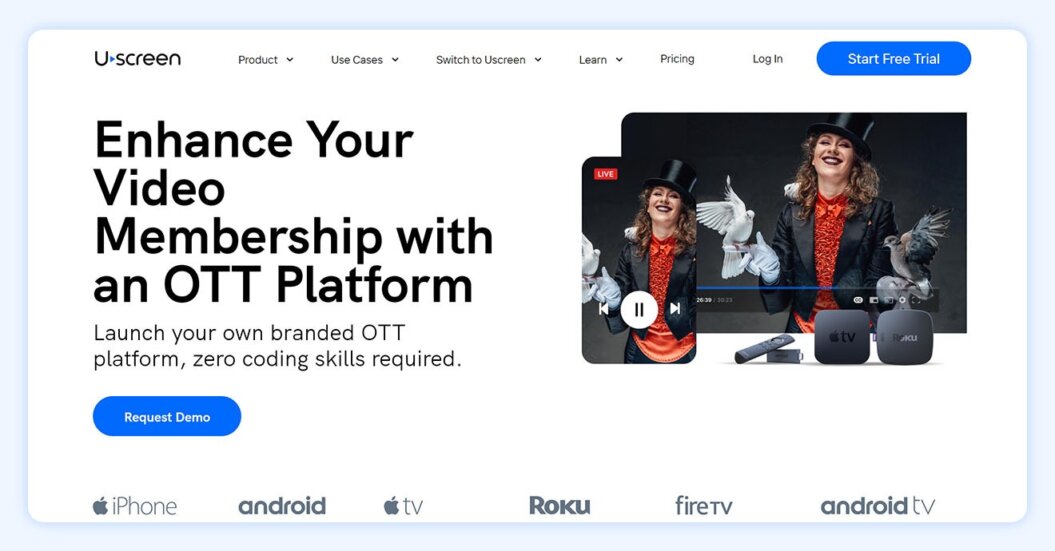
Uscreen is an all-in-one OTT membership platform designed for video creators looking to launch or grow their own streaming website. With Uscreen, you can deliver branded on-demand and live video across different channels, including mobile apps and TVs.
Uscreen offers multiple monetization options, like memberships, rentals, pay-per-view, and donations. Email marketing, automations and other engagement features connect you with your audience to support and increase conversions.
The changes in customer feedback and behavior since migrating to Uscreen have been night and day. Customers can now interact directly with me and other members, which is an awesome change. It’s also much easier for them to navigate the platform. When they open the app, they know exactly where to go and aren’t confused about how to start or what works for them.
Macy Pruett, Founder of Fittest Core
After switching to Uscreen, Fittest Core experienced a 15% increase in monthly revenue and a 58% boost in community engagement, highlighting the platform’s impact on their growth and member interaction.
Core features
- Video hosting and delivery: Get reliable streaming and video-on-demand (VOD) delivery depending on your content style.
- Memberships and monetization: Monetize your content through subscriptions, pay-per-view, or other flexible pricing models.
- Branded web, mobile, and TV apps: Get custom apps for iOS, Android, Roku, Apple TV, and Android TV.
- Community engagement tools: Built-in features like live chat allow you to engage directly with your audience.
- Marketing and retention tools: Integrated email campaigns, notifications, promotions, and analytics help you grow
- and retain your audience.
- Automations: Turn manual work into reliable systems, save time, and drive higher conversions and retention without relying on third-party tools or complex integrations.
- Member CRM: Get a clear, centralized view of your leads and members so you can personalize communication and take action with confidence.
Pros
- Comprehensive community features: The platform offers tools such as discussions and live chat to help creators actively engage with their audiences.
- All-in-one OTT platform: Hosting, monetization, and app delivery are combined into a single solution that requires no coding experience.
- Built-in marketing tools: Native email campaigns, push notifications, and other engagement features help promote content.
Cons
- No ad-based monetization: Uscreen currently doesn’t offer ad revenue models.
- Too costly for some creators: The monthly costs may be too high for smaller creators who are still building an audience.
- Best for established audiences: Uscreen works best for established creators, which isn’t ideal for those starting out.
Reviews
Pricing
Uscreen has four pricing tiers:
- Starter: $49/month, billed monthly
- Growth: $149/month, billed annually
- App essentials: $449/month, billed annually
- Custom: Custom pricing
Build, launch and manage your membership, all in one place.
Muvi One
G2 rating: 4.6/5
Best for: Full-featured OTT solution with apps
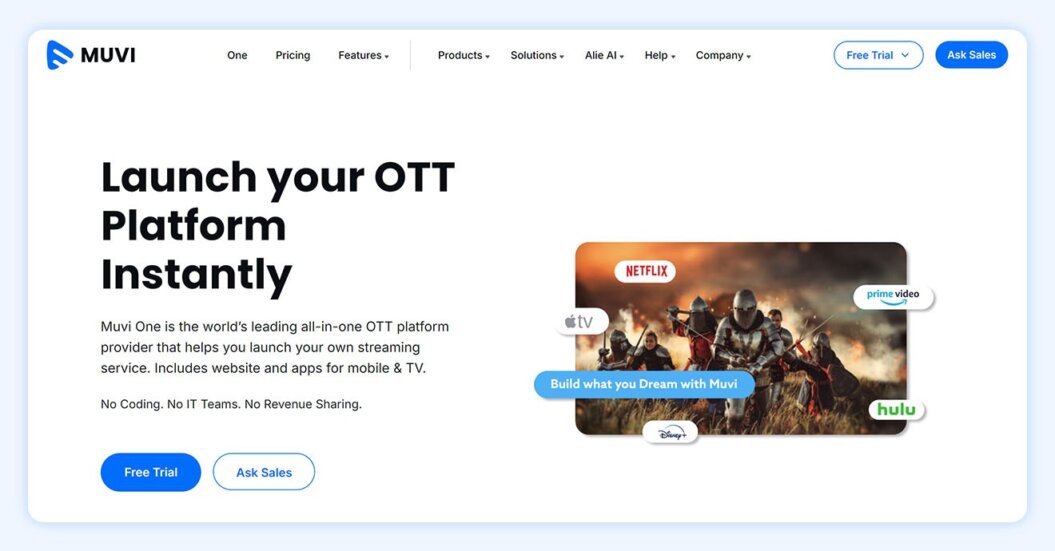
Muvi is an OTT platform that helps creators deliver live streaming and VOD content across web, mobile, and TV apps. With a customizable video player and support for audio and video content, it provides a comprehensive streaming solution.
The platform also offers flexible monetization options, including subscriptions, pay-per-view, and advertising video on demand (AVOD), making it easy to generate recurring revenue. Features like shoppable videos add extra value for brands, while its intuitive setup and management tools simplify content distribution and audience engagement across multiple channels.
For those who want more advanced community tools or a more affordable starting price, Muvi alternatives like Uscreen or Dacast may be worth exploring.
Core features
- Monetization: Muvi One supports multiple monetization models, including subscriptions and pay-per-view.
- Unlimited content hosting: Upload and store unlimited video and audio content.
- Live streaming without limit: Broadcast live events to your audience with no streaming caps.
- White labeled apps: Launch custom-branded apps for web, mobile, and TV platforms.
Pros
- Multiple products: Muvi has seven different product packages with distinct features and pricing based on your objectives.
- Flexible monetization: With nine monetization options available, you can create the right revenue split.
- Unlimited content hosting and live streaming: Unlimited storage makes it easy to save, reuse, and repurpose live stream content.
- Audio and video support: In addition to video, you can also publish audio content.
Cons
- Limited templates: Customization options for branding and design are restrictive.
- No native marketing tools: Marketing features must be added through third-party integrations, which can add up quickly.
- High pricing at higher tiers: While the basic plan is affordable, costs rise sharply for premium plans, with mobile/TV apps not included on all levels.
Reviews
Reliable, flexible, and gets the job done with great streaming performance and reasonable pricing. Any minor issues are always resolved quickly.
David B, Verified G2 Review
Pricing
Muvi offers multiple products with separate pricing plans.
- Pay-per-view starts at $9/month + 9% commission fee
- Muvi One (OTT streaming) plans range from:
- Standard: $399/month + $254/month for apps billed annually
- Professional: $1,274/month + $424/month for apps billed annually
- Enterprise: $3,315/month + $424/month for apps billed annually
- Ultimate: Starts at $10,000/month + custom pricing for apps billed annually; contact the sales team for more details
Dacast
G2 rating: 4.3/5
Best for: Live streaming and pay-per-view events
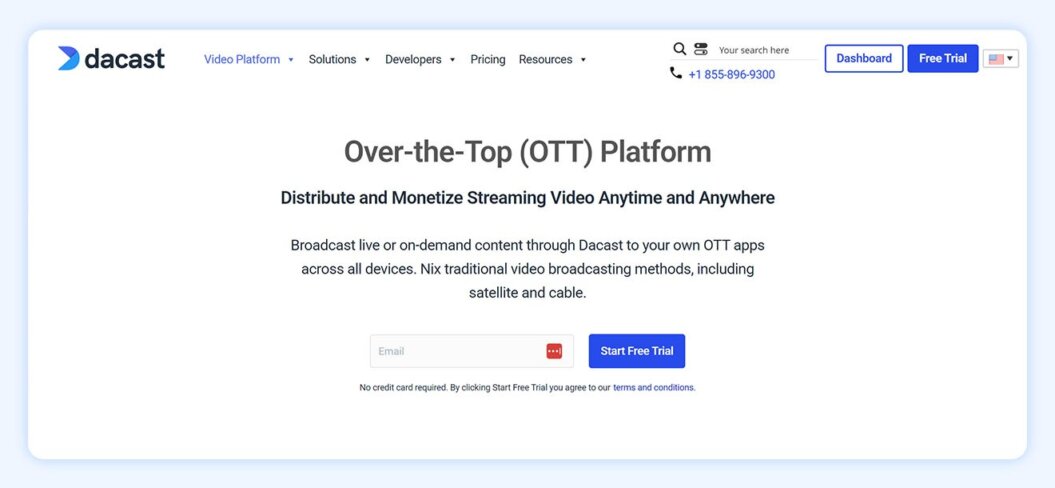
Dacast is a versatile OTT platform focused on video hosting and streaming solutions for non-technical teams. Its white label solution gives users control over both live and on-demand content, helping over 300,000 organizations stream high-quality video content.
The platform is commonly used in enterprise streaming, media and entertainment, sports broadcasting, and educational live streaming. That said, creators with smaller audiences or simpler needs may want to explore Dacast alternatives that are more suited for small-scale streaming.
Core features
- Live streaming and VOD: Stream high-quality video content and deliver on-demand video across multiple devices.
- White label branding: Fully customize the player and platform to match your brand.
- Enterprise-grade performance: Scalable infrastructure reduces bandwidth costs and ensures reliable video quality.
Pros
- Flexible monetization options: Multiple monetization options are supported, with secure content delivery built in.
- Reliable global streaming: Akamai CDN ensures high-quality playback worldwide, including in China.
- Customizable player: A white-label player with extensive API access allows full control over visual and functional branding.
Cons
- Challenging for beginners: The wide range of features may be intimidating for users with limited technical experience.
- No ultra-low-latency support: It’s not suited for live interactive content such as gaming or auctions.
- Weak content security: The missing digital rights management (DRM) makes protecting your content difficult.
- Plan limitations: Bandwidth and storage caps on some plans can result in extra costs for heavy usage.
Reviews
Dacast lets our team stay focused and fully control our content, keeping videos private and accessible only to our team. It’s great for hosting and live streaming, with a customizable player that avoids YouTube’s branding and distractions. Some uploads and video updates can be a bit slow, and full HD processing takes time, but overall it works well and integrates seamlessly into our training materials.
Gus, Multimedia Manager, Verified G2 Review
Pricing
Dacast offers four pricing plans:
- Starter: $39/month
- Event: $63/month
- Scale: $165/month
- Custom: Contact sales
Brightcove
G2 rating: 4/5
Best for: Scalable video platform for large brands
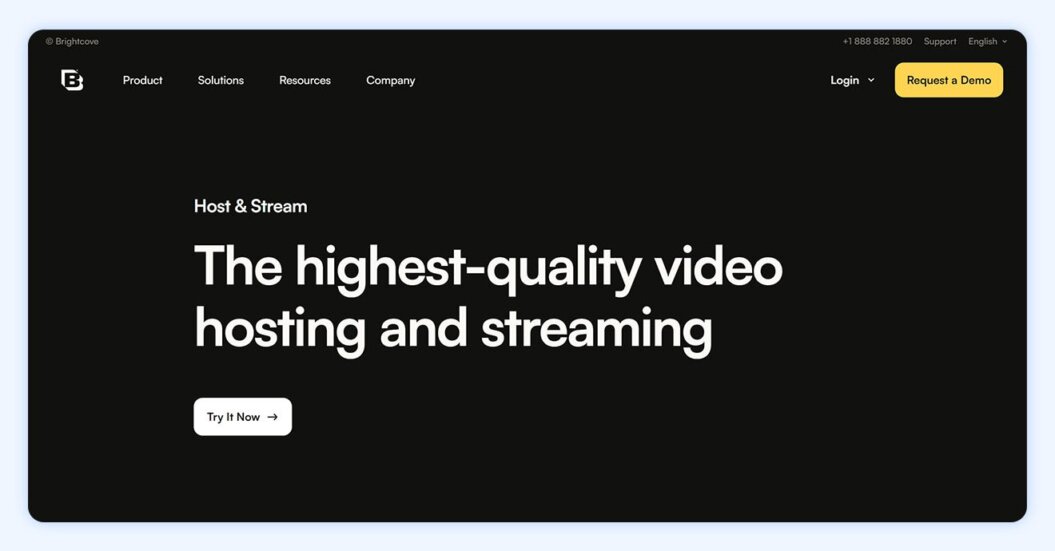
Brightcove is built for scaling enterprise brands focused on distributing large volumes of on-demand and live content across multiple device types.
The platform supports a fully branded design experience and offers flexible monetization. However, its pricing and complexity may be challenging for smaller creators or those just starting out, so many look at Brightcove competitors like Kaltura or Uscreen for more accessible OTT solutions.
Core features
- Enterprise-scale video delivery: Distribute large volumes of live and on-demand content across web, mobile, and TV apps.
- Fully branded OTT experience: Customize the player and platform to match your brand.
- Flexible monetization: Support subscriptions, pay-per-view, and ad-based revenue models.
- Advanced analytics and CRM integrations: Track engagement and optimize revenue through marketing tool integrations.
Pros
- Enterprise features: Brightcove is designed to support professional, large-scale video operations.
- Video player branding: Video player options are highly flexible, letting you customize to match your brand aesthetic.
- Advanced content protection: Built-in DRM and user authentication tools protect your content.
Cons
- High price point: Smaller creators may find the premium pricing for advanced features prohibitive.
- Steep learning curve: New users may find the platform challenging to master.
- Limited gallery customization: The platform offers limited customization for interactive elements like galleries and playlists.
Reviews
Brightcove is easy to use and lets us perform all the workflows and functions our organization needs. Customer support is also fairly timely. The only downside is that the UI could use a refresh to be even more user-friendly and accessible.
Issac C., Verified G2 Review
Pricing
Brightcove only offers custom pricing, so you’ll need to talk directly to their team.
VPlayed
G2 rating: 4.8/5
Best for: Customizable white label OTT apps and streaming
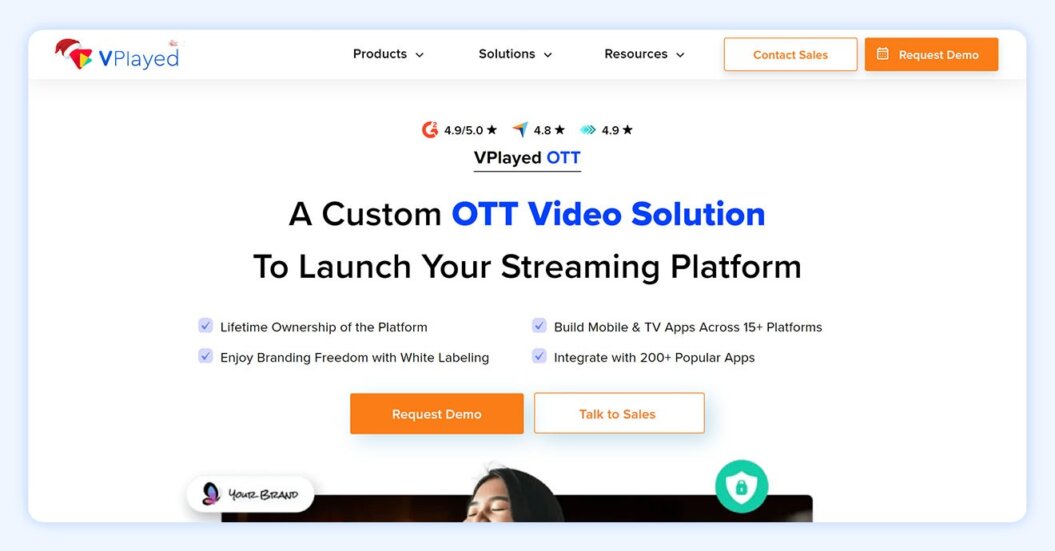
VPlayed is a comprehensive OTT and white label video streaming platform built to help businesses manage and monetize video content. It offers flexible monetization models and advanced tools for delivering high-quality video content across devices.
VPlayed is well suited for larger businesses seeking scalable, enterprise-grade OTT solutions with strong monetization options. That said, its feature depth creates a steep learning curve and higher costs for some users.
Core features
- Advanced analytics: In-depth reporting and real-time analytics track viewer behavior and performance metrics.
- Multi-platform streaming: Deliver content seamlessly across web, mobile, and OTT devices.
- Security and DRM protection: Multi-layer content protection includes DRM and AES encryption.
Pros
- Scalability: Its scalable architecture supports large audiences, making it ideal for growing brands.
- Highly customizable: You have full control over the user experience (UX), including features, monetization models, and platform branding.
- Flexible monetization: Combine or select from multiple monetization options to find the perfect fit.
Cons
- Complex setup: Its extensive flexibility requires a longer onboarding period and greater time/effort investment.
- High upfront costs: The higher monthly subscription fees might deter smaller creators.
- No free trial: The platform doesn’t offer a free trial, requiring an upfront commitment, which may deter smaller teams or creators.
- Learning curve: Its extensive customization can be overwhelming without dedicated technical support.
Reviews
VPlayed delivers a strong streaming experience with top-notch features that help businesses effectively deliver and monetize content for their audiences. While some users may find the learning curve challenging due to the platform’s advanced capabilities, and others note that pricing can be higher, the overall value it provides for content monetization is clear.
Harman S., Verified G2 Review
Pricing
Contact their team for pricing.
Vimeo Streaming
G2 rating: 4.3/5
Best for: Branded video hosting and monetization tools
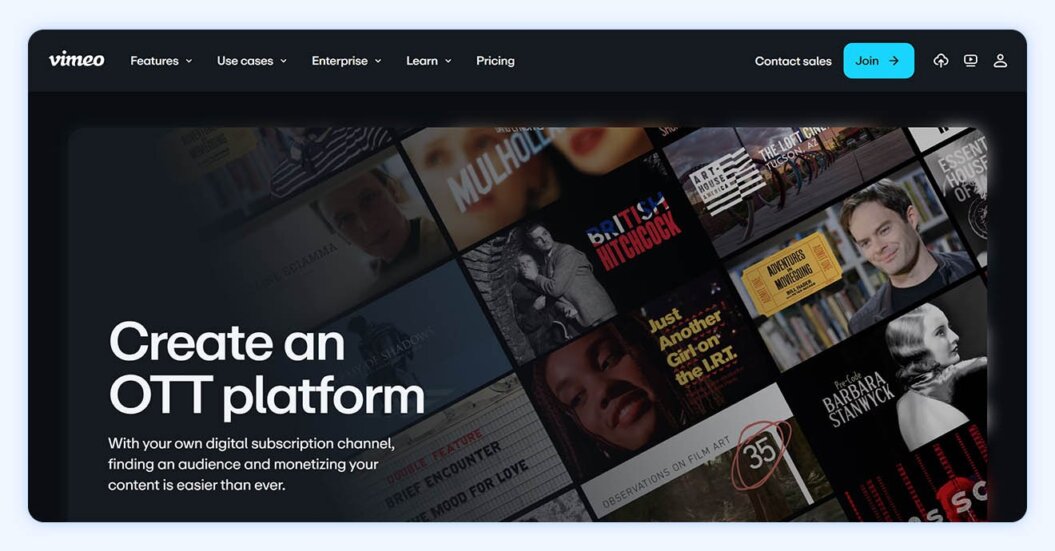
Vimeo’s OTT platform helps creators launch a white label streaming service and monetize content through one-time or recurring payment models. It supports high-quality video content with multi-device playback and global payment options.
The platform includes a user-friendly content management system (CMS) and customization to match a creator’s brand. However, creators looking for more community features and marketing support may want to look for Vimeo OTT alternatives.
Core features
- High-quality playback: Vimeo supports HD and 4K video streaming with adaptive bitrate.
- Video editor: The platform includes basic built-in editing tools for trimming, cutting, and enhancing videos.
- Privacy controls: Creators can restrict access, password-protect videos, and manage who can view their content.
- Customizable embeds: Embed videos on websites with player customization options.
Pros
- Simple UI: An easy-to-use interface simplifies uploading and managing video content.
- Well-known brand: Established in 2004, Vimeo has cemented its reputation as a reliable and trusted brand in the world of video hosting and sharing.
- Free plan: Vimeo offers a limited free plan, which includes restricted video storage and options.
Cons
- Limited marketing tools: Vimeo offers basic marketing functionalities and third-party integrations, but it’s not equipped with extensive built-in options.
- Limited user support: Both of Vimeo’s plans include email support, but only Enterprise customers receive phone support and live chat.
- Lack of community features: Vimeo Streaming’s site builder includes a classic forum, but lacks modern community features.
Reviews
Vimeo makes sharing videos easy and seamless, especially for educational purposes, with a convenient free option. I used it regularly for a time, and now it’s a reliable resource I keep ‘in my pocket,’ with sharing features that work well on platforms like forums on Sakai. The main drawback is that it doesn’t offer built-in video editing, so additional software is needed for edits.
Mandy H, Verified G2 Review
Pricing
- Starter: $12/month, billed annually
- Standard: $25/month, billed annually
- Advanced: $75/month, billed annually
- Enterprise: Custom pricing; contact their team for more details
Kaltura
G2 rating: 4.3/5
Best for: Flexible platform for education and enterprise
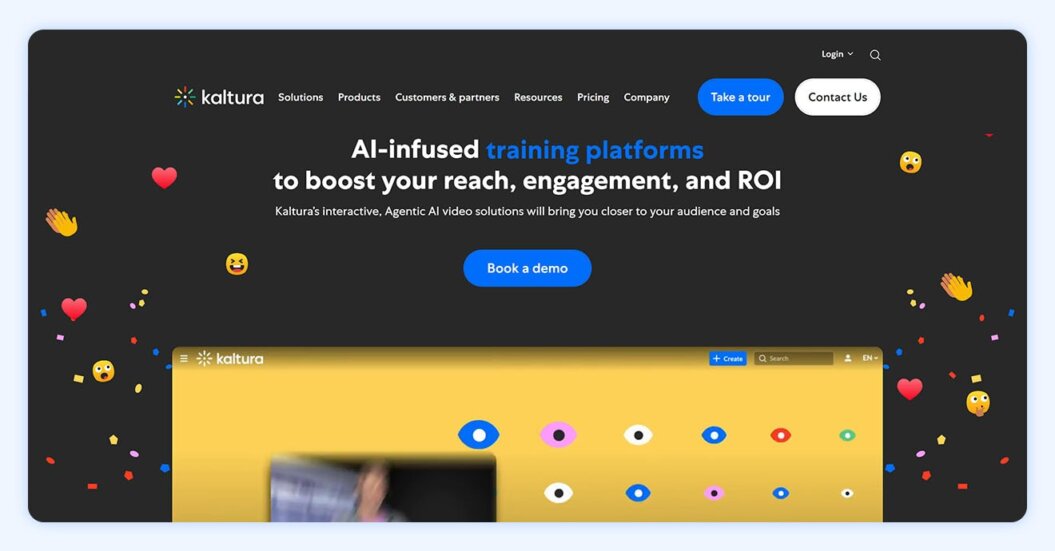
Kaltura is an OTT platform focused on scaling educational content and e-learning. It helps organizations build training platforms and virtual classrooms to enhance classroom engagement.
Kaltura is ideal for educational institutions, enterprises, and broadcasters looking for highly customizable, open-source video solutions. It offers the tools to deliver scalable video experiences across different devices.
Core features
- E-learning and corporate training: Build virtual classrooms and educational content at scale.
- LMS integrations: Seamlessly connect with learning management systems (LMS) for flexible course and content management.
- Customizable video platform: Its open-source architecture creates a fully brandable design experience.
Pros
- Accessibility features: Prioritizes accessibility, offering support for major screen readers, closed captioning tools, and keyboard shortcuts to enhance navigation.
- Highly customizable: It offers many open APIs, allowing for integration with LMS and various other tools.
- Simple content management: Kaltura simplifies video management, offering straightforward tools for uploading, organizing, tagging, and sharing content.
- Interactive learning tools: It includes built-in in-video quizzes for assessment purposes.
Cons
- Confusing pricing structure: With nine different pricing options based on use cases, most plans require contacting Kaltura for a quote.
- Learning curve for advanced tools: Basic functions are easy to manage, but advanced tools like registration forms can be difficult.
- Inconsistent performance across devices: Device- and browser-specific feature inconsistencies exist; for instance, hotspot functionality is unreliable on iOS.
Reviews
While Kaltura is an impressive platform, there are a few areas where it could improve. One of the downsides is the occasional complexity of setting up advanced features. Some functions, like setting up complex registration forms, require a steeper learning curve, and more user-friendly wizards would be beneficial.
Verified G2 Review
Pricing
Kaltura has nine different plans, each with its own pricing. The majority of them require you to contact their sales team for more details.
JW Player
G2 rating: 3.4/5
Best for: Fast, customizable video player and monetization
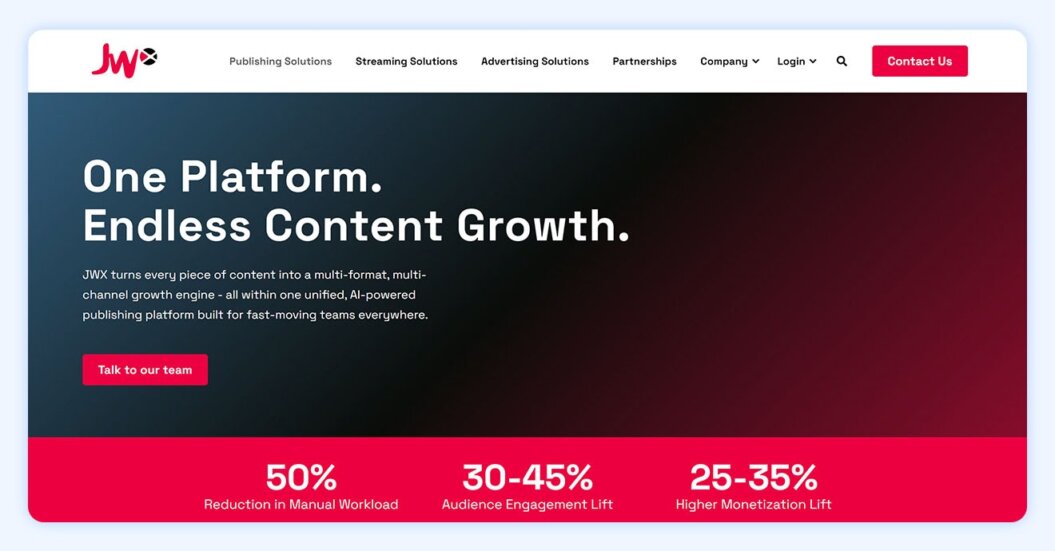
JW Player is a white label video platform designed for monetizing live streams and VOD content. While it’s widely recognized for its high-quality, customizable video player, the platform offers full OTT app support for complete streaming experiences across devices.
It works well for media companies and publishers focused on advertising-based monetization. Smaller brands or creators with limited budgets may want to explore JW Player alternatives that offer simpler OTT features or more cost-effective pricing models.
Core features
- Flexible monetization: JW Player supports ads, subscriptions, and hybrid revenue models.
- Data analytics: The platform delivers insights into viewer behavior and video performance.
- Multi-platform compatibility: It works seamlessly across web, mobile, and connected TV devices.
Pros
- Established brand: JW Player is a well-known, high-quality video player that has been around since 2004.
- Ad-based monetization: Boost ad performance with tools for contextual targeting, real-time viewability, and optimizing content completion rates.
- 24/7 live streaming support: This is ideal for large-scale or complex live events.
Cons
- No pricing transparency: JW Player does not have pricing on its website; you need to contact the company for details.
- Targeted at broadcasters and publishers: Smaller businesses or individual streamers may find this solution too expensive and complicated.
- Lacking advanced features: While customizable, the platform lacks some advanced capabilities found in other alternatives.
- Unintuitive interface: Some users find the interface less intuitive than competing video platforms.
Reviews
JW Player offers a wide range of analytics and insights—such as total plays, average video completion rate, device data, and geographic distribution—which makes it easy for our team to understand what content resonates with users and what doesn’t. While the platform can be quite expensive when hosting large volumes of content like we do, overall I am very satisfied with my experience using JW Player.
Arianna H., Verified G2 Review
Pricing
Contact JW Player directly for a quote.
Wowza
G2 rating: 4.5/5
Best for: Custom live streaming and hybrid solutions
Wowza Streaming Engine is a platform designed for live and on-demand content. It supports multiple streaming protocols and integrates easily with CDNs for scalable distribution. The platform also offers APIs and plugins to customize your platform, along with security features.
Wowza is a highly reliable, high-performance, and flexible solution trusted for enterprise streaming and specialized use cases, even though some custom configurations require editing text files.
Core features
- Live and on-demand streaming: Wowza supports high-quality streaming for both live events and VOD content.
- Developer API: It offers plugins and APIs for custom workflows and integrations.
- Security and DRM: It offers secure streaming with token authentication, encryption, and DRM support.
Pros
- Flexible deployment options: Choose cloud, on-premises, or hybrid setups depending on your infrastructure needs.
- Architecture that scales: Easily distribute high-quality, low-latency video worldwide with support for SRT, HLS, and DASH.
- Tools for developers: Wowza simplifies advanced workflow creation and customization with APIs, SDKs, and pre-built modules.
Cons
- No built-in monetization: You need to integrate with external payment providers to monetize content.
- Not intuitive: Some users have noted occasional latency and complications with specific code configurations.
- Pricing based on usage: The pay-as-you-go model offers flexibility but complicates budgeting since monthly costs aren’t fixed.
Reviews
Wowza Streaming Server is a rock-solid solution for live streaming, used reliably as a transcoder for Akamai CDN and for real-time streaming in customer projects. Over eight years, we’ve experienced excellent stability and service quality, and its extensibility through plugins and developer APIs supports specialized use cases. While some custom optimizations require editing configuration files and aren’t fully user-friendly, Wowza remains a trusted, reliable part of our streaming infrastructure.
Angelo C., Verified Review
Pricing
- One month of streaming: $295 (one-time purchase)
- Basic monthly: $195/month
- Enterprise: Custom pricing; contact sales
Vodlix
G2 rating: 4.6/5
Best for: Quick launch of branded streaming apps
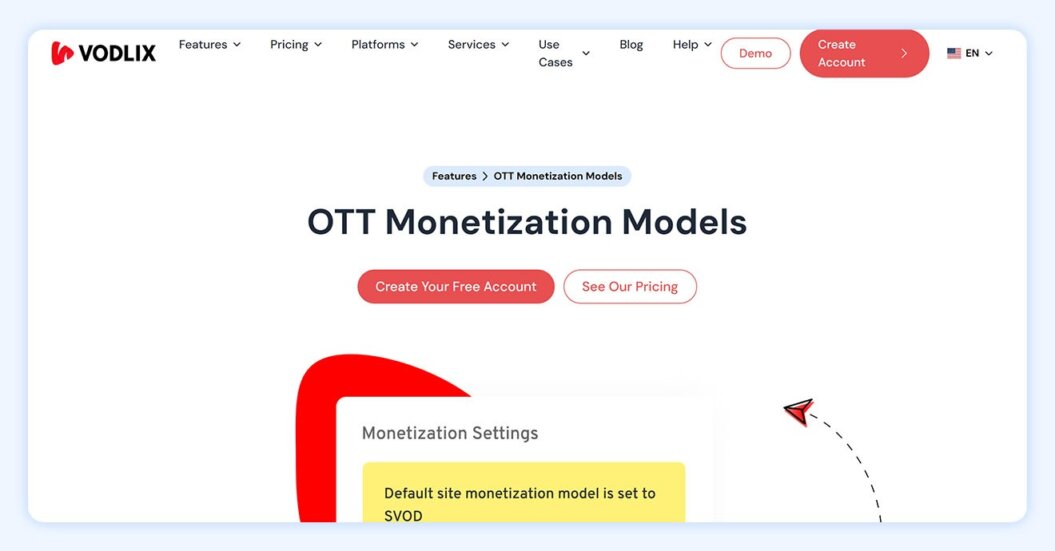
Vodlix is an OTT platform designed for businesses and content creators looking to launch branded streaming apps quickly and efficiently. It supports high-quality streaming experiences across web, mobile, and TV apps.
Vodlix is an ideal solution for small to mid-sized enterprises seeking a fast, user-friendly OTT platform. It provides the tools necessary for content management and monetization across various models without requiring extensive technical setup.
Core features
- Multilingual support: Built‑in language options and localization features serve global audiences.
- Payment integrations: The platform works with major payment platforms for ongoing or one-time payments.
- Multi‑device streaming: Deliver seamless streaming on web, mobile, and connected TV apps.
Pros
- Flexible monetization: Vodlix offers a combination of subscriptions, advertising, and hybrid revenue streams.
- Customization: Select from customizable templates and themes that align with your brand.
- Scalable infrastructure: The cloud-based solution grows with your audience and content needs.
Cons
- Learning curve for advanced features: Some advanced tools require extra time to master.
- High pricing: High subscription costs may limit accessibility for new individual creators.
Reviews
I really enjoy the encoding features, which are my area of expertise. Vodlix offers excellent options and provides great value for the amount of media I manage—it’s an incredibly powerful and useful tool. I haven’t used many competitors, so it’s hard to compare directly, but this is by far the most capable platform I’ve worked with in OTT. Some technical aspects can be tricky, though I believe that’s more due to user experience than the system itself. The analytics are extremely detailed, and I’m likely just scratching the surface.
Bryan L., Verified Review
Pricing
- Professional: $1,550/month
- Enterprise: $3,850/month
- Ultimate: Custom pricing, contact Vodlix for a quote
To determine your total expenses, use the pricing calculator available on their OTT platform page.
Key features in a white label OTT platform
For creators launching their own white label platform, having a high-quality content management system and multi-platform support is essential. The best platforms make these features easy to use and accessible on all plan levels.
- CMS: Upload, organize, and schedule videos in one central hub. A strong CMS keeps large libraries easy to manage.
- Monetization tools: Offer subscriptions, rentals, or one-time purchases. Flexible monetization allows you to tailor your revenue strategy to your audience.
- Mobile apps and multi-device access: Reach viewers across TV, mobile, tablets, and other devices with a ready-to-launch OTT app builder. Customizable apps make it easy for your audience to watch where it’s convenient.
- Security features: Protect your content and user data with encrypted streaming and secure payment processing.
- Analytics and reporting: Gain insights into viewer behavior, engagement, and performance to make informed, data-driven decisions.
These features make platform management simpler, revenue generation easier, and content more secure. For example, analytics are useful for creators focused on optimizing revenue, while multi-device access benefits creators with audiences that prefer streaming on various devices, like fitness instructors.
Analytics are crucial for larger creators focused on monetization strategy, while mobile apps and community tools are particularly important for engaging your community.
How to choose the right white label OTT platform
If you’re choosing between a DIY solution and a white label platform, consider your pricing limits, which devices you want to support, and how you’ll protect your content.
White label platforms offer a faster, more scalable alternative to building from scratch while maintaining full brand control.
1. Set your pricing strategy
Start by deciding how you want to monetize your content. Most white label OTT platforms support subscription-based VOD (SVOD) pricing, where viewers pay recurring fees. This model works well for ongoing content like fitness programs or educational libraries.
Other popular options include advertising-based (AVOD) models, which generate revenue through ads, and transactional (TVOD) pricing, where users pay per video or event. TVOD is especially effective for live streams, workshops, or exclusive releases.
Choose a pricing structure that aligns with your industry, audience size, content value, and growth goals. As your platform scales, you can combine models to maximize revenue opportunities.
Learn more about video monetization2.Test device and app compatibility
Understand where your audience prefers to watch your content and ensure your OTT platform works smoothly on those devices. For fitness creators, this may include mobile, TVs, and Apple Watches to make content easy to follow, while educational creators might focus on TVs for classroom or group learning.
Testing across these devices helps catch issues like buffering, crashes, or layout problems before they affect viewers. Optimizing for the devices your audience actually uses provides a consistent experience and strengthens your brand credibility.
Learn more about mobile apps3. Secure your content with DRM
Protecting your content is essential to maintain its value and prevent unauthorized access or piracy. Digital rights management, watermarking, encryption, and geo-blocking ensure that only authorized viewers can access your videos, keeping your revenue and brand reputation intact.
Strong content security also helps you comply with licensing agreements and regional regulations. Choosing a platform with robust DRM and protection tools gives you peace of mind in that regard.
Start your white label OTT platform with Uscreen
Choosing the right white label OTT platform is essential for full brand control and effective monetization. The right platform supports your long-term growth while engaging your audience.
Uscreen is a great option for creators focused on developing communities and monetizing content. With flexible monetization options, community engagement features, and customizable apps, it’s easy to sell videos online and grow a sustainable membership business.
FAQ
A white label OTT platform is a ready-made video streaming solution that allows you to integrate branding elements like your logo, colors, typography, URL, and messaging. It enables creators to deliver a professional, feature-rich streaming experience while keeping their brand front and center.
White labeling allows creators to establish and maintain strong brand recognition while delivering a fully customized viewing experience. It provides a cost-effective alternative to building a platform from scratch and offers the flexibility to adjust, expand, and scale the site as your audience grows.
White label platforms are ideal for established creators with a dedicated audience, typically a few thousand viewers. At this stage, white labeling helps boost brand credibility and deliver a professional, polished experience to your audience.