
Every membership site does the same job. It turns an audience into paying members. What changes is how you get there. A (opens in new tab) membership website (opens in new tab) locks content behind a login, and people pay on a recurring schedule for something they can’t get: a video library, a private group, a set of courses.
The hard part isn’t the idea. It’s the tool. Some builders live for video and live streaming. Some are built for community. Some just want to help you send a great newsletter. Know your lane before you look at a single pricing page, and this list gets a lot easier to use.
We tested platforms across video businesses, (opens in new tab) online communities (opens in new tab) , newsletters, and WordPress sites, then matched each one to where it actually wins rather than ranking everything against one checklist. That meant (opens in new tab) membership management software (opens in new tab) pricing pages, docs, and real user feedback, not marketing copy.
How we evaluated these platforms
We evaluated every platform on this list against the same eight criteria, so a video-first tool and a newsletter tool get judged by the same yardstick even though they’re built for different jobs. No single platform wins every category, and that’s expected. The real goal is matching your priorities to the tool built for your kind of paid membership.
Here’s what we checked for each platform:
- Marketing and email automation: Can the platform send welcome emails, re-engagement sequences, and abandoned cart reminders on its own, or do you need to bolt on a separate tool? Built-in automation saves money and keeps your member data in one place instead of scattered across two systems.
- Customer support and documentation: We looked at how fast each platform answers questions, whether that’s live chat, email, or a dedicated success manager. A solid help center matters too, since most day-to-day problems get solved faster by a good doc than a support ticket.
- Video hosting and live streaming, where relevant: For platforms built around video, we checked catalog quality, streaming reliability, and whether live sessions come native or need a third-party tool like Zoom bolted on. This doesn’t apply to newsletter or SaaS-style platforms, so we skipped it there.
- Pricing and overall value: We looked past the sticker price to the real monthly cost once transaction fees, per-subscriber charges, and required add-ons get added in. A cheap plan that nickels and dimes you at scale isn’t actually cheap once your membership grows.
- Community tools: Discussions, groups, and member profiles turn a one-way content feed into something people stick around for. We checked whether community features come standard or require an upgrade, and how deep they go beyond a basic comments section.
- Ease of setup: Can you actually launch without weeks of technical work, or does the platform demand a developer? We tested how fast someone with no coding background could get a working site live, since setup friction is one of the biggest reasons people abandon a new platform.
- Membership management features: Tiers, gating, renewals, and upgrade or downgrade paths all fall here. A platform that forces members to cancel and re-sign up just to change plans creates churn, so we checked how smoothly each one handles that.
- Scalability: We checked whether the platform still works once your membership grows past a few hundred people, or whether you’ll hit a wall and need to migrate. The best fit today isn’t always the best fit at five thousand members, so scalability mattered as much as the starting experience.
Which kind of membership site are you building?
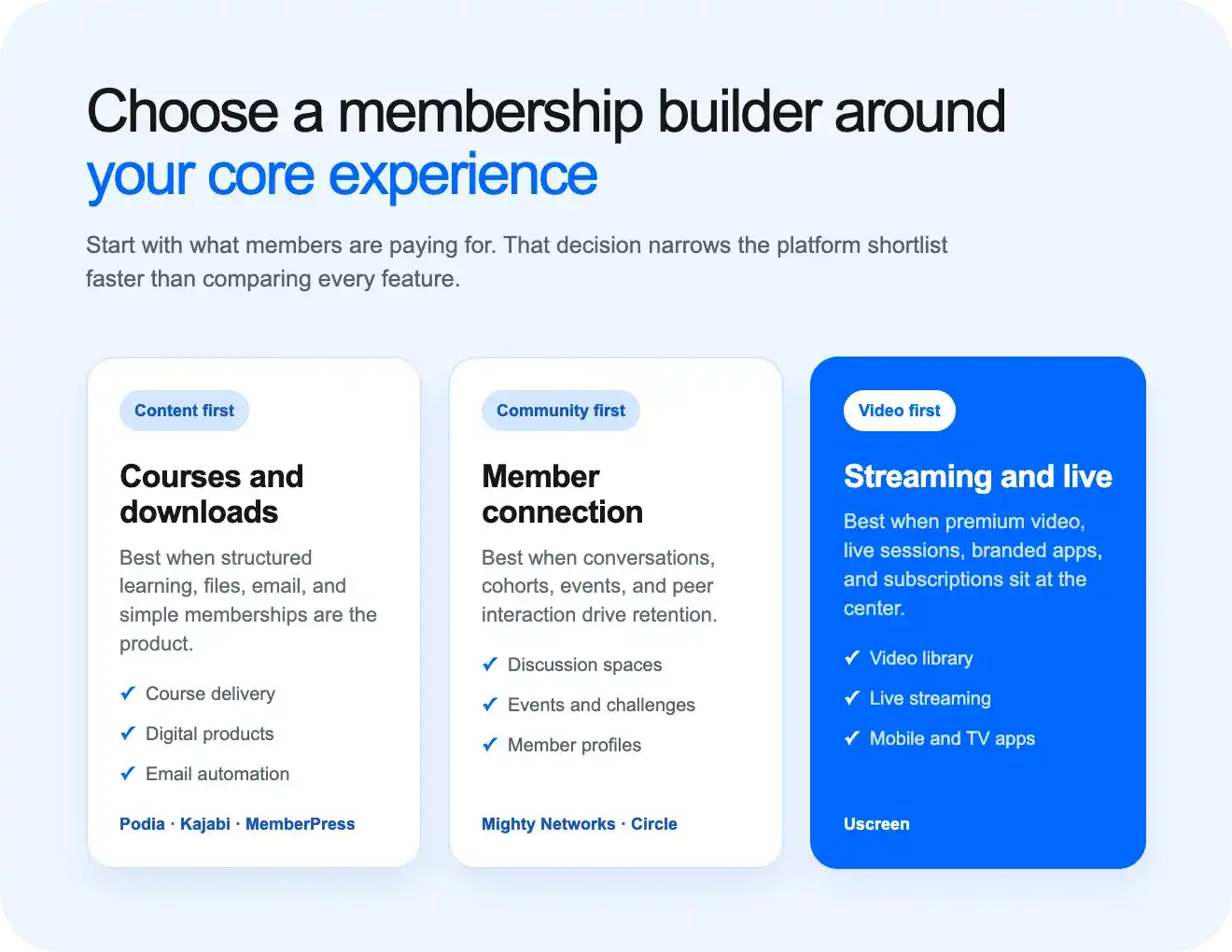
Most “best membership platform” lists throw 15 tools at you and rank them all against each other. That’s not very helpful, because a video coach and a nonprofit newsletter writer need completely different things. Instead, sort yourself into one of these three groups first.
- Content-first: Your main product is a library of lessons, articles, or downloads. People pay to unlock what’s already there. Courses, tutorials, and paid articles fall here. Tools like Podia, Kajabi, and WordPress with a plugin like MemberPress tend to fit best.
- Community-first: The real value isn’t the content. It’s the people. Members join to talk to each other, ask questions, and feel like part of something. Mighty Networks and Circle are built around this.
- Video-and-live-first: Your product is a video catalog, a live stream, or both. Think workout classes, cooking shows, or a dedicated paid streaming channel. This is a narrower need than general “content,” and it needs its own tools for streaming and video hosting. Uscreen is built specifically for this.
Once you know your lane, the list below gets a lot easier to read.
10 best membership website builders in 2026
| Platform | Best for | Video and live | Community | Branded app |
|---|---|---|---|---|
| Uscreen (opens in new tab) | Video and live-first memberships | Built in | Built in | Yes (On App Essentials and higher) |
| Mighty Networks (opens in new tab) | Community-first memberships | Basic only | Strong | Mighty Pro, custom pricing |
| Kajabi (opens in new tab) | Course, funnel, and membership platform | Basic only | Yes (Community 2.0) | Not included |
| Podia (opens in new tab) | Simple digital storefront with memberships | Not built in | Basic | Not included |
| Thinkific (opens in new tab) | Course-first memberships planning to scale | Not built in | Included on paid plans | Paid add-on |
| Member Press (opens in new tab) | WordPress users who already have a site | Not built in | Via add-ons | Not included |
| Memberful (opens in new tab) | Bolting membership onto an existing site or newsletter | Not built in | Not built in | Not included |
| Outseta (opens in new tab) | SaaS-style membership, CRM, and billing stack | Not built in | Basic | Not included |
| Ghost (opens in new tab) | Writer- or newsletter-first paid membership | Not built in | Not built in | Not included |
| Squarespace (opens in new tab) | Simple, low-stakes gated page on a general site builder | Not built in | Not built in | Not included |
Prices shown are starting rates and may not include every fee. Check each platform’s own pricing page before you buy, since plans change often.
1. Uscreen: Best for video and live-first memberships

| Best for | Video memberships and live streaming |
|---|---|
| Starting price | $49/month (opens in new tab) (Starter plan, monthly billing only) |
| Free trial | Yes (14-days) |
| Transaction fee | Around $0.99 to $1.99 per active member each month. Payment fees also apply. |
| Apps | Branded mobile apps start on the App Essentials plan. |
| Value for money | Good for serious video businesses. Budget-friendly option for beginners. |
Uscreen is made for people who sell videos and live content. You can build a video library, host live streams, create a community, and charge members. It also gives you data on what people watch. Its tools can help you reduce member churn.
Uscreen is built for video and live streaming. It includes a full marketing suite with email automations, push notifications, and membership-specific acquisition and retention tools, plus a CRM. The Starter plan does not include branded apps. Members can watch through a web browser. You need App Essentials or a higher plan for iOS and Android apps; TV apps are available on higher-tier plans.
As your business grows, your plan can grow with you. Uscreen offers flexible options, and storage and live stream time scale with what you need.
Choose Uscreen if
- You host live events often
- Video is your main product
- Your members watch on phones or TVs
- You want tools that help reduce cancellations
- You want video, community, and payments in one place
Skip Uscreen if
- Your budget is small
- You need many admin accounts
- Video is only a small part of your offer
- You need TV apps included in your entry plan
- You need quizzes, tests, certificates, and grading
What we liked
- Strong on-demand video and live streaming (opens in new tab) tools
- Built-in acquisition, retention, and re-engagement tools
- Full CRM covering leads, one-time buyers, and active subscribers
- In-depth analytics on what members watch, where they drop off, and what drives cancellations
What could be better
- Apps cost much more
- You pay more as your subscriber count grows
- Storage and live stream hours are capped on some plans, with options to scale up
Uscreen is a good choice when video is the main reason people pay you. Check the full cost before you sign up.
2. Mighty Networks: Best for community-first memberships
| Best for | Community-first memberships |
|---|---|
| Starting price | $79/month (opens in new tab) (Launch plan) |
| Free trial | Yes, 14 days |
| Transaction fee | 2% on the Launch plan, dropping to 0.5% on higher tiers |
| Apps | Members can use the Mighty Networks iOS and Android apps. A fully branded app needs Mighty Pro. |
| Value for money | Useful for active groups, but costly for beginners |
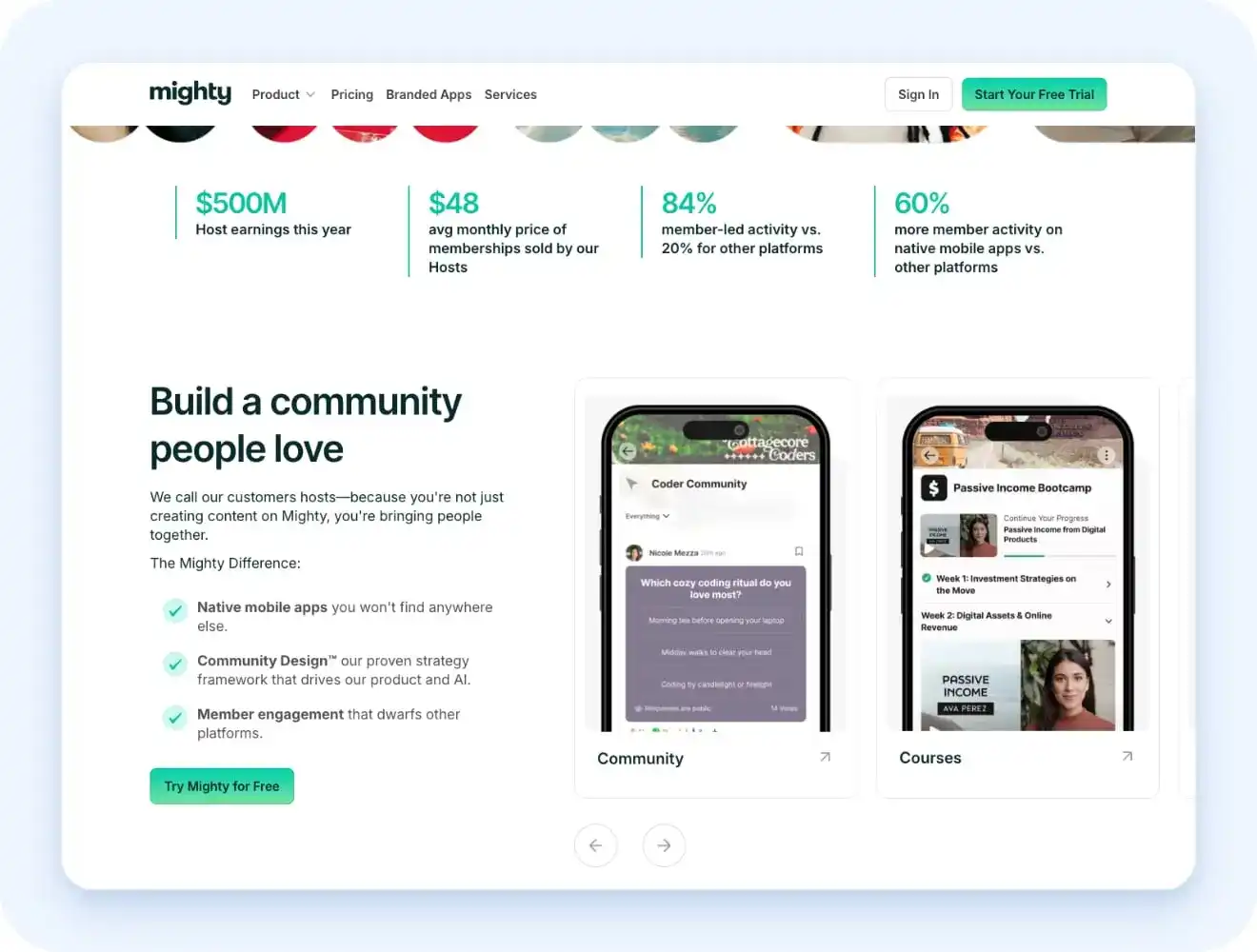
Mighty Networks is built for people who want to create a strong community. Members can join talks, courses, events, and live sessions in one place. Its AI tools can help you write posts and start group talks. This can save time when your group is quiet.
Mighty Networks is better for member talks, group activity, and events. Uscreen is better for large on-demand video libraries, live streaming, and members-only streaming apps.
The Launch plan has some key limits. You must use a Mighty Networks web address. You also do not get Zapier or other key tools. These need the Scale plan, which starts at $179 per month when paid yearly. Live video on Launch is limited to 20 hours each month and 100 viewers at one time.
Payments use Stripe. It does not support tools like UPI or local wallets in India.
Choose Mighty Networks if
- Member talks are the main product
- You want members to use a mobile app
- You want help writing posts and talk ideas
- You want events, courses, and groups in one place
Skip Mighty Networks if
- You want no sales fees
- You need Zapier or email tool links
- You need UPI or local wallet payments
- You want a large video streaming library
- You need your own web address on the base plan
What we liked
- Strong group and talk tools
- AI tools can help keep the group active
- Courses and events fit well with the community
What could be better
- Video tools are basic
- The base price is high
- Sales fees apply on every plan
- Your own web address costs more
- Key links and tools need a higher plan
Mighty Networks is a good fit when members join to meet, talk, and learn from each other.
3. Kajabi: Best for a course, funnel, and membership platform
| Best for | Course, funnel, and membership platform |
|---|---|
| Starting price | $143/month (opens in new tab) (Kickstarter plan, billed annually) |
| Free trial | Yes, 14 days |
| Transaction fee | No extra sales fee with Kajabi Payments. Extra fees may apply if you use your own Stripe account. |
| Apps | Students can use the Kajabi app on iOS and Android |
| Value for money | Good when it replaces many other tools |
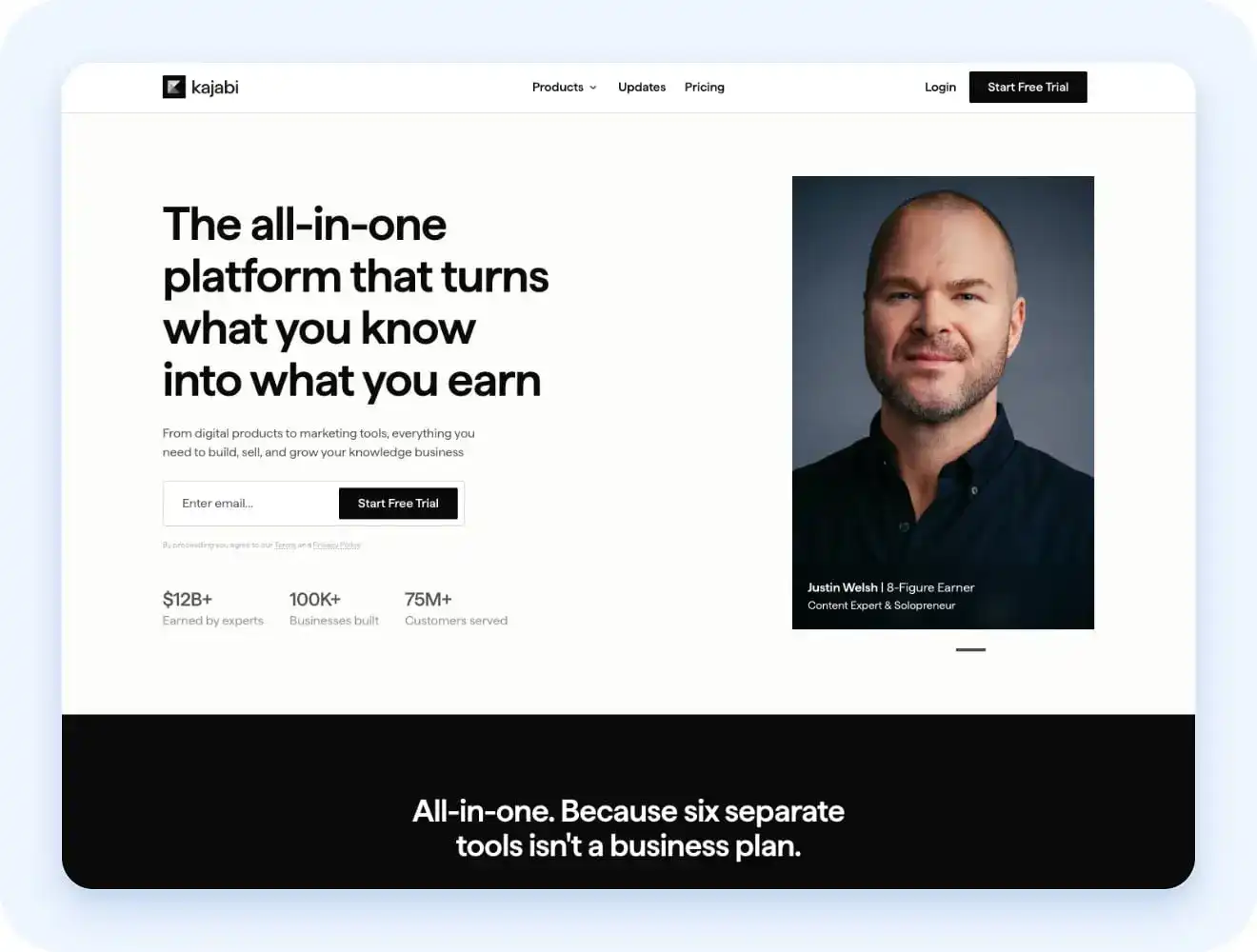
Kajabi gives you course hosting, email, sales pages, checkout, and funnels in one place. You can also sell coaching, podcasts, events, and memberships. It costs more than many course tools. But it may save money if you would pay for several other apps.
Kajabi also has strong email and sales tools. You can send emails based on what a customer buys, clicks, or completes. The lowest plan has strict limits. It only supports one product and a small email list. You may need to move to a higher plan quite fast.
Kajabi Payments has no extra platform sales fee. But using your own Stripe account may add a fee on each sale.
Choose Kajabi if
- You plan to use Kajabi Payments
- You need strong funnels and email rules
- You already have an audience or business
- You want AI help with pages, emails, and courses
- You want courses, email, and sales tools in one place
Skip Kajabi if
- Your budget is small
- Your email list may grow fast
- You are testing your first idea
- You only want to sell one simple course
- You need to use your own payment setup
What we liked
- Strong sales and email tools
- Fewer tools and links to manage
- Students can use the mobile app
- Courses and checkout work together
What could be better
- The price is high
- It takes time to learn
- The lowest plan has tight limits
- External payment tools may cost more
- Growing your email list may force an upgrade
Kajabi is worth it when it replaces several tools you already pay for. It may be too much for a new or small business.
4. Podia: Best for a simple digital storefront with memberships

| Best for | Simple online stores, courses, and communities |
|---|---|
| Starting price | $42/month (opens in new tab) , billed annually |
| Free trial | Yes for 30 days |
| Transaction fee | 5% on the Mover plan, No sales fee on the Shaker plan |
| Apps | Not included |
| Value for money | Budget-friendly |
Podia makes it easy to sell courses, downloads, coaching, and memberships. You can also build a website and run a community. It is cheaper and easier to learn than Kajabi. But its email and sales tools are more basic.
Podia also supports online and in-person events. Members can add events to their calendars and get reminders. The Mover plan has limits on products and video uploads. You may need a higher plan as your store grows.
Choose Podia if
- You want to launch fast
- You want an easy website builder
- You do not need complex sales tools
- You sell courses, downloads, or coaching
- You want courses and community in one place
Skip Podia if
- You need a mobile app
- You want advanced sales rules
- You need strong live video tools
- You need complex email funnels
- You have a very large product list
What we liked
- Easy to set up
- Simple website tools
- Built-in community spaces
- No limit on student accounts
- Support for online and local events
What could be better
- No mobile app
- Email tools are basic
- Product and video limits apply
- The first plan has a 5% sales fee
- Larger stores may need an upgrade
Podia is a good choice for a small business that wants to start selling fast. You may outgrow it when you need more tools.
5. Thinkific: Best for course-first memberships planning to scale

| Best for | Course memberships that plan to grow |
|---|---|
| Starting price | $40 per month (opens in new tab) for Basic |
| Free trial | Yes for 14 days |
| Transaction fee | No sales fee when you use Thinkific Payments. Extra fees may apply if you use your own Stripe account. |
| Apps | Available as a paid add-on |
| Value for money | Solid value for scaling course businesses |
Thinkific is made for online learning. You can build lessons, quizzes, tests, tasks, and certificates. It works well for schools, coaches, and staff training. It also supports SCORM files on some plans. Thinkific goes deeper on course tools than most platforms on this list: structured lessons, quizzes, certificates, and SCORM support. It also has an AI helper called Thinker.
Standard plans support up to 10,000 active students. Larger schools may need Thinkific Plus.
Choose Thinkific if
- You need tests and certificates
- You want to train staff or teams
- Courses are your main product
- You want clear student progress
- You plan to use Thinkific Payments
Skip Thinkific if
- You want a free mobile app
- You need strong email tools
- You need complex sales funnels
- Community is your main product
- You expect over 10,000 active students
What we liked
- Strong course tools
- AI help for student questions
- Good tests and learning rules
- Useful tools for schools and training
- No sales fee with Thinkific Payments
What could be better
- Email tools are basic
- Community tools are light
- The mobile app costs extra
- Large schools need a custom plan
- Your own Stripe account may cost more
Thinkific is a good choice when learning is the main goal. It works best for course businesses that want room to grow.
6. MemberPress: Best for WordPress users who already have a site
| Best for | WordPress users who already have a site |
|---|---|
| Starting price | $199.50/year (opens in new tab) first year (Launch plan) |
| Free trial | No free trial, 14-day money-back promise |
| Transaction fee | 4.9% on the Launch plan. No MemberPress sales fee on Growth and Scale |
| Apps | Not included |
| Value for money | Excellent value for existing WordPress sites |
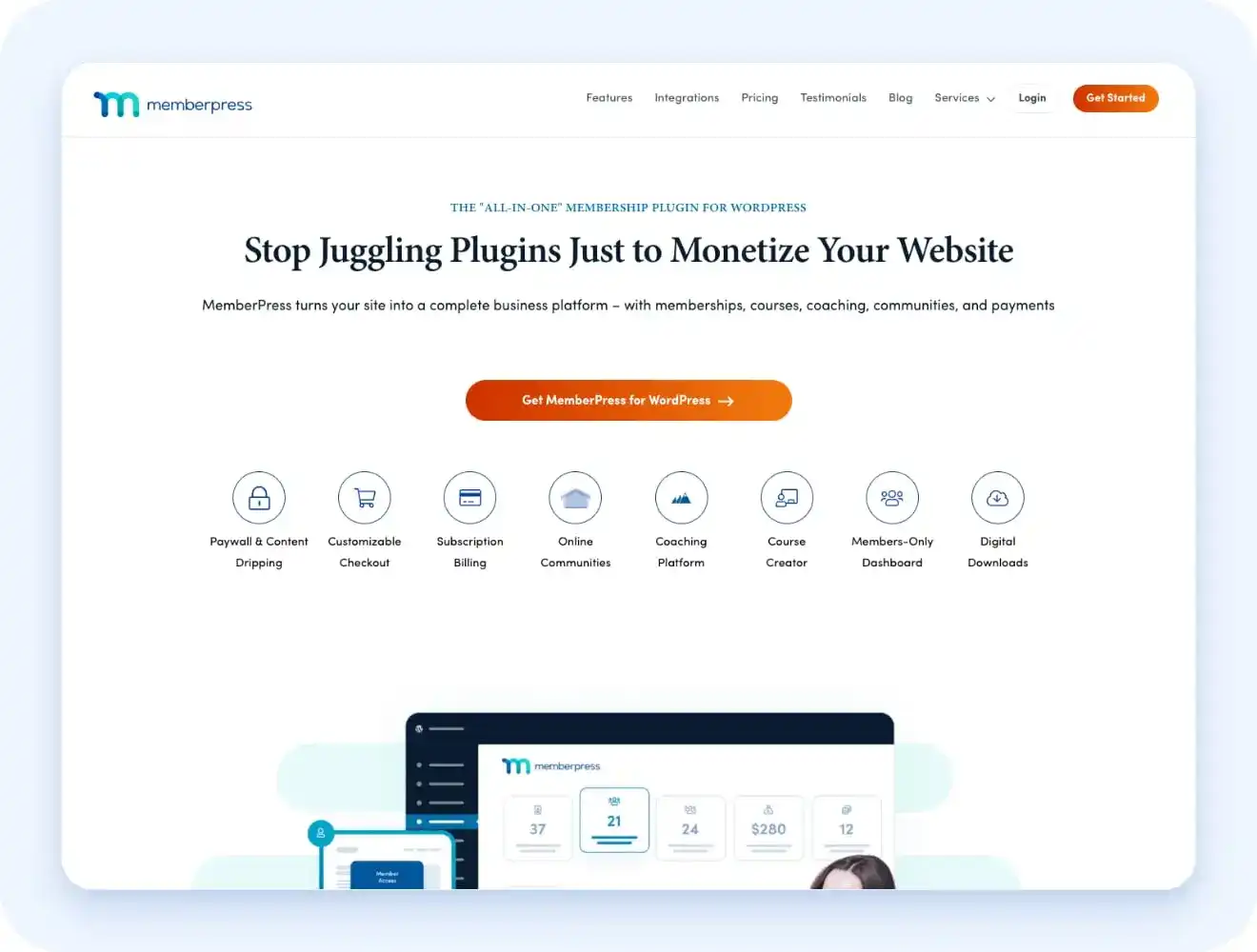
MemberPress turns a WordPress site into a paid member site. You can lock pages, drip content, sell courses, and take payments. It can cost less than moving to a new platform. You can keep your site, theme, plugins, and content. You must manage your own hosting, updates, backups, and site safety. A large course or video site may also need better hosting.
The Launch plan only supports Stripe. You need a higher plan for PayPal, Square, or offline payments. Basic course tools are included. Quizzes, tasks, and certificates need the Growth plan.
Choose MemberPress if
- You already use WordPress
- You need strong content rules
- You want to keep your current site
- You want courses and memberships (opens in new tab) together
- You are happy to manage plugins and hosting
Skip MemberPress if
- You want a mobile app
- You do not want to pay each year
- You need PayPal on the lowest plan
- You do not want to manage WordPress
- You use WooCommerce and want a simple link
What we liked
- Course tools are built in
- Strong rules for locked content
- Works with your current WordPress site
- Higher plans have no MemberPress sales fee
What could be better
- PayPal needs a higher plan
- The price rises after year one
- Better course tools need a higher plan
- WooCommerce support may cost more
- You must keep paying to edit plugin rules
- The Launch plan takes 4.9% from each sale
MemberPress is a good choice if you already use WordPress. The Launch plan works for small sites, but the sales fee can make Growth cheaper as you earn more.
7. Memberful: Best for bolting membership onto an existing site or newsletter
| Best for | Adding paid access to a site or newsletter |
|---|---|
| Starting price | $49/month (opens in new tab) , single all-access plan |
| Free trial | Free test mode until you connect Stripe |
| Transaction fee | 4.9% on each sale |
| Apps | Not included |
| Value for money | Fair value for a simple bolt-on |
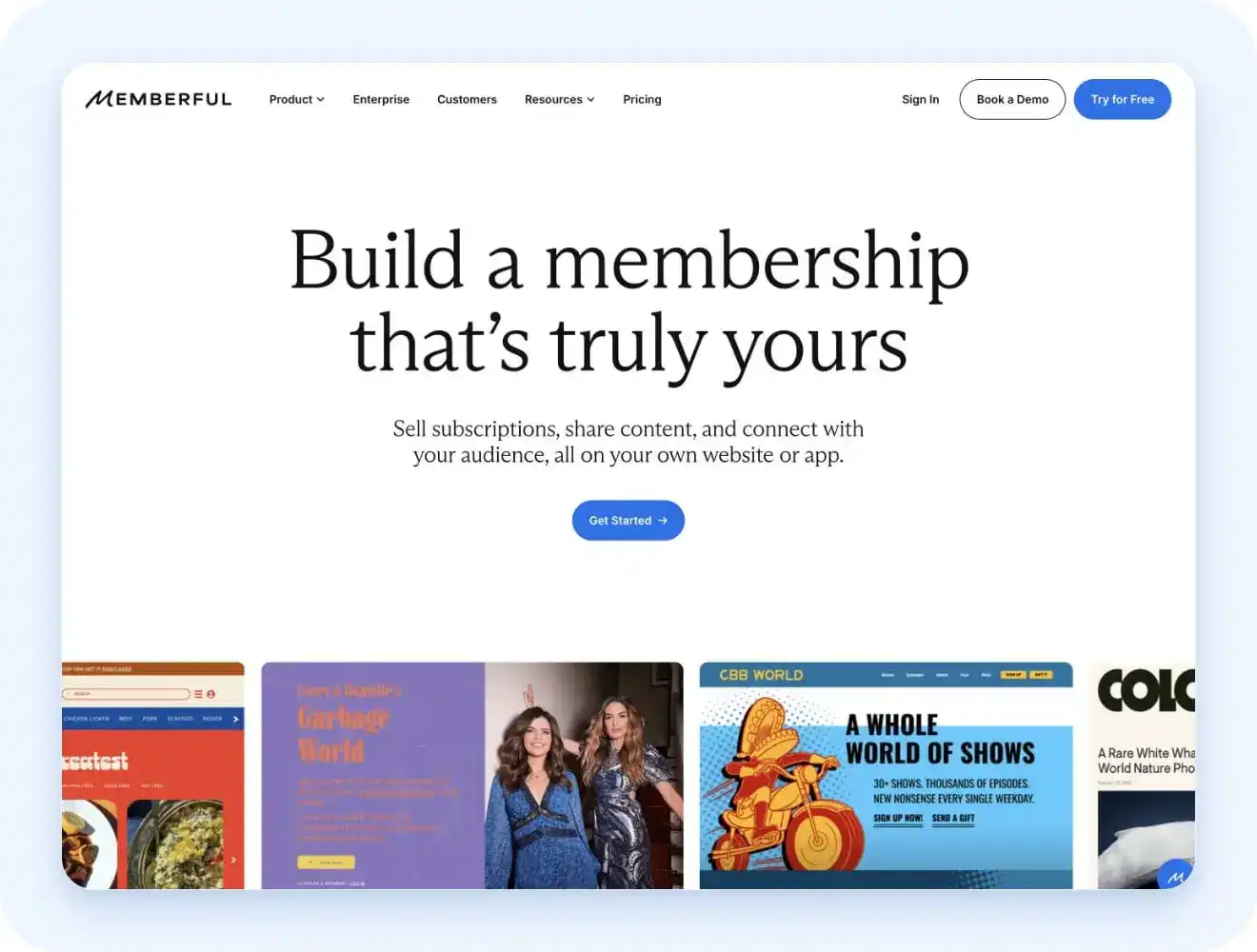
Memberful adds a paywall to a site, blog, or newsletter. You can keep your current content and tools. It is faster to set up than MemberPress. It also works without WordPress. Memberful has a simple site builder if you do not have a site yet. It does not include a course builder, video hosting, or a full community space. You will need other tools for these.
Memberful only works with Stripe. It does not support PayPal or local wallets. This can be a problem in some countries. You must also manage your own sales tax rules and payments.
Choose Memberful if
- You want a fast setup
- You want a simple paywall
- You are happy to use Stripe
- Your content is already online
- You can use other tools for email and community
Skip Memberful if
- You want a built-in community
- You need PayPal or local wallets
- You need courses or video hosting
- You want help with global sales tax
- You want to avoid a 4.9% sales fee
- Stripe (opens in new tab) does not work in your country
What we liked
- Easy to set up
- One simple software plan
- No need to move your content
- Works with many types of sites
- Supports monthly and yearly member prices
What could be better
- No mobile app
- No course builder
- No full community tools
- The 4.9% fee can get costly
- You must manage sales tax
- Stripe is the only payment tool
Memberful is a good choice when you only need paid access added to content you already have.
8. Outseta: Best for a SaaS-style membership, CRM, and billing stack
| Best for | SaaS products and paid web apps |
|---|---|
| Starting price | $37 per month (opens in new tab) , for up to 1,000 contacts |
| Free trial | Yes, A card is needed |
| Transaction fee | Outseta takes 1% to 2% from payments; Stripe fees also apply |
| Apps | No native iOS or Android app |
| Value for money | Good value for lean SaaS teams |
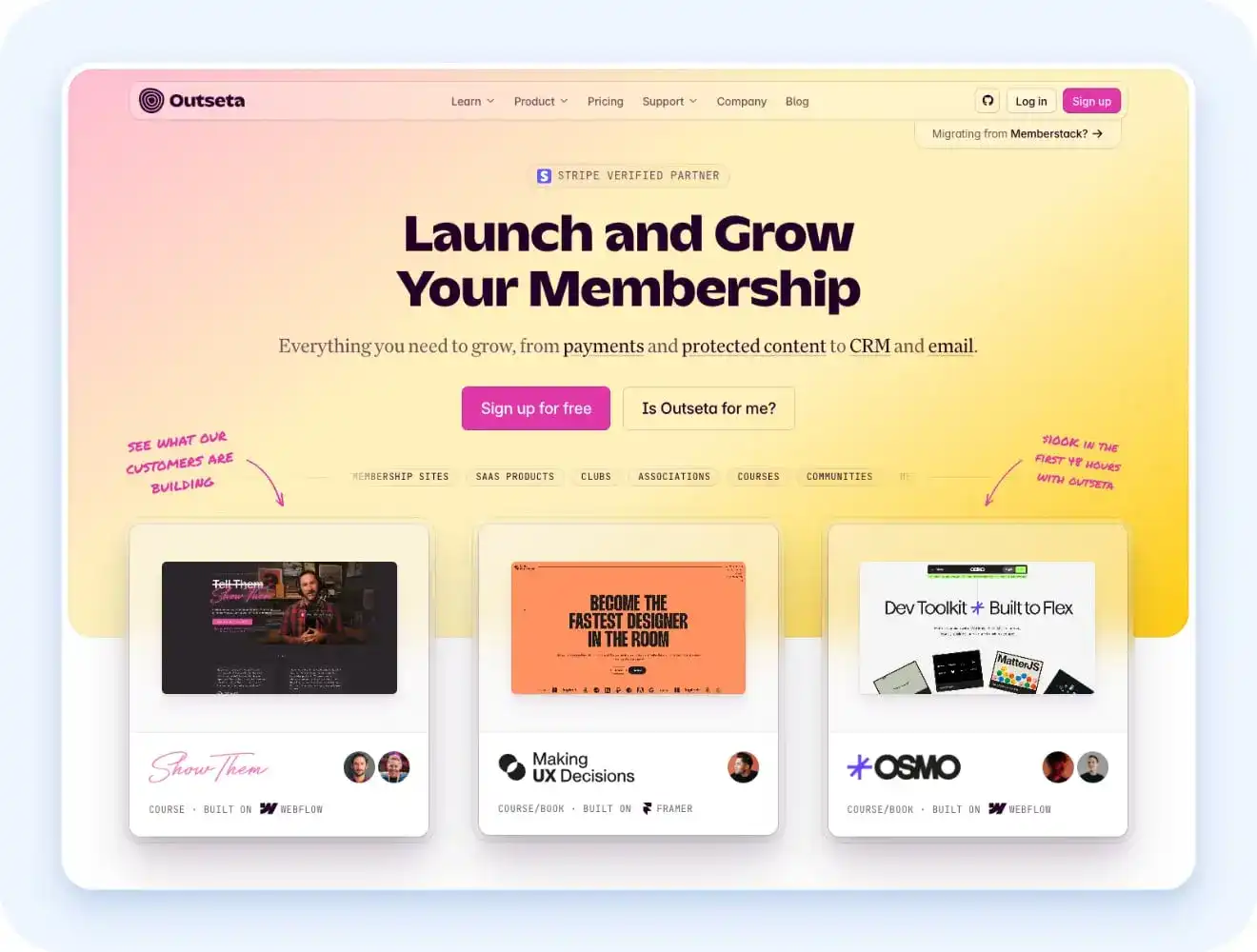
Outseta gives you payments, member login, email, support, and customer records in one place. It is made more for software products than courses or video sites. You can lock parts of your app based on what plan a user buys.
You can also manage a user’s plan and emails from the same customer record. This means fewer tools and links to manage. Outseta works with tools like Webflow, Framer, Zapier, and Make. It also gives developers access to its API.
Choose Outseta if
- You run a SaaS product
- You use Webflow or Framer
- You need user login and billing
- You want fewer tools to manage
- You want a CRM and email tools
Skip Outseta if
- You need a mobile app
- You need a course builder
- You sell courses or videos
- You want a full community space
- You want a strong site design tool
What we liked
- API access for developers
- Good for small SaaS teams
- Many key tools in one place
- Works with popular web tools
- Easy to manage users and plans
What could be better
- No mobile app
- Payment fees apply
- The design feels basic
- No course or video tools
- The cost grows with your contacts
Outseta is a good fit for a small SaaS team. It is not a good fit when content is the main product.
9. Ghost: Best for a writer- or newsletter-first paid membership
| Best for | Writers and paid newsletters |
|---|---|
| Starting price | $15/month (opens in new tab) (Starter plan, billed annually) |
| Free trial | Yes, 14 days |
| Transaction fee | Ghost takes no sales fee. Stripe fees still apply |
| Apps | Not included |
| Value for money | Excellent for writers and newsletters |
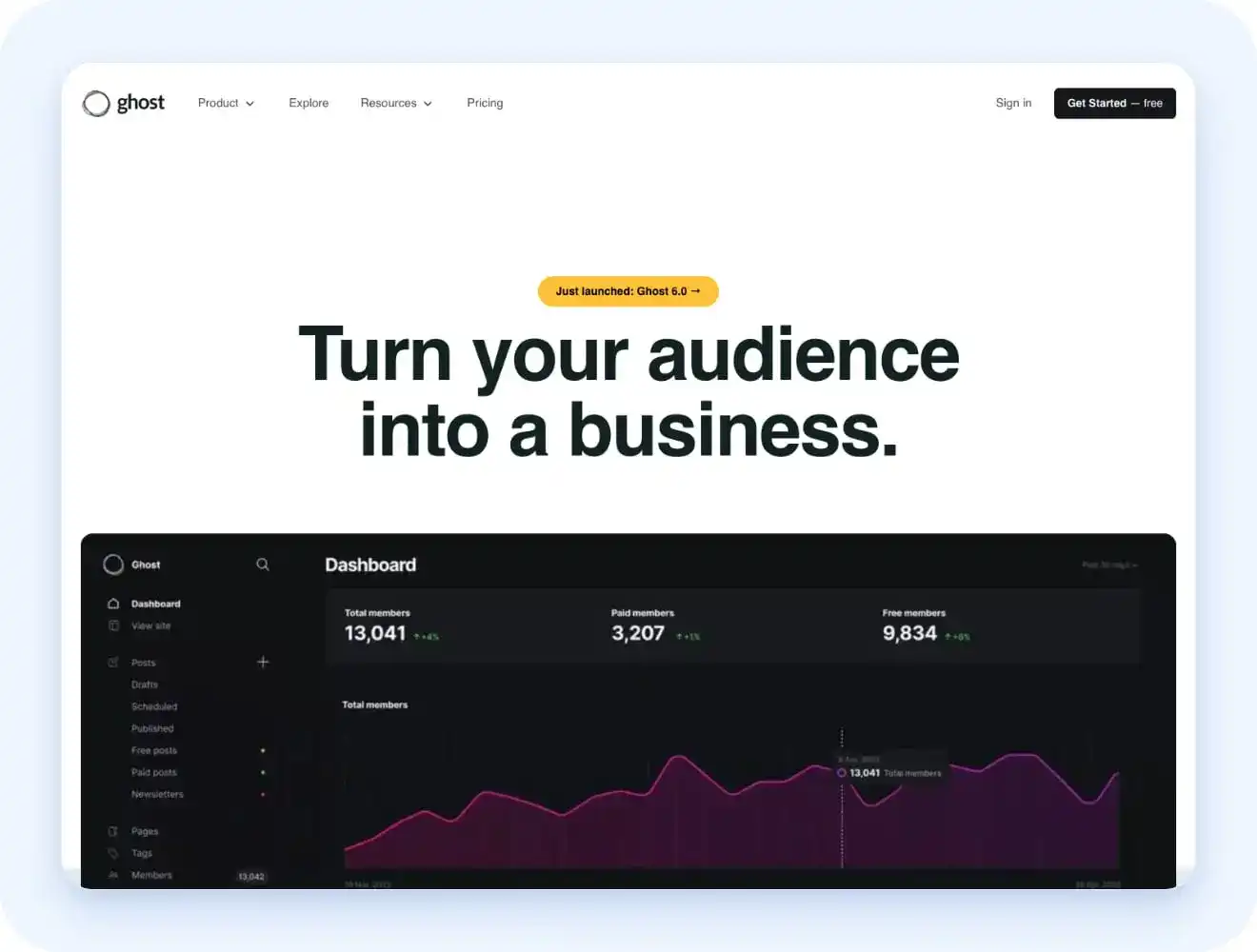
Ghost is made for writers and newsletter teams. You can publish posts, send emails, and charge readers for paid access. Unlike Substack, Ghost does not help people find your work. You must grow your audience through search, social media, or other channels. You own your reader list and keep your income. This can save a lot of money as your paid list grows.
Ghost also supports video, audio, podcasts, and comments. But it does not have a full course builder or community forum. The software is free if you host it yourself. This takes more skill and ongoing work.
Choose Ghost if
- You run a paid newsletter
- You want clear reader data
- Writing is your main product
- You already have an audience
- You want to keep your sales income
Skip Ghost if
- You need email drip plans
- You need a course builder
- You want a full community space
- You want the platform to find readers
- You do not want to manage outside tools
What we liked
- No sales fee
- Clean writing tools
- Useful reader data
- Strong newsletter tools
- Free self-hosted option
- Support for video and audio
What could be better
- No full course tools
- Email rules are basic
- No full community forum
- No built-in reader discovery
- Custom design may need coding
- Paid plans start at $29 per month
Ghost is a good choice for writers who already have readers and want to own their list.
10. Squarespace: Best for a simple, low-stakes gated page on a general website builder
| Best for | Simple paid pages and small memberships |
|---|---|
| Starting price | $19 per month (opens in new tab) for the Basic plan. Member Sites and Courses are included in the main plans. There is no separate add-on. |
| Free trial | Yes for 14 days |
| Transaction fee | 7% on Basic, 5% on Core, 1% on Plus. No Squarespace sales fee on Advanced. Payment fees still apply. |
| Apps | Not included |
| Value for money | Fine for testing, not built to scale |
Squarespace lets you add paid pages to a site you already use. You can sell lessons, videos, downloads, and member-only posts. It also has course tools. You can add lessons, video chapters, and progress tracking.
This makes it useful for testing a small paid offer. You do not need to move your site or connect many new tools. Squarespace now hosts video too. The amount of video space depends on your plan.
Choose Squarespace if
- You want to test a paid idea
- You do not need complex tools
- You already have a Squarespace site
- You need a simple course or member page
- You want your site and payments in one place
Skip Squarespace if
- You need strong email rules
- You want deep member data
- You want a large video library
- Your membership is growing fast
- You need a full community space
What we liked
- Fast to set up
- Good for testing new ideas
- Works with your current site
- Native video hosting is included
- Courses and member pages are built in
What could be better
- Video space is limited
- Member tools are basic
- It may not suit a large business
- Lower plans take a cut from sales
- Moving members later may be hard
Squarespace is a good choice for a small paid offer. You may need a stronger platform as your membership grows.
How to choose a membership website builder
Choosing a membership website builder comes down to one question: what does your business actually run on? Video, community, courses, and newsletters each need different tools, so the right platform follows from your content. Picking on price or popularity first is the most common way people end up stuck with the wrong platform six months in.
Here’s what actually matters when you’re comparing options:
- Your existing website: Do you already have a site you want to keep? If yes, a bolt-on tool like Memberful or MemberPress fits better than starting over on a new platform. If you’re building from scratch, a full builder like Uscreen or Kajabi saves you from stitching two systems together later.
- Video and live streaming: Is video the product, or just a nice extra? If members are paying to watch, you need a platform built around hosting and streaming, not one where video feels bolted on. Uscreen builds video into its core: native hosting, a browsable catalog, live streaming, and apps built for watch time. Mighty Networks treats video as one feature inside a community platform, better suited for live sessions and events than a full streaming library.
- Email marketing and automation: Uscreen includes a full marketing suite with email automations, push notifications, and membership-specific acquisition and retention tools, plus a CRM. Other platforms like Memberful expect you to bring your own email software.
- A branded mobile app: Do members need to watch or engage from a phone or TV app with your name on it, or is a website enough? Branded apps cost extra on most platforms, including Uscreen and Mighty Pro, so budget for one only if your audience will actually use it daily.
- Realistic member count: How many paying members do you expect in the next year? Some platforms charge per subscriber, others cap contacts by plan, and a few charge flat fees regardless of size. Guessing low here is how creators end up needing to upgrade sooner than they planned.
- Community as the core offer: Is member-to-member interaction the whole point, or just a bonus? If people are paying to talk to each other, not just to access your content, a community-first platform like Mighty Networks will serve them better than a video or course tool with community bolted on.
- Your real budget: What will you actually pay once transaction fees, per-subscriber charges, and add-ons stack on top of the sticker price? A cheap starting plan can end up costing more than a pricier one once fees compound at scale, so run the math before you commit.
- Courses vs on-demand content: Are you selling structured, sequential courses, or content people dip into in any order, like articles and downloads? Course-first platforms like Thinkific reward structure with quizzes and certificates, while membership-first platforms like Uscreen are built for content people browse rather than complete.
Other options worth a quick mention: Memberstack and MemberSpace work well if a developer is adding membership features to a custom-built site. Wild Apricot is built for associations and nonprofits managing members and events. Systeme.io combines funnels and email with a usable free tier. SendOwl is a lightweight option for delivering digital products with a membership layer on top.
Ready to build your membership site with Uscreen?
If you sorted yourself into the video-and-live-first lane earlier in this guide, Uscreen is the platform built for it. It’s the same combination we covered in the profile above: native (opens in new tab) live streaming (opens in new tab) , a Netflix-style (opens in new tab) video catalog (opens in new tab) , and (opens in new tab) branded apps (opens in new tab) across web, mobile, and TV, in one plan instead of three separate tools.
Before you sign up, run your numbers against the (opens in new tab) plan comparison (opens in new tab) and the (opens in new tab) fee schedule (opens in new tab) . Uscreen’s per-subscriber pricing (the same tradeoff we flagged in the profile above) means the right plan depends more on your subscriber count than the sticker price.
If you landed in the content-first or community-first lane instead, one of the other nine platforms here is probably the better fit. Thinkific and Kajabi cover structured courses, Mighty Networks covers community, and Ghost covers a paid newsletter.
Start your free trial with Uscreen (opens in new tab)
Compare all Uscreen plans (opens in new tab)