
Running a membership can feel like you’re buried in admin, jumping between a billing tool, an email tool, and three browser tabs that never quite talk to each other. The right membership management software takes those repetitive jobs off your plate, so you can spend your time on the experience that actually keeps members coming back.
This list isn’t an endless feature dump. We picked the 10 platforms below based on who and what each one suits best, using our own experience plus reviews and recommendations from people who manage memberships every day.
By the end, you’ll know which one fits your membership, and why.
TL;DR
- Substack: Best for writers monetizing a paid newsletter
- Uscreen: Best for video memberships, with branded apps and live streaming built in
- Wild Apricot: Best for nonprofits and charities managing donations and events
- Mindbody: Best for in-person fitness studios and gyms with class booking
- Circle: Best for large, discussion-driven online communities
What is membership management software?
Membership management software is a tool that helps organizations and businesses sign up members, collect recurring payments, and manage the gated content or services those members pay for. It usually combines a member database, billing, communication tools, and analytics in one place, replacing the spreadsheets and separate apps many memberships start out with.
Most platforms in this category handle some mix of:
- Member database: stores member details, status, and payment history in one record.
- Recurring billing: charges subscriptions and renewals automatically, so you’re not chasing payments.
- Gated content: locks videos, courses, or resources behind a paywall for paying members only.
- Communication and email: sends updates, newsletters, and automated messages to keep members in the loop.
- Analytics: tracks revenue, engagement, and churn so you can see what’s working.
- Event or community tools: runs bookings, live events, or member discussions, depending on the platform.
Here’s where it gets messy for a lot of memberships. Plenty of people start by stitching tools together: one app for payments, another for email, a separate community platform, maybe a course tool on top. Each one is another login, another monthly bill, and another place your member data lives. All-in-one platforms exist to fold those jobs into a single system, so you’re not paying for (or maintaining) four tools that barely talk to each other.
How to choose membership management software
Before you scroll the list, it helps to know what actually separates these platforms. Run your membership through these six questions and the shortlist gets a lot smaller.
- Membership type fit: Is your membership built around in-person access, an online community, or paid content? An association tool that handles dues and events won’t run a video subscription well, and a video platform won’t manage gym check-ins. Start here, because it rules out most of the list fast.
- Content format: What are members actually paying to access? If it’s a newsletter and text, a simple publishing tool does the job. If it’s video, you need real streaming, a proper player, and apps, which is a different class of software than association or event platforms. Video-first memberships need infrastructure built for video, not bolted on afterward.
- Pricing model: Platforms charge in different ways: flat monthly tiers, per contact, a cut of every transaction, or a per-subscriber fee. A per-contact or per-transaction model can look cheap at first and get expensive as you grow. Map the cost to where you’ll be in a year, not where you are today.
- Branded apps: Do your members want to watch or engage on their phone and TV? Some platforms include branded mobile and TV apps, some offer a shared app, and plenty offer none. Apps drive daily engagement and retention, but they also add setup and app-store review steps, so weigh how much your audience will actually use them.
- Community depth: “Community” means very different things from one tool to the next. For some it’s a basic forum; for others it’s channels, challenges, direct messages, and live discussion. If keeping members engaged between purchases matters, look closely at what the community features actually do, not just whether the box is ticked.
- Migration support: Already running a membership somewhere else? Moving your content, members, and payment history is the part that trips people up. Check whether the platform has a team that handles the move, or whether you’re on your own. That difference can mean weeks of work, and lost subscribers if it goes wrong.
Your answers point you toward the right type of platform, which is exactly how the list below is organized.
Quick comparison of the top 10 platforms
Here’s how the 10 platforms stack up at a glance, before the full breakdowns below:
| Platform | Best for | Starting price | Standout feature |
|---|---|---|---|
| Wild Apricot | Nonprofits and charities | $66/mo (100 contacts) | Donation tracking and event tools |
| AMO | Professional associations | Custom quote | Association-specific reporting |
| Mindbody | Fitness studios and gyms | From $99/mo per location | Class booking with a discovery marketplace |
| Join It | In-person sports clubs and events | $29/mo | Digital membership cards |
| Ch Meetings | Church administration | Free, paid from $10/mo | Church giving and volunteer tools |
| Uscreen | Video memberships | $49/mo | Branded mobile and TV apps |
| Circle | Large online communities | $89/mo | Deep community tools plus courses |
| Membership.io | Membership website builder | $7/mo | AI-assisted site building |
| Recharge | Physical product memberships | $99/mo + transaction fees | Recurring physical-product billing |
| Substack | Writing communities | Free (10% fee on paid subs) | Newsletter publishing with built-in discovery |
The 10 best membership management software platforms
1. Wild Apricot
Best for: Non-profit Organizations & Charities
G2 rating: ⭐3.8 stars
Overview
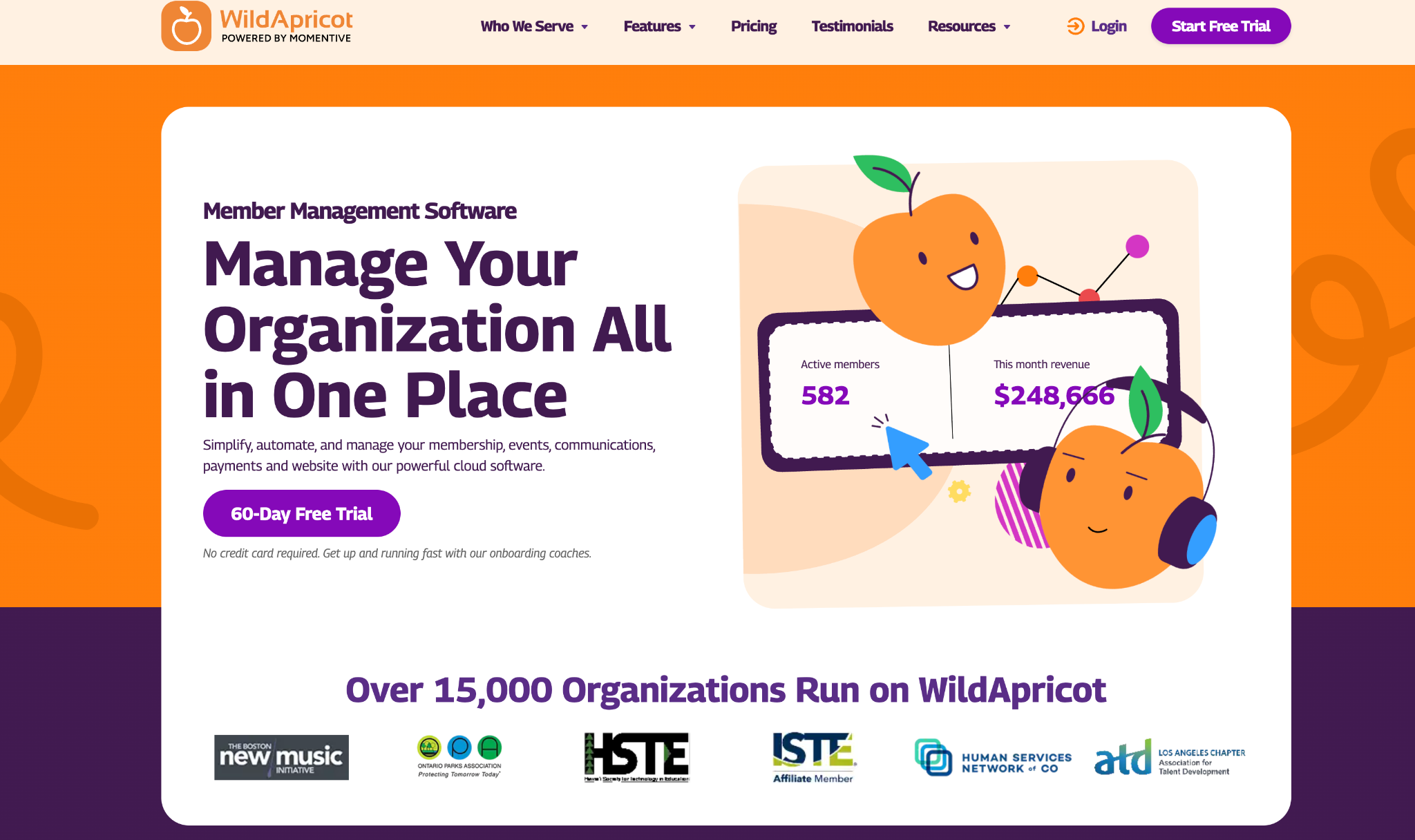
Wild Apricot’s membership management software is designed to help member-based organizations automate the busywork and focus on what matters, offering excellent membership management, event registration and planning, and donation tracking tools.
The member management software has features that streamline administrative tasks, allowing organizations to focus more on growing their member database and engaging with their members.
What you’ll get:
- Member database
- Website builder (with templates)
- Payment processing (including offline)
- Event management
- Email & Communications (including text notifications)
- Mobile app
- Online store
- Integrates with other tools
Why is it ideal for non-profits and charities?
Wild Apricot’s features support the unique needs of non-profits and charities, like handling volunteers, managing tiered memberships, and processing recurring donations. It offers tiered pricing based on the number of contacts, which makes it scalable and affordable for small organizations.
Wild Apricot offers free onboarding support from day one — no extra cost. Their onboarding coaches walk you through setup, data import, and how to use the website and event tools.
Reasons to buy
Wild Apricot offers all the tools you need to manage memberships, acting as a one-stop-shop for your needs. This makes it very user friendly and simple to use, with all your membership activity happening in one place.
It integrates with other tools, notably QuickBooks, WordPress and Mailchimp– you can also sync your external calendars from Google or Outlook. You can also create custom apps and plug-ins with the APIs, making it more flexible than some of the other softwares on the market.
The pricing levels are determined by the number of contacts you have, which makes it more affordable for smaller organizations, and you won’t have limited feature access.
Here’s what their users have to say:
Wild Apricot is a good platform for small to mid-sized associations who need to manage memberships, events and billing all in one place. It is easy to use, can be modified by someone with programming experience and delivers a great customer/member experience.
E O.
Reasons to avoid
There are reports of unsatisfactory customer service, with users having difficulty getting through the chat bot to a customer service agent when they need help.
While the lower pricing tiers are affordable, Wild Apricot can quickly become expensive as your organization’s membership grows, so you’d need to consider whether this will fit within your budget over time.
The online community features also aren’t as modern and engaging as some users would expect:
It’s been a bit since I used WildApricot but one of the things I found VERY limiting was the flexiblity of the directory. It display the information but not in a very attractive format and there were/are no options to vary it. I have found better tools for that also less expensive.
Susan D.
What you can expect
You’d need to have member access to get a view of what the Wild Apricot experience looks like from the inside, but here are some examples of organizations using the software to manage their memberships:
Australian Association of Graduate Employers
Friends of the Tasmanian Museum and Art Gallery
Compass Arts – Beacon NY arts school
Pricing
Wild Apricot pricing depends on the number of contacts you have in your database. They offer 10% off if you pre-pay for a year, and 15% off if you pre-pay for 2 years. A 60-day free trial is also available with no credit card required:
| Number of contacts | Price (billed monthly) |
|---|---|
| 100 | $66/mo |
| 250 | $82/mo |
| 500 | $154/mo |
| 2,000 | $265/mo |
| 5,000 | $462/mo |
| 5,000 | $485/mo |
| 15,000 | $584/mo |
| 50,000 | $992/mo |
2. AMO
Best for: Professional associations
Capterra rating: ⭐4.7 stars
Overview
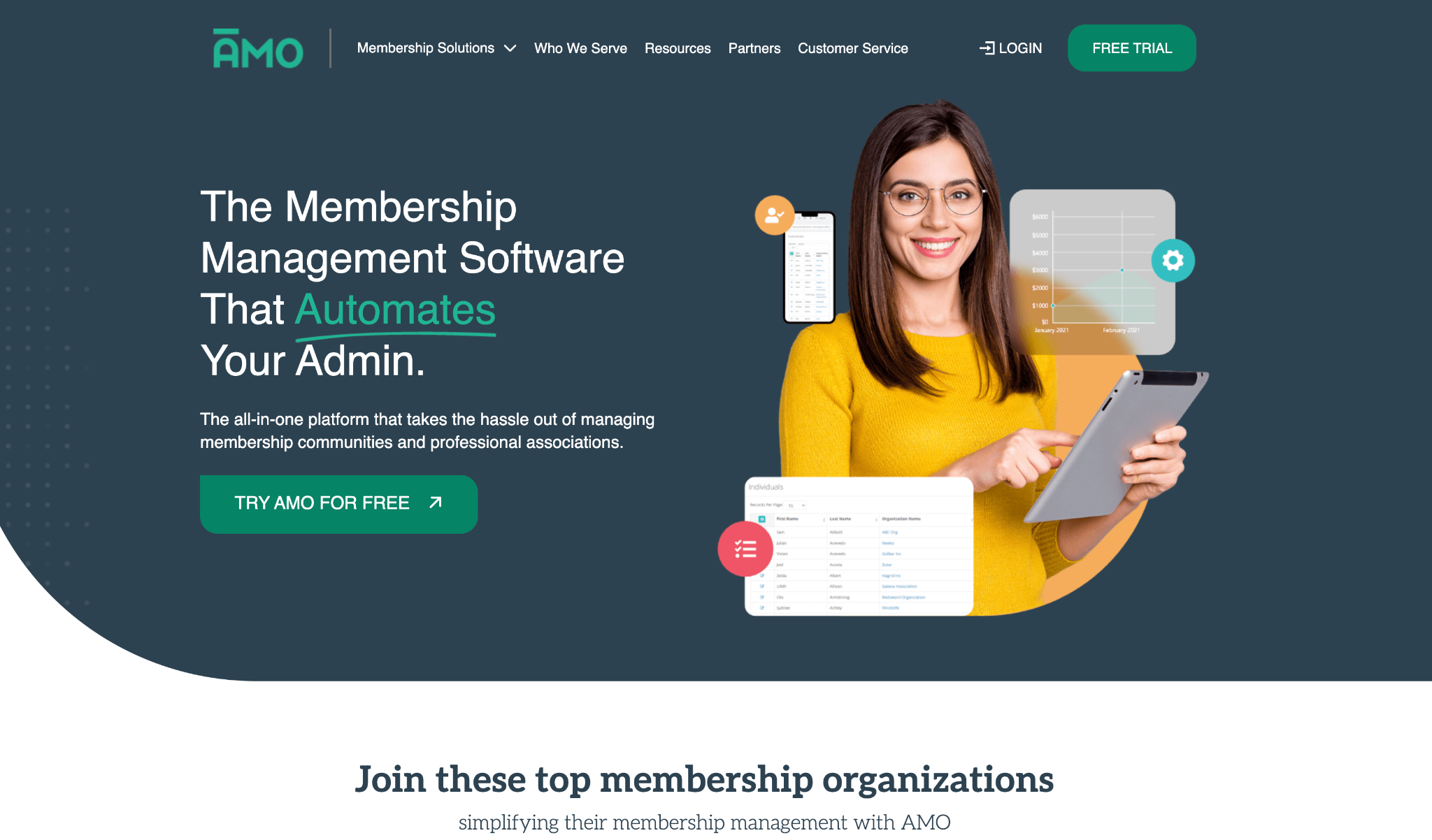
AMO is a membership management tool that’s all about cutting down the amount of admin involved in managing a membership, freeing up your time and energy to focus on the real stuff; engaging your members and providing a great experience with a professional look and feel.
Built for professional associations in mind, the features include:
- Member database
- Admin automation
- Custom website
- Event management
- Online community
- Online store
- Reporting
- Accounting and payments
- Sponsorships and ads
- Website customization and plug ins
Why is AMO best for membership associations?
Unlike general CRM or membership tools, AMO is specifically designed for membership associations, including trade groups, professional societies, and alumni networks. The tools (and language) reflect the day-to-day realities of running an association and cover everything they need.
The reporting and analytics tools give you access to detailed dashboards and customizable reports to track engagement, revenue and event performance, which is key for strategic planning and reporting to board members.
Reasons to buy
It’s a powerful set of features that AMO’s software delivers, which means you’re able to provide a professional and engaging experience for members while cutting down on the amount of manual admin work that often comes with managing a large membership.
The communication tools and community element also enhance your member’s experience, making it easy to provide updates, start discussions and share important information from one place.
They do offer a free trial. You fill in a short form on their website and they set it up based on your association’s needs before you log in.
A lot of their reviews highlight great customer service as a major plus for AMO, in addition to the software matching the unique needs of associations:
Exceptional. Truly rare customer service, and the direct involvement of [sensitive content hidden] and team is unparalleled. They truly understand associations, and it’s so rare to find a company these days that has that depth of understanding! I highly recommend AMO to any association!
Su H., Executive Director, Non-profit management
Reasons to avoid
The main drawback for AMO is the basic website builder. Users report that it can feel clunky, and there’s limited options for customization, so you can expect limited functionality. Some also mention that it’s not straightforward to configure to your association’s needs without reaching out to their team for support.
They also don’t have standard pricing listed on their website, you need to contact them for a quote. While several user reviews call out the software as being good value for money, what you pay is likely determined by the size of your association and how many members you have.
The website builder is difficult to navigate without assistance and it would be nice to have more messaging templates/features for sending items such as newsletters, etc.
Tina B., President, Management Consulting
What you can expect
AMO’s website features testimonials from real customers but no detailed case studies. You can request a free trial directly on their website to explore the platform before committing.
Pricing
AMO does not list pricing on their website. You’ll need to contact their team directly for a quote, as pricing is based on your organization’s size and needs. A free trial is available on their website.
3. Mindbody
Best for: Fitness studios & gyms
G2 rating: ⭐3.7 stars
Overview
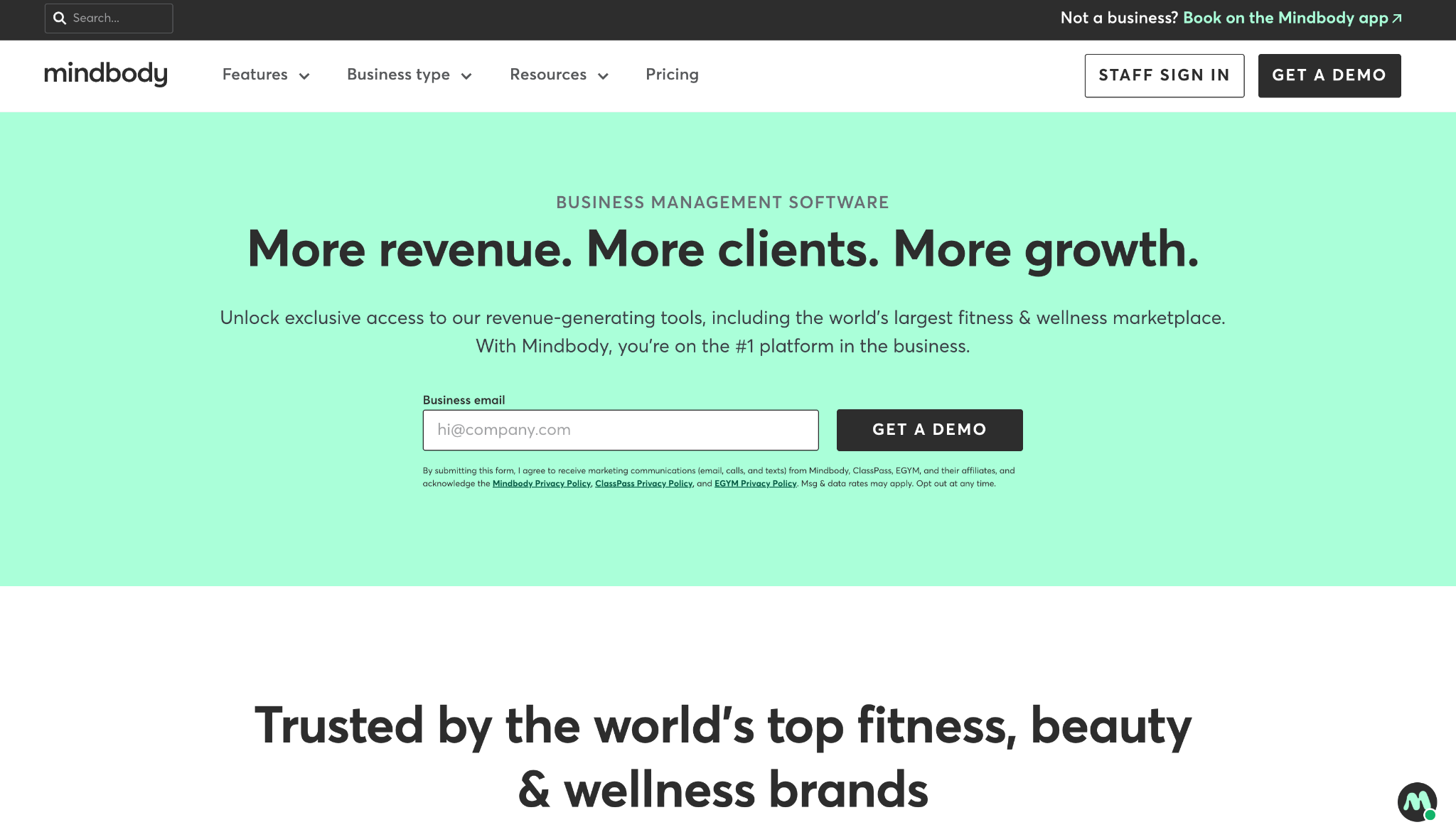
Mindbody is a popular booking and scheduling app that takes care of the admin involved in running classes, coaching and other in-person appointments. It makes it easy for attendees to book with you, and the software has a range of features for managing your team, accepting payments, and marketing your services, so it’s a good all-rounder for managing your studio.
What you can do with Mindbody:
- Payment processing
- Staff management
- Schedule classes & events
- Reporting
- Mindbody app & marketplace
- Marketing tools
- AI messenger
Why is Mindbody best for fitness studios and gyms?
The booking software makes it super simple for customers to book with you, and manage their payment and schedule. It’s a well-known brand that’s very popular for fitness classes, so users tend to be familiar with Mindbody and how it works, and they can find you directly from the app.
Reasons to buy
With Mindbody, businesses have access to a large number of potential customers (3M+ active users) through their online marketplace, giving you a greater chance of being discovered by new clients.
Another plus is the team management features. You can manage schedules, payroll and monitor performance all within the system.
You can use the built-in sales and marketing tools to automatically run campaigns and capture leads. Plus the Messenger[ai] tool can be put in place to respond to clients and messages out of hours.
You’ve also got the option of creating your own branded app to give a more personal, branded experience.
Here’s what their customers have to say about the booking experience:
What I like best about Mindbody is how it helps streamline both the member and operational experience. As a Director at Alloy Personal Training Lincoln Park, having one platform for scheduling, memberships, reporting, and client communication helps our team stay organized and deliver a better experience to our members.
The app makes it easy for members to book sessions, manage their schedules, and stay accountable to their fitness routines, which is huge for consistency and retention. On the business side, it allows us to track attendance, automate processes, and manage day-to-day operations more efficiently so our coaches can focus more on people and less on administrative tasks.
info l.
Reasons to avoid
You need to contact Mindbody’s sales team for accurate information on pricing tiers. The platform is pricey if you want access to all features and there’s no free trial available to test it out before committing.
The user interface is a common drawback for Mindbody users, it’s not as intuitive and modern as other systems and this also causes negative reviews from end-users using it to book.
The branded app is limited in what it can do. It’s basically an extension of the desktop booking system and doesn’t offer any additional features or value.
Unlike other fitness software platforms, Mindbody doesn’t include a website builder. Their marketing tools are designed to capture leads from your listing in the Mindbody marketplace, so if you wanted to have a proper website that would require additional work and tools on your end.
Some recent reviews highlight issues with functionality:
After the last major update, mindbody is VERY slow after you click on a few screens. It’s not compatible with all browsers anymore especially Safari. It works best on Chrome. It doesn’t work with firefox. The account details screen, which we need to access constantly is especially slow.. Read more
Elements I.
What you can expect
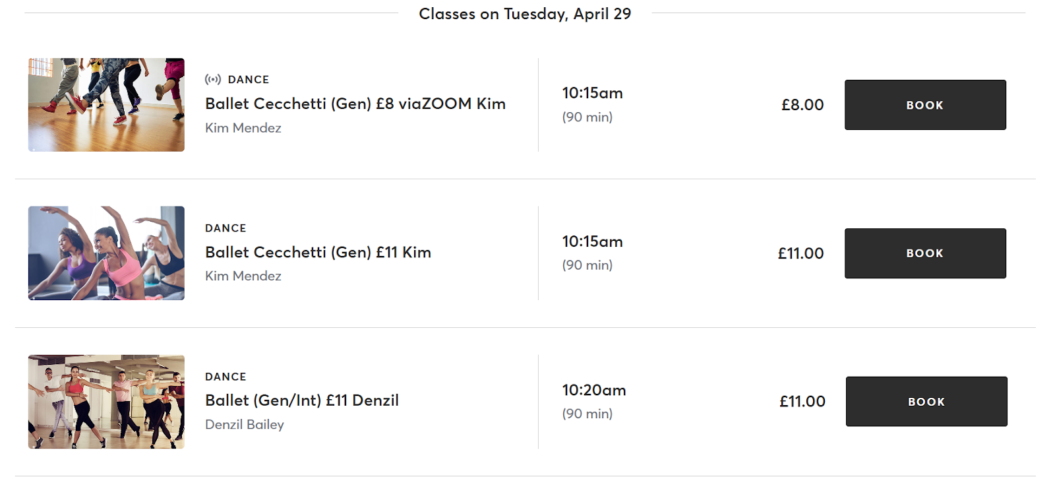
Your listing on Mindbody looks something like this:

It’s a simple layout with the key information, and then users can see what sessions are available to book (plus the cost) in a calendar format:
Pricing
Mindbody offers 3 pricing plans: Starter, Accelerate, and Ultimate. Pricing starts at $99/month per location but you’ll need to contact their sales team for a full quote.
4. Join It
Best for: In-person sports clubs and events
G2 rating: ⭐4.7 stars
Overview
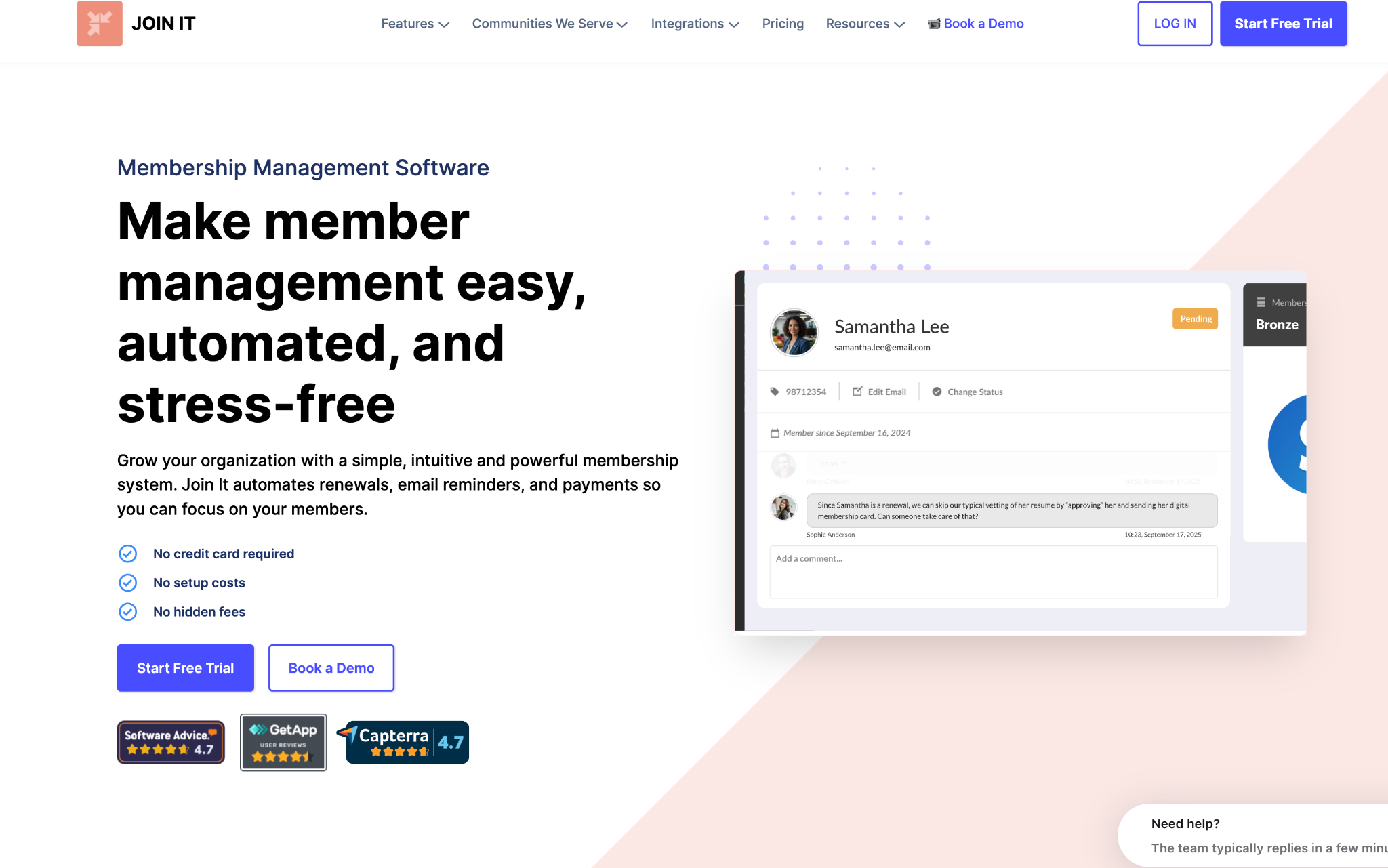
Join It is a membership database that automates the admin-side of sports memberships, making it easier to bring your team and wider community together to practice and socialize. It handles member renewals, flexible group memberships and keeps all your data in one place.
What you’ll get with Join It:
- Member database
- Digital membership card
- Member portal
- Automations (including renewals)
- Reminder notifications
- Website builder
- Online check in
- Membership CRM
- Embeddable widget for existing website
Why Join It is best for in-person sports clubs
The simplicity of the software makes it ideal for clubs with limited admin resources who need simple, mobile-friendly tools. It’s also very affordable for small clubs, with prices starting at $29/mo.
It offers custom membership types (like family, youth, seasonal passes), easy online sign-up and renewal, plus automated renewal reminders and invoices. This helps sports clubs reduce paperwork and manual tracking, especially during busy seasons.
The member portal is also designed to be mobile friendly, making it accessible for busy players, parents, and coaches.
Reasons to buy
Join It is praised for being easy to use and offering quick and attentive customer service. They also offer a wide range of integrations including Slack, Eventbrite, HubSpot, QuickBooks, Zapier, Mailchimp, Stripe, SurveyMonkey, WordPress, and more to bring all aspects of membership management under one roof.
They call out Eventbrite as one of their most popular integrations, and crucially, they listen to what their users want and act on that to keep growing the platform.
Let’s see what their customers have to say:
The platform has been perfect for setting up our membership scheme at The Lubber Fiend (a DIY music venue/charity in Newcastle, UK) – intuitive, easy to use and holds all of the membership/payment info all in once place. The platform is very reliable and we’ve never had any issues with it going down or members being unable to access their info etc. Read more
Gareth A.
Reasons to avoid
Overall the user testimonials and reviews for JoinIt are positive. The main downside of the software is the limited functionality with some of the features, like the website builder and emails or missing features that users want to use. But in most cases, these features have been added to the platform over the years (like website builder and additional integrations, like Zapier.)
What I like the least is that emails to our members are very limited. It seems that the only two options are automated emails and quick/easy emails that have limited capabilities.
George, Verified reviewer
While it’s affordable to get started ($29/mo for their starter package) this doesn’t include all the features, and limits you to three admin seats, so you’d be looking at a minimum of $99/mo to make the best use of what Join It has to offer
What you can expect
You need to be a member to see the full experience of a club membership with Join It but here’s a sneak peek of Pine Hills Country Club’s listing on JoinIt:

Pricing
Join It offers a 10% discount for annual plans, plus non-profit organizations qualify for an additional 10% off.
Starter package: $29/mo
Total package: $99/mo
Extra package: $199/mo
Enterprise package: custom
5. Ch Meetings
Best for: Church administration
G2 rating: ⭐4.9 stars
Overview
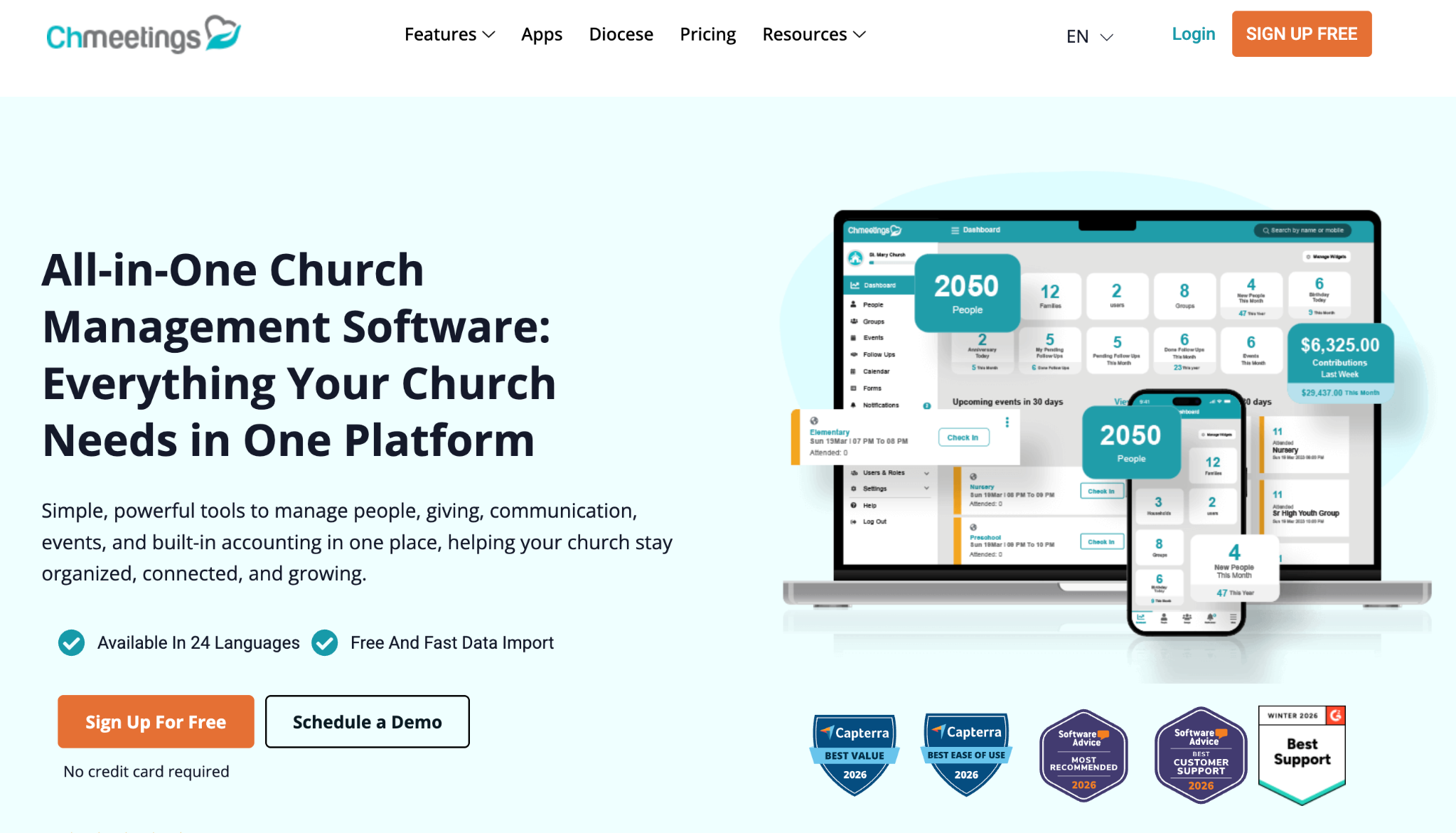
Ch Meetings is built specifically for church membership management, so it’s designed to meet your specific needs from managing member data to handling donations and volunteer activities. It’s used by over 7,000 churches, ministries and dioceses with a 4.9 overall star rating and offers a free trial to let you test it out before committing.
Key features include:
- People & groups management
- Accounting
- Online giving & pledges
- Events & check-in
- Volunteer scheduling
- Worship planning
- Messaging (email, text, push notifications)
- Member portal
- Integrations
- Mobile app
Why is Ch Meetings the best choice for churches?
The software is custom built to support the unique needs of running a church, so its features reflect all the essential tasks that you need to take care of day to day.
It has a range of pricing tiers based on the number of members you have, so it’s flexible for both smaller and large church organizations, though some features like Accounting, Volunteer Scheduling, Worship Planning, Advanced Reports, and Priority Support are only available on paid plans.
Reasons to buy
The range of features the software offers touches on every aspect of church management, which is something often praised in user reviews and testimonials:
I like how ChMeetings has really helped us a lot with reporting and consolidating information for our church administration. It’s made things easier by updating everything for everyone when a change is made. The follow-up notifications are immediate, so I can track who hasn’t been followed up. The platform helps a lot, especially with the accounting functions, which are almost like a full accounting system. It’s going to save us a lot of costs. The ability to have profiles for people is great for keeping track of everyone. Setting up ChMeetings was quite easy and user-friendly, and the support team is quick to help with any issues.
Monica L.
Excellent customer service is another pro that’s often called out, and the system is easy to use and get started with. They offer an onboarding process to help you get set up and configure the software to suit your church’s needs.
It’s also very affordable, with the highest pricing band coming in at $55/mo which makes it a bargain in comparison to other membership management software on the market.
Reasons to avoid
Some users cite that it’s hard to manage events across different ministries and reporting at diocese level is not yet fully developed. It’s also not possible to generate custom reports outside of the standard template.
While some custom features are lacking for users, they also mention that many of these are included in the product roadmap, and Ch Meetings are receptive to feature requests for their users.
What you can expect
The free plan lets you manage up to 50 people at no cost, permanently. You can upgrade to a paid plan whenever you’re ready.
Pricing
ChMeetings offers 6 pricing tiers, starting with a free version. When paying annually, you pay for 10 months instead of 12.
Free: $0/mo (50 people)
V. small: $10/mo (100 people)
Small: $20/mo (250 people)
Medium: $35/mo (500 people)
Large: $45/mo (1,000 people)
Unlimited: $55 (unlimited people)
6. Uscreen
Best for: Video memberships
G2 rating: ⭐4.7 stars
Overview
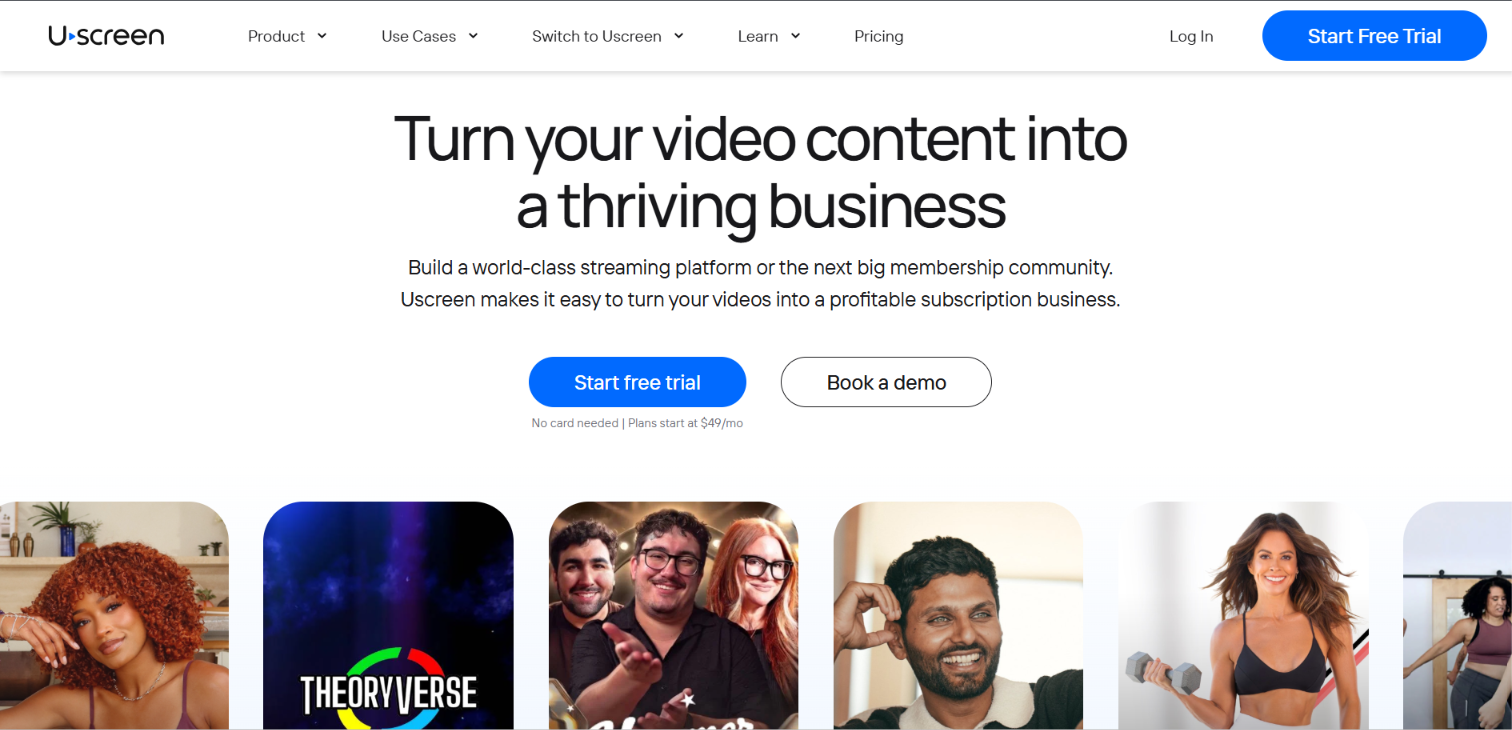
Uscreen is an all-in-one video membership platform and member CRM, built for businesses that earn recurring revenue from their video content. You get a Netflix-style catalog, branded mobile and TV apps, live streaming, and built-in community and marketing tools, so the whole membership runs in one place instead of across five separate apps. It powers more than 4,000 video memberships today.
What you’ll get:
- Netflix-style video catalog
- Video monetization (subscriptions, rentals, one-time sales, bundles)
- Branded mobile and TV apps
- Community tools
- Live streaming
- Marketing tools and automations
- Member CRM
- Analytics
- 24/7 customer support
Why is Uscreen best for video memberships?
Uscreen is built around video, so streaming quality holds up the way paying members expect, and there’s no member cap slowing you down as you grow. Because billing, content, community, and marketing all live in one system, you’re not stitching together (or paying for) separate tools just to run the business.
That focus is the trade-off, too. It’s the right call when video is the heart of your membership, and the wrong one when it isn’t.
Reasons to buy
If your members are paying to watch, the viewing experience matters more than anything else, and that’s where Uscreen is strongest: fast, reliable streaming inside your own branded apps on phones and TVs. Apps like these are what drive daily engagement, which is what keeps subscriptions alive month after month.
The marketing side does the quieter work. Automations, email broadcasts, and a member CRM track what each member watches and buys, then trigger the right follow-up, so you can win back a lapsing member or upsell a tier without exporting data into another tool.
Reasons to avoid
Uscreen is a video-centric platform so if you’re looking for membership management software to co-ordinate in-person memberships this won’t work for you.
What you can expect
Pilates by Leah is just one example of a successful video membership on Uscreen. Leah’s membership has achieved a 90% increase in revenue since moving to Uscreen, with an 85% increase in members thanks to the app-led membership experience.
Browse some of our other customer stories below 👇
Filmmakers Academy migrated and scaled their membership by 180% with Uscreen
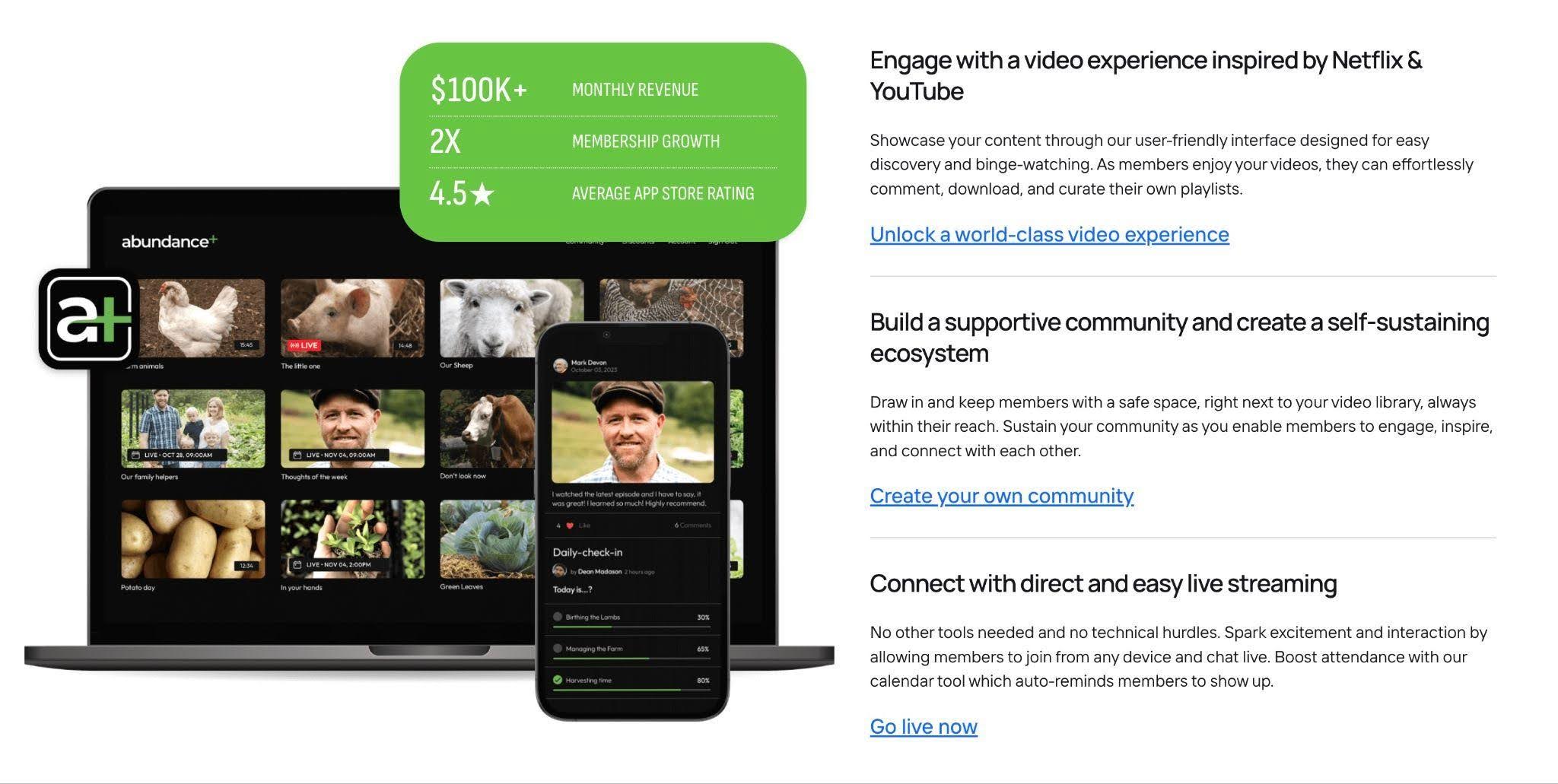
Abundance+ created a Netflix-style membership community and 2X’ed their revenue with apps
Big Picture Skiing Drives $30k+ Monthly All-Year-Round with Uscreen
Pricing
Uscreen has four plans, with up to 20% off annual billing:
- Starter: $49/mo, no subscriber fee (100-subscriber limit, monthly billing only)
- Growth: $199/mo, or $149/mo billed annually, plus a $1.99 per-subscriber fee
- App Essentials: $499/mo, or $449/mo annually, plus $0.99 per subscriber (adds iOS and Android apps)
- Custom: Custom pricing, plus $0.99 per subscriber (adds TV apps, community, and white-labeling)
There’s a 14-day free trial, and no credit card is needed on Starter. See the full plan comparison.
7. Circle
Best for: Large online communities
G2 rating: ⭐4.8 stars
Overview
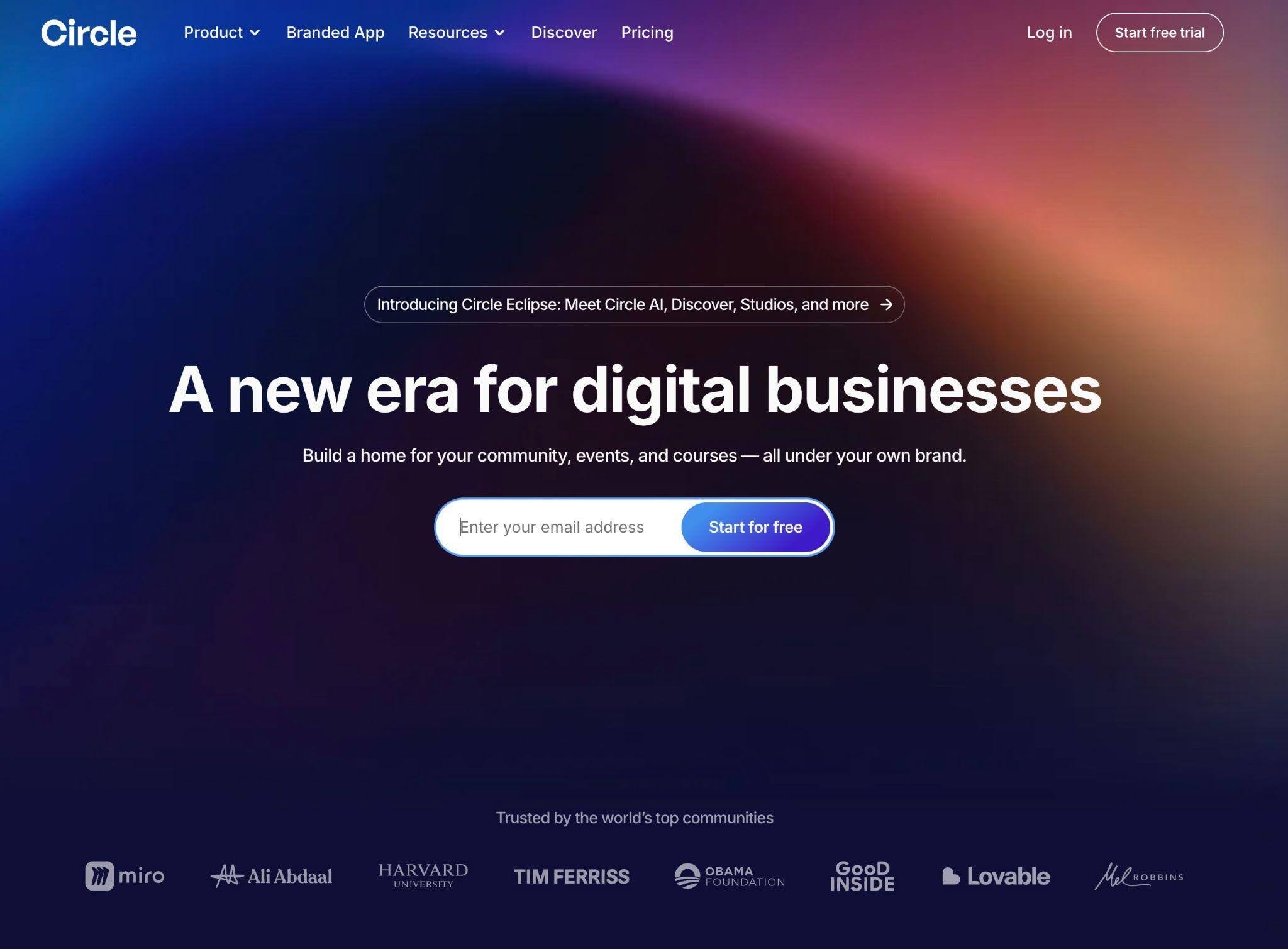
Circle brings together your online community, courses and events into one accessible hub. It has the tools to help you monetize exclusive digital content and nurture your paying community with a range of engagement tools, like live streams, DMs, group chats and scheduled check-ins.
It has a comprehensive suite of integrations, giving you everything you need to run and monetize your community.
Features include:
- Community
- Courses
- Discussions
- Events
- Live streaming
- Member profiles
- Workflows
- Analytics
- Integrations
- Email hub
Why is Circle best for large online communities?
Unlike forums or course platforms that bolt on community features, Circle is designed from the ground up for building interactive, engaged communities. Features like member directories, direct messaging and discussions make it stand out.
You can also structure it by topic for organized discussions and set up private or VIP groups, to keep things organized as you scale.
Reasons to buy
Circle is easy to use, and it has all the features you need to manage an online community. The user experience is intuitive and meets the expectations of a digital-first audience, with more comprehensive features for engaging an online community in comparison to more traditional membership management software.
I love the Circle interface because it’s intuitive and easy to understand. The event creation feature is really helpful, and I appreciate its integration with my calendar. The fact that I can search up different things makes it interesting as well. I also find it quite nice that we can have courses, events, and leaderboards, which can be fine-tuned to the kind of work we do. This flexibility is really beneficial. I also like how easy it is to maneuver through various sections like the feeds and resources.
We’ve even created an SOP library, which makes it easy to move through our database of contacts and coursework. This makes it quite beneficial for me. The performance so far has been well put together; I haven’t experienced system downtime. This also comes into play: the ease of the onboarding process was exceptional. I was able to set up an account and learn my way around within minutes. I have not had any AI features to use with it, so that might be an area of improvement for Circle. The team should look into adding more AI aided features in the coming updates.
Verified User in Professional Training & Coaching
Circle is highly rated for customer service, and multiple users highlight the regular roll out of new features based on what their customers want, and they offer a wide range of integrations to link your existing tools.
Reasons to avoid
Circle can quickly become pricey if you want access to all the features and the ability to scale your community, with the branded mobile apps only being available on the highest pricing tier.
Circle now includes a website builder, available on all plans.
Several users also call out that they rely on third-party integrations through Zapier, which means juggling (and paying for) multiple tools. Check out these Circle alternatives if you’re looking for options that better fit your goals.
I find a lot of the settings on Circle can be very convoluted and difficult to navigate, especially when creating specific sections like event or posting sections. It can be a bit confusing and has a learning curve. There are just so many features, like space-specific features and category-specific features, making it a lot to navigate around from the admin side.
Better navigation or a more seamless UI/UX experience for the administrator would be great. The different settings per category or event could be better built out and showcased. Alternatively, leveraging generative AI to plain language to build out would be incredible.
Joseph E.
Medical Assistant Small-Business (50 or fewer emp.)
What you can expect
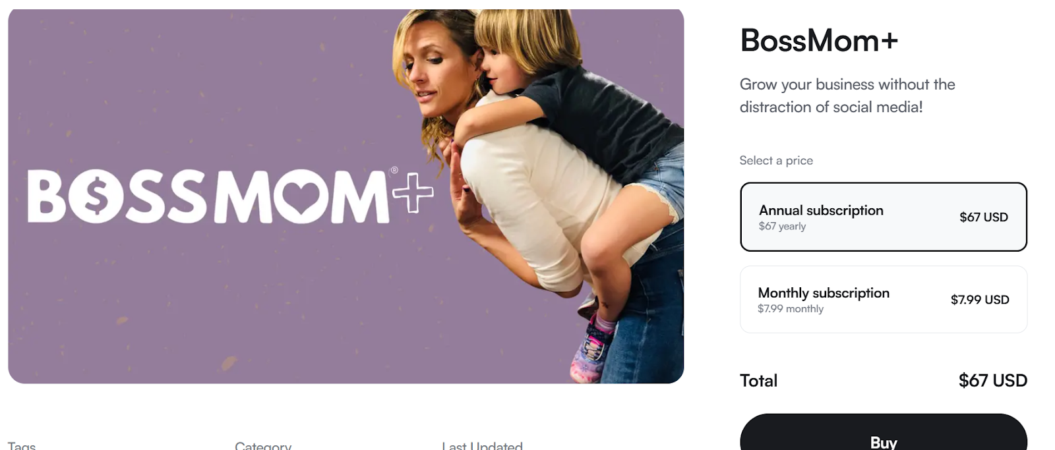
Here are some examples of online communities built on Circle which are visible on the Circle marketplace (Discover):


Pricing
Circle offers 4 pricing plans:
Professional: $89/mo
Business: $199/mo
Enterprise: $499/mo
Circle plus: Custom pricing
8. Membership.io
Best for: Membership website builder
G2 rating: None
Overview
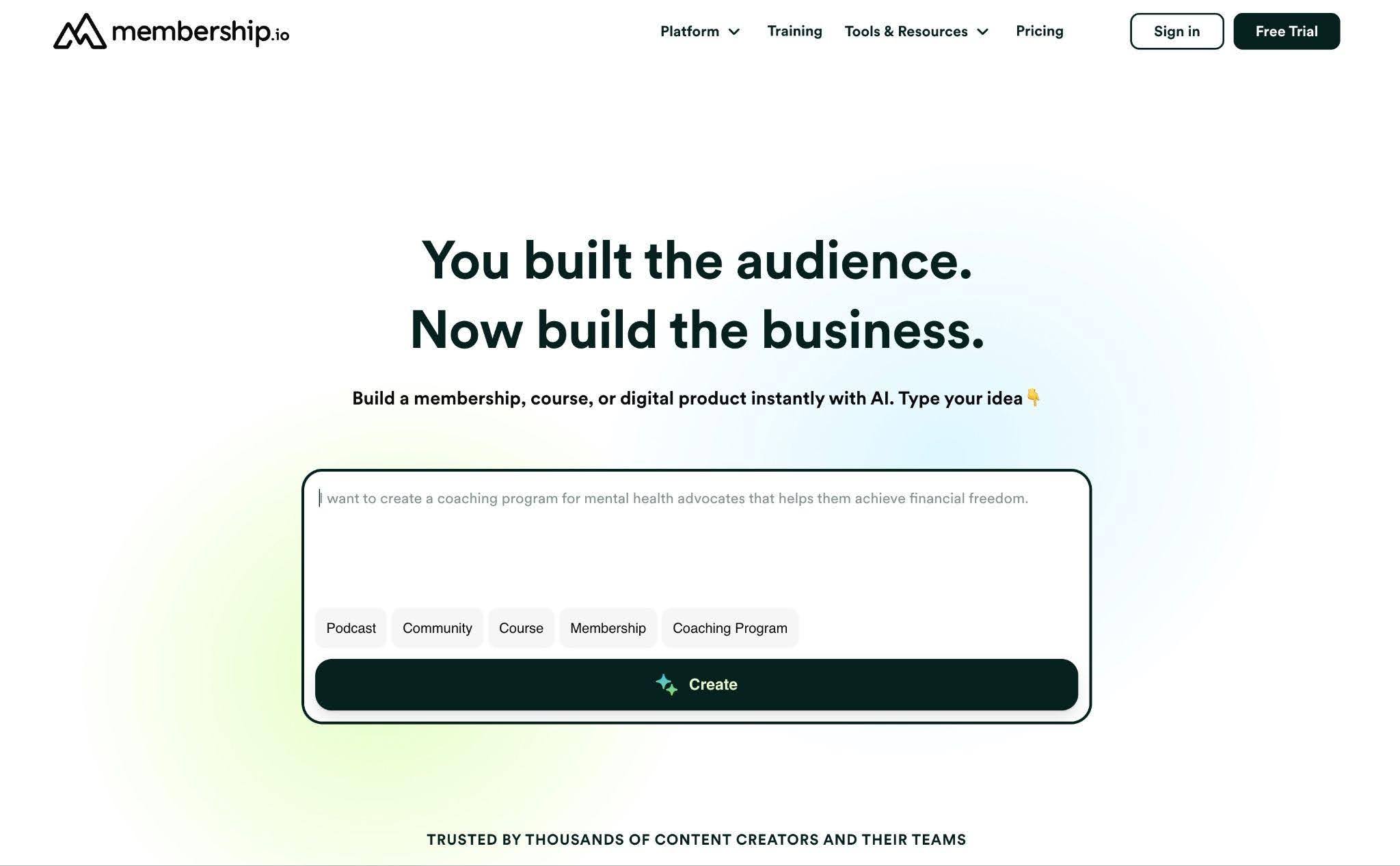
Membership.io (previously Searchie) is an affordable solution for building an online membership, with a range of AI tools to make the process simple, and fast.
You can build your membership site without needing any technical expertise, or input from a developer, by choosing from their range of ready-to-use templates that are custom built for memberships. Ideal for courses and coaching to bring together your members and foster a real community.
Features include:
- Content library
- Hubs
- AI chat plug in
- Mobile app
- Integrations
- Community
- Search
- Personalization
Why is Membership.io best for building a membership website?
If you’re just getting started and want to focus on building your website, Membership.io offers a cheap starter price making it affordable for anyone.
The AI content assistant also makes the process easier, and helps to populate your web pages with copy, saving a lot of time and work.
It supports different types of memberships, and gives plenty of flexibility to grow and scale.
Reasons to buy
One of the big pros for membership.io is the fact it’s seamless and easy to use. The AI features are one area that make it stand out; acting as a content assistant for generating titles, descriptions, summaries and repurposing– saving a lot of time and effort.
They also offer personalisation and gamification features to enhance engagement with your members and an AI chat plug-in to give a 24/7 customer service presence.
It’s also very affordable – you can get started from as little as $7/mo, making it accessible for beginners and small creators.
I’m currently testing their WisdomAI for a lighthouse SEO client and I love how it’s going so far! I’ll be releasing a case study soon as this is absolutely going to be a game-changer for the whole Content Experience and Customer journey! Their support team is SO amazing too – so glad that I found them
Rowena Bolo
Reasons to avoid
While membership.io does offer a mobile app, it is only available as an add-on and is not included in the standard plans.
The community features can be limited, and it doesn’t offer any in-built marketing tools so you’ll have to rely on third-part integrations and manage multiple platforms to run your membership business.
There’s also a lack of substantial reviews available for membership.io, so there aren’t a lot of user testimonials or customer stories to draw from about their customers’ experiences with the platform.
What you can expect
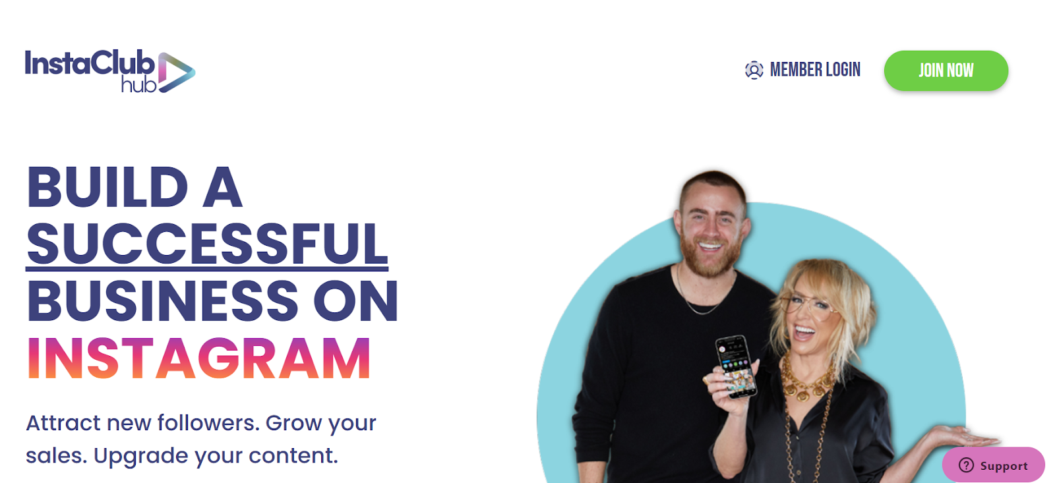
See some membership.io built websites in action:

Pricing
Membership.io offers 5 pricing plans, and a 16% discount on annual plans.
Creator: $7/mo
Start: $49/mo
Grow: $199/mo
Scale: $219/mo
Enterprise solutions: Custom pricing (contact for a demo)
Business and enterprise: Custom pricing
9. Recharge
Best for: Physical product memberships
G2 rating: ⭐4.4 stars
Overview
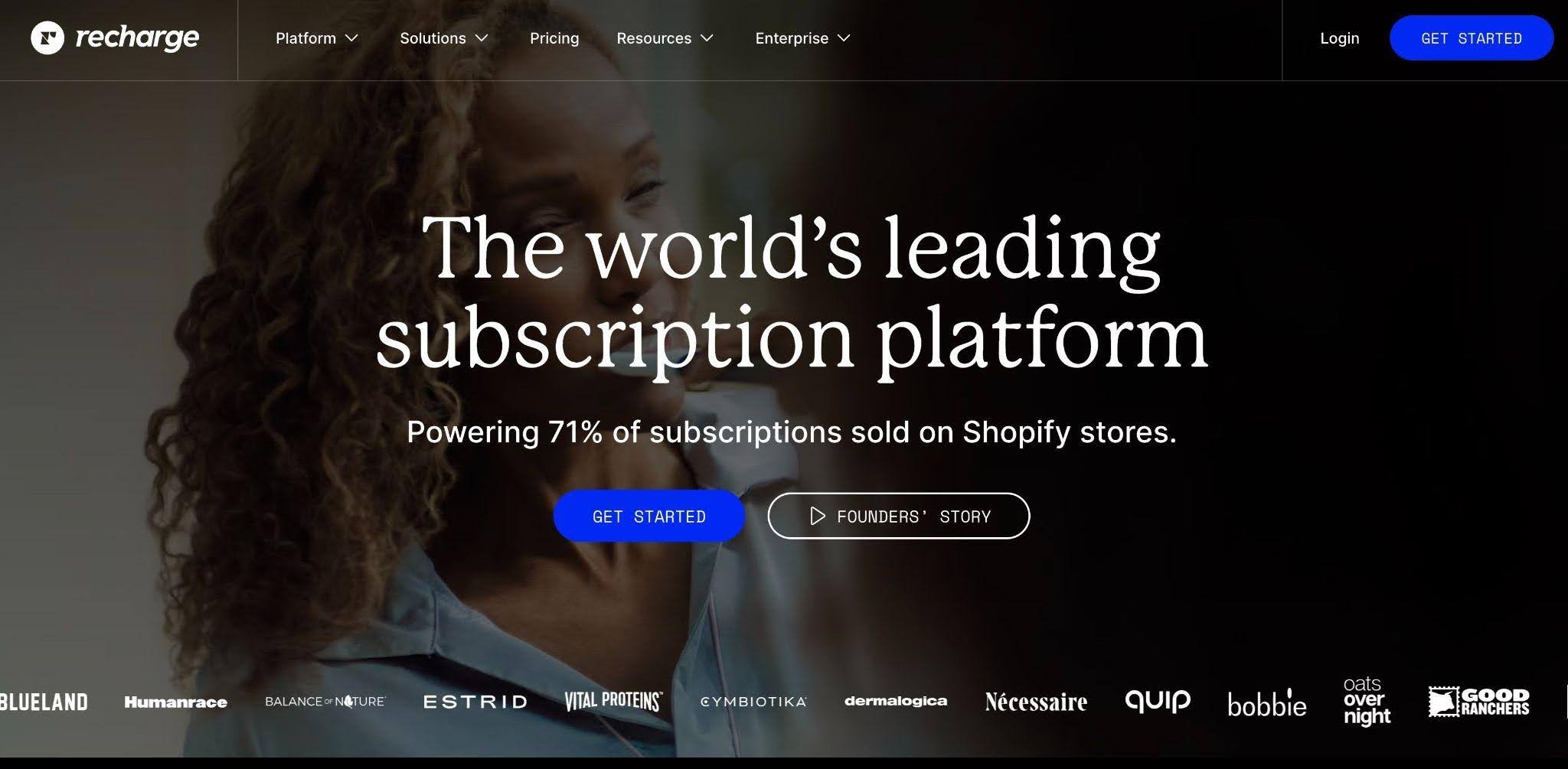
Recharge is a platform for physical product subscriptions. It’s used by e-commerce brands as an all-in-one solution as an all-in-one solution to find customers, retain them and grow their business, making it ideal for memberships that center around recurring product purchases.
It comes with features like:
- Subscription management
- Revenue tools
- Analytics
- Integrations
- Concierge SMS
- Retention tools
- Growth tools
Why is Recharge best for physical products?
Unlike general billing platforms, Recharge is optimized specifically for selling physical goods on a subscription basis. It handles:
- recurring orders
- Flexible subscription options (e.g., weekly, monthly)
- One-time and bundled products
It gives customers control over their subscriptions, reducing churn and support requests. Plus, it offers growth tools like loyalty & referral programs, upselling and first order discounts to help turn first-time buyers into recurring subscribers.
Reasons to buy
Recharge is easy to use and doesn’t involve a learning curve to get the hang of. The platform has in-built analytics tools to monitor member activity and sales, giving key insights on your business performance.
Overall, their customer service is positively reviewed, with 24 hour chat support for quick and accessible help when needed.
Recharge has been an essential part of how we manage our subscription business and what stands out most is how seamlessly it integrates with Shopify to create a smooth and reliable subscription experience for both our team and our customers. The customer portal is particularly valuable, giving subscribers the ability to self-manage their subscriptions by skipping, pausing, swapping products, or updating billing and shipping details without needing to contact support, which has significantly reduced our support ticket volume.
The flexibility in how subscription rules and billing intervals can be configured allows us to offer a variety of subscription options that match different customer preferences and purchasing behaviors. The analytics and retention tools have also been a standout feature, giving us visibility into churn, active subscriber counts, and lifetime value metrics that help us make smarter decisions about how to grow and retain our subscriber base. The dunning management features that automatically handle failed payments and recover revenue that would otherwise be lost have also added meaningful value to the bottom line.
Mitchell O.
Reasons to avoid
There’s a big jump in price between the Starter plan ($99/mo + transaction fees) and the Plus plan ($499/mo + transaction fees) and some advanced features like Concierge SMS, Loyalty Rewards and Referral programs are only available on Plus and Custom plans.
Several users mention the lack of integration with Shopify and frustration with some of the features:
I feel like Recharge Subscriptions could improve by offering more flexible customer self-service options for subscription changes. I’d like a simpler setup to speed up the onboarding process, faster performance for quicker load times and responses, better reporting to make it easier to track churn, LTV, and cohort performance in real time, and easier integrations.
Osmely V.
What you can expect
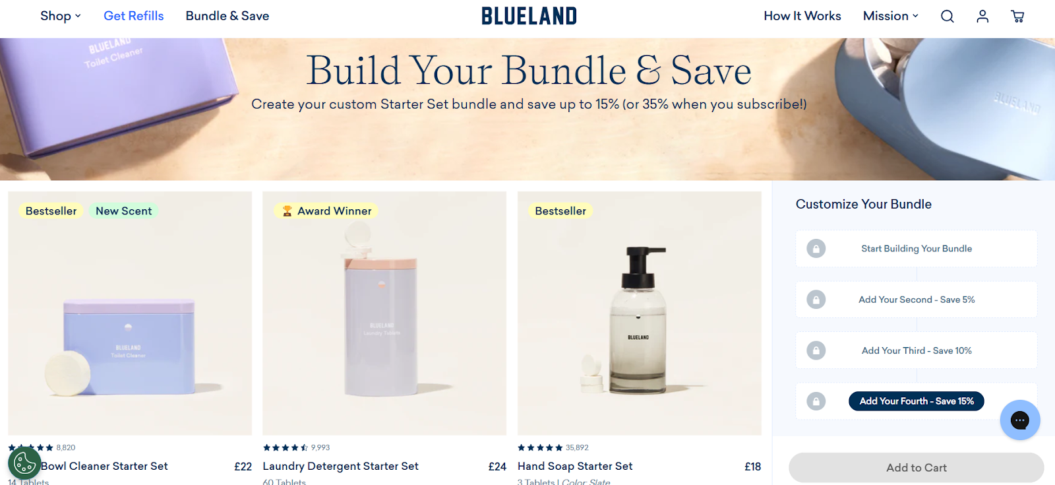
Check out some subscriptions that successfully use Recharge:
Pricing
Recharge offers 3 pricing plans:
Starter: $99/mo plus 1.49% + 19¢ per transaction
Plus: $499/mo plus 1.34% + 19¢ per transaction
Custom: Volume based rates
10. Substack
Best for: Writing communities
G2 rating: ⭐4.3stars
Overview
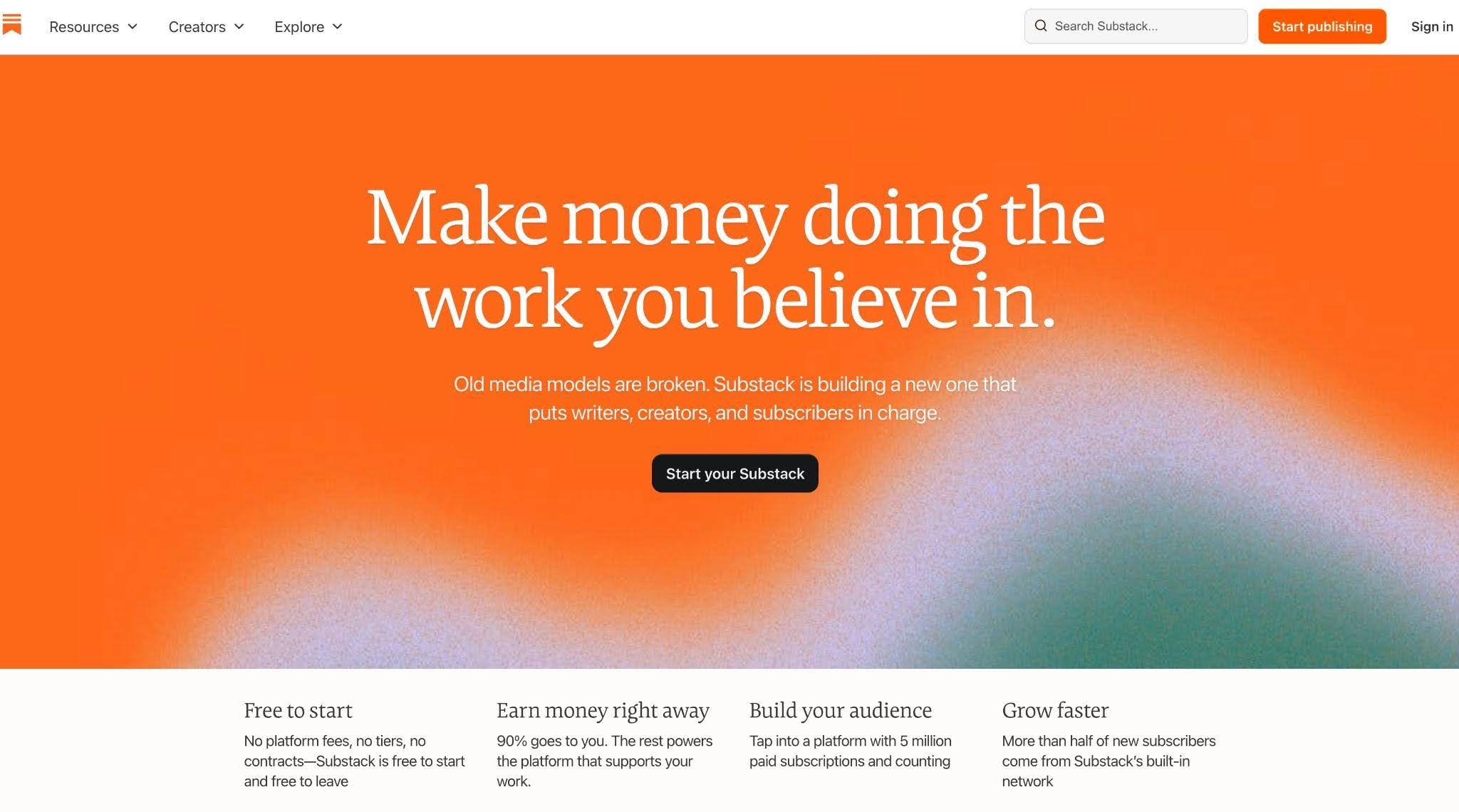
Substack is a newsletter platform built for writers. You publish your work directly onto the platform to share with your audience, where they can pay to support your work through a monthly subscription.
It’s ideal for building a membership community as it’s a reader-supported platform. Their audience wants to find and support good writing, and there’s a large community of writers on there you can connect with.
Features include:
- Website
- Email newsletter
- Community
- Subscription model
- Payments
- Customer support
- Analytics
Why is Substack best for writers?
Substack was built for writers as a publishing platform where they’re in control of their writing and how they engage with readers. Subscribers pay you directly, so there’s no gatekeeper in control of what you write, or how.
It’s also home to a large community of writers, opening up lots of opportunities to connect with peers and build up your network.
Reasons to buy
Substack is free to use, so getting started is low-risk, as you don’t pay anything until you start earning money through the revenue share model.
Another great plus for Substack is that it’s much easier to set up than a blog or website. There’s no additional infrastructure to maintain, and the newsletter format means you’re reaching your audience directly in their inbox.
What I like best about Substack is that it gives me a simple and focused platform to share my design work and ideas without distractions. I use it to publish my creative posts, which helps me present my work in a clean and professional way. It also allows me to connect with other designers and creatives, which makes it easier to learn, share knowledge, and get inspired. Overall, it supports me in building my creative presence and helping others through my design insights
Muzammil M.
Reasons to avoid
Substack charges a 10% fee plus additional Stripe and credit card fees (2.9% + $0.30 per transaction and 0.7% for recurring payments) which can end up taking a substantial cut of your earnings.
Some users report limited features. Substack is built to be simple to use, but that means there’s little opportunity for any advanced customization. If you wanted to create a bespoke space, this might not be the place for it.
It’s also a competitive space. While there’s a large audience on the platform, it can be challenging to get noticed and gain paid subscribers among the big names and popular accounts.
It can take a long time to gain enough traction to be able to monetize one’s content.
Deepak M.
What you can expect
Some examples of memberships on Substack include:

Pricing
Substack charges a 10% fee plus additional Stripe and credit card fees (2.9% + $0.30 per transaction and 0.7% for recurring payments as of July 2024). Publishing on Substack is free — you only pay fees when you enable paid subscriptions.
Frequently asked questions
What is membership management software?
It’s software that handles the admin side of running a membership: signing people up, taking recurring payments, and giving members access to whatever they’re paying for, whether that’s content, events, or a community. Instead of juggling a payment app, an email tool, and a spreadsheet, you run the whole thing from one place.
What does membership management software do?
Day to day, it automates the repetitive jobs: billing renewals, sending member emails, locking content behind a paywall, and tracking who’s active or about to cancel. Most platforms also report on revenue and engagement, so you can see what’s actually keeping members around. The exact mix depends on the tool, since an association platform and a video platform handle very different work.
How much does membership management software cost?
It ranges widely. Entry plans start as low as $7 to $29 a month for simple tools, while platforms with apps, video, or large contact lists run $99 to $499 a month and up. Watch for extras layered on top, like per-contact pricing, per-transaction cuts, or per-subscriber fees, which can change your total cost a lot as you grow.
What is the best membership management software?
There isn’t a single one. The best platform depends on the kind of membership you run, because the tool that’s perfect for a nonprofit or a gym is the wrong fit for a video subscription. Match the software to your membership type first, then compare price and features within that smaller group.
What is the best membership management software for video memberships?
Uscreen is built specifically for video memberships, so it handles high-quality streaming, a Netflix-style catalog, and branded mobile and TV apps that most general membership tools don’t offer. That matters because video memberships live or die on the viewing experience and daily engagement. It works best if you already have an audience and you’re set on building recurring video revenue, rather than just getting started.
Do I need technical skills to run a membership platform?
Usually not. Most modern membership platforms are no-code, so you can set up payments, upload content, and launch without touching a developer. The one exception is the initial app setup on some platforms, which can mean a few extra steps with Apple and Google accounts, though the onboarding team usually walks you through it.
Here’s the closing section. It opens with the decision recap, lands a soft trial CTA tied to the video angle, includes the “how Uscreen works” link the brief assigns to this section, and keeps the retention article as the secondary action.
Making the most of your membership
Whichever platform you land on, the decision really comes down to one thing: matching the tool to the kind of membership you run. A nonprofit or sports club needs admin and booking tools, a community-led membership needs strong discussion features, and a video membership needs real streaming, branded apps, and the marketing tools to keep people subscribed.
If video is at the center of what you offer, that’s exactly what Uscreen is built for. You can start a free trial and see how the catalog, apps, and community actually fit together, or get a feel for how Uscreen works first.
And once your platform is sorted, the real work begins: keeping members around. Retention is the biggest challenge most memberships face, so we’ve rounded up eight proven strategies for reducing churn and keeping members for the long haul.
Membership retention: 8 proven strategies to keep your members