
Most people searching for an OTT CMS replacement already have a problem in mind. Maybe your content library outgrew the system. Maybe you’ve hit scaling limits, or monetization feels too thin. Maybe your team has simply outgrown the platform’s admin experience.
“ OTT CMS (opens in new tab) ” actually covers two genuinely different buyer needs. One is broadcast-grade infrastructure, built for DRM tiers, multi-CDN failover, and documented SLAs. The other is membership and community business tools, built for branded apps (opens in new tab) and audience retention. Rather than forcing one ranked list, this guide makes clear which platforms fit which need.
This guide covers common switching triggers, evaluation criteria for each buyer type, eight platform write-ups, a full comparison table, and a decision framework to help you land on the right fit.
For the fuller platform picture beyond just the CMS layer, see the guides to the best OTT platforms (opens in new tab) and best white label OTT platforms (opens in new tab) .
Signs it’s time to replace your OTT CMS
Most teams don’t wake up one day and decide to replace their OTT CMS. It happens gradually: the catalog gets harder to search, monetization stops matching what your audience wants to pay for, and every app request turns into a support ticket. The signs are usually there before the switch feels urgent.
Here’s what to watch for:
- Your content library has outgrown the system: Search, tagging, and categorization break down once your catalog passes a few hundred videos.
- Monetization is capped: There’s no support for tiered subscriptions, bundles, or the payment methods your audience actually uses.
- There’s no branded app path: Apps get bolted on through a third-party builder, adding cost and a separate release cycle.
- Community and retention tools don’t exist natively: Engagement work ends up happening on a second, disconnected platform.
- Admin work requires a developer: Tasks like metadata updates, publishing schedules, and access rules turn into support tickets instead of quick, self-service fixes.
- Support and migration help are thin: This shows up right when you need it most, in the middle of a switch.
OTT CMS searches split into two very different buyers
Not everyone searching “OTT CMS” wants the same thing. This term pulls in two buyers with almost opposite needs, and picking the wrong lane means comparing platforms that were never built for you in the first place.
Here’s how the two lanes split:
- The broadcast or enterprise buyer needs DRM at L1, multi-CDN failover, a documented SLA, and SSAI ad insertion. This buyer usually has an engineering team to manage API depth. Platforms like Dacast, Brightcove, Kaltura, and JW Player fit this lane.
- The membership or community business buyer needs branded apps across mobile and TV. This buyer wants native community tools, straightforward monetization, and a no-code admin experience. Platforms like Uscreen, Vimeo OTT, Muvi, and Zype fit this lane.
This guide covers both lanes honestly, without picking one universal winner that only fits one type of buyer.
What to evaluate in an OTT CMS
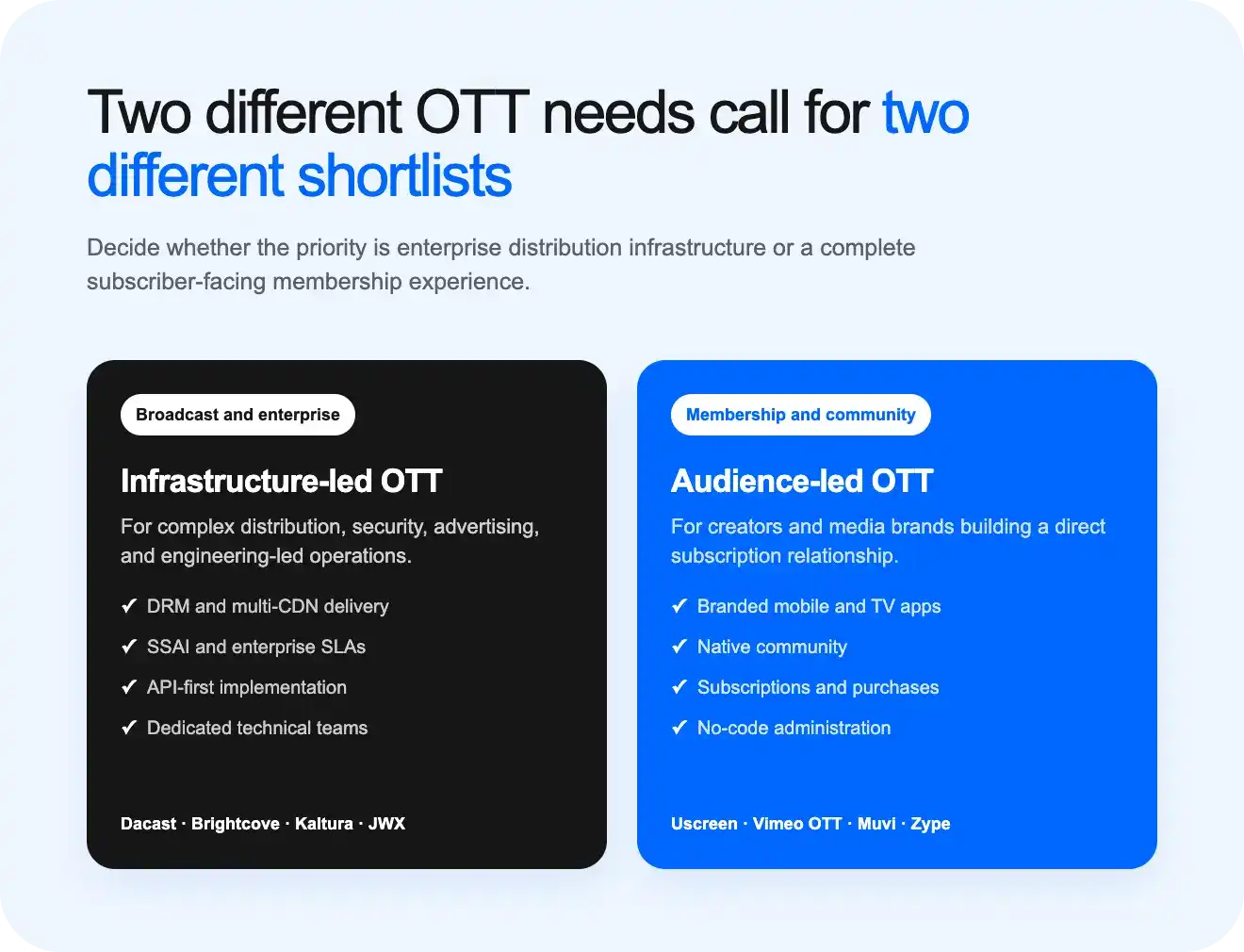
The right OTT CMS depends on which buyer lane you’re in, but a few criteria matter to almost everyone: how well the platform organizes a growing library, how flexibly it lets you monetize, and how much manual work it takes to run day to day.
Here’s the full picture, side by side:
| Criterion | Why it matters | Matters most to |
|---|---|---|
| Content organization and metadata | Determines how easily you can search, tag, and manage a growing library | Both |
| Monetization model support (SVOD/TVOD/AVOD/FAST) | Shapes how flexibly you can price and package content | Both |
| Branded app support (mobile and TV) | Affects daily engagement and how professional the viewing experience feels | Membership/community buyer |
| DRM and content protection | Protects licensed or premium content from piracy | Broadcast/enterprise buyer |
| Community and retention tools | Drives repeat engagement beyond a one-time watch | Membership/community buyer |
| Migration and switching support | Determines how much risk and manual work a switch involves | Both |
| Admin experience (technical vs. no-code) | Decides whether your team needs developers for daily tasks | Both, but weighted differently |
1. Uscreen (opens in new tab) : Best for membership and community-driven video businesses
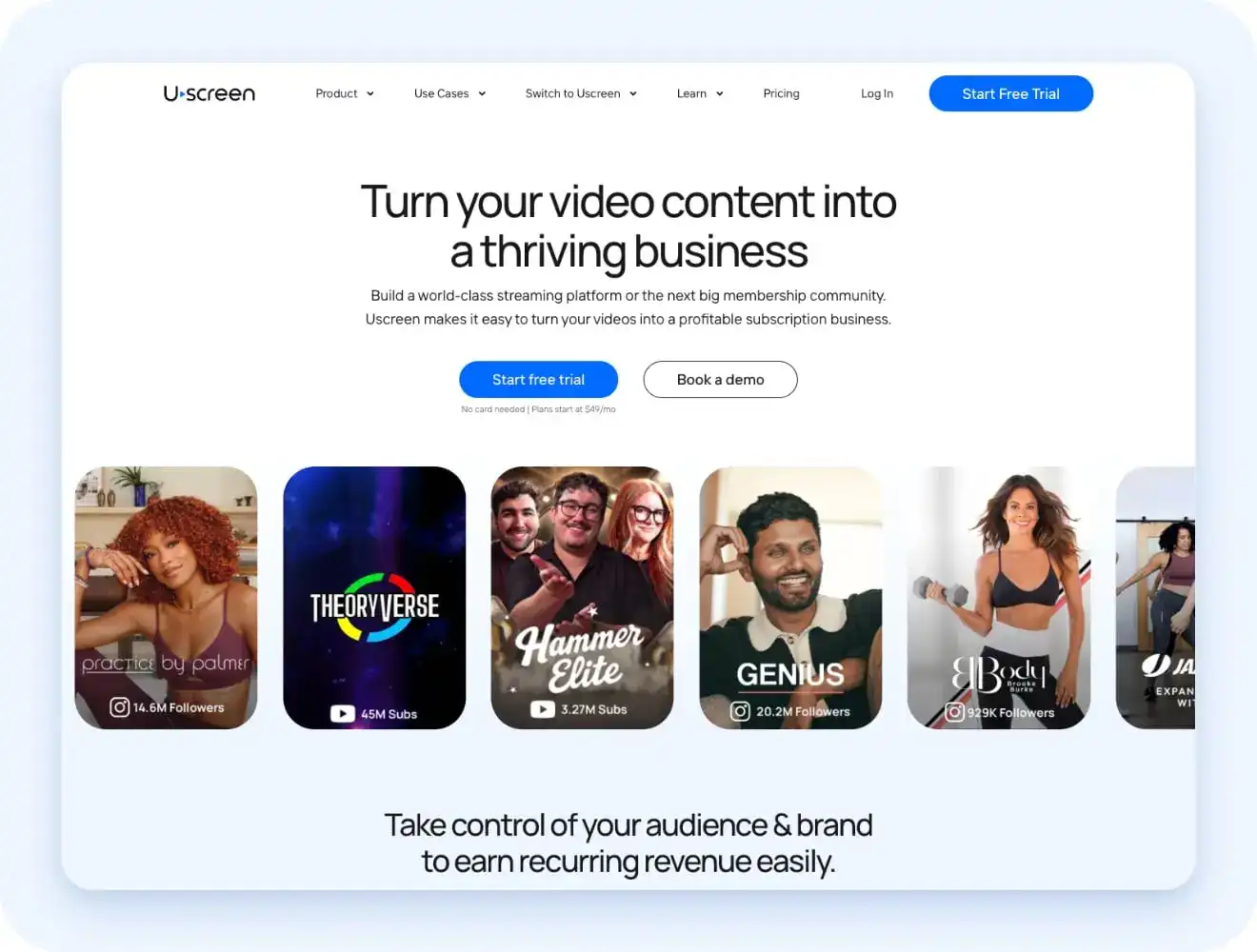
A content library that outgrows a basic upload-and-list interface needs organization. Categories, collections, search, and filters should work without a developer. Uscreen’s CMS (opens in new tab) builds around exactly that problem. Its Netflix-style catalog lets you organize content (opens in new tab) into categories and collections, with search and filtering built in for viewers and admins alike.
Native mobile apps for iOS and Android launch starting on the App Essentials plan, published under your own developer account rather than a shared one. TV apps for Roku, Apple TV, Fire TV, Android TV, and Samsung TV are available as an add-on at App Essentials or bundled on the Custom plan.
Content protection runs on multi-DRM technology (Widevine, FairPlay, PlayReady) across web, iOS, Android, Roku, Fire TV, Android TV, tvOS, Samsung TV, and Chromecast. Geo-restrictions and signed, time-limited playback links also block unauthorized downloads on supported devices.
If you’re switching from another platform and you’re on the App Essentials tier or higher, a dedicated migrations team (opens in new tab) has supported over 1,000 businesses through the move.
2. Vimeo OTT (opens in new tab) : Best for a fast, brand-forward launch
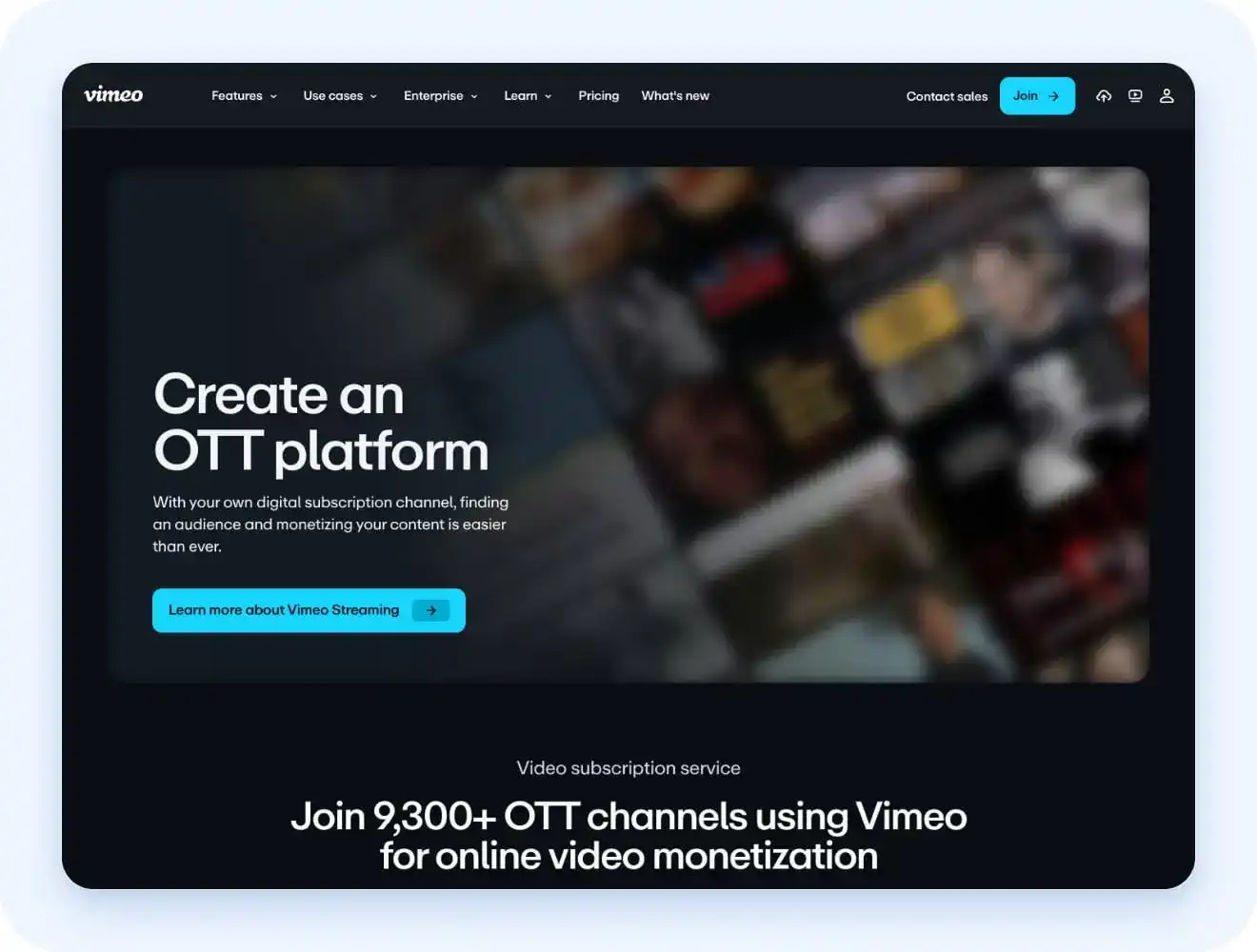
Vimeo OTT works well if speed and a polished storefront matter more than deep engagement tools. Setup is straightforward, and SVOD subscriptions launch quickly with minimal configuration.
There are areas Vimeo OTT hasn’t built out yet. Native community features stay thin, with no built-in equivalent to channels, challenges, or member profiles. For a brand that wants to launch fast and add the rest later, Vimeo OTT gets you there. For one built around retention from day one, it asks you to add more yourself.
3. Muvi (opens in new tab) : Best for no-code, multi-model monetization
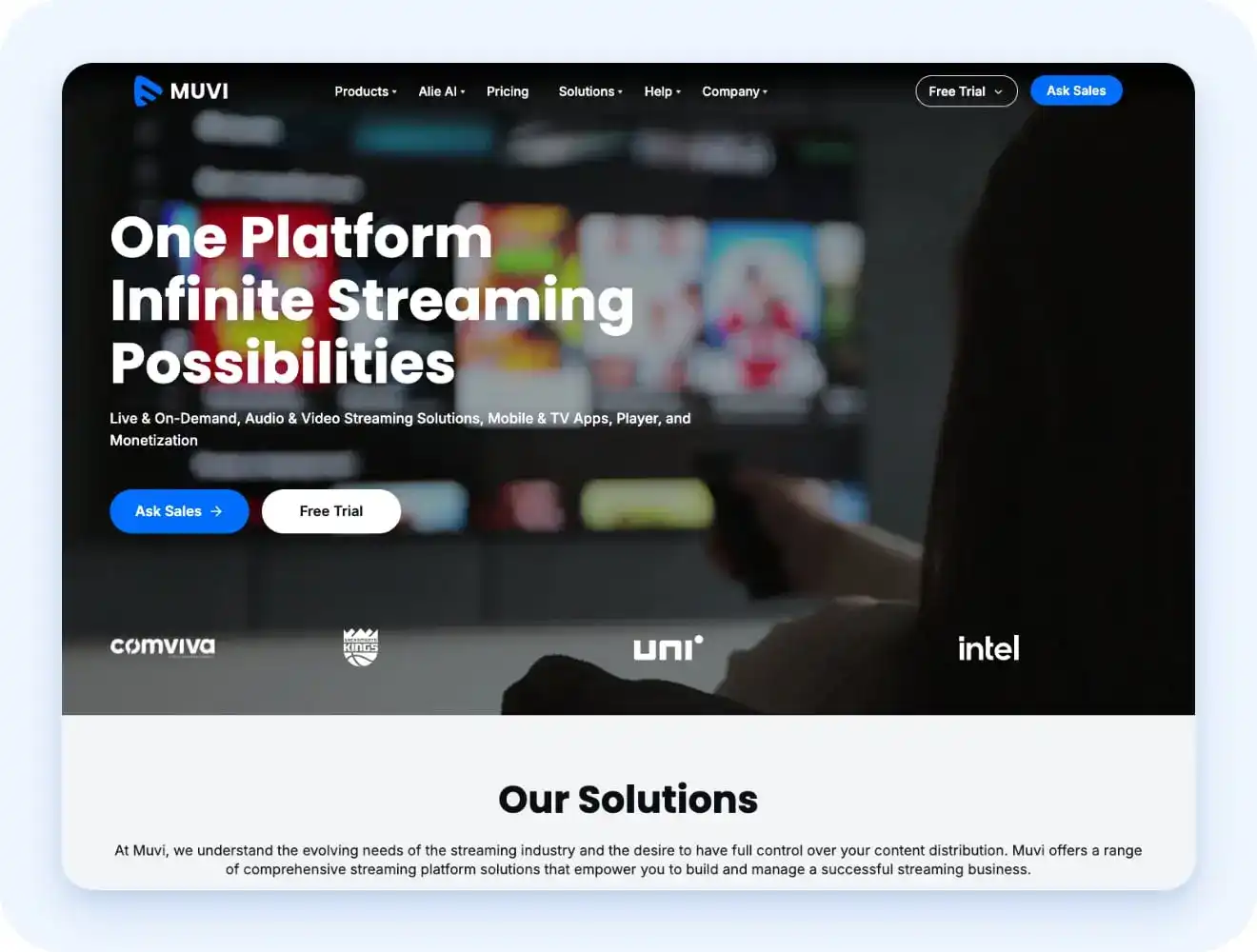
Muvi’s setup requires no coding, and it supports every major monetization model in one place. Subscriptions, ads, pay-per-view, and FAST channels all run through the same dashboard. Device reach is broad too, covering mobile, web, and a wide range of smart TV platforms.
The catch is the pricing structure (opens in new tab) . Standard starts at $339/month billed annually, and Enterprise runs $3,315/month billed annually, with a custom Ultimate tier above that. Each plan comes from a suite of separate products, and apps, bandwidth, and infrastructure costs stack on top of the base fee. A business needs to map its actual usage against that structure carefully before committing.
4. Brightcove (opens in new tab) : Best for large media organizations
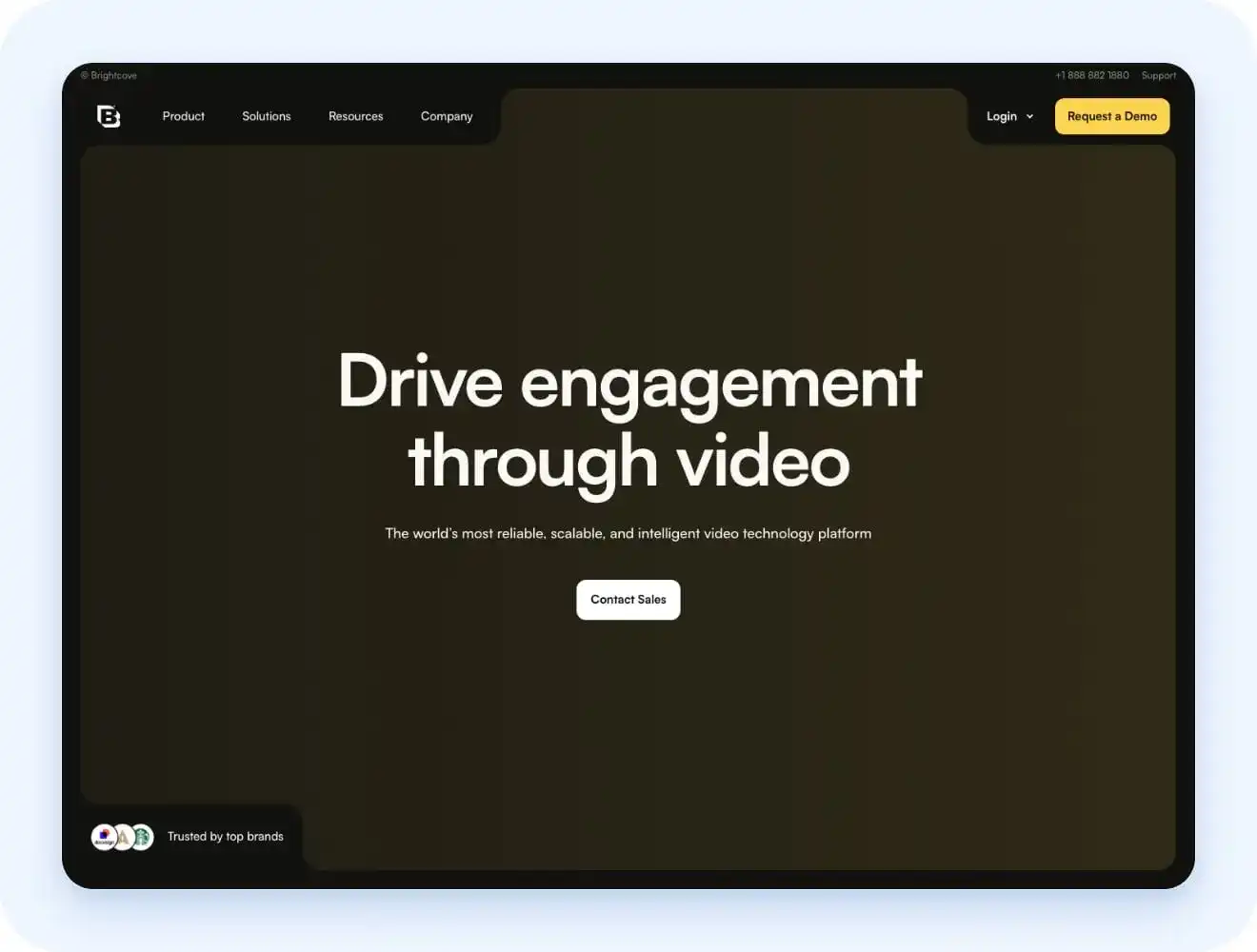
Brightcove brings enterprise-grade video management with a strong API and deep analytics, built for organizations managing high-volume content across many devices. It’s a serious infrastructure choice, not a quick setup.
Pricing isn’t published. Real-world costs typically run from the tens of thousands into six figures annually, and implementation assumes an internal technical team to manage the integration. Smaller media businesses will likely find this more than they need.
5. Kaltura (opens in new tab) : Best for broadcasters and institutions with complex requirements
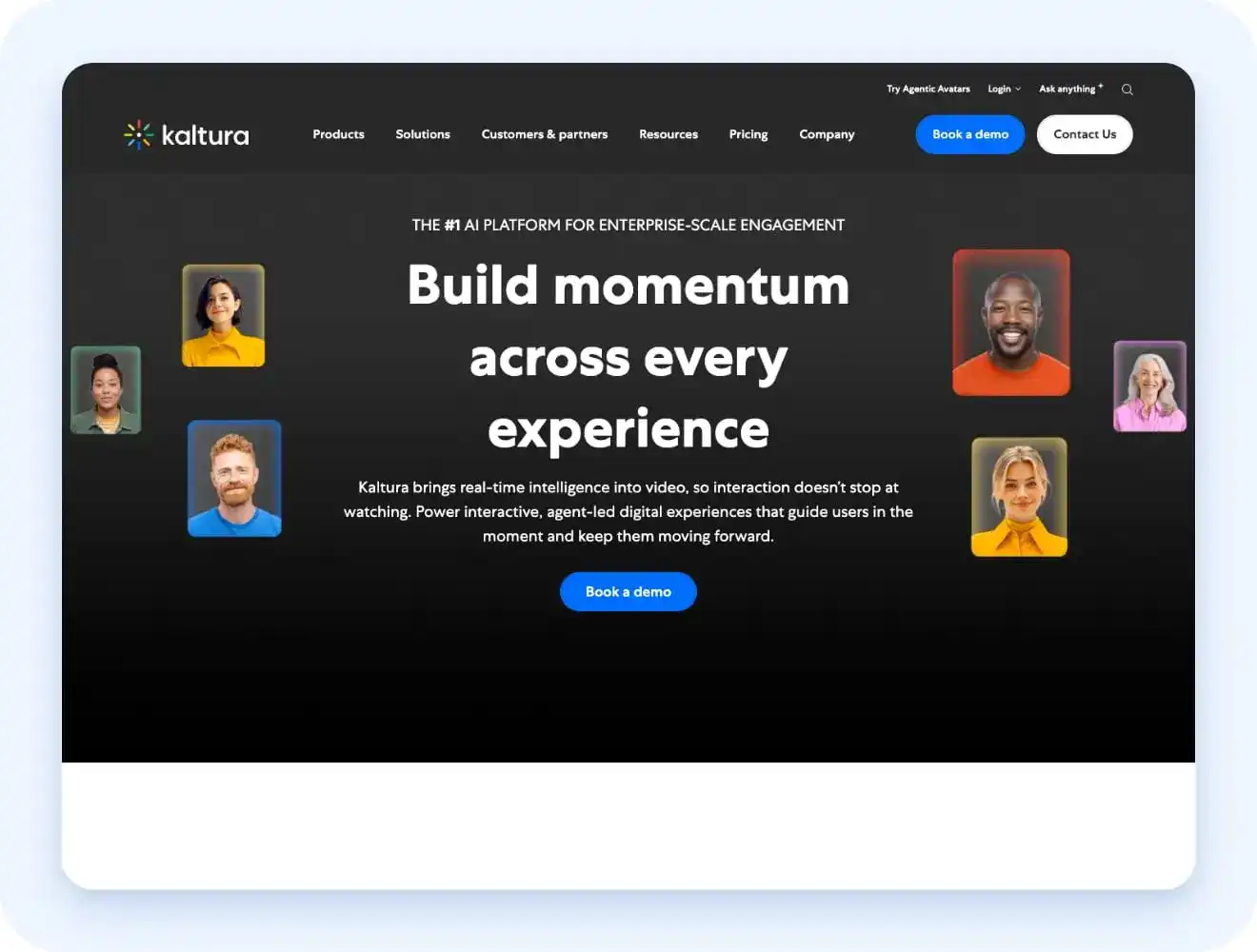
Kaltura’s open, modular architecture and deep API access suit universities, government agencies, and large institutions with complex integration needs. It plugs directly into major LMS platforms like Canvas, Blackboard, and Moodle.
That same flexibility means real setup complexity. Pricing is fully custom, and reviewers consistently note a steep learning curve. Most small-to-mid businesses won’t need this level of depth.
6. Dacast (opens in new tab) : Best for broadcast-grade infrastructure at a lower cost of entry than pure enterprise vendors
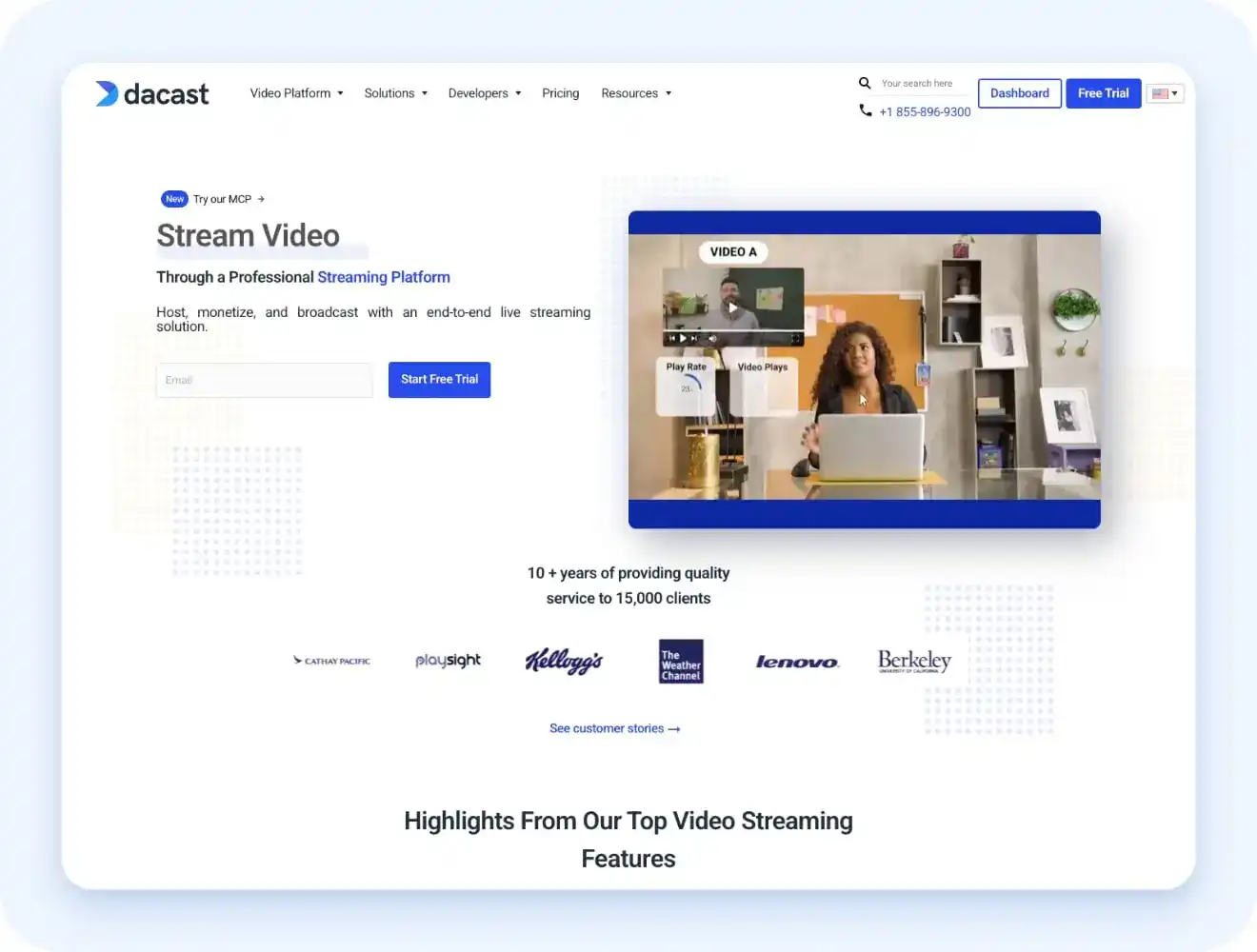
Dacast offers multi-CDN delivery, DRM, and predictable bandwidth-based pricing (opens in new tab) starting at $39/month, scaling to $165/month before custom enterprise plans. Documented SLAs come standard on higher tiers, which pure no-code platforms rarely offer.
Setup takes more effort than a turnkey platform. There are no native mobile or TV apps, only SDKs to build your own from scratch, and no built-in community tools. Migration is manual, with support available but no dedicated migration team.
7. JW Player (opens in new tab) : Best for ad-monetization-focused publishers
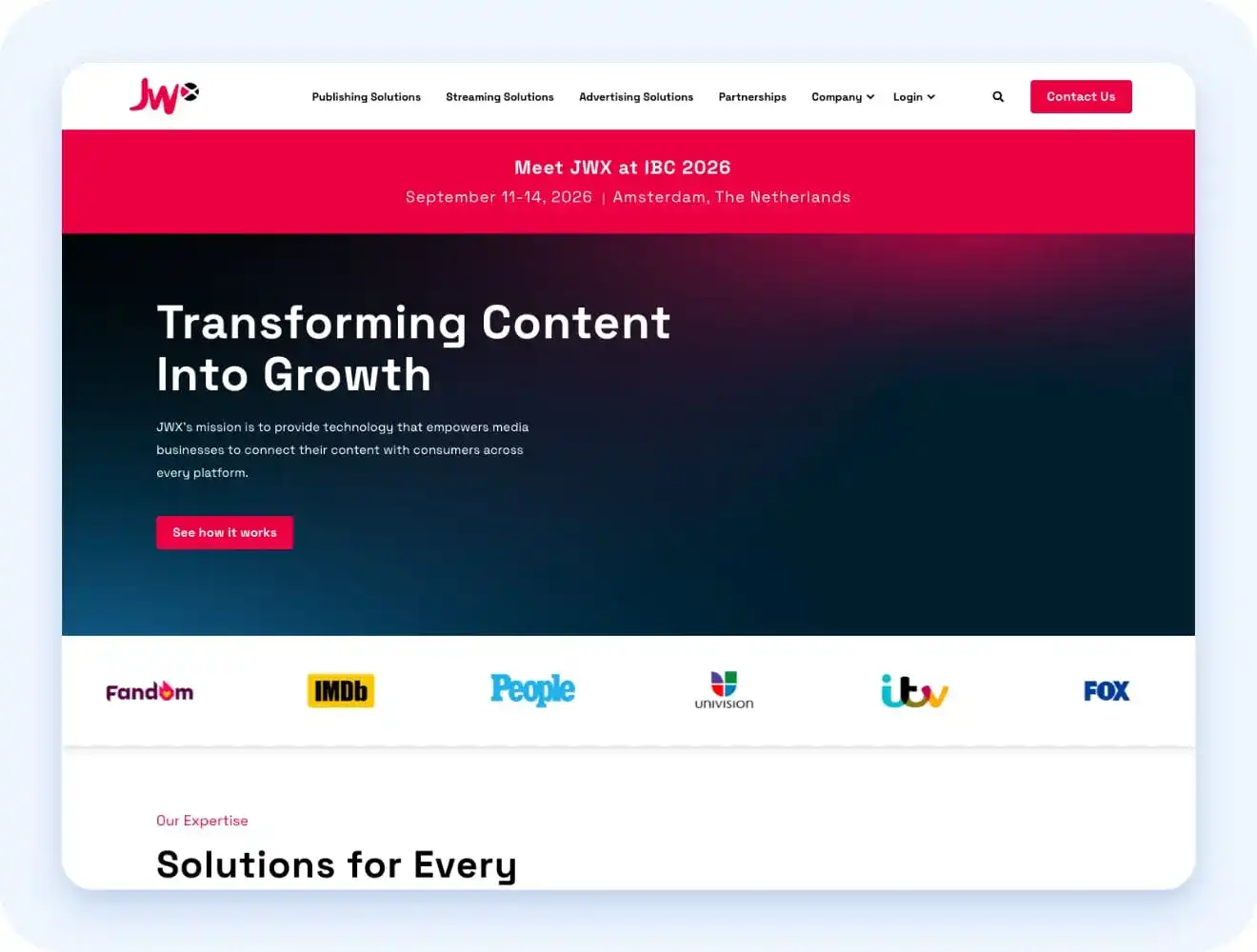
JW Player (now JWX) is built around ad revenue, with real-time player bidding and support for standard formats like VAST and VMAP. It supports subscriptions too, but ad monetization is where it’s strongest.
There’s no native community layer, and subscriber lifecycle tools are thinner than on dedicated membership platforms. A business built primarily around ads gets a strong fit. One built around ongoing member relationships won’t find much support for that here.
8. Zype (opens in new tab) : Best for API-first teams building a custom front end
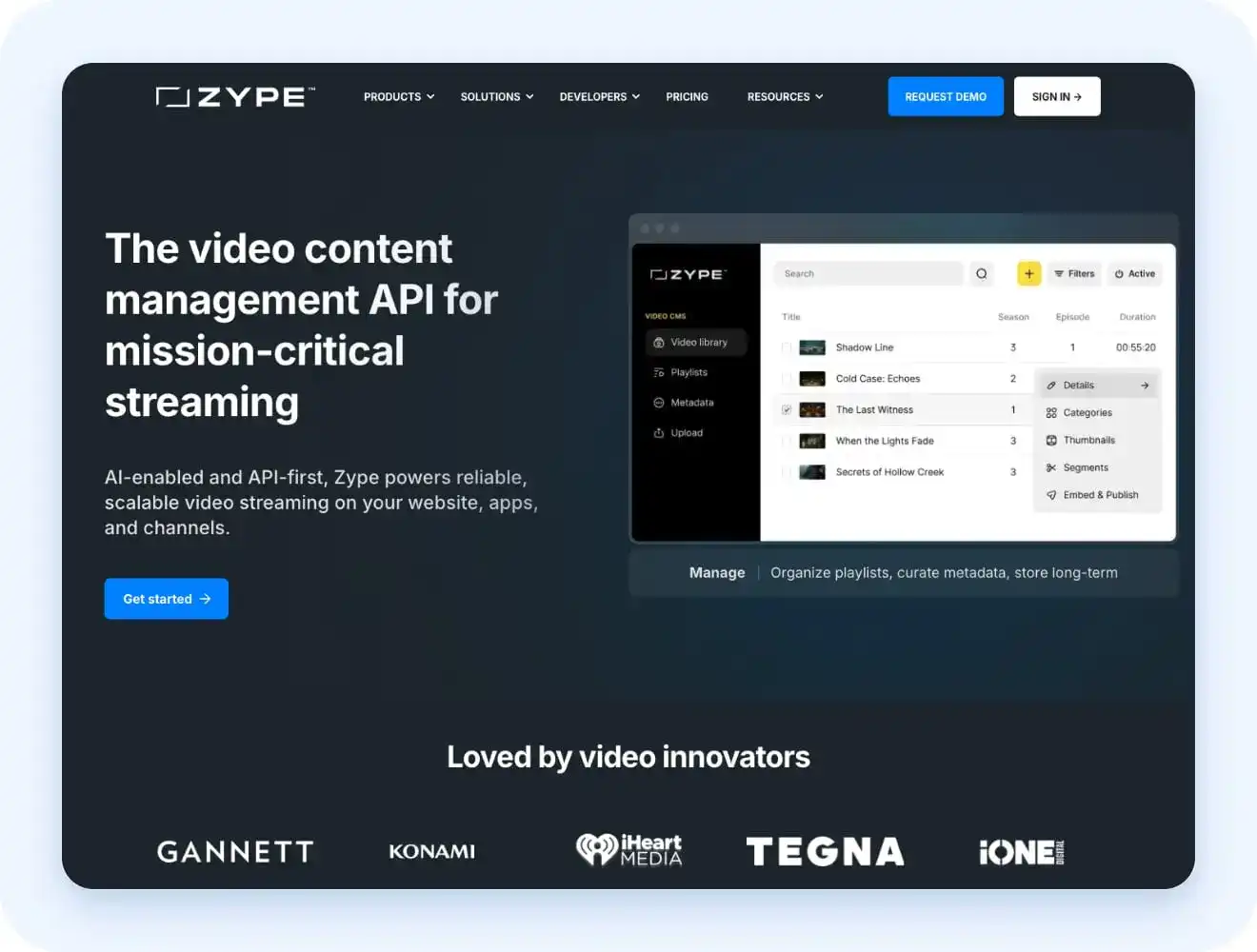
Zype’s headless-style CMS gives development teams direct API access to content, metadata, and delivery, starting at $500/month. It’s built for teams who want to build their own viewer-facing experience rather than use a turnkey app.
That flexibility comes with a requirement. Most no-code buyers won’t have the development resources this setup assumes.
OTT CMS comparison table
| Platform | Best for | Branded apps | DRM | Monetization models | Migration support |
|---|---|---|---|---|---|
| Uscreen | Membership and community businesses | Native onApp Essentials plan and above (iOS, Android). TV apps (Roku, Apple TV, Fire TV, Android TV, Samsung TV) via add-on or Custom plan. | Widevine, FairPlay, PlayReady (App Essentials+; web, mobile, and TV apps) | SVOD, TVOD | Dedicated team, over 1,000 completed |
| Vimeo OTT | Fast, brand-forward launch | Native, Enterprise tier only. (iOS, Android, Apple TV, Android TV, Roku, Fire TV, Xbox, Samsung Tizen, LG TV, Vizio) | Widevine, FairPlay, PlayReady, Enterprise tier only | SVOD, TVOD | Enterprise tier only |
| Muvi | No-code, multi-model monetization | Native, priced per app, all tiers. (iOS, Android, Roku, Fire TV, Samsung, LG, Android TV) | Widevine, FairPlay, PlayReady | SVOD, AVOD, TVOD, FAST | Migration team offered as part of onboarding |
| Brightcove | Large media organizations | Native, Enterprise Video Suite tier only. (iOS, Android, Roku, smart TV) | DRM available on higher tiers | SVOD, AVOD | Handled via account/professional services, no dedicated migration team advertised |
| Kaltura | Broadcasters and institutions | Native, only under the Media & Telecom suite, fully custom-quoted. (iOS, Android, Samsung, LG, Google TV) | Full multi-DRM (uDRM module) | SVOD, AVOD, TVOD | Track record migrating cable/satellite/IPTV systems, no dedicated team for standard OTT switches |
| Dacast | Broadcast-grade infrastructure at lower cost | None native, SDK-based build-your-own only | Multi-DRM support, standard on higher tiers | SVOD, TVOD, AVOD | Manual, support-assisted, no dedicated team |
| JW Player | Ad-monetization-focused publishers | Via third-party app partners, not native | Widevine, PlayReady, FairPlay, ClearKey | AVOD primarily, SVOD and TVOD supported | Self-serve import tools, no dedicated team |
| Zype | API-first teams building a custom front end | Add-on (app-building tool) | Widevine, FairPlay, PlayReady | SVOD | Self-serve import tools, no dedicated team |
How to choose the right OTT CMS replacement for your business
The eight platforms here split into two camps that rarely overlap, and most of the real decision gets made the moment someone figures out which camp they’re actually in. A broadcast buyer evaluating Dacast against Uscreen isn’t comparing two similar options; they’re comparing two products built for entirely different jobs.
The right answer depends on the kind of business behind the question:
- A membership, coaching, or fitness/community brand: Uscreen or Vimeo OTT fit best. Both are built around branded apps, native community tools, and subscription monetization without a developer on staff. Uscreen adds deeper community features and a dedicated migrations team; Vimeo OTT trades some of that depth for a faster, more brand-forward launch.
- A fast, no-code launch with flexible monetization models: Muvi fits best. It supports subscriptions, ads, pay-per-view, and FAST channels in one dashboard, so a business that hasn’t settled on a single monetization model yet isn’t locked out of the others later.
- A large media company or broadcaster with an internal technical team: Brightcove or Kaltura fit best. Both assume engineering resources on the customer’s side and reward that investment with deep API access, high-volume infrastructure, and integrations built for complex, institution-scale requirements.
- Broadcast-grade delivery without full enterprise pricing: Dacast fits best. It offers multi-CDN delivery, DRM, and documented SLAs at a fraction of what Brightcove or Kaltura charge, though it trades away native apps and community tools to get there.
- A fully custom front end, needing only the backend API: Zype fits best. Its headless-style CMS hands content, metadata, and delivery over through the API and gets out of the way, which only pays off if there’s a development team ready to build the viewer-facing side.
Where Uscreen covers the membership lane
This guide splits into two lanes early on: broadcast infrastructure and membership/community tools. If the membership lane is the one that fits, Uscreen is built around exactly those needs, not workarounds bolted on to cover them.
Here’s where each of those needs actually gets addressed:
- Branded apps (opens in new tab) : Native mobile apps for iOS and Android launch starting on the App Essentials plan, published under your own developer account instead of a shared one. TV apps for Roku, Apple TV, Fire TV, Android TV, and Samsung TV are available as an add-on at that tier or bundled on the Custom plan.
- Content organization (opens in new tab) : The Netflix-style catalog lets you sort content into categories and collections instead of one long list. Built-in search and filtering work the same way for viewers browsing your library and for admins managing it, so nobody needs a developer just to find or move a video.
- Community and retention tools (opens in new tab) : Channels, challenges, and direct messages live natively inside the platform, not on a second app your members have to open separately. That keeps engagement tied to the same place they already watch content, instead of splitting attention across two disconnected tools.
- Monetization models (opens in new tab) : Subscriptions, rentals, and one-time purchases all run through the same dashboard, so you’re not stitching together separate billing tools for each pricing model. That matters most once you want to mix a core membership with the occasional one-off sale.
- Migration support (opens in new tab) : A dedicated migrations team has supported over 1,000 businesses moving their content, subscribers, and payment history over, typically in 30 to 60 days. That’s the difference between a switch that disrupts your audience and one they barely notice.
- Pricing (opens in new tab) : Plans run from Starter through Custom, so you can see exactly what’s included at each tier and what triggers an upgrade, rather than guessing what unlocks at the next price point or discovering a feature was gated behind a plan you’re not on.