Switch to Uscreen
Migrate from Arketa to Uscreen

How migrating from Arketa to Uscreen works
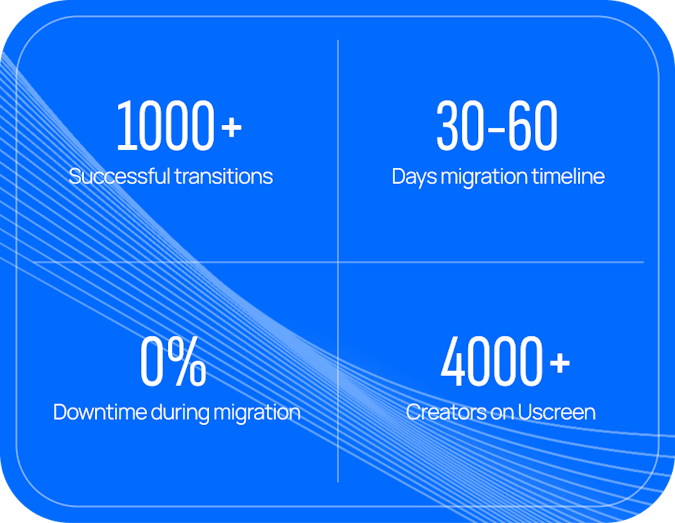
Migrating from Arketa to Uscreen means transferring your fitness or wellness membership business, including video content, paying members, and billing data, from Arketa's platform to Uscreen. The process is managed by our dedicated migrations team and covers your video library, member subscriptions, and payment data via Stripe.
Most customers are able to migrate and launch within 30-60 days with no downtime for their members
What to expect when you switch from Arketa to Uscreen
Hassle-free migration
Your content stays accessible throughout the switch. Your members won't notice any interruptions, and your platform stays live the entire time.
We do the heavy lifting
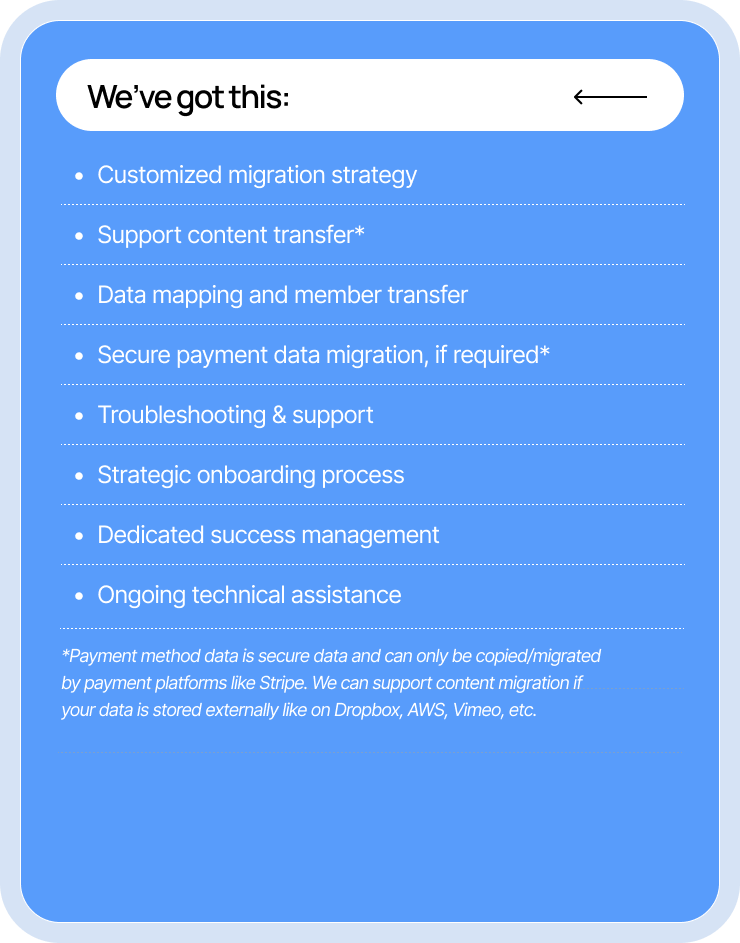
Arketa doesn't support direct content transfer. But if your videos are stored externally (on Dropbox, AWS, Vimeo, or similar), we help bring them over to Uscreen. We also handle migrating your member subscription data and billing information, where supported.
Tailored to your needs
We build a personalized migration plan around your current Arketa configuration. Your data is handled with the same care we'd want for our own. The goal is a move that's simple, secure, and low-stress for you and your members.
Easy for your members
Our team handles the technical side so your members barely feel the change. When launch day arrives, they log back in and pick up right where they left off.
4 simple steps to your new membership home
Get to know the ins-and-outs of the Uscreen Migration process so you can feel confident in your move.




Stage 1: Discovery and Planning
Get to know the ins-and-outs of the Uscreen Migration process so you can feel confident in your move.
Stage 2: Develop tailored migration plan
Together we’ll outline the migration timeline, specific capabilities of the platform you’re migrating from, and create a detailed plan to action.
Stage 3: Secure content & user migration
We'll start migrating your content and users*. Let us worry about the technical stuff so you can focus on your customer experience.
Stage 4: Launch & celebrate!
We guide you through a successful platform launch, ensuring your audience is informed and excited.
Meet the experts behind your migration
Our migration team has completed over a thousandplatform moves. From the day you sign, you get a dedicated team available on scheduled calls and over email, supporting you from contract to launch day.

Migration Timeline
Migration to Uscreen will take between 30 - 60 days (with 0% downtime) depending on which migration option you require. Here is what migrating from Arketa to Uscreen looks like week by week.
Website
30-day migration
*Timely communication and data provision are crucial for successful migration.
**Timeline is approximate and subject to change based on completion of critical tasks.
***Some manual handling of data may be required depending on the platform you’re migrating from.
Website & Apps
60-day migration
*Timely communication and data provision are crucial for successful migration.
**Timeline is approximate and subject to change based on completion of critical tasks.
***Some manual handling of data may be required depending on the platform you’re migrating from.
Website
30-day migration
*Timely communication and data provision are crucial for successful migration.
**Timeline is approximate and subject to change based on completion of critical tasks.
***Some manual handling of data may be required depending on the platform you’re migrating from.
Website & Apps
60-day migration
*Timely communication and data provision are crucial for successful migration.
**Timeline is approximate and subject to change based on completion of critical tasks.
***Some manual handling of data may be required depending on the platform you’re migrating from.
Steps
Account setup & website creation
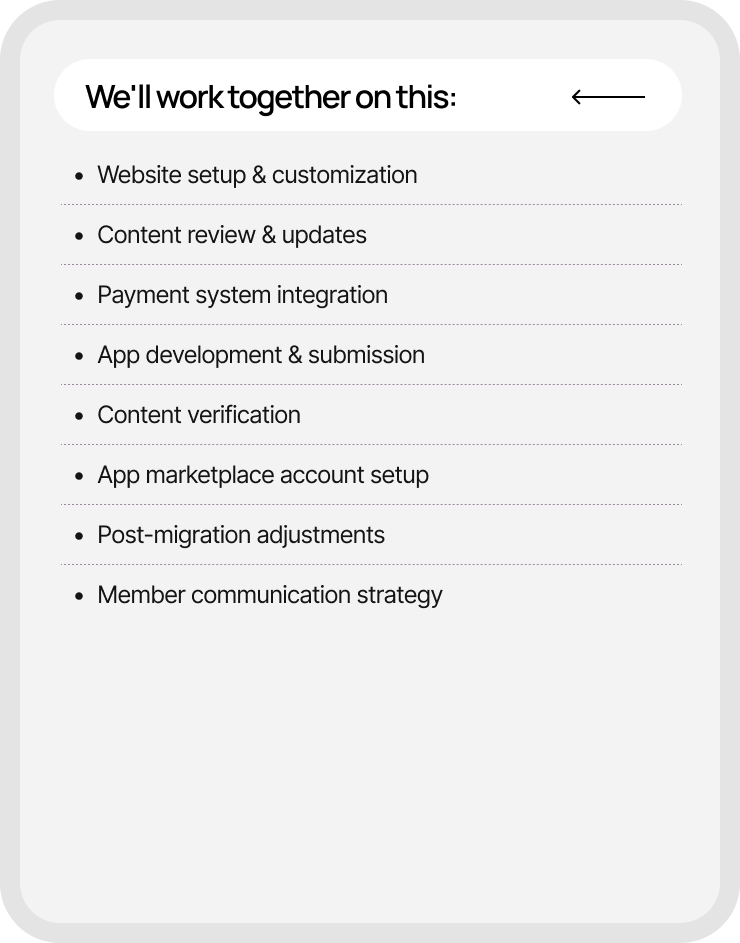
- Once you’ve signed the contract with us, you’ll meet your dedicated Onboarding and Migration specialists.
- Then, to kick things off, you’ll set up your branded Uscreen website and account preferences.
Content migration
- Bulk migration of content from Arketa directly is only possible if your videos are also hosted externally, such as on Dropbox, AWS, Vimeo, etc
- You'll review migrated videos and metadata, notifying us of any needed updates.
Customer migration
- Provide your member list for easy migration to Uscreen. (Supported if you’re using your own Stripe account)
Final migration & web launch
- We'll fully manage the transition of existing subscriptions tied to your Arketa account to Uscreen and complete the final migration.
- You'll finalize your website and communicate with end-users about the platform change. We have a Migrations Communications Playbook to help you with this!
Account setup & website creation
- Once you’ve signed the contract with us, you’ll meet your dedicated Onboarding and Migration specialists.
- Then, to kick things off, you’ll set up your branded Uscreen website and account preferences.
Content migration
- Bulk migration of content from Arketa directly is only possible if your videos are also hosted externally, such as on Dropbox.
- You'll review migrated videos and metadata, notifying us of any needed updates.
App asset submission
- You'll need to set up developer accounts.
- Then, you can upload all of your app assets.
App asset review
- We'll review your app assets and notify you of any missing items or needed adjustments.
- You'll make the necessary changes based on our feedback.
App creation, preview & submission
- We'll build your app and submit it for your review.
- You'll have 5 business days for review and 5 more for iterations.
Customer migration
- Provide your member list for easy migration to Uscreen. (Supported if you’re using your own Stripe account)
Final migration & web launch
- Finalize the migration and test thoroughly.
- You'll finalize your website and communicate with end-users about the platform change. We have a Migrations Communications Playbook to help you with this!
App launch
- If we're migrating existing apps, the app launch and final customer migration need to happen on the same date.
- We'll notify you when your app is approved and provide the associated app links.
- You'll determine the release schedule and promote your apps.
Don't just take our word for it
Hear from our happy customers


Why migrating to Uscreen is worth it
Switching platforms can feel like a lot. But moving to Uscreen isn't just a platform change, it's a step up for your members and your revenue.
All-in-one membership platform
A unified platform
Easy to use and manage
Build your brand easily
Superior streaming & better content hosting
Give your members a better viewing experience
Community and retention tools
Engagement tools for your members
Dedicated features for fitness
Intentionally designed features for you
A unified platform
Your all-in-one platform for scaling your fitness membership
- Built for fitness, start to finish: Schedule on-demand and live classes, and let members track their workouts with the Apple Watch fitness tracker (heart rate and calorie monitoring)."give members health and fitness tracking, all from tools made for running a fitness business.
- More ways to earn: Manage subscriptions, one-time purchases, and free content from one place, with tiered plans and daily payouts through native Stripe and PayPal integrations.
- Predictable fees as you grow: Arketa adds a 3% transaction fee on most plans, on top of Stripe's standard 2.9% + $0.30. Uscreen uses a flat per-subscriber fee on recurring memberships, so your costs stay predictable as you scale.
- Full ownership and control: Keep complete control of your member data and branding, so every part of the member experience reflects your business, not a shared platform's.
- Room to scale: Grow your membership with tools built to support you as you add members and content, without things breaking as you get bigger.
Build a powerful brand without any hassle
Easily build your brand & manage your members
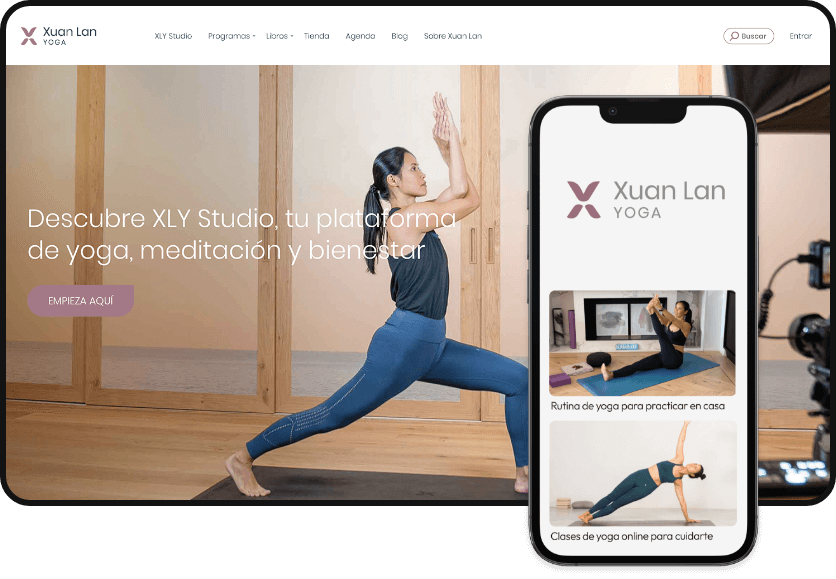
- A platform that's all yours: Customize your website, mobile apps, and TV apps with your branding for one cohesive, professional look.
- No-code site editor: Use the drag-and-drop website editor to change layouts, add pages, and update content yourself, no technical skills needed.
- All-in-one solution: Use built-in analytics, email automations, marketing features, and a dynamic CRM all from a single platform.
- Real human support and coaching: Get growth advice and help from real people, not chatbots, with a dedicated success manager available on higher plans.
- 24/7 support: Reach round-the-clock help for member, technical, and billing questions, with a 30-minute target response time and 24-hour resolution from first response.
- End-user support: Your members get comprehensive support too, so they get help when they need it.
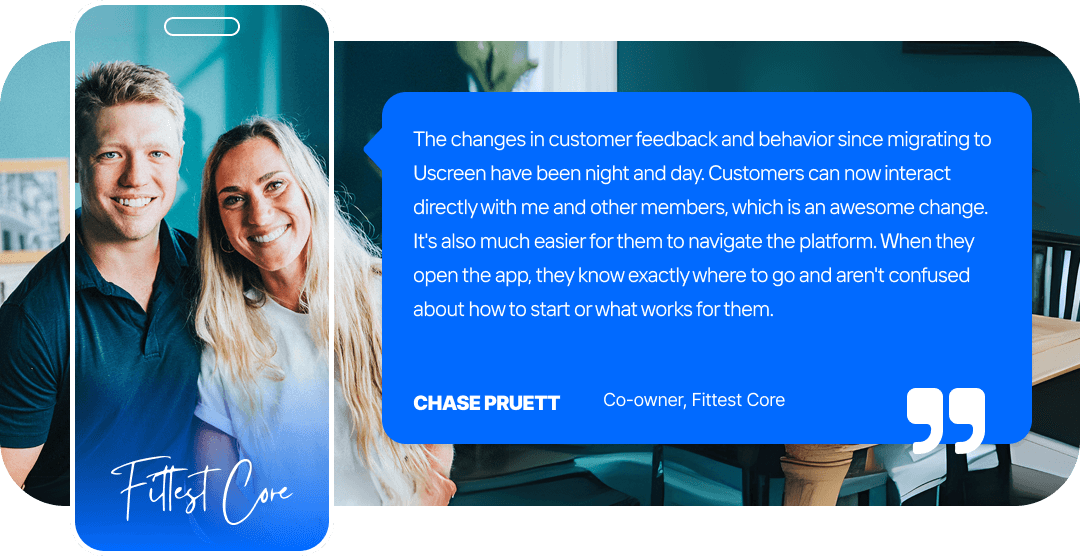
Deliver high-quality streaming and better content hosting
Enjoy superior streaming and content hosting
- Easy to browse, easy to finish: A searchable, filterable Netflix-style catalog with categories, playlists, and captions helps members find and finish your content.
- More than video: Add guides like nutrition plans or FAQs as video notes and downloadables, and let members journal their progress.
- Watch anywhere: Offline downloads let members keep watching without the internet, removing barriers for on-the-go routines.
- Any screen, same quality: A responsive design delivers the same experience on phones, tablets, and TVs.
- Earn more with live: Businesses that live stream weekly see a 2.5x revenue increase. Host live sessions with Zoom or by using Uscreen’s native live streaming tool with built-in live chat and RSVP to connect with members in real time.
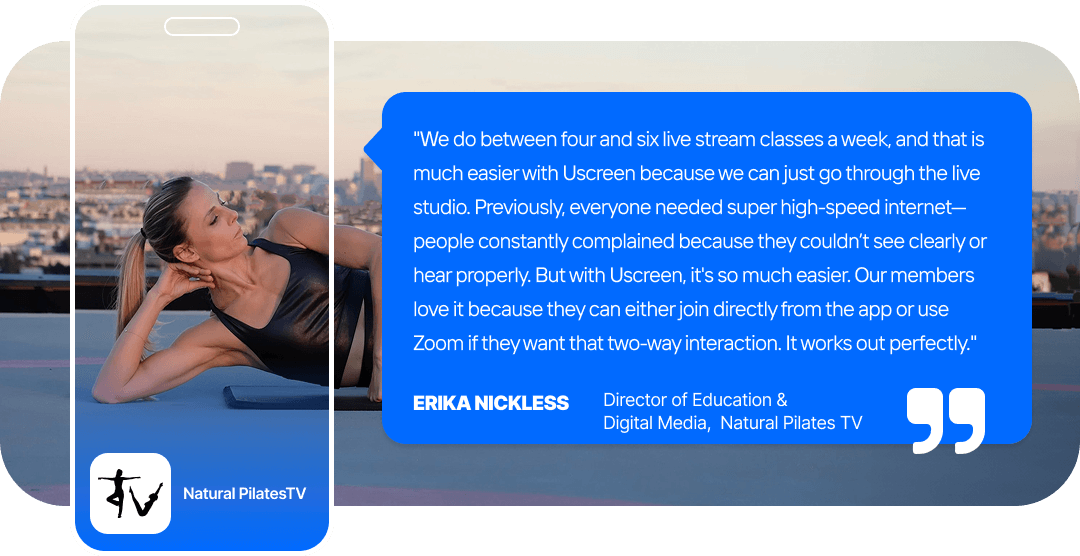
Increase your community engagement and retention
Keep your members engaged and coming back for more
- Community that lives with your content: Built-in community features include video challenges, channels, direct messaging, and member-generated posts. Arketa offers only a single basic feed with no sub-groups.
- Communication on autopilot: Send personalized emails, push notifications, and reminders that keep members up to date on new content, events, and offers.
- Built to reduce churn: Keep members active with community, custom playlists, offline viewing, and personalized recommendations.
- Marketing that runs itself: Set-and-forget tools like giveaway funnels, abandoned cart recovery, and churn reduction help you find, win, and keep members.
- Decisions backed by data: Use detailed analytics on member behavior, content performance, and engagement to make informed calls.
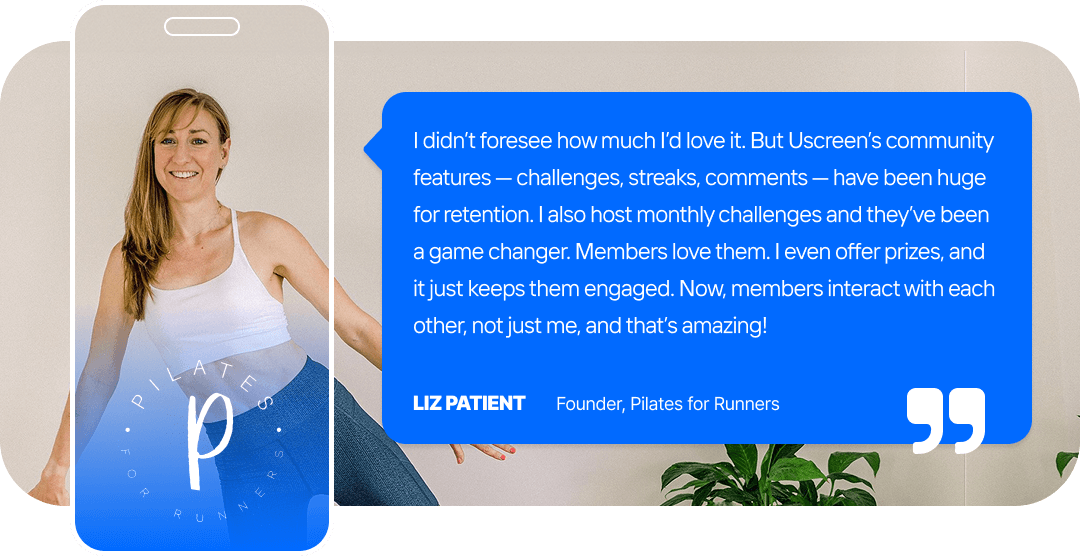
Deliver the best fitness experience to members
Intentionally designed features for fitness memberships
- Motivation built in: Challenges, progress streaks, and reward badges keep members moving and coming back.
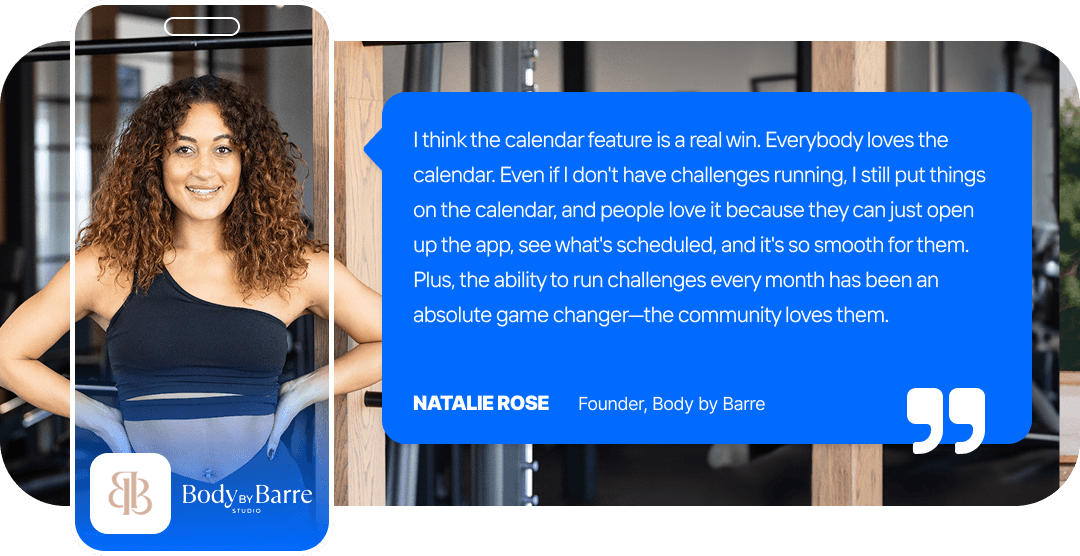
- Always know what's next: A branded calendar shows members exactly when the next class, live session, or content drop is happening, so they keep coming back.
- Music they love: Members can play their own playlists from Spotify or Apple Music, or yours, which sets the mood and saves you time and money on music licensing.
- Apple Watch companion: Members track heart rate and calories, set a timer, and control playback from their wrist, the perfect companion to your Uscreen apps.
- Playlists their way: members build their own workout or practice schedule with custom playlists, tailoring the experience to how they train.
How does Uscreen compare?
See how Uscreen stacks as an end-to-end partner for your business.
Uscreen
Arketa
Customer Reviews
G2
With over 2.5 million reviews, G2 helps businesses make informed decisions about their software purchases.
4.7
Trustpilot
Trustpilot is an online review platform that allows consumers to share their experiences with businesses by leaving reviews about products, services, or customer support.
4.5
Capterra
Capterra provides its users with the insights they need to find the best solutions for their business based on industry, size, budget and specific requirements.
4.8
4.3
Video Experience
Netflix-style video catalog
Intuitive catalog experience that matches Netflix and YouTube. Group videos into a series based on themes, topics or audience.
Multi-device live streaming
Go live directly from your web or mobile platform.
Built-in LMS
Create, deliver, manage online courses and quizzes, while tracking student progress and facilitating communication.
Advanced security
Advance video functionality
Inclusive of features like Auto Captions, Offline Viewing, and Play in background functionality
Native Apps
Native mobile apps
Android & iOS
Native TV apps
Roku TV, Apple TV, Android TV, Fire TV, and Samsung TV* *coming soon
Native Calendar
Customizable content calendar by you and your members.
Native Community
Community Challenges
Gamification feature to boost engagement & retention.
Native Community Channels
Organize discussions based on audience or topic and create knowledge bases for your members.
Direct Messaging
Creator-to-member, and member-to-member messaging functionality.
Dedicated Support
In-house tech support (24/7)
Troubleshoot any tech, media, or billing problems with our support team. 30-minute response time.
Dedicated success manager
Get your own personalized onboarding specialist and customer success manager for customized strategic growth advise.
End-user support
Focus on what you do best while we answer support questions from your members
24/7 technical support
Coaching sessions
Membership Tools
Advanced analytics
Dynamic data for your content performance, member behavior, and business that is filterable and exportable.
Marketing & automations
Set up & go tools for lead gen, acquisition, and retention.
Built-in CRM
Multi-tiered subscriptions
Offer several subscription plans with different access levels.
Direct PayPal integration
Direct Stripe integration
Own your payment methods and get paid directly from your payment providers.
Frequently asked questions
Migrating can feel overwhelming, but we’re here to make sure you have all the answers you need.
Will I lose my current members when I migrate from Arketa?
No. Our Migrations team moves your subscribers and their data for you, so your members face zero disruptions in service and experience. All they notice is great improvements and exciting new features coming from your end.
Will you move my content over from Arketa?
Yes. Our dedicated Migrations team handles your content and subscriber data, so you can focus on your launch, not the logistics.
What does the migration process look like for my members?
For your members, they face zero disruptions and experience differences only in a better way. They keep their access and billing with no need to sign up again, and we give you communication templates to keep them in the loop.
How long does migrating from Arketa to Uscreen take?
Most launches happen within 30 to 60 days. During this process, we work with each person depending on their current set-up and timeline.
Why switch from Arketa to Uscreen?
Arketa is a studio booking tool with video bolted on. Uscreen is a membership platform built to keep members watching, engaged, and paying month after month. You get branded mobile and TV apps you actually own, a built-in community, native live streaming, and an interactive calendar on every plan — all on a video-first platform built to stay fast and stable as you scale.
How does Uscreen compare to Arketa on price?
Arketa adds a 3% transaction fee on most plans, plus Stripe's standard 2.9% + $0.30. Uscreen uses a flat per-subscriber fee on memberships, so recurring costs stay predictable as you scale.