
YouTube memberships pay you 70 cents on the dollar and let YouTube keep the rest, the perks, and ultimately the relationship with your members. With Uscreen, you set your own price, keep what your members pay you, and own your audience relationships, data, and apps outright.
That ownership adds up. Thousands of businesses successfully run on Uscreen, and their members have paid them more than $1 billion in cumulative subscription revenue to date. This revenue goes straight to the business, with no percentage cut taken by Uscreen.
When your members watch, chat, and stream on your own-branded site and apps, they stay. That’s what drives recurring revenue.
YouTube still has its place. It costs nothing to turn on, and its search and recommendation engine keeps working for you around the clock, surfacing your content to people who have never heard of you. For building top-of-funnel awareness and growing an audience from scratch, nothing beats it.
So the choice comes down to fit. Below, you will see what each platform actually pays you, how the costs compare as your subscriber count grows, and how to pick the right one for where your business is today.
Uscreen vs YouTube channel memberships: side-by-side comparison
| Feature | YouTube channel memberships | Uscreen |
|---|---|---|
| Revenue share | You keep 70%; YouTube takes 30% of every dollar | You keep 100% of your membership price; Uscreen charges a flat monthly fee plus a per-subscriber fee instead |
| Setup cost | Free once you’re eligible for the YouTube Partner Program | No setup fee beyond your monthly plan, starting at $49/month |
| Audience ownership | Members are YouTube accounts; the relationship lives inside YouTube’s platform and policies | Members join through your own branded website and apps, independent of another platform’s rules |
| Branded mobile/TV apps | Not available; members watch through the YouTube app | Branded iOS and Android apps from the App Essentials plan ($499/month, $449/month billed annually); TV apps (Roku, Apple TV, Fire TV, Android TV, Samsung TV) on the Custom plan |
| Community features | Members-only Community posts and members-only live chat | Built-in community tools (direct messages, challenges, calendar, streaks, badges) on custom plan. |
| Live streaming | Native live streaming, with an option to make chat members-only | Native live streaming (opens in new tab) included across plans |
| Content library depth | Unlimited video hosting at no extra storage cost | Storage limits by plan (20 hours on Starter, 100 hours on Growth and App Essentials), with more storage available |
| Pricing control | Choose from YouTube’s fixed price list, up to six tiers | Set your own membership price; Uscreen’s fee is separate from what you charge |
| Discovery/built-in audience | Benefits from YouTube’s search and recommendation system, which can surface your channel to new viewers | No built-in discovery; you bring your own audience to your branded site and apps |
| Risk if account is suspended | Channel termination stops all member payments and perk access immediately; a paused channel may delay billing before auto-cancellation | Not subject to platform content-policy termination the same way; your membership business isn’t tied to another platform’s enforcement decisions |
What are YouTube channel memberships?
YouTube channel memberships (opens in new tab) let your viewers pay you a recurring monthly fee in exchange for perks like custom badges, unique emojis, members-only posts, exclusive videos, and live chat privileges. It’s built directly into the YouTube Partner Program (YPP) (opens in new tab) , so once you’re eligible, you can turn it on from your existing channel.
To qualify, you need at least 500 subscribers, three public uploads in the last 90 days, and either 3,000 watch hours in the past 12 months or 3 million Shorts views in the past 90 days. Some older articles still cite 1,000 subscribers as the threshold, but that applies to full ad revenue sharing, not channel memberships, per YouTube’s own documentation (opens in new tab) .
What is Uscreen?
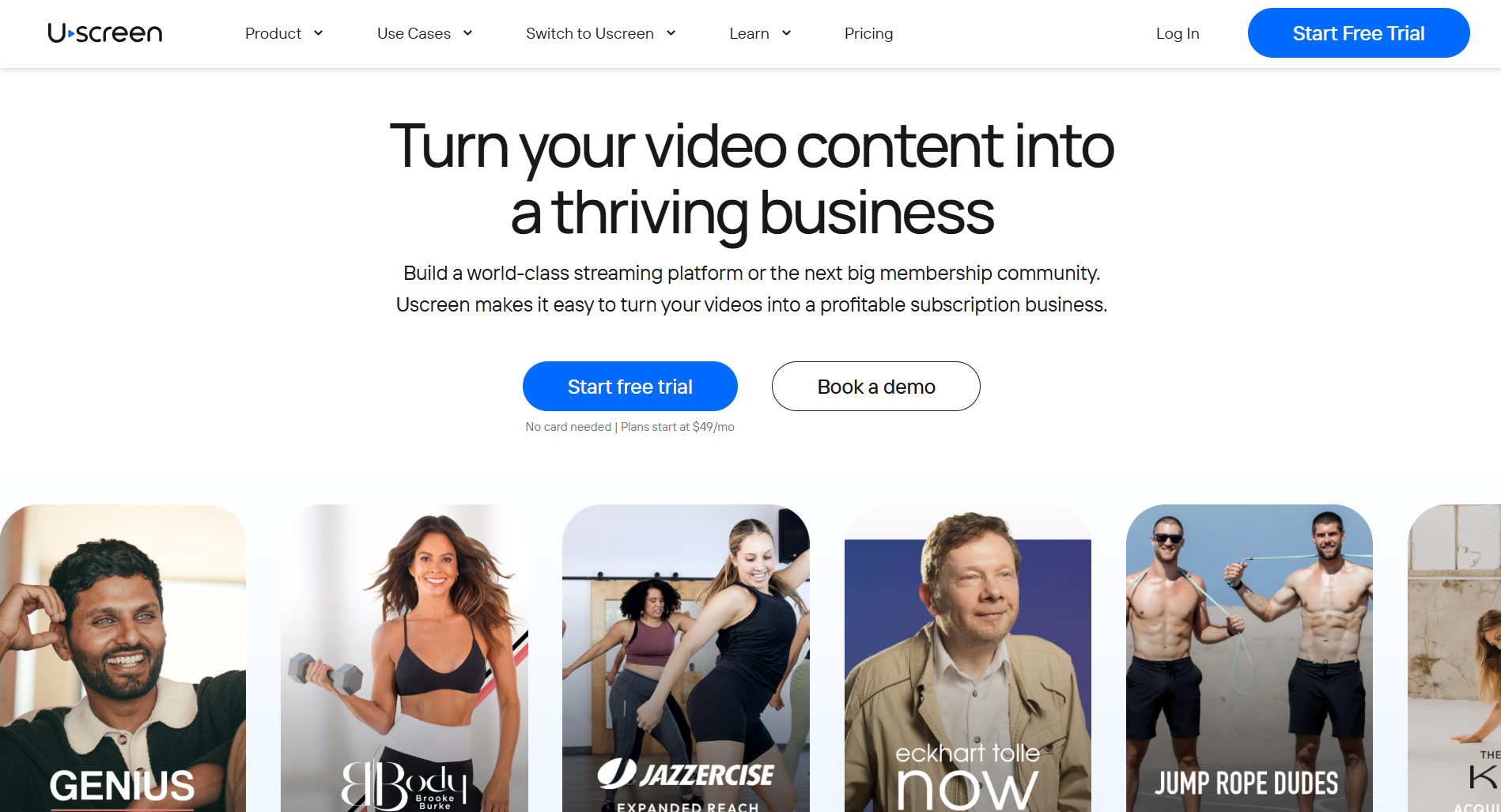
Uscreen (opens in new tab) is a video membership platform that gives you your own branded website, on your own terms, with your own mobile and TV apps, and community tools built in (depending on your plan).
Unlike YouTube memberships, Uscreen isn’t tied to any single distribution platform, so your business doesn’t live at the mercy of another company’s algorithm or policy changes.
Today, thousands of video businesses run on Uscreen, and together they’ve generated more than $1 billion in revenue.
Think of it as something you add to your YouTube channel. You keep uploading to YouTube for reach, while Uscreen becomes the place where your most engaged fans pay you directly, and you own that relationship.
YouTube channel membership price: what you charge vs. what you keep
YouTube lets you set multiple membership tiers (opens in new tab) . Prices vary, so check YouTube’s current membership settings for the latest options.
Here’s an example of how the math works at common price points:
| Tier price | YouTube’s 30% cut | What you keep |
|---|---|---|
| $4.99 | $1.50 | $3.49 |
| $9.99 | $3.00 | $6.99 |
| $24.99 | $7.50 | $17.49 |
| $49.99 | $15.00 | $34.99 |
Uscreen pricing: what it costs and what you keep
Uscreen pricing (opens in new tab) skips the percentage cut entirely and charges a flat fee instead. The Starter plan is $49 a month with no subscriber fee, capped at 100 subscribers, and built to test whether people will actually pay you. Growth runs $199 per month ($149 per month if billed annually), plus $1.99 per subscriber, with unlimited subscribers.
App Essentials is $499 per month ($449 annually), plus $0.99 per subscriber once you’re ready to add branded mobile apps. The key difference from YouTube: a flat per-subscriber fee doesn’t scale with your price the way a percentage cut does, so the more you charge, the more the flat fee works in your favor.
| Plan | Monthly price | Subscriber fee | Best for |
|---|---|---|---|
| Starter | $49/month | $0 | Testing the model before you scale |
| Growth | $199/month | $1.99/subscriber | Building recurring revenue with unlimited subscribers |
| App Essentials | $499/month | $0.99/subscriber | Adding branded mobile apps once revenue is steady |
If you’re not sure yet whether people will pay for your content, YouTube’s cut costs you nothing upfront; you only lose money once someone actually pays you. But once your pricing tiers are at $10 or higher, or you’re ready to build something bigger than a YouTube tab, Uscreen’s flat fee starts to make more sense.
Which one should you choose?
The right platform depends on where your membership business actually is right now, not where you want it to be. If you have no monetization history yet, YouTube memberships let you test demand for free before spending anything on a platform. If you’re already earning directly from your audience and want to own that revenue completely, Uscreen is built for that move.
Here’s how to read your situation:
- Under 10,000 engaged subscribers, no prior paid monetization: Start with YouTube memberships. They cost nothing to turn on, so you can confirm your audience will pay before committing to a monthly platform fee. The platform cost is zero until you’re ready to scale.
- Already monetizing off-platform (courses, coaching, sponsorships): Uscreen is the logical next step. You’ve already proven your audience pays. Now you can own the pricing, your subscriber relationships, branded apps, and community tools (on the Custom plan), and keep everything you charge.
- Want to run both? Keep YouTube memberships as your no-cost entry point and build your deeper paid experience on Uscreen. YouTube keeps bringing in new viewers; Uscreen is where your highest-value content and community actually live. The two don’t compete; they stack.
How to move from YouTube memberships to Uscreen
Moving from YouTube memberships to Uscreen means building your new platform before you touch anything on YouTube, then transferring your audience across without gaps in access or surprise cancellations. The process is straightforward, and Uscreen’s migration team handles most of the technical work alongside you.
Here’s how the move typically works:
- Build your Uscreen membership first: Set up your branded site, organize your content library, and confirm your pricing tiers before you ask anyone to move. You need a finished destination ready before you redirect your audience anywhere.
- Decide what stays on YouTube and what becomes exclusive: Keep your best discovery content public so YouTube keeps bringing in new viewers. Set aside deeper or higher-value content to launch as members-only on Uscreen. The two can run in parallel.
- Tell your YouTube members directly, before you make any changes: Let them know what’s moving, why, and what they’ll get on the new platform. Nobody should lose access without a heads-up first.
- Use YouTube as your top-of-funnel channel: Add in-video callouts, description links, and a bio mention that point viewers toward your Uscreen membership. YouTube brings in new people; Uscreen is where your paid community lives.
- Hand off the migration to Uscreen’s team: They set up your subscriber accounts directly, so your members only need to change their password. Members will be prompted to re-enter their payment info on their renewal date, because YouTube doesn’t share payment data during the transfer. Most migrations take 30 to 60 days, but we work with you to tailor the timeline to your goals, your audience, and where you’re starting from.
Ready to build a membership you own? Try Uscreen
Whether you’re starting from scratch or moving your audience off YouTube, Uscreen gives you the pricing control, branded apps, and community tools to build something that belongs to you.
Here’s where to start:
- Start your free trial (opens in new tab) : The Starter plan is $49/month with no subscriber fee and no credit card required. Build your branded site, set your pricing, and see what your membership looks like when you own it.
- See what plan fits your subscriber count (opens in new tab) : Starter caps at 100 subscribers for testing. Growth and App Essentials are built for video businesses ready to scale, with branded apps and unlimited subscribers.
- Book a demo (opens in new tab) : If you’re thinking about migrating, adding branded apps, or weighing App Essentials, walk through it with the Uscreen team before you commit.