
Uscreen is the strongest VPlayed alternative for most video businesses. Uscreen brings video hosting, live streaming, branded apps, and marketing tools into one dashboard.
Unlike VPlayed, there is no lifetime license. You can also see pricing without a sales call. This list also covers Vodlix, Muvi, Dacast, Kaltura, Brightcove, and Vimeo Streaming.
We compared each platform using its own pricing pages and documentation, checked in October 2026.
What are the best VPlayed alternatives in 2026? TL;DR
| Platform | Starting price | Best for |
|---|---|---|
| Uscreen (opens in new tab) | $49/month (monthly billing only) | Video businesses that want membership, live streaming, marketing, and their own apps in one place. Mobile apps start on App Essentials; TV apps and Community are Custom only. |
| Vodlix (opens in new tab) | $99/month | White-label web streaming for businesses launching a catalog without native apps |
| Muvi (opens in new tab) | $399/month | Enterprise-scale OTT; each plan includes one app (web, mobile, or TV), with more apps from $299/app/month |
| Dacast (opens in new tab) | $39/month (billed annually) | Live event streaming and pay-per-view broadcasting |
| Kaltura (opens in new tab) | Contact sales | Large education institutions and enterprises needing custom video infrastructure |
| Brightcove (opens in new tab) | Contact sales | Media companies and enterprises needing large-scale, usage-based video delivery |
| Vimeo Streaming (opens in new tab) | $1/subscriber/month | Media and entertainment brands building a subscription streaming service with Vimeo’s existing infrastructure |
What is VPlayed?
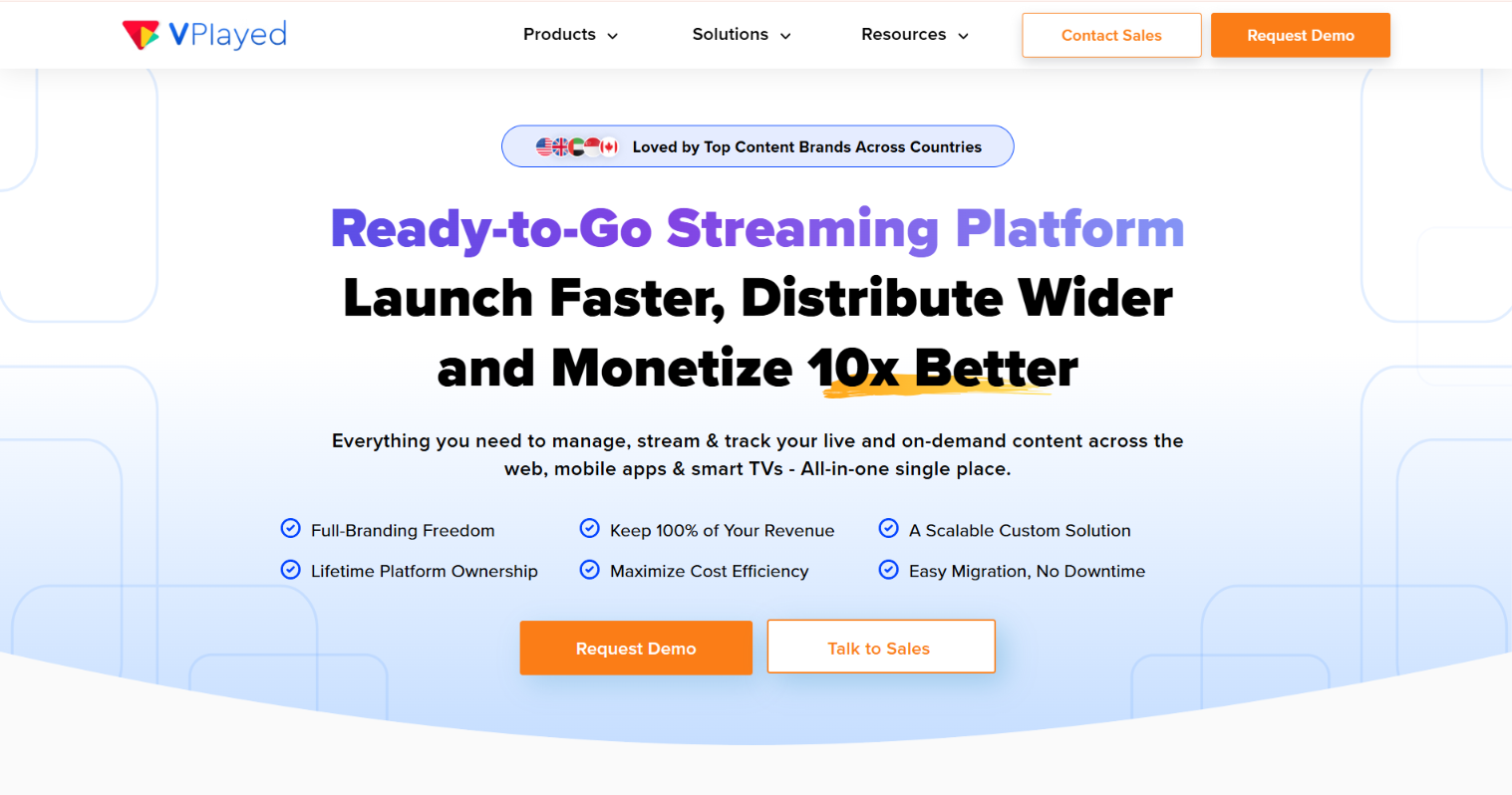
VPlayed (opens in new tab) is a self-hosted OTT platform that lets you build, host, and monetize your own video streaming service. Instead of paying a recurring platform fee, you buy a one-time lifetime license. You then run the software on your own cloud or on-premises infrastructure.
That setup suits distributors and content owners who want full technical control. They also keep 100% of the revenue because VPlayed takes no cut. It’s positioned for broadcasters, eLearning providers, entertainment brands, fitness businesses, sports organizations, and religious streaming ministries. These organizations need a platform they can own outright.
Key features
- Real-time analytics: See viewership, engagement, and revenue data as it happens. You get a live dashboard showing how content performs across your platform. That helps you make decisions based on what’s working right now.
- Source code access: VPlayed hands over the full source code, front-end and back-end. Your development team can build custom workflows, change the interface, and integrate tools. A standard SaaS platform would not give you access to those areas.
- Native apps across screens: Launch branded apps on web, iOS, Android, and major smart TV platforms. They all run under your own name. Your audience finds you in the app store as your brand.
- Flexible deployment: Run VPlayed on the cloud or on your own on-premises infrastructure. If your organization has data residency requirements, the on-premises option gives you more control. It can also help you manage hosting costs without switching platforms.
- Content security: Protect your video library with multi-DRM, geo-blocking, and dynamic watermarking. Each layer targets a different type of unauthorized access, so content stays behind the paywall you built.
- Multiple monetization models: Charge through subscriptions, one-time transactions, advertising, or run all three at once. You can mix models as your audience grows without rebuilding the platform around a new revenue structure.
How much does VPlayed cost in 2026?
VPlayed does not publish pricing. The platform runs on a one-time lifetime license. To get a number, you have to book a demo and speak to sales. There are no published tiers, self-serve signup, or trial to test before you commit. If pricing transparency matters to your timeline, that’s worth factoring in before you schedule anything.
Why do businesses leave VPlayed?
VPlayed is built for full platform ownership. That’s a real advantage for the right operator. But it comes with trade-offs that don’t show up on the marketing page.
Here’s what sends most people looking for an alternative:
- No published pricing: There’s no pricing page. To find VPlayed’s price, you have to book a demo and go through a sales conversation. For businesses that want to compare options before talking to anyone, that’s a hard stop.
- No free trial: You can’t test VPlayed hands-on before committing. A demo is the only option, which means you’re evaluating the platform on their timeline.
- Lifetime license risk: VPlayed runs on a one-time license payment. A wrong fit on a monthly plan costs you one month. A wrong fit here can cost you the full license, so ask about refund and exit terms before you sign.
- Limited community suite: VPlayed includes live engagement tools like audience chat, polls, and Q&A during streams. VPlayed’s product pages focus on in-stream engagement. Apart from discussion groups mentioned for faith streaming, they do not describe channels, member profiles, or challenges, so ask to see them in a demo if ongoing engagement matters to you.
- Complex feature set: VPlayed covers a lot of ground. For teams without dedicated technical staff, that depth becomes overhead. The more advanced the use case, the steeper the setup and management curve.
How do you choose the right VPlayed alternative?
The right VPlayed alternative depends on how you want to pay and what features you actually need. It also depends on how quickly you want to get started. Most businesses are better served by a monthly plan, which reduces the cost of a wrong decision. A lifetime license locks in a much larger upfront commitment.
Here’s what matters when you’re comparing options:
- Payment model: Decide whether you want a large upfront payment or a predictable monthly bill. VPlayed’s lifetime license carries more switching risk than a subscription you can cancel if it’s not working out. Most alternatives on this list offer monthly or annual plans with no long-term lock-in.
- Community and engagement needs: Figure out whether your business depends on persistent audience engagement or pure content distribution. Some platforms cover live engagement tools like chat and polls but nothing between streams. If ongoing community is central to your model, confirm what’s actually included before you commit to a plan.
- Branded app requirements: Confirm which plan tier includes an app under your own name. Do that before comparing headline prices. Most entry-level plans on this list don’t include a branded app. The jump to an app tier can be significant.
- Pricing transparency: VPlayed and Brightcove keep pricing behind a sales call. If transparency matters to your timeline, factor that in before you start comparing numbers.
1. Uscreen: best for branded video membership businesses
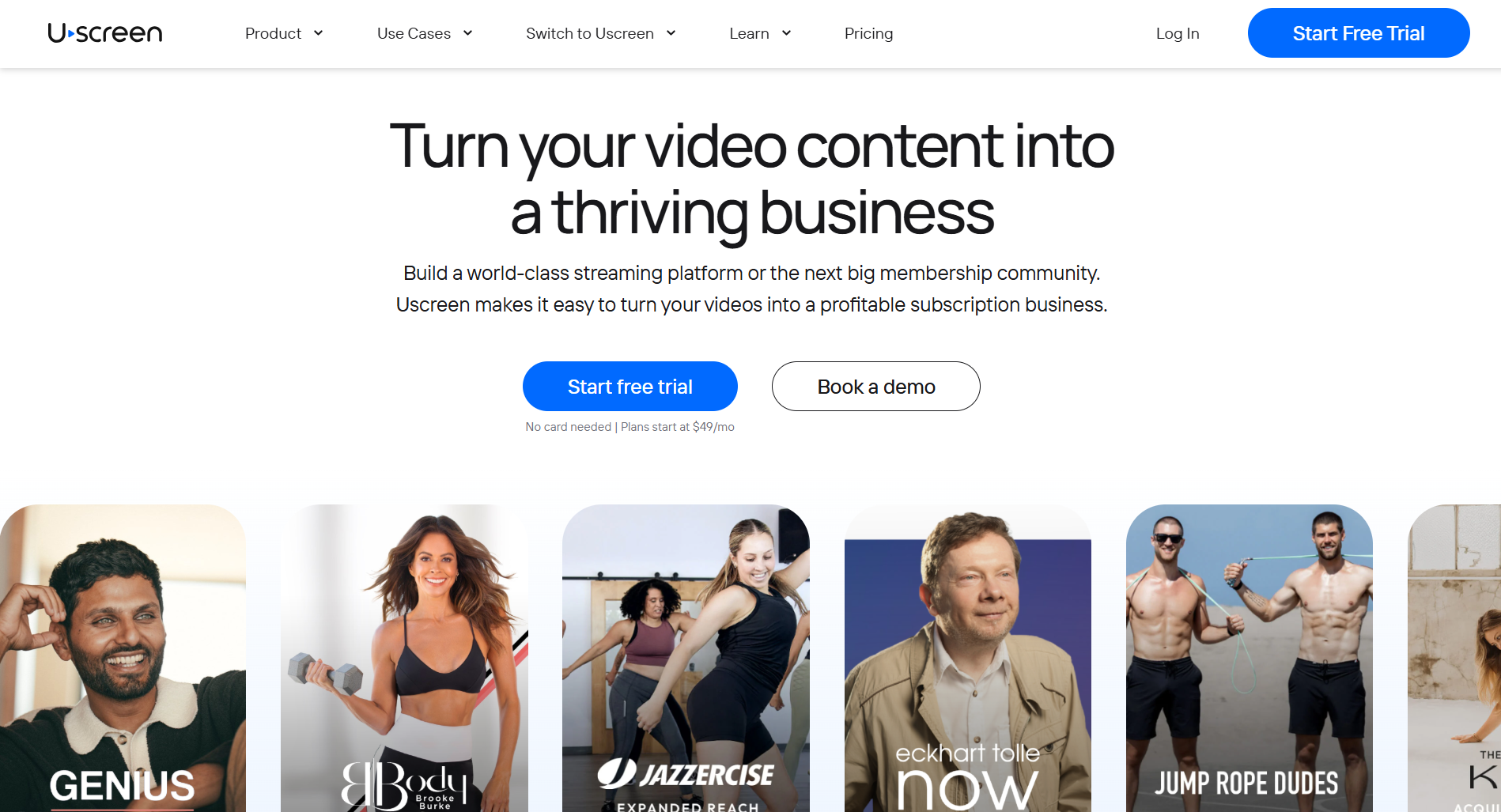
Uscreen (opens in new tab) is a video membership platform. It helps video businesses sell on-demand video and live streaming through their own website, with branded mobile apps from App Essentials and Community on Custom.
Uscreen runs your catalog, live events, and audience management from one dashboard. It’s designed for video businesses at every stage. That includes solo operators and teams running branded mobile and TV apps.
Key features
- Built-in analytics on subscriber growth, churn, and revenue
- Branded mobile apps available starting on the App Essentials plan
- Course and collection features for structuring content into modules
- Email marketing automation, including abandoned cart recovery and win-back sequences
- Netflix-style video catalog combining on-demand video with live streaming and automatic replay recording
Why pick it
Uscreen gives you published pricing and a free trial. If you’re switching platforms, its Migration team manages the entire move for on App Essentials and above. Thousands of video businesses across fitness, education, and entertainment run on it.
All plans include 1 free hour of live streaming per month; Custom includes flexible live streaming hours. Every plan includes unlimited contacts and products, plus email and chat support.
Limitations
Uscreen charges a per-subscriber fee on Growth and App Essentials plans. Starter has no per-subscriber fee, and Custom pricing is tailored to your audience size.
Pricing
Starter costs $49/month (opens in new tab) , with a 100-subscriber cap, a 10% fee on one-time sales, and no per-subscriber fee. Growth runs $199/month with a 5% fee on one-time sales and a $1.99 per-subscriber fee.
App Essentials runs $499/month with a 5% fee and a $0.99 per-subscriber fee; this is the first tier with branded iOS and Android apps. Custom is quote-based and adds TV apps, community tools, Calendar, Streaks, and Badges.
2. Vodlix: best for fixed-rate OTT with no per-subscriber fees
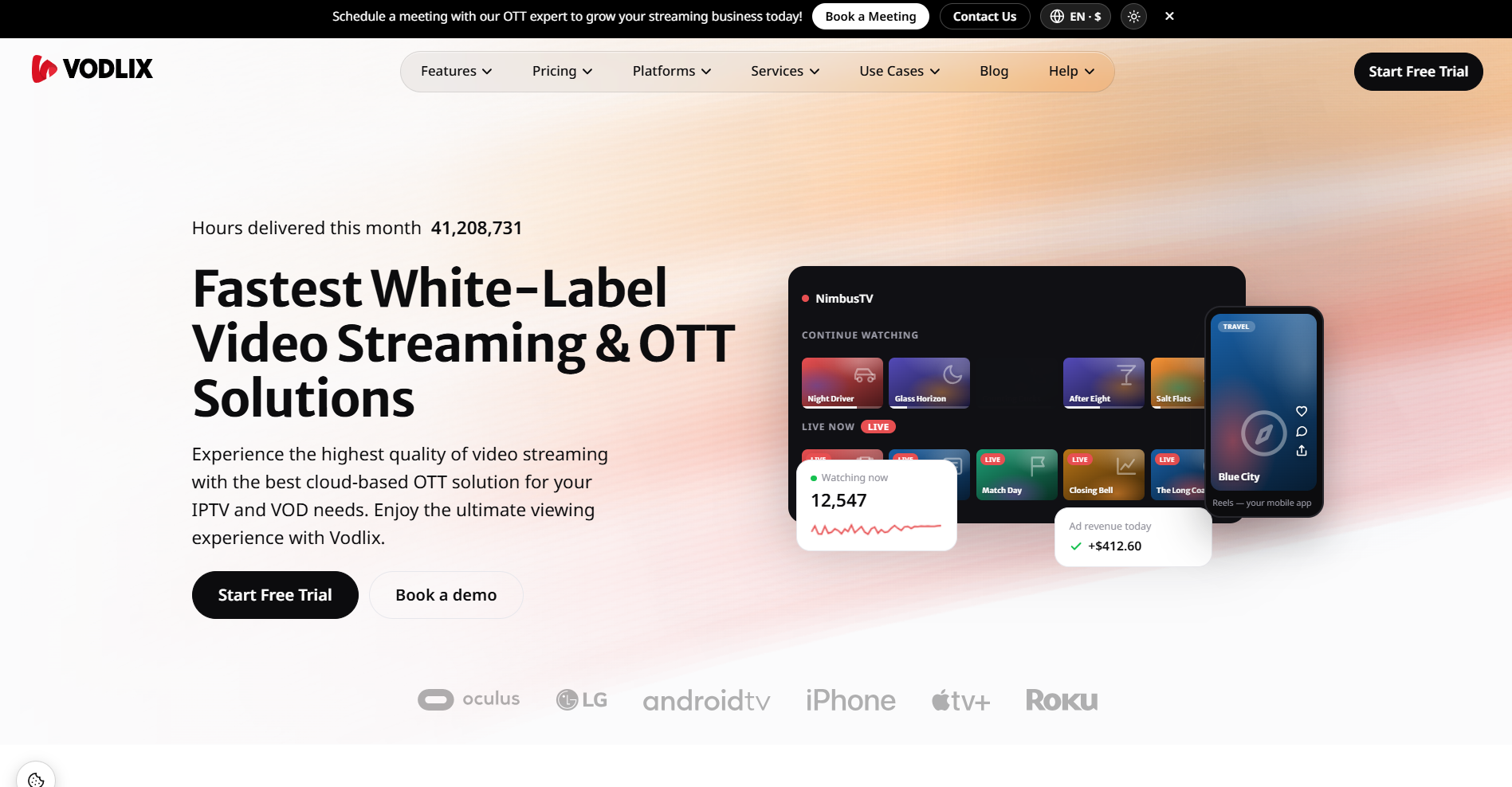
Vodlix (opens in new tab) is a white-label OTT platform that lets you launch branded video streaming without building the infrastructure yourself. You get hosting, apps, and monetization bundled into fixed-rate plans. Your bill doesn’t grow every time you add a subscriber. Apps+ tiers add native iOS, Android, and TV apps under your own brand. They become available once you’re ready to go beyond the web.
Key features
- No per-subscriber fee on any fixed-rate plan
- REST API available from the Grow plan (basic) and Scale plan (full); not included on Launch
- Multi-DRM available from the Professional plan, subject to Vodlix’s terms
- Native iOS and Android apps start on the Professional plan; TV apps start on Business
- SVOD, TVOD, and AVOD monetization available depending on plan tier
Why pick it
Vodlix charges a flat rate rather than taxing you per subscriber, which matters once an audience gets large. The entry Launch plan covers a web-based catalog with SVOD, TVOD, and AVOD monetization. Apps+ plans add branded native apps without changing the pricing model.
Vodlix charges a fixed monthly rate with no long-term contract. That works well for businesses that want predictable billing without a high upfront cost.
Limitations
Vodlix has no built-in community or audience engagement suite, so retention tools have to be added separately. Native mobile and TV apps require moving up to the Apps+ tier. That tier costs considerably more than the entry plan. Vodlix offers limited third-party reviews, which makes it harder to assess real-world performance at scale before committing.
Pricing
The entry (opens in new tab) Launch plan starts at $99/month (opens in new tab) for web-based streaming with no native apps. Apps+ plans start at $1,550/month on Professional, which adds iOS and Android apps. TV apps start on the Business plan.
Vodlix also offers pay-as-you-grow plans: $0 to start plus $0.99 per active subscriber on the web, or a $299 base plus $0.99 per subscriber with mobile apps.
Custom plans are available for businesses with bandwidth or catalog needs outside the standard tiers.
3. Muvi: best for an all-in-one OTT suite at enterprise scale
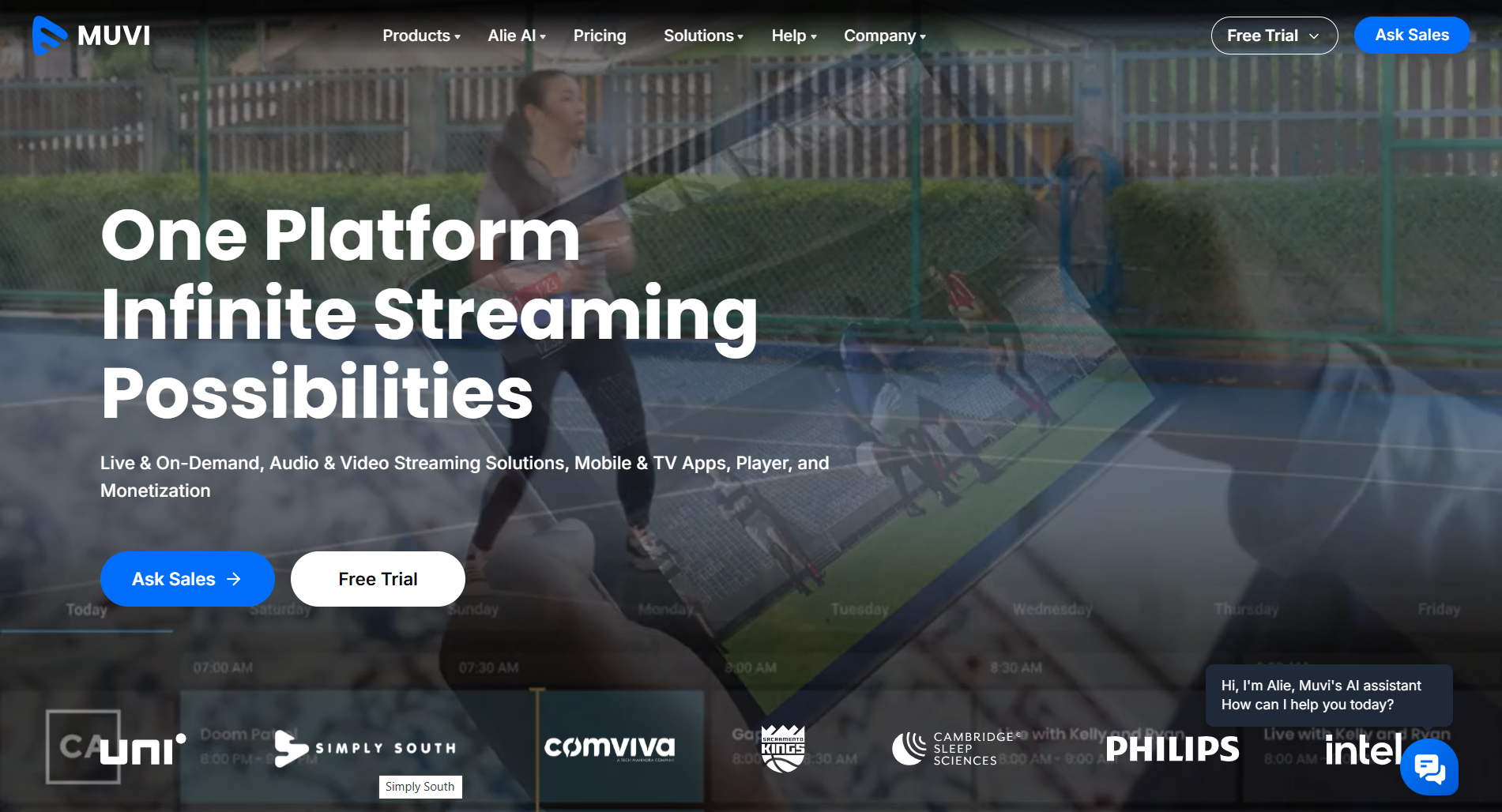
Muvi (opens in new tab) is a family of video products under one brand, including Muvi One (OTT platform), Muvi Playout (live and FAST channels), and TrueComply (AI compliance checks). Together, they cover video hosting, live streaming, media asset management, and content compliance. That lets a business source most of its video stack from one vendor.
Larger operators use it because much of their stack already exists in Muvi. That cuts the need to buy separate tools.
Key features
- White-label web, mobile, and TV apps under one brand
- Live channel and FAST channel creation through Muvi Playout
- SVOD, TVOD, and AVOD monetization models supported natively
- Compliance and content moderation tools through Muvi TrueComply
- Media asset management tools available through Muvi’s product family
Why pick it
Muvi bundles video hosting, live streaming, asset management, and compliance tools under one vendor. Larger operators use it to avoid managing multiple platform relationships. Unlike VPlayed, Muvi publishes its pricing. If full platform coverage matters, Muvi is the closest comparison point. It also gives you a price you can actually see upfront.
Limitations
Native apps and several add-ons bill separately from the base plan, which adds up quickly at scale. The breadth of the product family also creates a learning curve. Features are spread across several tools rather than one dashboard.
Muvi’s community tools center on ratings, reviews, and live chat. Businesses that need a full discussion-space and membership-engagement model will likely need a separate tool for that.
Pricing
The Standard plan starts at $399/month (opens in new tab) , with variable infrastructure fees for storage and bandwidth. Professional runs $1,499/month and adds TV and desktop apps, 4K encoding, advanced security, and interactivity tools. Enterprise starts at $3,900/month for up to 50K concurrent users, a dedicated server, and compliance features. Ultimate is custom-priced.
4. Dacast: best for broadcasters who need API-level control
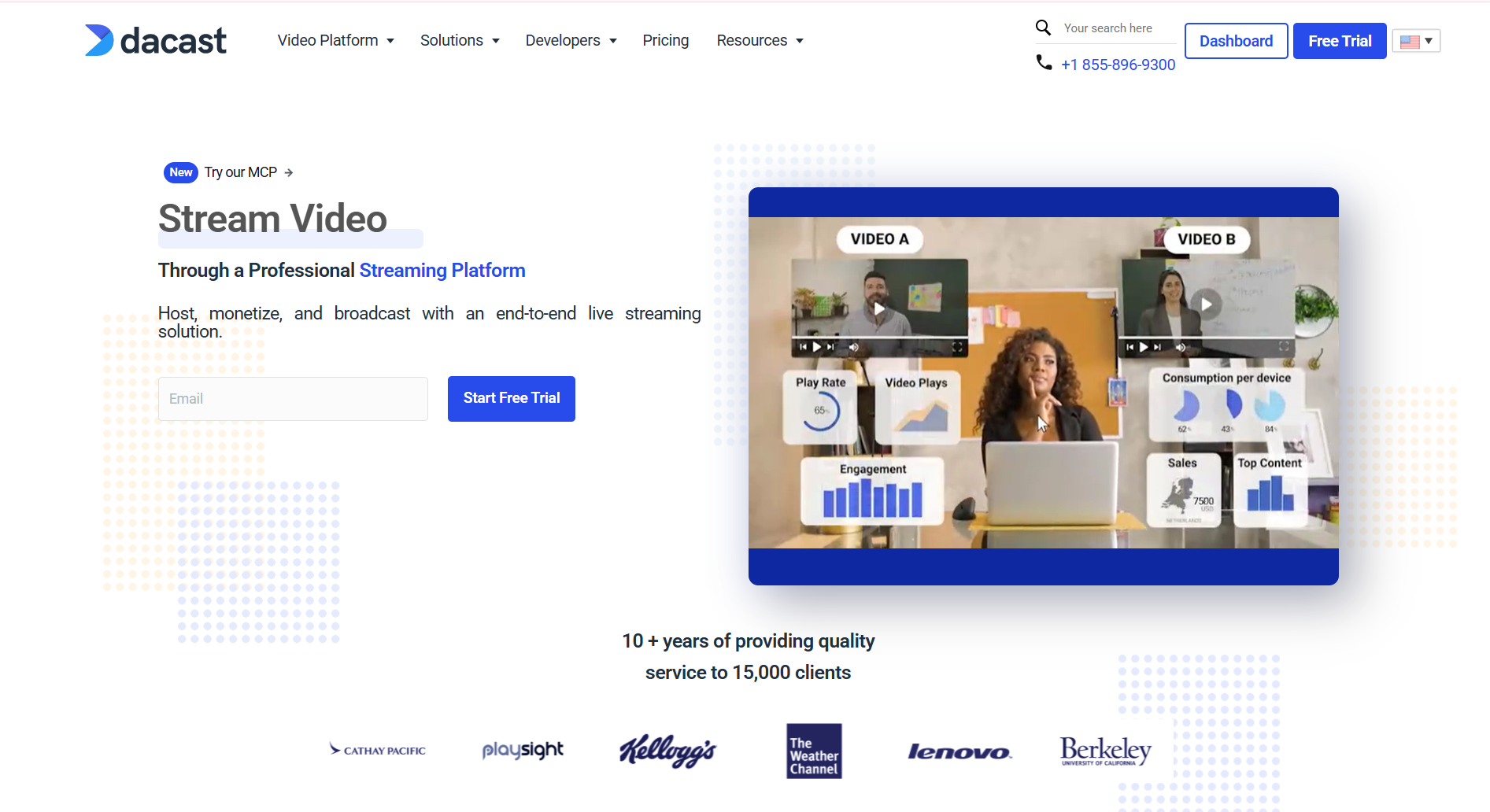
Dacast (opens in new tab) is a live-streaming and video-hosting platform for broadcasters. It offers strong API access and infrastructure control. It delivers video over Akamai’s CDN and gives developers direct access to the platform. That lets you build custom players or workflows on top of the platform. You don’t have to work entirely inside a fixed dashboard.
Key features
- Unlimited live channels on the Scale plan
- Full REST API and player API for custom broadcast workflows
- White-label player with domain and country-level access restriction
- Multi-CDN delivery available as a paid add-on from the Event plan up
- SVOD, TVOD, and AVOD monetization through a built-in paywall, available from the Event plan
Why pick it
Dacast is a strong fit for broadcasters who care more about API-level control than an all-in-one membership stack. The paywall handles subscriptions, pay-per-view, and ads directly. API access also makes custom players or dashboards easier to build.
Dacast publishes monthly pricing and offers a 14-day free trial. You can test the platform before paying anything.
Limitations
Dacast has no community features and no way to sell digital or physical products alongside video. The paywall and ads are included from the Event plan; on Starter, they are paid add-ons.
Pricing
Starter costs $39/month (opens in new tab) , billed annually, with hosting and delivery but no monetization. Event runs $63/month, billed annually, and adds a paywall for subscriptions and pay-per-view.
Scale runs $165/month, billed annually. Dacast’s FAQ says any plan paid month-to-month requires a three-month minimum. Scale adds unlimited channels, DRM for VOD, advanced library management, and phone support. Custom is contact-only for high-volume needs.
5. Kaltura: best for enterprise and education
Kaltura (opens in new tab) is a video platform designed for enterprise and education. It offers deep learning management system integrations and broadcast-style Cloud TV infrastructure. Generalist OTT platforms don’t usually provide that depth.
Universities, training organizations, and large enterprises use it to plug video into existing systems. They don’t need to build a separate video business on the side.
Key features
- Highly configurable through APIs and a plugin architecture
- Video portal and virtual classroom tools for education specifically
- Cloud TV product combining OTT flexibility with Pay TV scalability
- Deep LMS integrations for higher education and corporate training
- Enterprise-grade security and compliance options for regulated industries
Why pick it
Kaltura is strongest in education and large enterprise. Its LMS integrations and Cloud TV product address problems generalist OTT platforms do not.
If video is one part of a larger institutional system, Kaltura’s flexibility fits that model. That flexibility also makes Kaltura a heavier lift than most alternatives here. Its complexity sits closer to VPlayed than a self-serve SaaS product.
Limitations
Kaltura lists prices for a few self-serve products (Webinars starts at $150/month billed annually), but its video portal, OTT, and enterprise products are quote-only, so budgeting a full.
Kaltura’s flexibility comes with a steep learning curve, particularly for teams without dedicated technical staff. It also suits large organizations better than small or mid-sized video businesses.
Pricing
Some self-serve products publish prices (opens in new tab) (Webinars start at $150/month billed annually). Video portal, OTT, and enterprise products are quote-based and require contacting sales. Cost depends on usage, integrations, and the specific products selected.
6. Brightcove: best for large media and broadcast operations
Brightcove (opens in new tab) is an enterprise video cloud platform for large media companies and broadcasters. It’s built for OTT infrastructure at serious scale. Brightcove has been owned by Bending Spoons (opens in new tab) since February 2025. It splits its offering into separate studios for communications, marketing, and media.
The Media Studio specifically covers OTT distribution and monetization. Uscreen has covered (opens in new tab) how Brightcove compares in more depth here (opens in new tab) .
Key features
- Server-side ad insertion for advertising-supported video at scale
- Multi-channel distribution across web, mobile, and connected TV
- Professional services available for migration and custom integration work
- Media Studio product programmed specifically for OTT distribution and monetization
- Advanced analytics covering plays, engagement, and revenue performance
Why pick it
Brightcove serves large media companies and broadcasters processing high volumes of video and ad revenue. Its enterprise infrastructure matches that scale. Its ad monetization and analytics tooling are built specifically for high-volume media operations. It suits businesses that need enterprise infrastructure and dedicated support at scale.
Limitations
Brightcove comes with a steep learning curve, and pricing is entirely quote-based. It’s not designed for smaller video businesses or anyone wanting a fast, self-serve launch.
Pricing
Brightcove does not publish pricing. All plans require contacting sales for a custom quote. Bandwidth, storage, plays, and the selected product tier drive cost.
7. Vimeo Streaming: best for businesses already hosting on Vimeo
Vimeo Streaming (opens in new tab) is Vimeo’s subscription video platform for businesses charging for access to their video library. It reuses Vimeo’s player and account structure. Vimeo has been owned by Bending Spoons, which also owns Brightcove, since November 2025. That makes it a natural next step for anyone already hosting video there.
Key features
- Live streaming with simulcasting to social platforms during events
- AI-powered translation for reaching audiences in multiple languages
- Audience data tools covering subscriber growth, churn, and revenue
- Branded, no-code streaming site centered on Vimeo’s existing infrastructure
- VOD and TVOD on every plan; AVOD and FVOD on Enterprise
Why pick it
Vimeo Streaming makes the most sense for businesses already inside the Vimeo ecosystem. It reuses the same player, hosting, and account structure. So you don’t need to learn a new platform. Vimeo Streaming uses a per-subscriber pricing model, which keeps entry costs manageable for smaller audiences.
Limitations
Vimeo Streaming has no persistent membership community suite. There are basic social features like ratings and comments. Dedicated channels, member profiles, and discussion spaces aren’t included. It also doesn’t support selling digital or physical products alongside video.
Pricing
Vimeo Streaming Starter costs $1 per subscriber/month (opens in new tab) , plus a 10% fee on one-time purchases. It includes SVOD, TVOD, bandwidth, built-in checkout, and email support for your members.
Enterprise requires contacting sales and adds branded apps, AVOD, FVOD, and 60TB bandwidth. It also includes a 24/7 live linear channel and dedicated account management.
How do you switch from VPlayed to Uscreen?
VPlayed suits businesses that want full ownership. Uscreen brings that same instinct to a platform you can see before committing. No sales-gated pricing, lifetime license, or demo call just to find out what anything costs.
Of the seven alternatives here, Uscreen is the strongest fit for most businesses leaving VPlayed. It offers visible pricing, a lower entry cost, and a platform built for video memberships from day one.
- Start a free trial on the Starter plan: The Starter plan costs $49/ month (opens in new tab) . You get video hosting, a branded website, and live streaming from day one. That means you’re testing the real platform instead of a sales pitch.
- Book a demo for App Essentials or Custom: If you want a branded mobile app under your own name, or community and TV apps on Custom, book a demo (opens in new tab) . The team will map out the right tier for your audience size.
- Migrate from VPlayed with the Migration team: On App Essentials and Custom, Uscreen’s Migration team moves your content, members, and payment methods for you. Timelines depend on your setup; branded apps currently take around 90 days. Most payment methods carry over automatically so billing continues, but payment history does not transfer, and PayPal subscriptions are the main exception. Members can sign in immediately using an email magic link, with no password reset required.
Start your free trial now. (opens in new tab)