
The platform you choose for a paid membership does more than store your videos. It shapes your members’ experience, how fast you can grow, and what you pay each month.
Pick wrong and you may not feel it at first. But, the problems tend to show up later, once you try to scale, launch an app, or move your content somewhere new.
In 2026, Uscreen and Skool are two of the names that come up most.
On the surface they look alike. Both handle paid memberships, and both come with apps. The real split is underneath. Uscreen is built around video, and Skool is built around community. That one difference is what decides which platform fits you.
Here’s how they compare on catalog, apps, community, and pricing.
We evaluated each platform by working through their pricing pages, public documentation, G2 and Capterra reviews, and hands-on trials where available.
Uscreen vs Skool: quick verdict
| Uscreen | Skool | |
|---|---|---|
| Best for | Video-first membership businesses | Community-first coaches and cohort programs |
| Video hosting | Netflix-style catalog with Collections, series, and resume watching | Folder-and-page course structure with basic native video uploads |
| Mobile apps | Branded iOS and Android apps under the business’s name (App Essentials plan) | Shared Skool app (no white-label option) |
| TV apps | Roku, Apple TV, Fire TV, Android TV, Samsung TV (Custom plan) | Not available |
| Community | Discussion, DMs, challenges, and member profiles (Custom plan) | Discussion feed with 9-level gamification (the core product) |
| Marketing tools | CRM, email automations, abandoned cart recovery, upsells | No native email marketing or automation |
| Starting price | $49/month (100-subscriber cap) | $9/month (10% transaction fee) |
| Per-subscriber fee | $1.99-$0.99/month on paid plans | None. Transaction fee model instead |
| Migration support | Yes. Dedicated Migration Team, 30 to 60 days | No |
What is Uscreen?
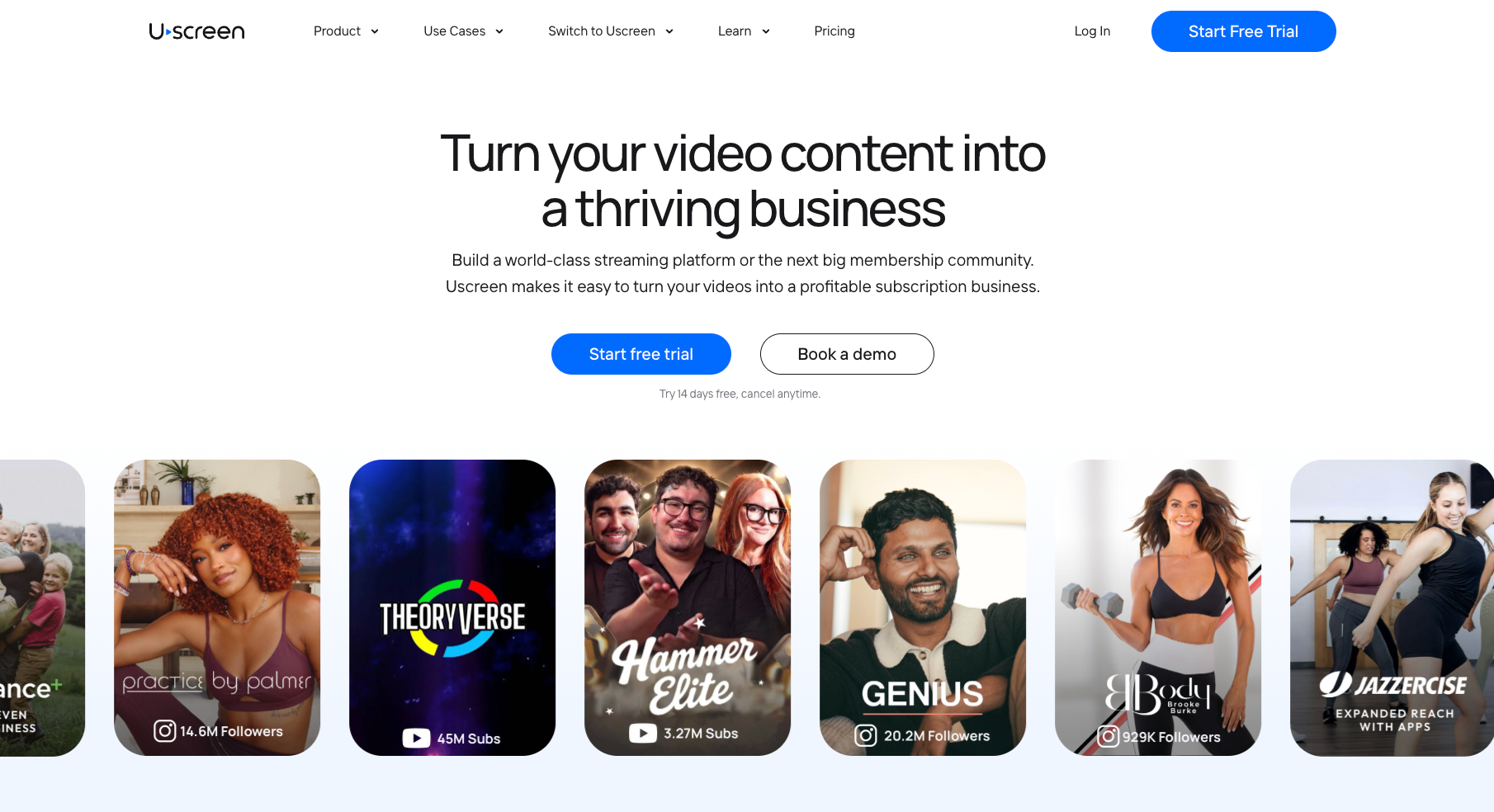
Uscreen (opens in new tab) is an end-to-end video membership platform. Think of a fitness studio running weekly live classes, a documentary channel with a growing library, or a professional training platform. Each can run on Uscreen as its own branded streaming service. Members browse the catalog the way they’d browse an OTT platform.
Uscreen brings everything a video-first membership needs into one place.
Members access on-demand video libraries, tune into live streams, and engage with their community without ever leaving the branded experience. The video business runs everything from one dashboard, with its own domain and analytics, while keeping a direct relationship with members.
What separates Uscreen from course platforms and community tools is how it treats content. Video is organized into Collections and series. Members browse, binge, and come back on the same retention loop. It’s the same loop that keeps people subscribed to streaming services.
For video business owners who want their membership (opens in new tab) to feel like a premium destination, Uscreen is built specifically for that model.
What is Skool?
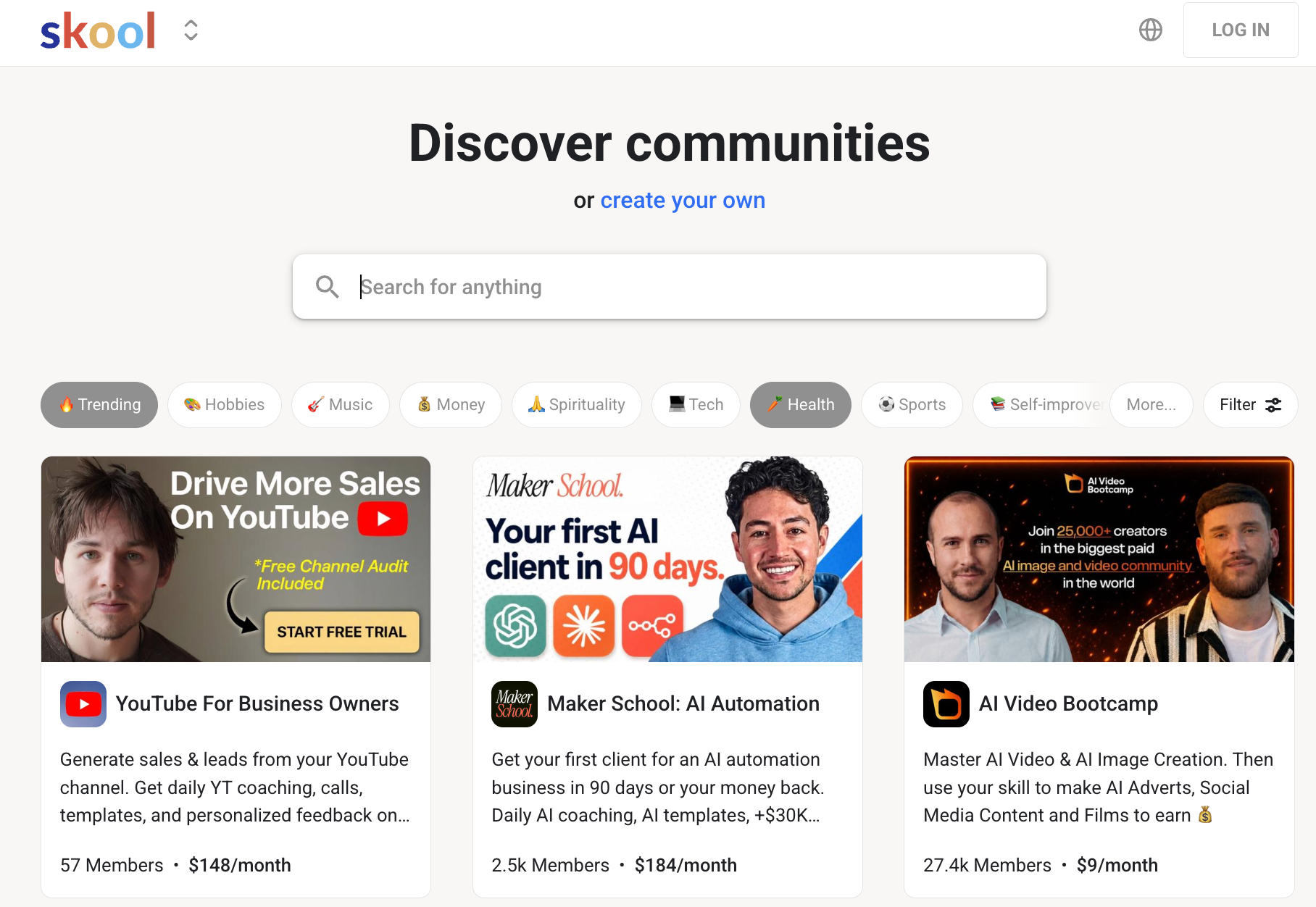
Skool (opens in new tab) is a community platform where coaches, educators, and online business owners build paid membership groups. The experience centers on a group discussion feed and a lightweight course area called the Classroom. There’s also a calendar for live events, plus a gamification layer where members earn points and climb leaderboards by participating.
When members are actively talking to each other, asking questions, and showing up for live sessions, they tend to stay subscribed longer. That’s especially true compared with a course library they work through alone. Skool is built to create that kind of active, returning participation.
The tradeoff is deliberate simplicity. Skool doesn’t try to compete with full marketing platforms or video infrastructure tools. What it offers is community, lightweight courses, events, and mobile access, all in one place. It’s fast to set up and easy to run day to day.
Which is better for video: Uscreen or Skool?
Skool added native video upload in 2026, which works for courses, but video is one feature inside a community hub. On Uscreen, video is the product. The entire platform is built around how members discover, browse, and return to content. One is set up like a course portal. The other is set up like a streaming service (opens in new tab) .
Here’s how each platform handles video:
- Uscreen: Uscreen’s video catalog uses a Netflix-style layout where members browse Collections, series, and episodes. All plans include unlimited bandwidth, resume watching, autoplay, picture-in-picture, trailers, captions, and drip scheduling. Growth and App Essentials plans include 100 hours of storage, with more available as an add-on. The experience is built for members who binge, browse, and return regularly to new content.
- Skool: Skool supports native video uploads inside its Classroom (opens in new tab) , added in 2026. Videos sit inside a folder-and-page course structure with auto-generated English captions, playback speed control, and chapter timestamps. Members can also post short videos in community posts. There is no catalog browse view, series structure, or resume watching.
Does Uscreen or Skool have better community tools?
Both platforms include community features, but they serve different roles in the product. On Skool, the community feed is the main event. Discussion, gamification, and leaderboards are the first thing members see and the primary reason they return. On Uscreen, community is built into the membership to extend engagement around the video content.
Here’s how each platform structures community:
- Uscreen: Community (opens in new tab) on Uscreen integrates directly into the membership experience, keeping discussion tied to the video content members are watching. Members post in community spaces, DM each other, take on challenges, and build public profiles inside the same branded environment. It’s available on the Custom plan, keeping discussion, DMs, and challenges alongside the video content.
- Skool: Skool’s community centers (opens in new tab) on a discussion feed where members post questions, share updates, and comment in categories the admin sets up. The gamification layer runs 9 levels deep. Members earn 1 point per like, and levels can gate course access. Public leaderboards track who is most active across 7-day, 30-day, and all-time windows. Community and courses sit in separate tabs; discussion is the main product, not a supplement to video.
Mobile and TV apps: Uscreen vs Skool
Both Uscreen and Skool have iOS and Android apps (opens in new tab) , but work very differently. On Skool, members access their community directly through Skool’s own app. There is no customization or separation between communities. On Uscreen, starting from the App Essentials plan, the video business gets its own branded iOS and Android app. It’s published under the business’s own name in the App Store.
For the business, that is the difference between renting space inside someone else’s platform and owning a presence on every member’s phone.
Uscreen
Uscreen builds and publishes branded iOS and Android apps under the video business’s own name in the App Store. These are available on the App Essentials plan. Members download the business’s app. TV apps for Roku, Apple TV, Fire TV, Android TV, and Samsung TV are available on the Custom plan. Uscreen handles development, maintenance, and updates; your business just provides the content and branding.
Skool
Skool has iOS and Android apps, but they’re Skool’s own apps. They’re branded as “Skool” on Android and “Skool Communities” on iOS. Every Skool group member shares the same app, so a member who belongs to five different groups sees all of them in one place. There are no TV apps, a white-label option, or a way to publish an app under a business’s own name.
How does Uscreen pricing compare to Skool?
Skool’s pricing (opens in new tab) is simple with two plans and two transaction fee rates. Uscreen’s pricing (opens in new tab) is more layered, with a flat monthly fee plus a per-subscriber charge that grows as the membership does. The entry-level price difference is stark. The question is what each price actually includes, and where the costs compound.
Uscreen pricing
| Plan | Monthly | Annual | Per-subscriber fee | Standout inclusions |
|---|---|---|---|---|
| Starter | $49/mo | Monthly only | $0 | Native livestreaming, 100-subscriber cap |
| Growth | $199/mo | $149/mo | +$1.99/subscriber | Unlimited subscribers, custom domain, marketing automations |
| App Essentials | $499/mo | $449/mo | +$0.99/subscriber | 2 branded iOS and Android apps, onboarding and migration support |
| Custom | Custom | Custom | Custom | 5 TV apps, community tools, whitelabeling, API access |
One-time sales and rentals carry a 5% platform fee on Growth, App Essentials, and Custom plans; 10% on Starter.
Skool pricing
| Plan | Monthly | Annual | Transaction fee | What’s included |
|---|---|---|---|---|
| Hobby | $9/mo | $7.50/mo | 10% per transaction | Unlimited members, courses, videos, and live calls; no custom URL |
| Pro | $99/mo | $82/mo | 2.9% per transaction | Everything in Hobby, plus custom URL and affiliate program |
Annual billing on both Skool plans saves the equivalent of two months. Both plans include unlimited members, courses, and videos at any scale.
Uscreen vs Skool: Which one should you choose?
If you’re still confused, here are some factors that can help you come to a decision faster:
- Choose Uscreen if your members pay to watch. Think fitness classes, educational series, or streaming content. If the video library is the product, Uscreen’s catalog, apps, and marketing tools are built around that model.
- Choose Uscreen if you want your business to run under your own brand. That means branded apps, a custom domain, owned member data, and a marketing stack that runs without external tools.
- Choose Uscreen if you’re moving off another platform. The Migration Team (opens in new tab) handles the technical side. Skool has no equivalent.
- Choose Skool if discussion and accountability drive retention. Coaching programs, cohort courses, and mastermind groups belong on Skool when the conversation is the value.
- Choose Skool if you’re testing before investing. At $9 to $99 per month with no infrastructure commitment, Skool is the lower-risk starting point. That matters when you’re still validating whether an audience will pay.
Ready to see Uscreen in action?
If your membership is built around video, Uscreen gives you the catalog experience, branded apps, and marketing tools to run it as a real business.
Here’s where to start:
- Start a free 14-day trial (opens in new tab) : No credit card required. The Starter plan is $49/month and lets you build your branded site and set up your video catalog. You can test the platform before you commit to a paid plan.
- Compare plans and pricing (opens in new tab) : Starter is capped at 100 subscribers. Growth removes the subscriber cap and adds a custom domain and marketing automations. App Essentials is where branded iOS and Android apps come in, along with onboarding and migration support.
- Book a demo (opens in new tab) : If you’re thinking about migrating from Skool or another platform, the team can show you what Uscreen looks like. They can also answer questions about apps or walk through your specific use case before you decide.