
Uscreen is built for membership businesses. Castr is built for broadcast. They solve different problems for different buyers, and the comparison only makes sense once you understand which problem you actually have.
The confusion is understandable. Both platforms support live video. Both handle monetization. Both let you build something that looks, from the outside, like a streaming service. But spend twenty minutes on each pricing page and a different picture starts to form. One platform delivers live video to large audiences across many destinations. The other turns that audience into a recurring business you own.
Those are related, but not the same problem.
If you’re running a subscription membership business, Uscreen is the right tool. If you’re running professional broadcast or live event distribution, Castr is. The rest of this piece explains why.
We evaluated both platforms by working through their live pricing pages and public documentation, as well as G2 and Capterra reviews.
Uscreen vs Castr: side-by-side comparison
| Feature | Uscreen | Castr |
|---|---|---|
| Best for | Membership businesses where community, retention, and apps matter most | Professional broadcast, sports, and live-event operations |
| Native community and live chat | Custom plan, includes channels, challenges, polls, direct messages, and moderated live chat | Not included; Castr’s pricing page confirms community is not part of any plan |
| Live ingest protocols (RTMP/SRT) | RTMP supported for native live events | RTMP and SRT included on every plan, from Starter up |
| Native mobile and TV apps | Mobile apps from App Essentials; TV apps on Custom — both published on the pricing page | Separately scoped add-on, quote only |
| Branded website/CMS | No-code website builder included on every plan | Branded web app and CMS included only on Events |
| Monetization models | Subscriptions, rentals, one-time sales, free trials, donations | Paywall on all plans; in-stream ads from Standard; SVOD, TVOD, and 30+ payment gateways on Events |
| DRM and access controls | DRM available as an add-on at $199/month per 100,000 view licenses on App Essentials and above | DRM available as an add-on on every plan; geo and domain controls from Premium |
| Migration support | Dedicated Migration Team; thousands of successful migrations completed. Most migrations wrap in 30-60 days, tailored to your goals and timeline. | Migration scope “documented during discovery,” case by case |
| Published pricing transparency | Full plan and fee table published, including per-subscriber rates | Plan prices published, but native app costs and total OTT cost require a sales call |
What is Castr?
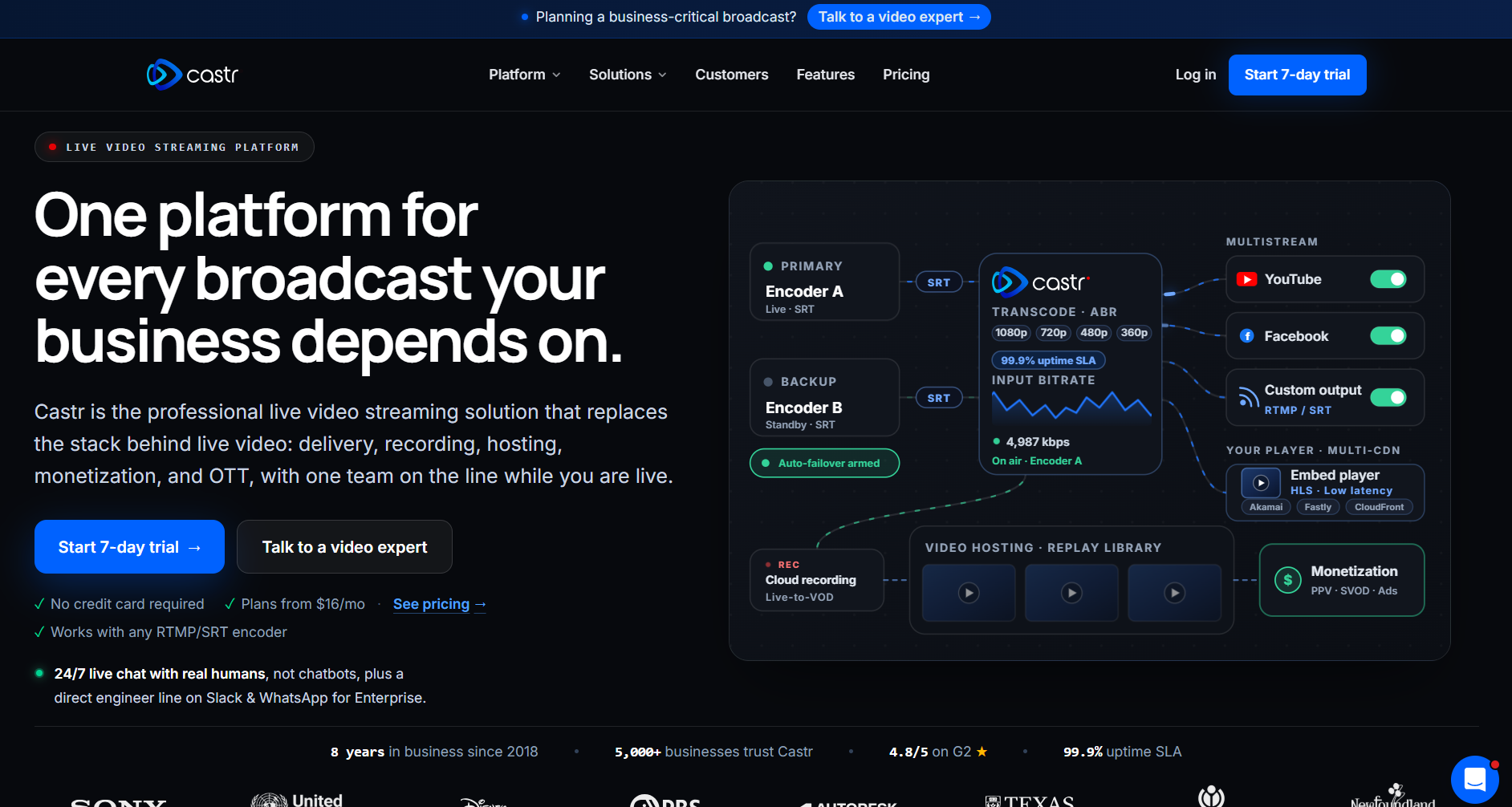
Castr (opens in new tab) is a live streaming and OTT infrastructure platform built for professional broadcast operations. It handles the technical side of delivering video at scale: multistreaming to up to 30 destinations (on Ultra and Events plans), RTMP and SRT ingest on every plan, 24/7 TV playout, and a white-label OTT service at the top of its plan list that includes its own web app, content management system, and payment processing.
A sports broadcaster using Castr, for example, can take a single live feed and push it simultaneously to its own OTT platform, YouTube, Facebook, and a dozen other destinations, with built-in failover so a dropped connection doesn’t kill the stream. That is the problem Castr was designed to solve.
Its customer base reflects its focus: universities streaming campus events, churches running weekly services, and sports broadcasters. Castr is broadcast infrastructure. It was not built to run a recurring subscription membership business.
What is Uscreen?
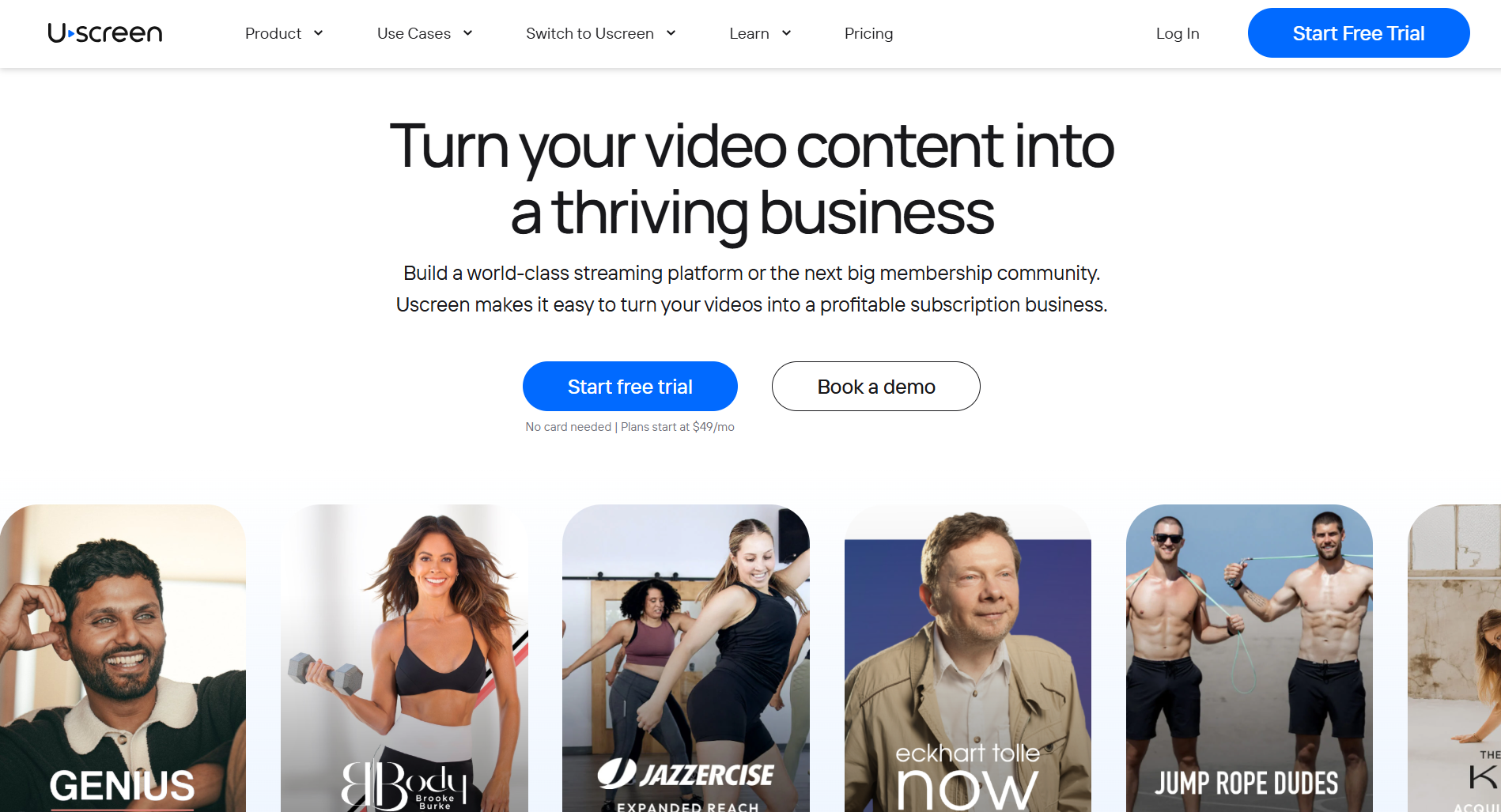
Uscreen (opens in new tab) is an all-in-one video membership platform that lets you build a subscription business around your content, fully branded and completely owned by you. Instead of stitching together a video host, a payment processor, a community tool, and a mobile app from four different vendors, Uscreen puts all of it on one platform under your name.
A fitness instructor using Uscreen, for example, gets a branded website, live streaming with chat, and automated emails that re-engage members who stop showing up. On the App Essentials plan, they can publish their own iOS and Android apps in the App Store. On the Custom plan, they get a built-in community where members post and interact. All of it runs together and reports to the same dashboard.
Thousands of video businesses run on Uscreen. Together they have generated over $1B in cumulative subscription revenue, and Uscreen customers have earned over $210M in the past 12 months.
If your business lives or dies on subscribers who pay month after month, that is the job Uscreen was built to do.
Does Uscreen or Castr include built-in community tools?
Castr has no native community. Its pricing page confirms that community tools aren’t included in any plan and recommends pairing the platform with a third-party tool. That is a fair answer for a broadcast platform. It is the wrong answer for a membership business that lives on member relationships.
On the Custom plan, Uscreen includes channels, challenges, polls, direct messages, user-generated 60-second video uploads, pinned posts, member profiles, and moderated live chat. The community lives inside the same app as the content. Members finish a video and jump straight into the conversation without switching platforms or logging in elsewhere.
How do mobile and TV app pricing compare?
Uscreen publishes app pricing on the plans page. App Essentials at $449 per month annually includes two mobile apps. Custom adds five TV apps. No sales call required.
Castr’s Events plan includes a branded web app. iOS, Android, Roku, Apple TV, Android TV, Fire TV, TizenOS, and WebOS are each scoped separately, with pricing confirmed only after a sales conversation. That is standard practice for custom OTT builds, but it makes cost planning harder for a membership business operator who needs to know their numbers upfront.
How does live streaming differ between Uscreen and Castr?
Both platforms support live streaming. They are just built for different versions of it.
Castr is broadcast infrastructure. RTMP and SRT ingest on every plan, multistreaming to up to 30 destinations on Ultra and Events, 24/7 TV playout, failover on Ultra and above. That is the right tool for a sports broadcaster or a university streaming an event to thousands of alums.
Uscreen’s live streaming is built around the membership experience. Live chat with moderation, automated email reminders, and donations. Members get a push notification, RSVP, and show up. The stream lives alongside the content library and the community in one place.
Does Castr include marketing and retention tools?
Castr’s Events plan includes a subscriber email system and basic support ticketing. That covers communication. It does not handle marketing automation, CRM, abandoned cart recovery, win-back campaigns, or subscription upsell flows. That is not an issue for a broadcast operation, but it’s a significant gap for a membership business.
Uscreen includes all of it. Email broadcasts, behavioral automations triggered by sign-up, watch activity, or inactivity, abandoned cart recovery, subscription upsell flows, and a member CRM with tagging and segmentation.
Uscreen reports that abandoned cart recovery has generated $24M+ across the platform, and that subscription upsell converts 8% of members to a higher plan.
Uscreen vs Castr pricing: what the numbers actually say
Uscreen (opens in new tab) and Castr (opens in new tab) price for completely different buyers. Uscreen’s ladder is built for a membership business scaling subscribers over time. Castr’s Events tier is built for a broadcast operation that needs white-label OTT delivery. Line them up at the tier that does the same job. Uscreen’s App Essentials: $499 per month. Castr’s Events: $749.99 per month. That’s a $250 gap before Castr’s commissions even start.
The table below shows the full breakdown.
| Factor | Uscreen | Castr |
|---|---|---|
| Entry price | $49/month (Starter, no subscriber fee) | $19.99/month (Starter, live streaming only) |
| OTT/membership-tier price | $499/month or $449/month annual (App Essentials) | $749.99/month or $624.99/month annual (Events) |
| Subscriber or commission fees | $0.99 to $1.99 per subscriber, depending on plan | 9% paywall commission on every plan, plus 5% OTT commission on Events |
| Native mobile/TV apps included? | Yes, on App Essentials (mobile) and Custom (TV) | No, separately scoped and quoted on request |
| Community features included? | Custom plan only | Not offered; Castr recommends pairing with a third-party tool |
Uscreen vs Castr: which tool to use?
The honest answer depends on what you’re actually building. Castr is professional broadcast infrastructure. Uscreen is a membership business platform. Most of the time, the wrong choice isn’t made because someone picked a bad product. It’s made because someone used a broadcast tool to run a membership, or vice versa. Here’s where each one fits.
Where Castr is the stronger choice
- You’re running a professional broadcast operation where SRT ingest, multistreaming to a couple dozen destinations, and 24/7 TV playout are the actual job.
- You’ve already got community and marketing tools somewhere else and just need a dependable live and OTT delivery layer underneath them.
- Your business centers on live events, sports coverage, or broadcast distribution rather than an ongoing subscription audience you’re building relationships with over time.
Where Uscreen is the stronger choice
- Community, live chat, and audience retention aren’t a feature you’d like someday. They’re core to how your membership makes money, and Uscreen builds around that instead of bolting it on.
- You want your mobile and TV apps priced on a plan you can see today.
- You’d rather run your website, apps, live streaming, community, and marketing automation from one login than layer a third-party community tool on top of your video platform, which is the workaround Castr’s own documentation recommends.
Start your Uscreen free trial or migrate from Castr
Uscreen is the right fit if you are building a recurring membership business, not a broadcast operation. The platform gives you everything in one place: your apps, your community, your content, and your marketing tools, so you can stop paying for a live delivery layer and then bolting everything else on separately.
Here is what getting started actually looks like:
- Free trial (opens in new tab) : Plans start at $49 per month with no credit card required. You can upload content, configure subscriptions, and see the platform before you commit.
- App Essentials (opens in new tab) : The tier where your own branded iOS and Android apps go live, at $449 per month billed annually. Your app is published under your name on the App Store and Google Play, not Uscreen’s.
- Migration from Castr (opens in new tab) : Uscreen’s Migration Team handles the move end-to-end. Most migrations wrap up in 30 to 60 days, tailored to your goals and timeline. Your members get their accounts set up directly; they just need to sign in via an email magic link.
- Book a demo (opens in new tab) : For App Essentials, the Custom tier, or any migration question. The demo walks through your specific setup.