
If your audience already pays to learn from you, the next question is what you want to build. A set of courses people complete once and forget, or a membership they subscribe to for years. That is the real split between these two platforms, and it determines which one fits your business model.
Uscreen is built for memberships. It turns your video library into a recurring subscription business, with your own branded streaming service across web, mobile, and TV, native live streaming, and a built-in community that keeps members coming back between releases. Everything runs from a single powerful dashboard that includes content, payments, marketing automations, and apps. The subscriber relationships and the revenue are yours.
Thinkific is a strong course platform. If you sell structured, linear courses with quizzes and certificates, it does that job well. It’s built around a different model: people complete and move on, rather than subscribing to a library they return to week after week.
This comparison walks through pricing, video, live streaming, community, apps, marketing, and support, so you can see which model and platform best match the business you are building.
Thinkific vs Uscreen: Quick verdict
| Thinkific | Uscreen | Winner | |
|---|---|---|---|
| Best for | Structured course delivery, LMS-style learning | Video membership businesses with recurring revenue | Depends on model |
| Starting price (monthly) | $54/month | $49/month | Thinkific |
| Branded mobile app | $199/month add-on | Included in App Essentials | Uscreen |
| TV apps | Not available on any plan | Roku, Apple TV, Fire TV, Android TV, Samsung TV (Custom plan) | Uscreen |
| Native live streaming | Zoom integration only | Native with chat, RSVP, countdowns | Uscreen |
| Built-in community | Spaces per plan (5, 10, 20), no challenges or DMs on base plans | Channels, challenges, DMs, polls, UGC video, streaks | Uscreen |
| Marketing and CRM | Requires third-party tools | Built-in automations, abandoned cart, win-back, upsell | Uscreen |
| Multi-tiered subscriptions | Yes (Start plan and above) | Yes (all plans) | Tie |
| Per-subscriber fee | None | $0.99 to $1.99 depending on plan | Thinkific |
| Support | Email and chat + dedicated CSM on Plus | 24/7 + dedicated CSM + Migration team + coaching | Uscreen |
What is Thinkific?
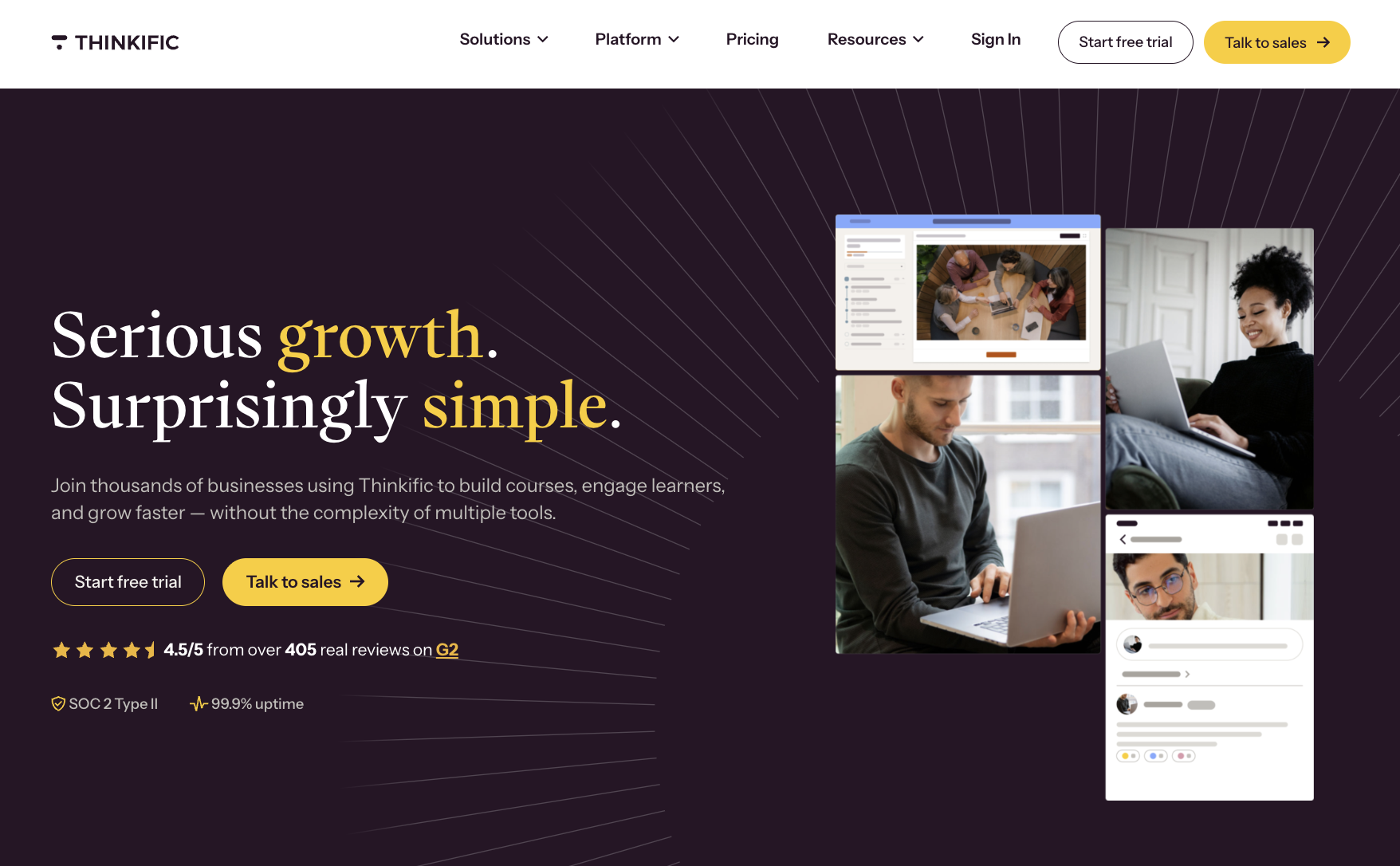
Thinkific (opens in new tab) is an online course platform founded in 2012 in Vancouver, Canada. It’s built for educators, coaches, and subject matter experts who want to package their knowledge into structured learning experiences and sell them directly to an audience.
The platform handles course creation, checkout, student progress tracking, quizzes, assignments, completion certificates, and community spaces, all under one roof. It’s publicly traded on the Toronto Stock Exchange (TSX: THNC).
The course builder is fast and clean, and it requires no technical skills. You can go from idea to published course without touching code. Higher-tier plans unlock SCORM compliance, making it a viable option for B2B training and professional certification programs.
Memberships are supported from the Start plan upward, but the platform’s DNA is one-time, structured learning, not an evergreen subscription library that your audience returns to over and over again. That difference matters more than most comparison pages let on.
What is Uscreen?
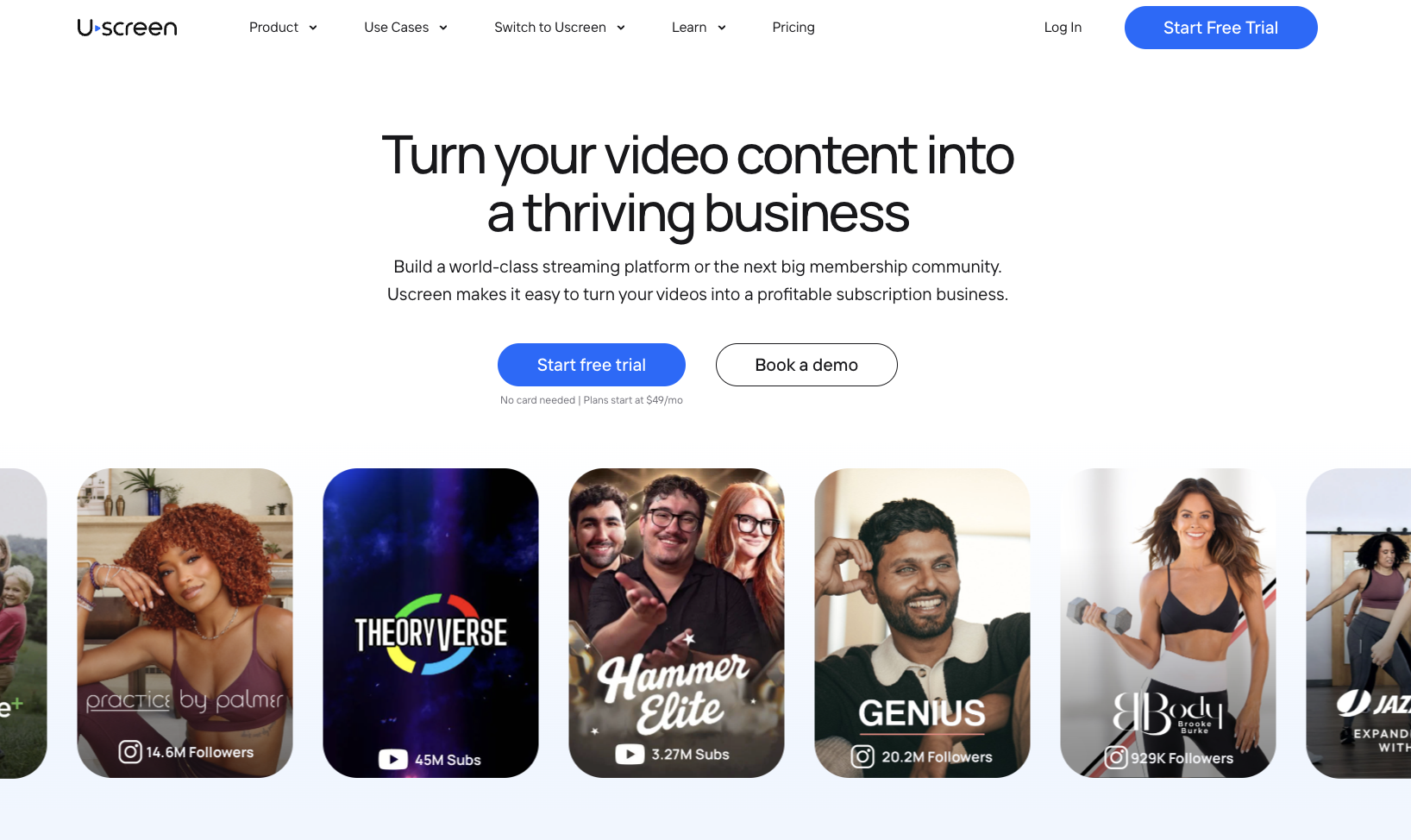
Uscreen (opens in new tab) is a video membership platform founded in 2015, built specifically for video business owners who want to run a recurring subscription business (opens in new tab) .
The problem it was built to solve: before Uscreen existed, running a video membership meant stitching together Vimeo for hosting, Circle for community, Mailchimp for email, and Stripe for payments. Each tool had its own login, data, and monthly bill. Uscreen replaced all of it with one system.
Today, thousands of businesses run on Uscreen. They’ve collectively earned over $1 billion in cumulative revenue, with $210M+ in customer earnings in the past 12 months. More than 4,000 active apps (opens in new tab) have been launched on the platform.
The architecture is membership-first. Content, community, live streaming, payments, marketing automations, and branded apps all run as one connected system. There’s no stitching, integration tax, or separate tool to manage each layer of the business. That’s what makes it a different category from Thinkific.
Thinkific vs Uscreen: Pricing
On paper, Thinkific looks cheaper. Basic starts at $54/month (opens in new tab) versus Uscreen’s $49/month (opens in new tab) Starter. But the moment you start comparing what’s included at each tier, the gap narrows fast, and in some cases flips entirely.
Thinkific pricing
| Plan | Monthly price | What you get |
|---|---|---|
| Basic | $54/month | Unlimited courses, 1 community, custom domain, abandoned cart emails, no completion certificates |
| Start | $109/month | Everything in Basic + live cohorts, completion certificates, assignments, memberships and subscriptions |
| Grow | $219/month | Everything in Start + removes Thinkific branding, 3 communities, B2B sales, phone support, API access |
| Plus | Custom | Everything in Grow + SCORM, SSO, CRM integrations, branded mobile app included |
No per-subscriber fee on any plan. Annual billing saves 25%. Branded mobile app is a $199/month add-on on Basic, Start, and Grow; included at no additional cost on Plus.
Uscreen pricing
| Plan | Monthly price | Subscriber fee | What you get |
|---|---|---|---|
| Starter | $49/month | $0 | 100 subscriber cap, 20h video storage, Uscreen-branded domain, native live streaming |
| Growth | $199/month | $1.99/subscriber | Unlimited subscribers, 100h storage, custom domain, full marketing and automations |
| App Essentials | $499/month | $0.99/subscriber | Everything in Growth + 2 mobile apps (iOS & Android), onboarding support, migration support |
| Custom | Custom | $0.99/subscriber | Everything in App Essentials + 5 TV apps, community (DMs, challenges), calendar, streaks and badges, whitelabeling, dedicated success manager, end-user support |
No annual commitment shown on Starter. Annual billing saves up to 20% on Growth and above.
Core difference
If you’re selling courses and don’t need apps, Thinkific’s flat per-plan fee works in your favor. Uscreen’s subscriber fee scales with growth, but so does the value: a membership platform, live streaming, automations, and apps in one bill, often cheaper than running those tools separately.
Thinkific vs Uscreen: Key difference
Both platforms let you host video, build a community, and collect recurring payments. But the similarities end there. What follows is a spec-by-spec look at where each platform stands, based on what they ship today.
Video and content delivery
Thinkific’s video delivery is hosted by a third party. Content is organized as structured courses: modules, lessons, a defined start and end. That architecture works well when your students need to follow a linear path. Where it falls short is browsability. If a member wants to jump to a specific workout, rewatch a topic, or discover something new, the course player isn’t designed for that.
Uscreen runs a native video player inside a Netflix-style catalog. Members can search, filter by category, browse by instructor or duration, add videos to playlists, pick up where they left off, and download for offline viewing. The entire experience is built around the assumption that members will return repeatedly.
Winner: Uscreen
If your business depends on members watching, returning, and staying subscribed, Uscreen’s catalog architecture does more of the work for you.
Live streaming
Thinkific doesn’t offer native live streaming. Live sessions run through Zoom, which you schedule inside Thinkific’s course builder. Students get a one-click join link, and attendance is logged. It works fine for structured cohort calls and Q&As, but the live experience itself lives inside Zoom.
Uscreen’s live streaming (opens in new tab) is native, so you can go live in 3 clicks directly from your admin panel. Members get RSVP, countdown timers, automated email reminders, and interactive chat, all inside your branded environment.
You can also connect external tools like StreamYard and OBS if you prefer that workflow. Live streams are automatically available on demand after they end, and members can tune in from your mobile or TV app.
Uscreen customers who regularly host live streams generate 2.5x more monthly revenue. That’s not because live streaming is novel. The RSVP and reminder tools drive attendance. The in-app experience keeps people watching.
Winner: Uscreen
For anyone running weekly live classes or events, native live streaming with real engagement tools is a meaningful operational difference.
Community features
Thinkific has built-in community (opens in new tab) spaces. Basic gives you one community with five spaces. Start bumps that to ten spaces. Grow unlocks three separate communities, each with 20 spaces. Members can post, react, reply in threads, and join live events. The community integrates directly with your course content, so discussion happens right alongside the lesson, which is useful for structured learning programs.
What Thinkific’s community doesn’t have: challenges, direct messages on base plans, UGC video uploads, streaks, or gamification. It’s a structured discussion layer built on top of courses, not a space built to drive daily habit and retention between content drops.
Uscreen’s community (opens in new tab) runs deeper. You get public and private channels, polls, challenges, direct messages, 60-second member video uploads, pinned posts, and streaks and badges. Community lives right next to your video library. Members on mobile or TV can toggle between video, community, and calendar without leaving the app.
Uscreen businesses with an active community see 2x less churn and 50% higher engagement, with 73% of community-engaged members still active at the three-month mark versus 46% without.
Winner: Depends on your model
Thinkific’s course-integrated community is better for structured learning programs where discussion belongs next to a specific lesson. Uscreen wins if you’re running a membership where community engagement between content drops is what keeps people subscribed.
Mobile and TV app
Thinkific’s branded mobile app (opens in new tab) is a $199/month add-on, available on Basic, Start, and Grow, and included at no additional cost on Plus. Thinkific builds and maintains the app for you, covering iOS and Android. It supports courses, communities, and downloadable content. No Thinkific plan includes TV apps.
Uscreen’s apps (opens in new tab) put your brand in your members’ pockets and on their living room screens, so they’re watching your content instead of hunting for a login. Apps are included from the App Essentials plan ($499/month): iOS and Android on App Essentials, and five TV apps (Roku, Apple TV, Fire TV, Android TV, and Samsung TV) on the Custom plan. Apps are published on your own developer account, meaning you own the app, the code, and the customer relationship.
Uscreen has over 4000 active apps. Features include push notifications, offline viewing, and user-curated playlists. Uscreen’s top customers see over 50% of their total watch time happen inside native apps.
Winner: Uscreen
No TV apps on Thinkific at any price point. If your members watch on a TV, Thinkific isn’t an option.
Marketing, automations, and CRM
Thinkific (opens in new tab) handles the course commerce side well on Basic: checkout, order bumps, subscriptions, bundles, and abandoned cart emails. What it doesn’t have is a built-in CRM or marketing automation engine. Email marketing runs through third-party integrations like Mailchimp, ConvertKit, and ActiveCampaign. That means your subscriber behavior data lives in Thinkific, but your email tool doesn’t know about it unless you build and maintain a sync.
Uscreen’s marketing stack (opens in new tab) is built in, so you don’t lose revenue to churn or abandoned carts just because your tools don’t talk to each other. Email broadcasts, welcome sequences, re-engagement automations, win-back campaigns, subscription upsell, abandoned cart recovery, a landing page builder, giveaway funnels, push notifications, and referral tools all run natively.
Automations are triggered by actual member behavior: what they watched, when they last logged in, and whether they’re drifting toward churn. Abandoned cart alone has generated $24M+ across Uscreen businesses. Subscription upsell has converted 8% of users to a higher plan and has generated $27M+. Customers using email automations earn 2.5x more monthly revenue.
Winner: Uscreen
Uscreen wins this round for membership businesses that need behavior-triggered retention tools. Thinkific’s third-party integrations work fine for course sellers who already have a preferred email tool and don’t need automations tied to video behavior.
Support and onboarding
Thinkific (opens in new tab) offers email and chat support on all plans. Phone support unlocks on Grow. Plus, customers get a dedicated launch specialist, a one-on-one onboarding call, and a customer success team after launch. For enterprise course programs, that’s real, structured support. Standard plans don’t include a dedicated migration team.
Uscreen’s support (opens in new tab) gets more hands-on as your business grows. App Essentials includes a dedicated onboarding specialist and migration support from a team that has completed thousands of successful migrations.
The Custom plan adds a dedicated success manager and end-user support, so Uscreen’s team handles your subscribers’ day-to-day questions, and you can focus on growth. Every Uscreen customer also gets access to Membership+, the company’s group and one-on-one coaching program, at no extra cost.
Winner: Depends on where you are
Thinkific’s Plus support is strong and purpose-built for enterprise course programs. Uscreen’s edge is migration support and ongoing growth coaching for membership businesses. If you’re switching from another platform, Uscreen’s dedicated Migration team is something Thinkific simply doesn’t offer at standard pricing.
Final verdict
Thinkific is the stronger fit when your business is built around structured, one-time learning delivery. The course architecture, LMS tools, and community-inside-lessons design all point toward a specific kind of business.
Here’s when Thinkific makes more sense:
- You’re selling structured courses with quizzes, assignments, completion certificates, and a linear learning path your students follow from start to finish.
- Your students are in B2B training or professional development and expect SCORM compliance, SSO, or CRM integrations with tools like HubSpot or Salesforce. These are Plus-tier features, but they exist.
- You don’t need recurring subscription revenue as your primary model. If you’re selling courses as one-time purchases and your audience pays per course rather than per month, Thinkific’s architecture fits naturally.
- Your primary metric is course completion rate, not churn, monthly active members, or subscription retention. The platform is built to measure learning outcomes, not membership engagement.
- You want community tied directly to course content. Thinkific’s community spaces sit inside lessons, which works well when discussion belongs next to a specific module rather than floating in a separate feed.
On the other hand, Uscreen is the stronger fit when your revenue model depends on keeping subscribers engaged month after month.
Here’s when Uscreen makes more sense:
- You’re building a recurring subscription video library in fitness, wellness, education, entertainment, faith, or media, and your members need to browse, return, and watch on their own terms.
- You want your members on branded mobile and TV apps you own. Uscreen publishes apps on your own developer account across iOS, Android, Roku, Apple TV, Fire TV, Android TV, and Samsung TV.
- You need native live streaming with real engagement tools, not a Zoom link dropped inside a course player. RSVP, countdown timers, interactive chat, and automated reminders are built in.
- You’re migrating from another platform and want a dedicated team to handle the transition. Uscreen sets up your subscribers so their accounts are ready. Payment methods carry over automatically for most members, and most migrations take 30 to 60 days, tailored to your goals and timeline.
- You want built-in marketing automation without paying for a separate CRM. Abandoned cart recovery, win-back campaigns, subscription upsell, and behavior-triggered email sequences all run natively inside Uscreen.
When Uscreen is the right next step
Thinkific is a well-built platform for what it does. But if you’ve outgrown the course model and you’re ready to build a recurring subscription business around your video library, a course platform’s architecture will keep slowing you down. The switch makes sense when the business model has shifted.
Here’s when Uscreen fits better than Thinkific:
- You’re building a subscription membership: Uscreen handles tiered subscriptions, subscriber management, and payment processing natively, alongside the lifecycle tools, email automations, and churn recovery a recurring membership needs to grow. Thinkific handles course commerce well, but it doesn’t have the retention infrastructure you need.
- You want branded apps your members use daily: iOS and Android apps are available on App Essentials. TV apps, community, calendar, streaks, and badges come on the Custom plan. Your members see your brand, watch on any screen, and engage inside an app you own.
- You need built-in marketing: Uscreen ships with email automations, abandoned cart recovery, subscription upsell flows, and a landing page builder. On Thinkific, those tools live in Mailchimp or ActiveCampaign and are connected via integrations you maintain.
- You’re migrating from Thinkific: Uscreen’s Migration team handles your content and subscriber data. Payment methods carry over automatically for most members. Migrations take 30 to 60 days, but the team tailors the process to your goals and timeline, with scheduled calls throughout.
Start a free trial (opens in new tab) to see it running with your own content, or (opens in new tab) talk to the Migration team (opens in new tab) if you’re already on Thinkific and ready to make the move.