
Skool costs $9/month on Hobby and $99/month on Pro. Two plans, no tiers in between. Both include unlimited members, courses, videos, and live calls. Pro adds a custom URL, affiliates, more admin seats, and a lower transaction fee.
That simplicity comes with trade-offs. No native email marketing, certificates, or deep branding control. At this price point, you get a focused community and course tool. Not an all-in-one.
Here’s a full breakdown of what Skool actually costs, transaction fees included, and whether the numbers make sense for your community.
What is Skool?
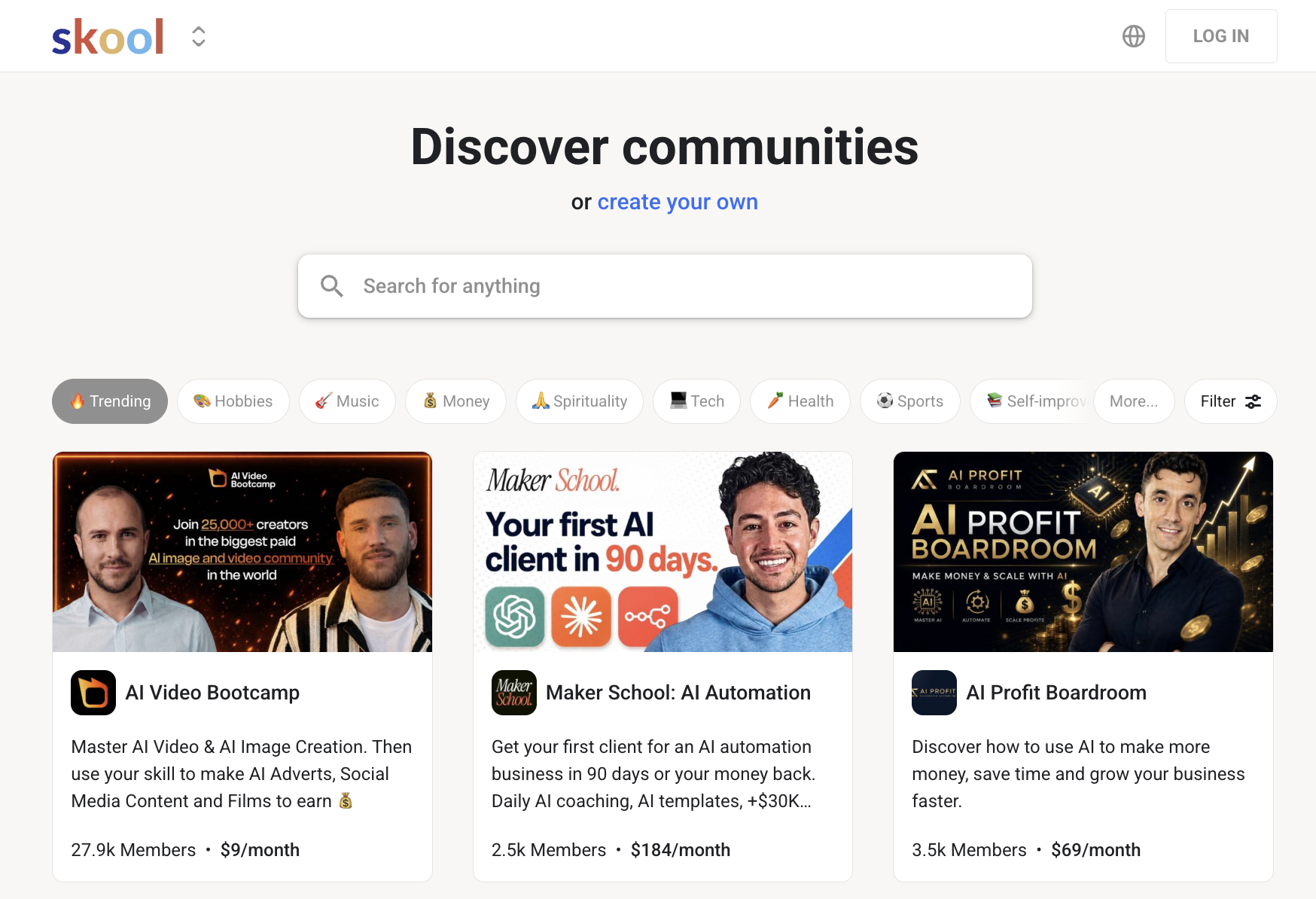
Skool (opens in new tab) is a membership platform that combines an online community, a course builder, and a payment system into one tool. It is built specifically for people who want to run a paid group around a shared topic or skill.
Instead of stitching together a forum, a course platform, and a checkout page separately, Skool keeps all three in one place under a single monthly subscription.
Here are the key features of Skool:
- Community feed: Skool’s core is a social feed where members post, ask questions, and interact with each other and the host. It works like a private group with posts, comments, and reactions. A gamification layer awards points and levels to the most engaged members.
- Course builder: Skool includes a classroom area where hosts can upload videos, write lessons, and organize content into modules. It handles basic structured learning without a separate course platform, though it doesn’t support quizzes, drip content, or completion certificates.
- Payments and billing: Skool processes payments natively through its own system, Skool Payments, and acts as the merchant of record, handling sales tax and VAT in applicable regions. Hosts set a membership price, Skool collects it, and takes a transaction fee on top of the monthly plan cost.
- Live events: Both plans include live sessions directly inside the platform. On Pro, you also get access to webinars and additional automation integrations.
- Leaderboards and gamification: Every community gets a leaderboard that ranks members by points earned through posting, commenting, and completing course modules. Hosts can use this to reward top contributors or create challenges that drive engagement over time.
How much does Skool cost per month?
Skool costs $9/month (opens in new tab) on Hobby and $99/month on Pro, billed monthly. Annual billing drops those to roughly $7.50/month and $82/month by giving you two months free. The plan price is only part of the cost, though.
| Plan | Monthly price | Annual price (effective per month) | Transaction fee |
|---|---|---|---|
| Hobby | $9 | ~$7.50 | 10% + $0.30 |
| Pro | $99 | ~$82 | 2.9% + $0.30 (up to $899); 3.9% + $0.30 on $900 or more |
When does upgrading from Hobby to Pro actually save money?
The break-even point is roughly $1,268 a month in membership revenue. Below that, Hobby is cheaper even with the higher fee. Above it, Pro’s lower fee makes up the extra $90 and then some. Consider a community with 100 members paying $27 each, bringing in $2,700 a month.
On Hobby, the 10% fee plus $0.30 per transaction costs about $300 total. On Pro, the same transaction costs about $108. That difference covers the $90 plan gap once revenue clears that threshold.
What’s included on the Hobby vs. Pro plan
Skool’s two plans include the same core unlimited features, like members, courses, videos, and live calls. Where they split is on transaction fees, admin controls, and a handful of tools that are only available on Pro.
The higher your monthly revenue, the more the plan difference matters, since the fee gap is what drives the cost difference between the two.
Here’s what’s included in Skool’s plans:
- Hobby ($9/month): Unlimited members, courses, videos, and live calls. One admin seat. Transaction fee of 10% plus $0.30 on every payment members make.
- Pro ($99/month): Everything on Hobby, plus a custom URL, affiliates, and more admins. You also get webinars, AutoDM, Zapier, advanced analytics, the option to hide suggested communities, and ownership transfer. Transaction fee drops to 2.9% plus $0.30 on charges up to $899, and rises to 3.9% plus $0.30 on any single charge of $900 or more. Admin seats expand on the Pro plan.
Hobby leaves out quite a bit beyond the fee difference. There’s no Custom URL, affiliate system, advanced analytics, or a way to hide suggested communities.
Further, you need to upgrade to the Pro plan for automation integrations, webinars, and ownership transfer. Hobby includes one admin seat; adding more admins requires Pro.
Is there a Skool free plan or trial?
No, Skool doesn’t have a free plan. The entry point is the Hobby plan at $9/month. It does offer a 14-day free trial on both plans, with full access to every feature on whichever plan you choose. Don’t expect a read-only mode or feature gating.
What Skool doesn’t include
Compared to other community and course platforms, there are real gaps worth knowing before you commit to Skool.
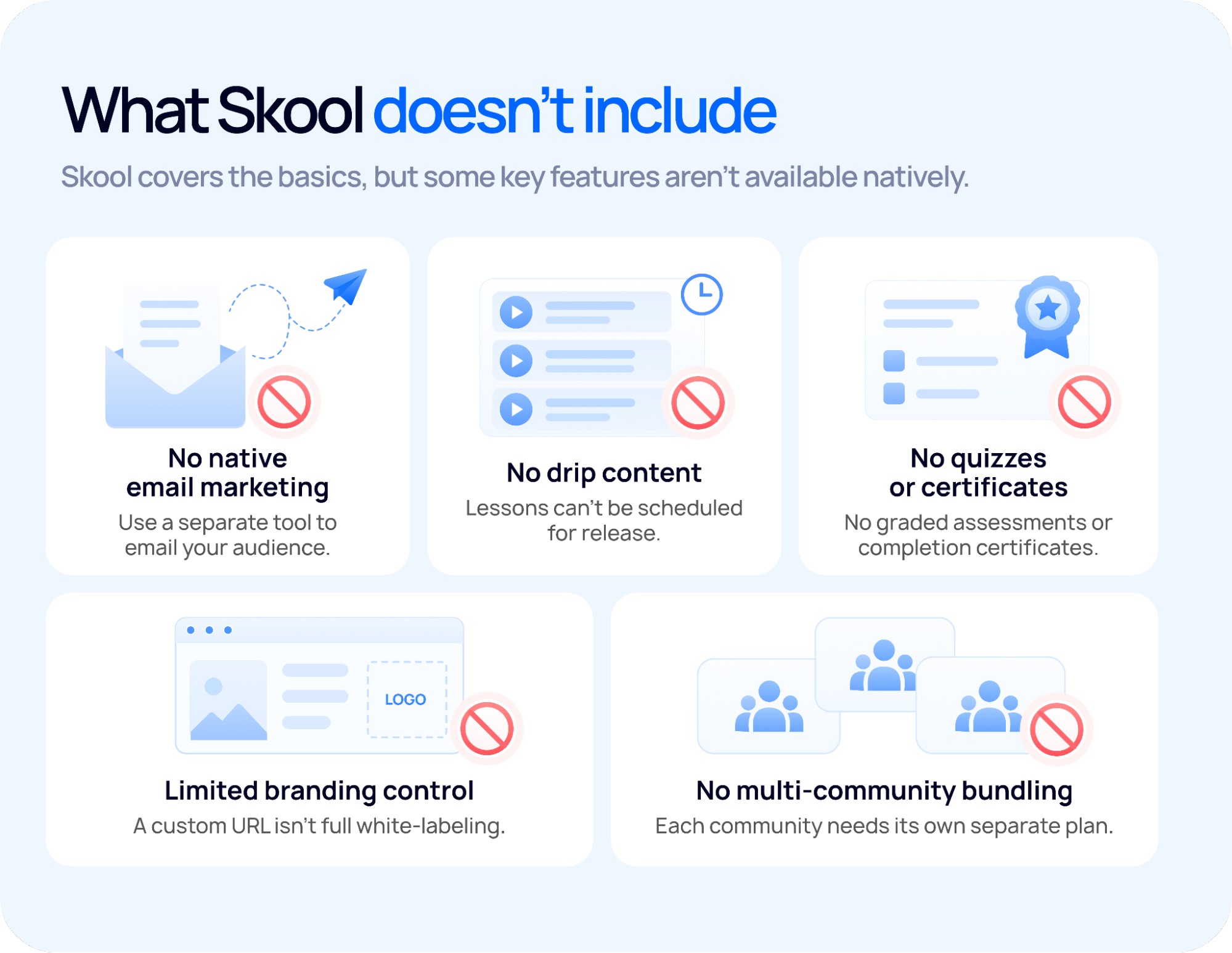
Here’s what Skool doesn’t offer that competing platforms in its category do:
- Full white-labeling: Pro gives you a custom URL, but that’s as far as it goes. You can’t change your community’s fonts, colors, or layout, and Skool’s branding stays on your pages. Members will always know they’re on a Skool community, not a product that’s entirely yours.
- Quizzes and completion certificates: Skool has no graded assessments, no quiz builder, and no way to issue certificates when a member finishes a course. Platforms like Thinkific or Teachable include all three natively.
- Native email marketing: There’s no way to send email campaigns or automations from inside Skool. To email your audience, you’ll need a separate tool like ConvertKit or Mailchimp and a way to sync membership data across.
- Multi-community bundling: Each Skool community runs on its own separate plan. If you run more than one community, you pay separately for each, with no discount or consolidated billing.
How Skool pricing compares to alternatives
Skool’s flat monthly fee plus a percentage cut differs from the two most common alternatives. Figures below are checked as of September 2026.
| Platform | Price | Transaction fee |
|---|---|---|
| Skool (opens in new tab) | $9/mo (Hobby) or $99/mo (Pro) | 10% (Hobby) or 2.9-3.9% (Pro) |
| Uscreen (opens in new tab) | Starter: $49/mo (100-subscriber cap) Growth: $149/mo billed annually, or $199/mo billed monthly App Essentials: $449/mo billed annually, or $499/mo billed monthly | 10% on one-time sales (Starter) or 5% on one-time sales (Growth and above) + $1.99/subscriber/month (Growth) or $0.99/subscriber/month (App Essentials) No percentage fee on subscriptions. Uscreen pricing has two components: a base plan fee and a per-subscriber fee. |
| Patreon (opens in new tab) | Free to join, no monthly fee | 10% platform fee (standard plan) plus payment processing, which varies by country, currency, and payment method. |
| Circle (opens in new tab) | $89/mo (Professional, annual) | 2% |
Is Skool worth the cost?
Skool is worth it if your primary goal is community. It keeps members engaged, and its pricing is simpler than most alternatives. Whether it’s worth it for you comes down to two things: whether the feature set meets your needs and your members’ needs, and how much of your revenue you’re willing to give up in transaction fees.
Here’s what determines whether Skool makes financial sense:
- Your revenue volume: On Hobby, Skool takes 10% of every transaction. If you’re charging $50/month and have 20 members, that’s about $106/month in fees (10% plus $0.30 on each of 20 payments) on top of the $9 plan cost. Pro drops the fee to 2.9%, but you’re now paying $99/month as the base. The math only works in Pro’s favor once your monthly revenue crosses roughly $1,268.
- How central community is to your offer: Skool is built around discussion, gamification, and member engagement. If your business is primarily a course with a community as an afterthought, platforms like Teachable or Kajabi give you more course infrastructure. If community is the product, Skool is hard to beat at this price point.
- What you don’t need: Skool has no native email marketing, certificates, or full branding control. If any of those are non-negotiable, you’ll be paying for a second tool on top of Skool, which changes the value calculation quickly.
- Your stage: At $9/month, Hobby is one of the cheapest ways to launch a paid community anywhere. For a community just starting out, the low base cost makes it easy to experiment without a large upfront commitment.
Looking for a video-first alternative to Skool?
Skool (opens in new tab) is built for community. If your business is built around video, you need a platform designed for that.
Uscreen gives you video hosting, live streaming, and payments in one place on every plan. Branded mobile apps start on App Essentials, and Community and TV apps come with Custom.

Here’s what that looks like in practice:
- Start a free trial on the Starter plan: It costs $49 a month. You get video hosting, a branded website, and live streaming from day one, so you can see the platform running before you commit.
- Book a demo for App Essentials or Custom: If you already have a paying audience and want a branded mobile app under your own name in the App Store, (opens in new tab) book a demo (opens in new tab) instead. The team will walk you through the plan that fits your current member count and growth goals.
- Migrate with dedicated support: On App Essentials and above, Uscreen’s Migration team handles the full move. Your members are set up and can log in right away via a magic link sent to their email. Most payment methods carry over automatically, so there is no disruptive billing ask during the transition.
- See how other video businesses have scaled on Uscreen: See how other video businesses have grown on Uscreen: [ read their stories (opens in new tab) ].
Start your free trial now (opens in new tab) . (opens in new tab)