
With Circle, you can run a community, sell courses, host events, and even go live from one place. But doing a lot does not always mean doing the one thing you need most.
Some businesses need stronger video tools. Others care more about courses, apps, lower fees, or keeping members active.
That is where looking at some alternatives to Circle starts to make sense.
The best choice really depends on what your members are looking for. Do they want to watch, learn, chat, or join live sessions?
In this guide, we compare the best Circle alternatives for 2026, including Uscreen, Mighty Networks, Kajabi, Skool, and more.
We evaluated every platform using its pricing pages and public documentation. We also reviewed G2 and Capterra feedback and ran hands-on trials where available.
Circle alternatives at a glance
| Platform | Best for | Starting price |
|---|---|---|
| Uscreen (opens in new tab) | Video-first membership businesses that need community, apps, and TV built around the content | $49/month (Starter plan, monthly only); $149/month billed annually (Growth Plan) |
| Mighty Networks (opens in new tab) | Community + courses bundled at a lower entry price | $79/month (2% fee) |
| Kajabi (opens in new tab) | Course-first businesses that also want a light community | $143/month (0% platform fee on Kajabi Payments) |
| Disciple (opens in new tab) | Branded community apps with no per-tier feature gating | $599/month (0% fee) |
| Bettermode (opens in new tab) | Enterprise customer/support communities | $399/month (annual, no transaction fee) |
| Podia (opens in new tab) | Video business owners who want courses, downloads, and community without heavy pricing tiers | $42/month (5% fee) |
| Discord (opens in new tab) | Free real-time chat with optional paid server tiers | Free (90/10 split on paid tiers) |
| Slack (opens in new tab) | Internal team chat | $7.25/user/month |
| Skool (opens in new tab) | Simple, gamified communities on a budget | $7.50/month Hobby plan (annual, 10% fee) |
| Facebook Groups (opens in new tab) | Free discovery and top-of-funnel community | Free (no native paid-group tier) |
What is Circle?
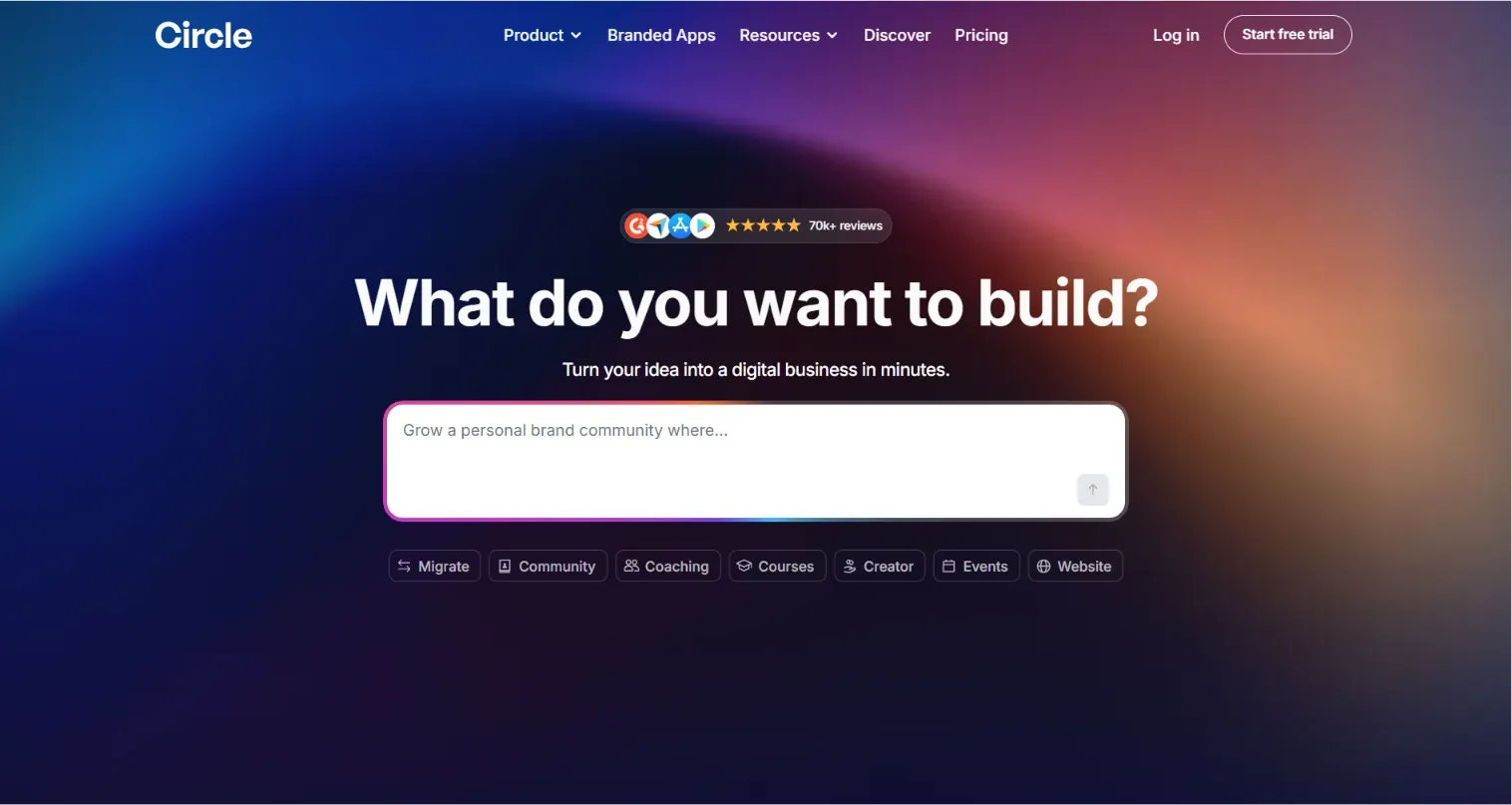
Circle is an all-in-one community platform for educators and businesses. It brings discussions, courses, events, and live streams into a single branded space. Professional and Business plans include Circle AI; AI Agents are available only on Circle Plus. Members can post, chat, take courses, and attend events without leaving that one space. It’s closer to a modern forum with commerce layered on top than a video streaming platform.
How much does Circle cost in 2026?
Circle’s pricing (opens in new tab) runs across four tiers. Each has its own transaction fee on top of the monthly cost. Professional is the entry plan at $89/month, while Business costs $199/month and adds automations and API access. Branded mobile apps sit on the custom-priced Circle Plus plan.
Circle’s current pricing, direct from its pricing page:
| Circle plan | Price | Transaction fee |
|---|---|---|
| Professional | $89/month | 2% |
| Business | $199/month | 1% |
| Circle Plus | Custom | 0.5% |
Prices billed annually; Circle notes monthly billing costs more.
What each plan gets you:
- Professional plan ($89/month): Unlimited members, discussions, courses, events, live streams, custom branding, and gamification. This is the core of what most people mean by “a Circle community”
- Business plan ($199/month): Everything in the Professional plan, plus workflows, automations, and API access for teams building custom logic on top of the platform
- Circle Plus plan (custom): Everything in the Business plan, plus branded iOS and Android apps, handled through a dedicated launch team
That’s a strong, capable stack for a business built around discussion, courses, or live events. For a business built around video as the product, it’s a different story.
Circle’s video tools (live streams, live rooms, video posts) support conversation and courses. No tier includes a dedicated video catalog or TV app support. Apple TV, Roku, Fire TV, and similar are not part of Circle’s feature set at any price.
Branded mobile apps only show up at the top of the pricing ladder. They’re gated behind custom pricing on the Circle Plus plan. If members come to watch, that gap matters more than any individual feature comparison.
1. Uscreen
Uscreen (opens in new tab) is a video membership platform that lets video businesses sell subscriptions, run live streams, and build branded apps from one place. Instead of stitching together a video host, a community tool, and a payment processor, you can run everything from a single dashboard. Your catalog, your members, your revenue, all under your own brand.
Key features
- Live streaming with real-time chat and ticketed or donation-based events
- Netflix-style video catalog with drip scheduling for time-gated series delivery
- TV apps across five platforms and integrated community tools on the Custom plan
- Multiple revenue models in one catalog, including subscriptions, pay-per-view, and donations
- Branded iOS and Android apps with your own name and icon in the App Store and Google Play, on App Essentials and above
Why you should choose Uscreen
If your members show up to watch, Uscreen is built around that. Live streaming, community (Custom plan), and marketing tools all support the catalog rather than compete with it for attention. Everything runs from a single catalog without stitching separate tools together.
App Essentials gives you a fully owned app. Your name, your brand, your own listing in the App Store and Google Play, rather than a shared container carrying someone else’s branding.
Limitations
Uscreen is built around video delivery. Quizzes and formal completion certificates are not part of the core feature set. If structured coursework is a big part of your model, factor that in before choosing a plan.
Pricing
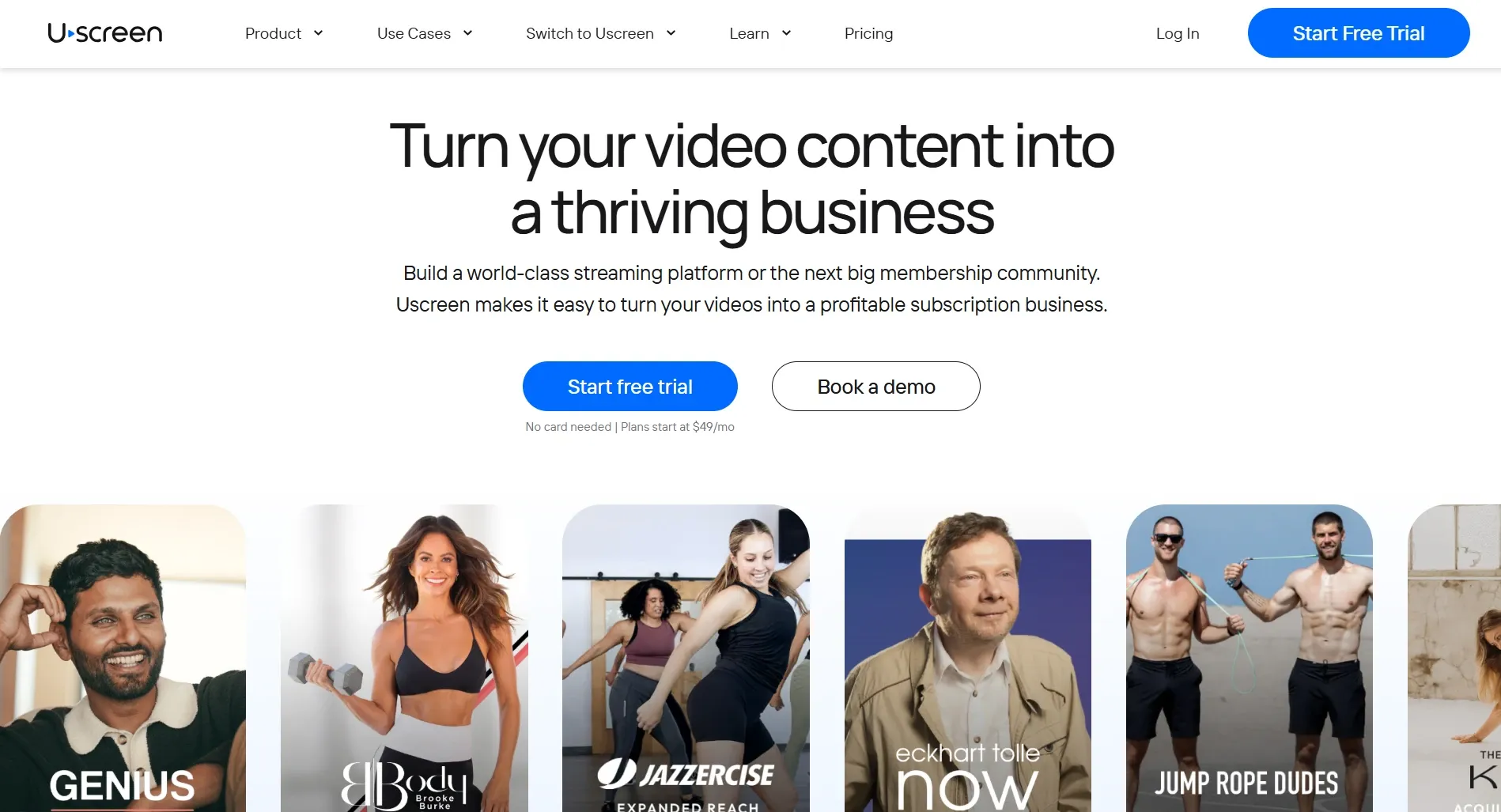
Plans start at $49/month (opens in new tab) for Starter (monthly only), with a 10% one-time sale fee and a 100-subscriber cap. Growth runs $149/month billed annually ($199/month monthly), with a 5% sale fee and a $1.99 per-subscriber fee. App Essentials runs $449/month billed annually ($499/month monthly), with a 5% fee and a $0.99 per-subscriber fee. It’s also the first tier to include branded iOS and Android apps. Custom pricing covers TV apps, community tools, and a dedicated success manager.
2. Mighty Networks
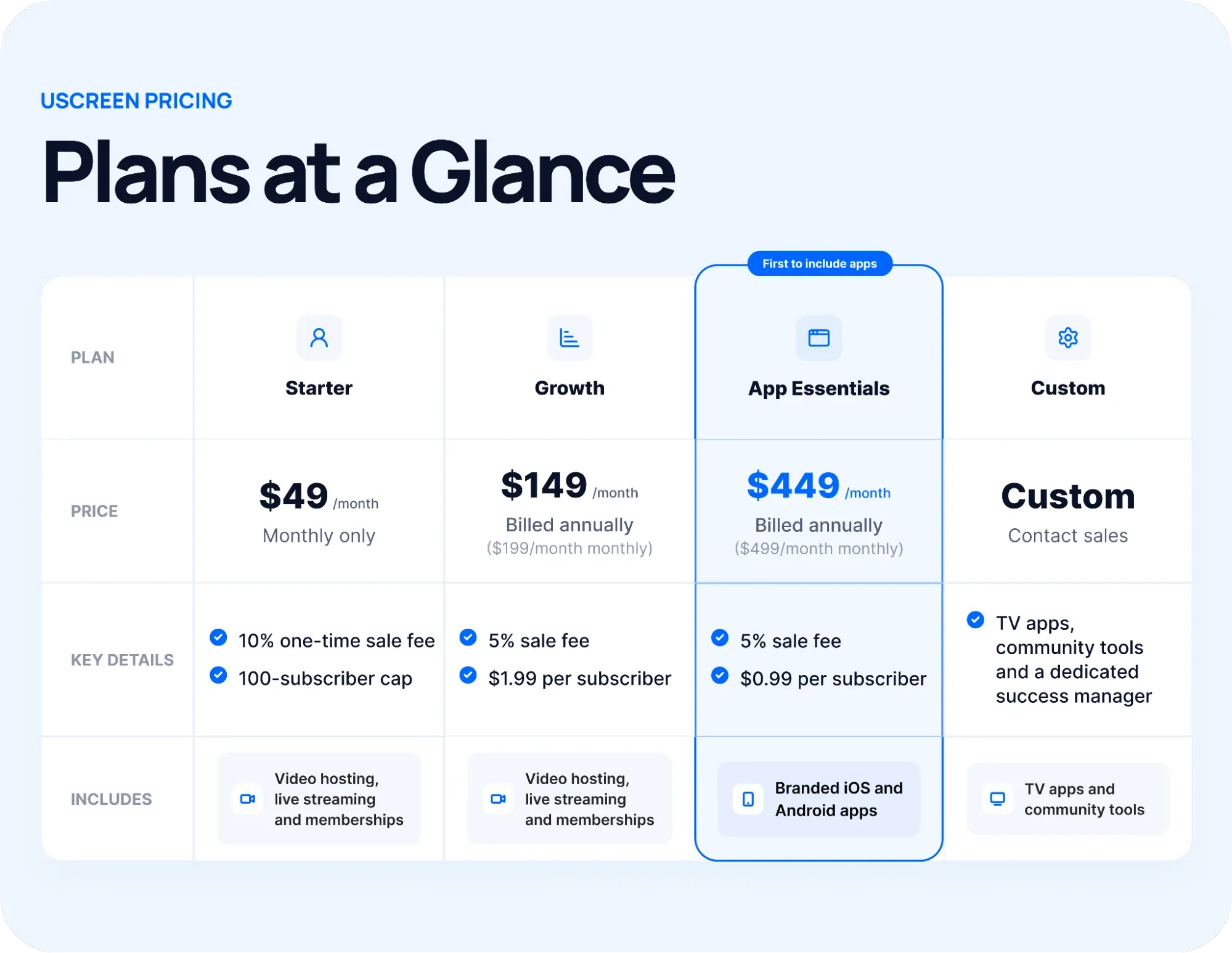
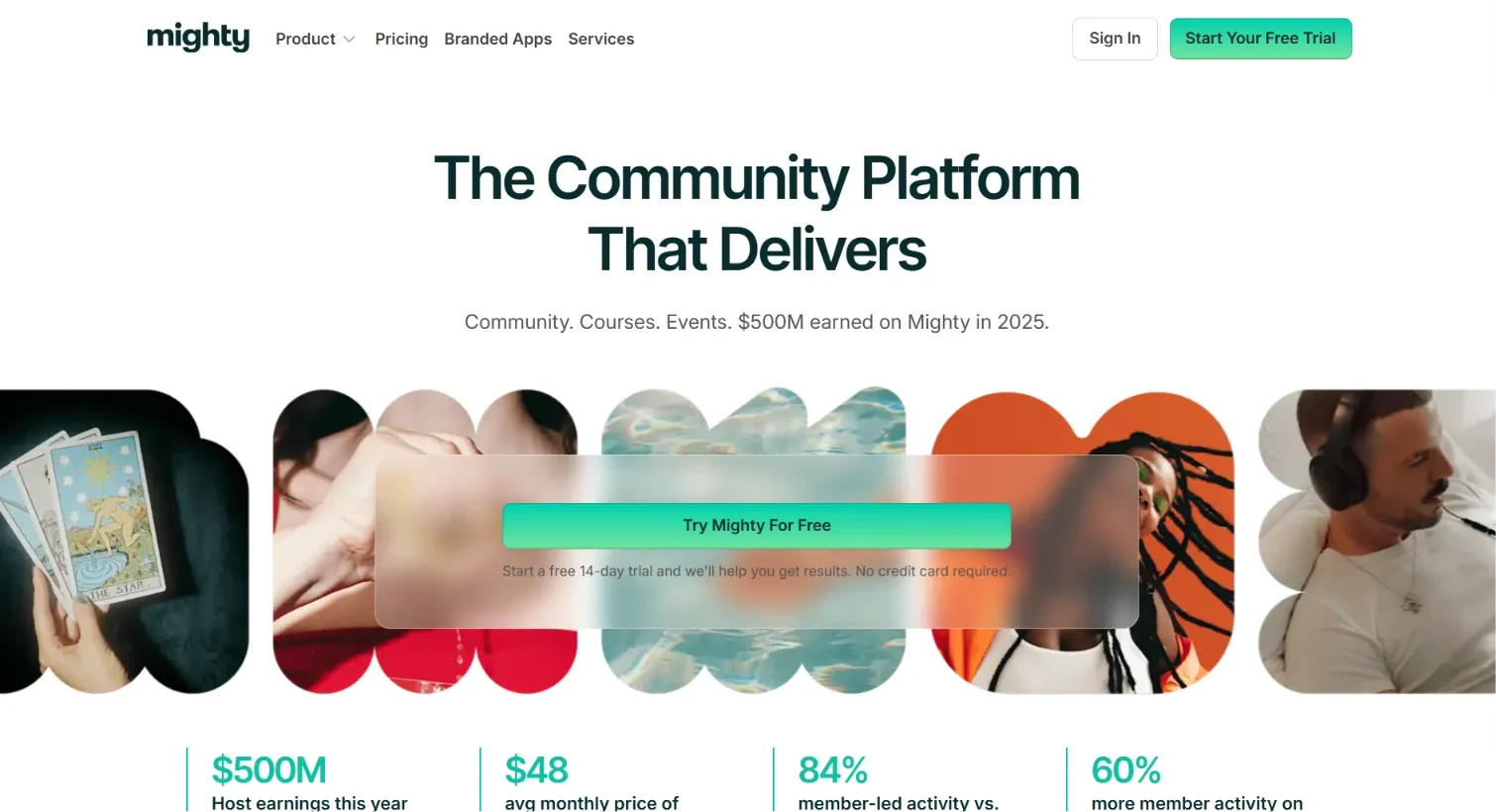
Mighty Networks (opens in new tab) is a community-first platform that bundles discussions, courses, and events into one branded space. It’s built for entrepreneurs who want community and course delivery in one place.
Key features
- Custom domain included from the Launch plan
- Workflow automations for onboarding and engagement
- An AI Cohost that drafts setup prompts and first-week content
- Personalized activity feeds across public, private, and paid communities
- Online courses bundled together with a resource library as one package
Why choose Mighty Networks?
Mighty Networks offers content, courses, and memberships from the same dashboard, without requiring technical skills to launch. The Launch plan ($79/month) costs less than Circle’s Professional ($89/month), and the Scale plan ($179/month) comes in below Circle’s Business ($199/month). Members can engage from web or mobile without a separate app download.
The Launch plan includes unlimited members and courses from day one. That removes the early upgrade pressure that shows up on platforms that gate growth behind higher tiers.
Limitations
Branded apps only exist on the Mighty Pro plan’s custom, sales-led pricing. So there’s no self-serve path to your own app. Course-authoring tools are lighter than on platforms built primarily around structured learning. Transaction fees also apply on every self-serve plan.
Pricing
The Launch plan runs $79/month (opens in new tab) with a 2% transaction fee, Scale runs $179/month at 1%, and Growth runs $354/month at 0.5%. The Mighty Pro plan is custom-priced and includes branded mobile apps.
3. Kajabi
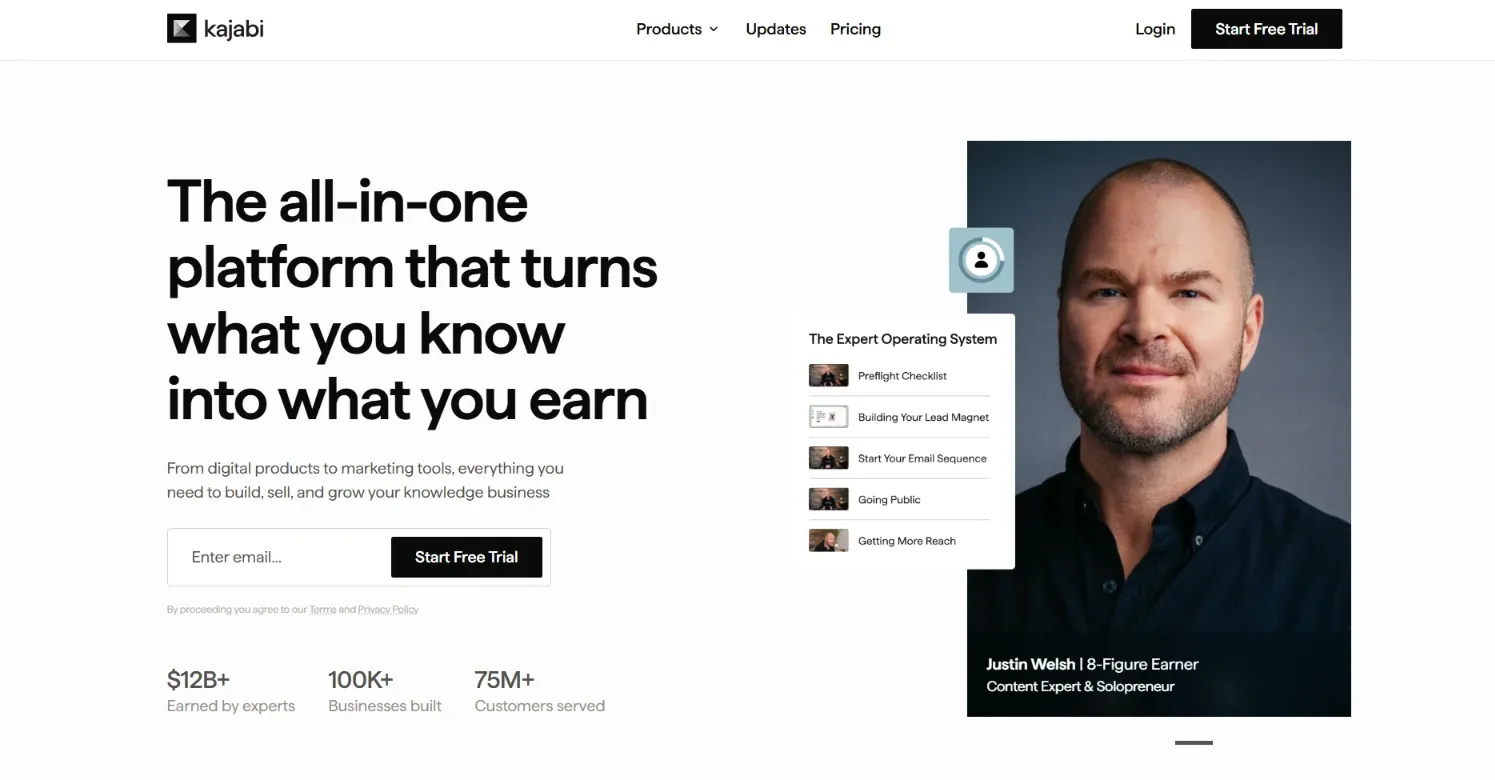
Kajabi (opens in new tab) is an all-in-one platform for selling courses, memberships, and digital products. Marketing automation, email campaigns, and payment processing all run from the same dashboard. Community sits in the background here. The platform focuses on selling and marketing, with member engagement as an afterthought.
Key features
- Email marketing built in from the Basic plan
- A branded mobile app included on the Pro plan only
- Custom sites and landing pages included on every plan
- Courses supporting video, audio, PDFs, and downloads
- Affiliate program available on the Growth plan and above
Why choose Kajabi?
Kajabi Payments charges a 0% platform fee. If you connect your own Stripe account instead, the fee depends on your tier. Course-authoring tools are strong for structured, sequential content. Marketing, email, and payments run from the same dashboard. Courses sit at the center. Community runs alongside as a secondary layer.
Limitations
Video lives inside course modules rather than as a standalone, browsable library, and there isn’t any live streaming or TV app support. Community stays a lighter feature than on Circle or Mighty Networks, and the toolset can feel like a lot for someone just getting started.
Pricing
Plans start at $143/month (opens in new tab) billed annually ($179/month monthly) for the Basic plan, with room for 5 products and 2,500 contacts. The Growth plan runs $199/month billed annually ($249/month monthly), with 50 products and 25,000 contacts. The Pro plan runs $399/month billed annually ($499/month monthly), with unlimited products.
4. Disciple
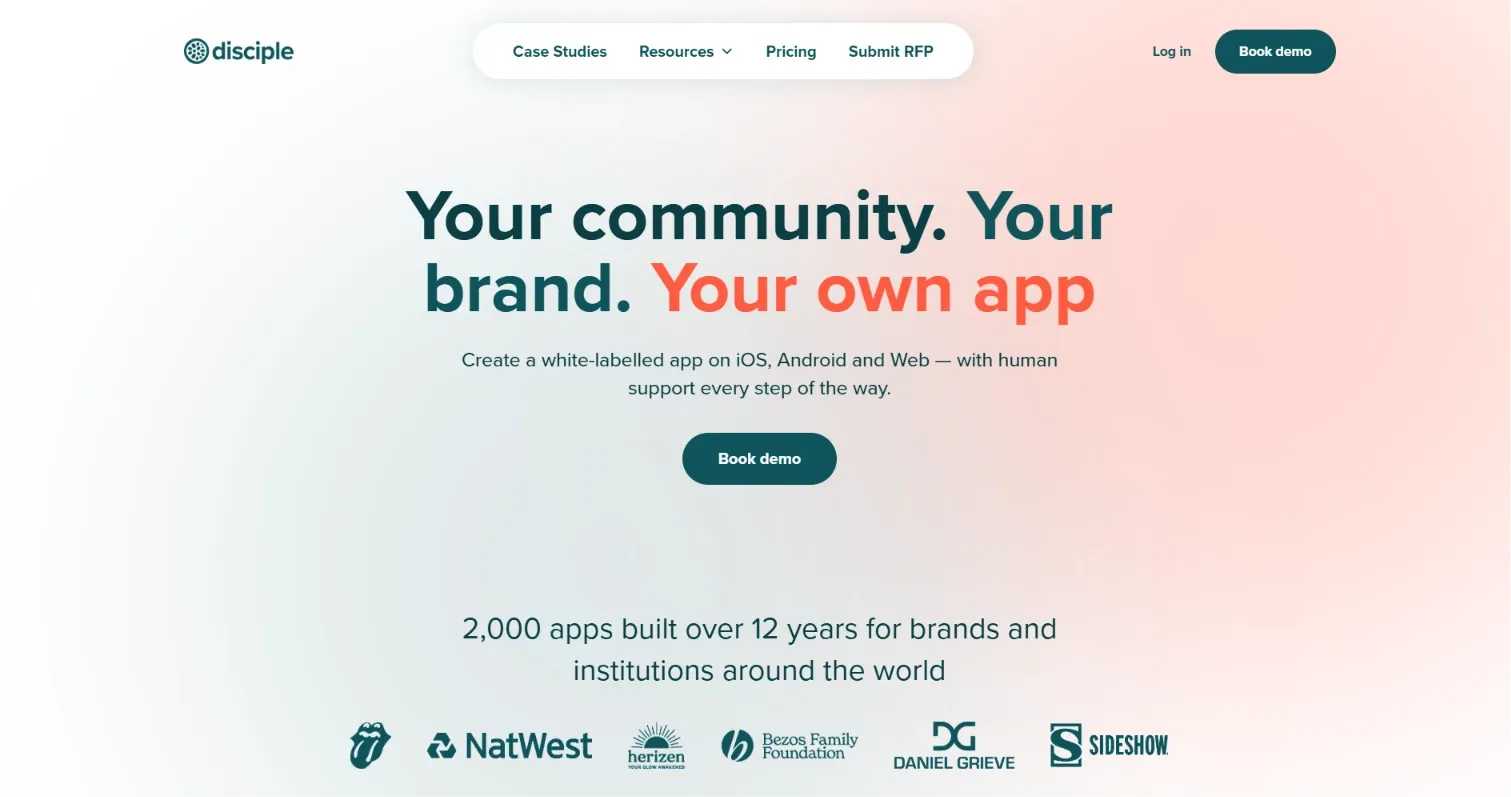
Disciple (opens in new tab) is a community platform that includes a fully branded mobile app on every plan. The entry tier includes messaging, discussion forums, and events. Nothing is gated behind a separate app plan or custom pricing.
Key features
- Monetizable courses with video support
- Analytics on engagement, content, and revenue
- Branded mobile apps and web access on every plan
- Groups, messaging, discussion forums, and events in one dashboard
Why choose Disciple?
There’s no per-tier app gating because even the entry plan includes a fully branded app under your own name. Disciple charges 0% transaction fees on every plan, and every tier strips its own branding out of the app entirely.
That creates a genuine gap versus platforms that gate apps behind custom pricing. You get your own app from the first dollar. No revenue cut.
Limitations
Disciple doesn’t offer a free trial, so you commit to a paid plan to use the platform. The entry Branded App plan includes 10 groups and one monetizable course.
Pricing
Plans start at $599/month for the Branded App plan, billed annually. The Branded App Pro plan costs $999/month and includes unlimited groups and monetizable courses. The Organization plan is custom-priced, starting from $3,400/month, for bespoke development and a dedicated partnership.
5. Bettermode
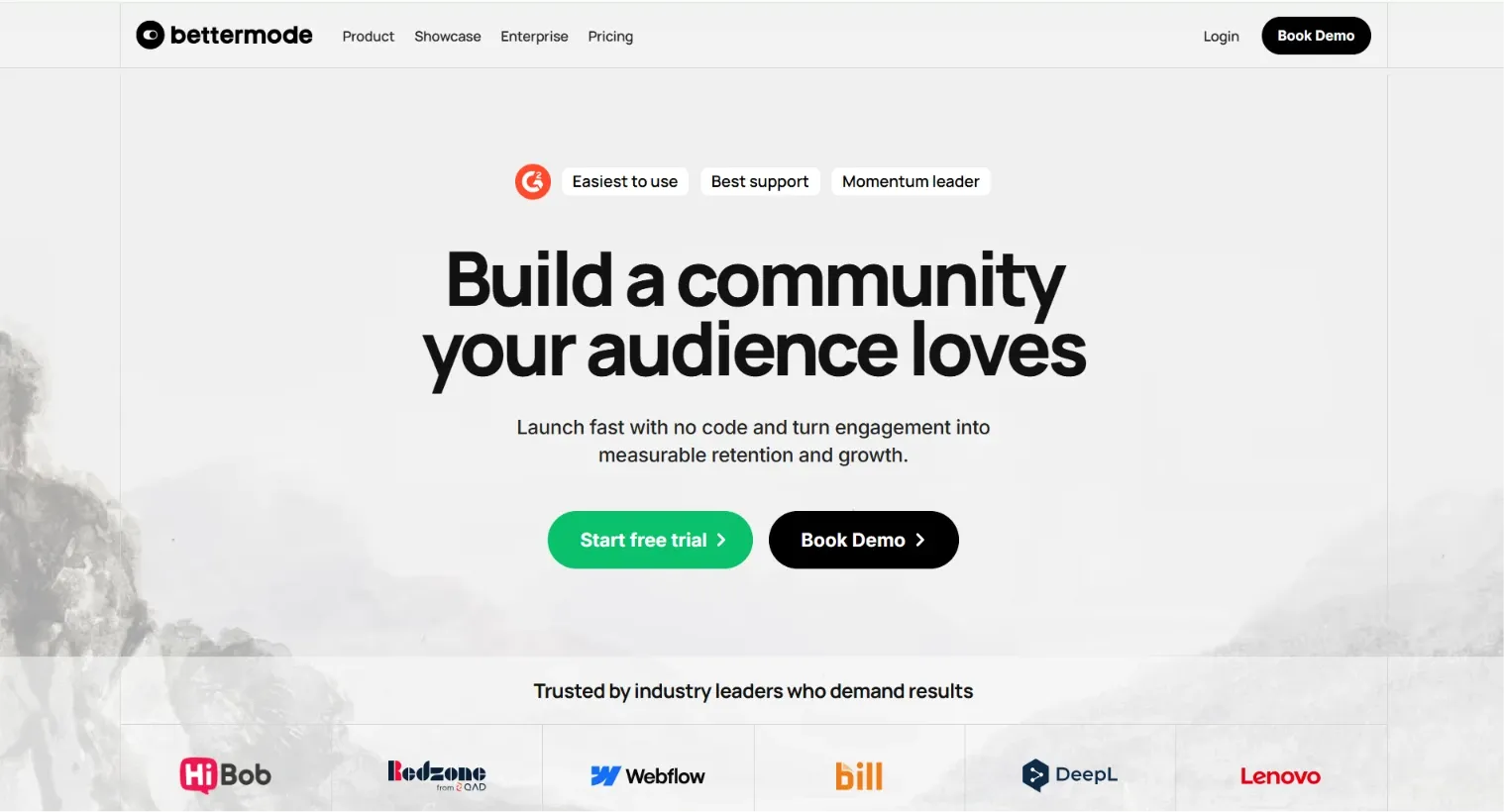
Bettermode (opens in new tab) is a community platform for businesses that want to design their space from the ground up. It comes with customizable templates, analytics, integrations, and moderation controls. It’s built for a different buyer than most platforms in this comparison. Think support and product communities, not video-first membership businesses.
Key features
- Private messaging and content embeds
- Leaderboards and badges for engagement
- Social login and SSO authentication options
- Customizable page templates and activity feeds
- Reactions, notifications, and moderation controls in one dashboard
Why choose Bettermode?
Customization and design control go deeper here than on most community platforms in this list. Strong integrations make it easy to connect your existing marketing tools. It’s a good fit for businesses that want community without baked-in course requirements. One tradeoff worth naming: this is infrastructure to build on, not a plug-and-play solution.
Limitations
There’s no LMS functionality or course creation. There’s also no video content library or carousel-style layout. Setup complexity can be a real hurdle for non-technical teams, and the pricing sits well above most platforms built for individual educators.
Pricing
The Starter plan runs $399/month billed annually, or $499/month billed monthly. Growth costs $1,500/month billed annually, or $1,750/month billed monthly, while Premium is custom-priced.
6. Podia
Podia (opens in new tab) is an all-in-one platform for selling courses, coaching, and digital downloads. Community is a secondary feature here. It is built for educators who want courses, payments, and email marketing running from one dashboard without navigating complex pricing tiers.

Key features
- Email marketing campaigns built into the platform
- Community spaces included on every plan from day one
- Courses, coaching, and digital downloads in one storefront
- A website builder with customizable templates and no separate hosting fee
Why choose Podia?
Podia’s pricing is simple and predictable. Higher tiers charge a flat monthly rate, not a percentage of revenue. You can sell one-time purchases or recurring subscriptions from the same dashboard. Built-in marketing tools handle discounts, upsells, and pre-sale campaigns without extra add-ons.
Podia keeps the setup straightforward for video business owners. Courses, downloads, and community sit in one place without a maze of pricing tiers.
Limitations
There’s no on-demand video streaming or membership model built around video content. The Mover plan carries a 5% transaction fee, and affiliate marketing is locked to the two higher tiers.
Pricing
The Mover plan runs $42/month with a 5% transaction fee, while Shaker costs $84/month with no platform fee. Earthquaker costs $150/month and includes unlimited products and community spaces.
7. Discord
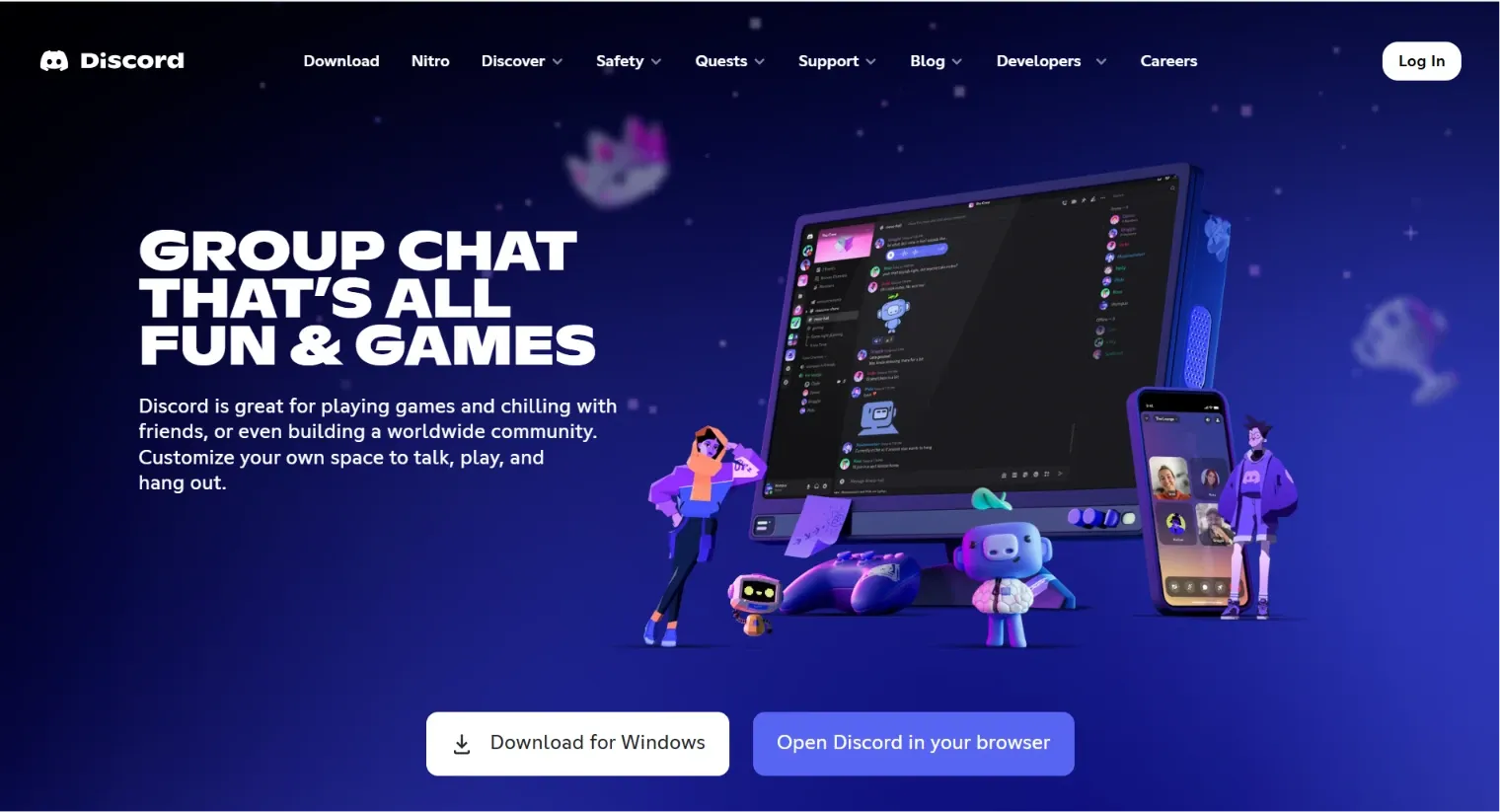
Discord is a real-time chat platform built around text, voice, and video channels rather than structured content or courses. It’s free to join, and communities can charge members directly through built-in Server Subscriptions.
Key features
- Screen sharing and live voice or video sessions
- Real-time chat across text, voice, and video channels
- Bot and app integrations across thousands of third-party services
- Roles, permissions, and moderation controls for managing server access
Why choose Discord?
Members can interact instantly, and it’s free to set up with a low barrier to growth. Server owners can charge for paid tiers through built-in Server Subscriptions and keep 90% of subscription revenue (opens in new tab) . For a community manager who needs real-time interaction, that combination is hard to beat. Zero setup cost. A favorable revenue split.
Limitations
There’s no native course structure, video library, or content-first design. Branding control is limited too. Larger servers can get hard to manage without strong moderation, and Discord takes a 10% cut of Server Subscription revenue.
Pricing
Discord itself is free to use. Server Subscriptions let owners set their own pricing for paid tiers. Discord keeps a 10% cut of subscription revenue (opens in new tab) plus payment processing fees.
8. Slack
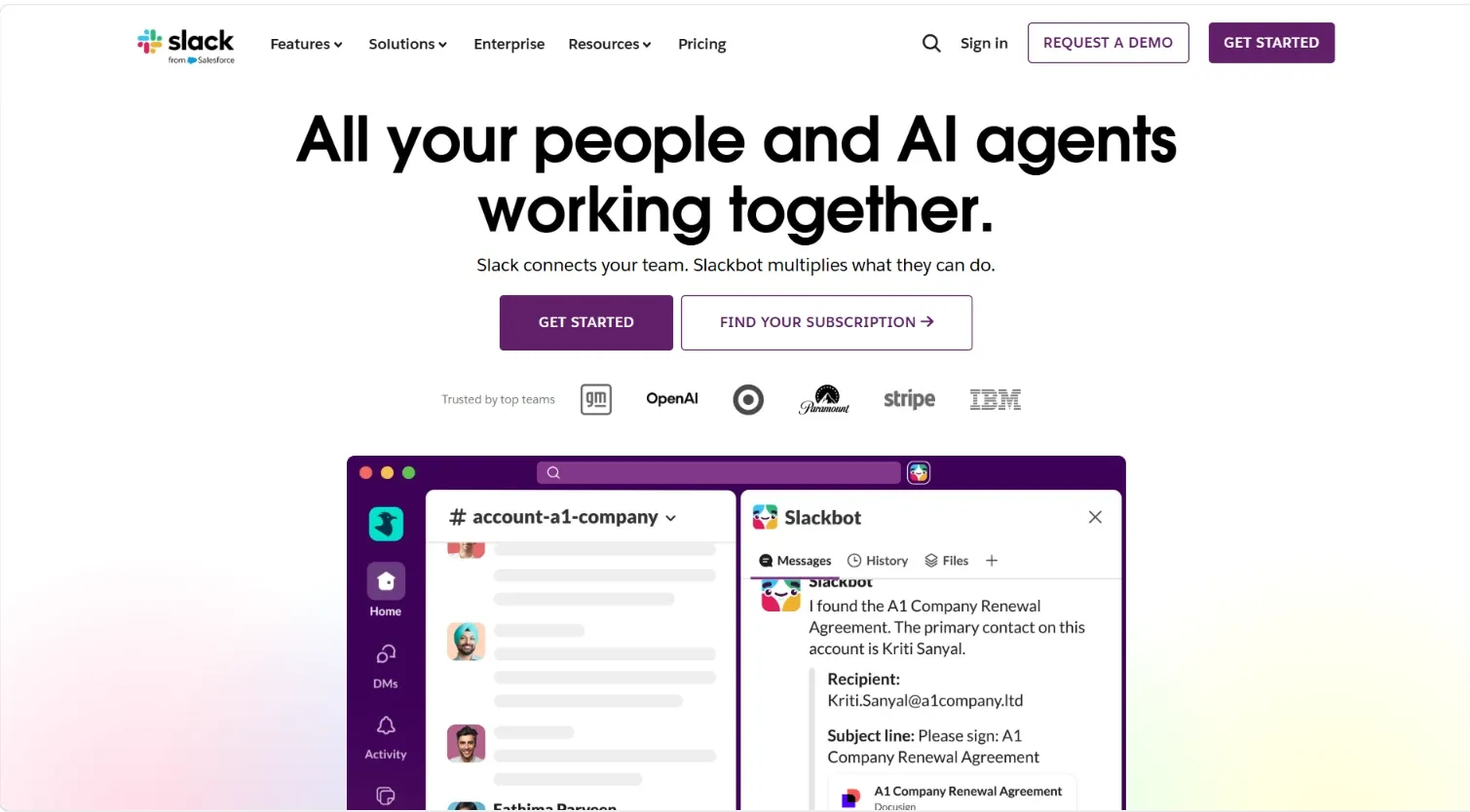
Slack (opens in new tab) is a team communication platform built around channels, direct messaging, and real-time collaboration. It is designed for internal teams, not member-facing communities. There is no native course structure, content library, or paid membership toolset.
Key features
- Group and individual audio or video calls
- Direct messaging and quick audio huddles for real-time collaboration
- Workflow builder and document sharing across channels and teams
- Dedicated channels for keeping conversations organized by topic or project
Why choose Slack?
The free plan lets anyone launch a space at no cost, and paid tiers stay affordable per user; huddles and messaging support real-time engagement. Extensive integrations also connect Slack to other business tools your team already runs. If internal collaboration comes first and community comes second, that focus is a strength.
Limitations
Branding options are limited beyond creating channels. Larger communities also get harder to manage inside a feed-and-channel structure. Slack is built for internal work teams first, which makes it a stretch for video business owners running a public, paid community.
Pricing
The Free plan (opens in new tab) costs nothing and includes limited message history. The Pro plan runs $7.25/user/month billed annually, or $8.75 billed monthly. Business+ costs $15/user/month billed annually, or $18 billed monthly. The Enterprise Grid plan is custom-priced.
9. Skool
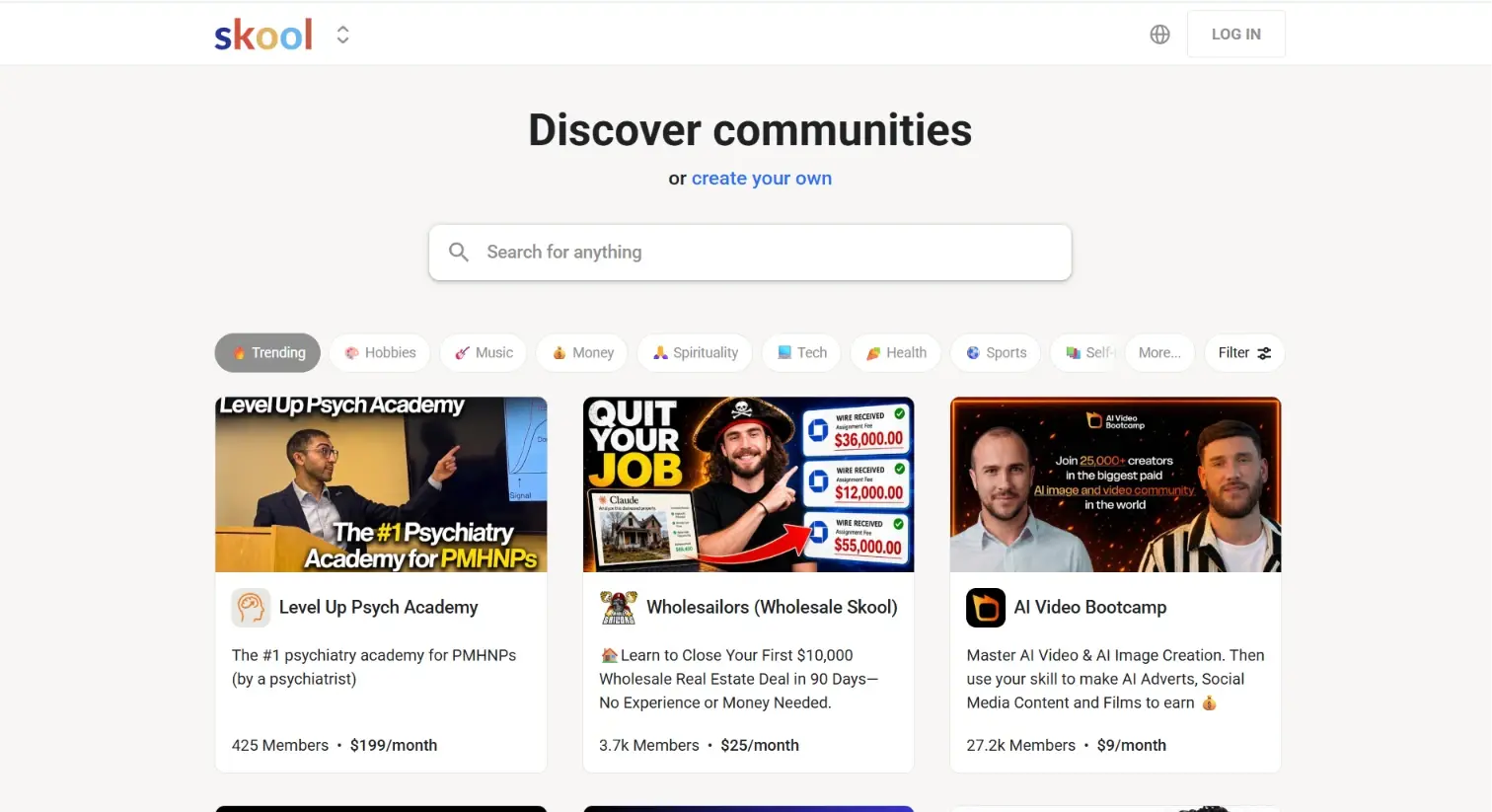
Skool (opens in new tab) is a community and course platform built for coaches and educators. It combines course modules, discussion threads, a live-events calendar, and gamification into one space. It’s priced lower than Circle and leans harder into gamification to keep members engaged.
Key features
- Unlimited members and courses on both plans
- Gamification with points and levels to drive participation
- Third-party integrations for connecting your existing business tools
- A clean, distraction-free interface built for focused member engagement
Why choose Skool?
The interface is simple and lets members engage with content, discussions, and events without friction. Gamification is a genuine engagement differentiator. Both plans also include unlimited members and courses without forcing an upgrade as you grow.
Skool costs less than Circle and leans harder into gamification. That works well for engagement-first programs willing to trade some branding depth and course structure.
Limitations
There’s no native video hosting, so you have to embed video from Vimeo, YouTube, or similar. Branding and customization stay shallow, and there are no built-in marketing funnels or upsell tools.
Pricing
The Hobby plan runs $7.50/month (opens in new tab) billed annually (or $9/month billed monthly) with a 10% transaction fee. The Pro plan runs $82/month billed annually, or $99/month billed monthly. It includes unlimited admin seats and a 2.9% transaction fee plus $0.30 per transaction, rising to 3.9% on transactions above $900.
10. Facebook Groups
Facebook Groups is a free, built-in community feature inside Facebook. It’s used to connect with an audience and host discussions. It’s built for individuals or small communities who want a familiar platform to gather people.
Key features
- A large existing user base to draw from
- Public, private, or secret group privacy settings
- Posts, photos, videos, and events in one feed
- Admin and moderation tools for managing group activity
Why choose Facebook Groups?
Most people are already on Facebook, which lowers the barrier to entry for new members. It’s free to use, integrates with the wider Facebook ecosystem, and helps build a sense of belonging without any setup cost. For video businesses still validating whether an audience exists, that starting point is the real appeal. There is no setup cost and no need to invest in a dedicated platform yet.
Limitations
Branding and customization options are minimal. You get a group name and a cover photo, and that is about it. There are no quizzes, no structured learning paths, and no way to track whether members are actually engaging with your content.
Pricing
Facebook Groups are free, with no native paid-group membership tier. Monetization runs through Page-level tools like Fan Subscriptions or Stars, or by directing members to an external paid platform.
What to look for in a Circle alternative
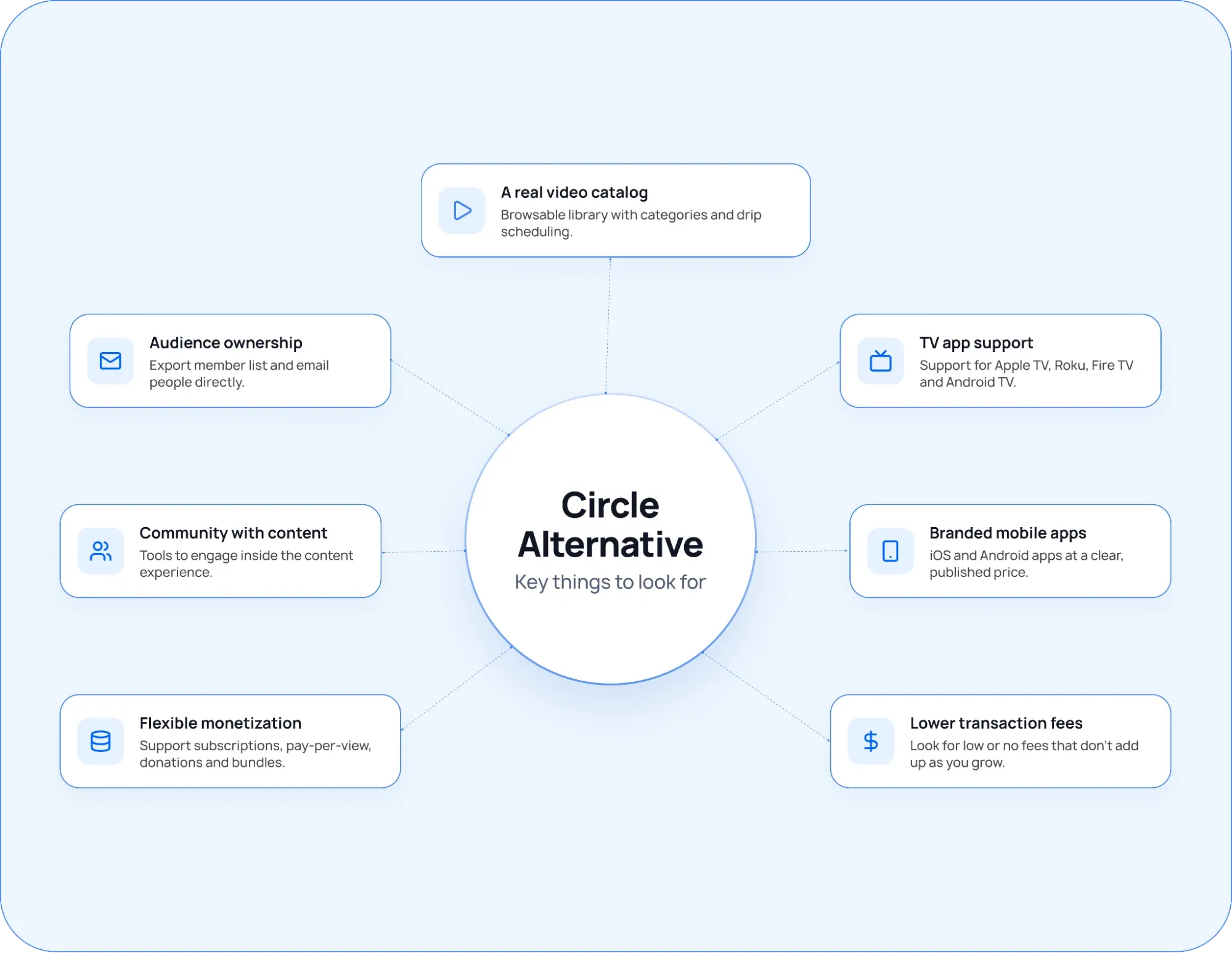
Circle is built around discussion, courses, and events. Video sits on top of that stack as a supporting feature. If your business runs on video, that gap shows up fast. Circle has no browsable catalog, no TV apps, and branded mobile apps are locked behind custom pricing on the top tier.
The right Circle alternative closes those gaps for your specific model.
Here’s what to look for based on where Circle falls short:
- A real video catalog: Circle has no dedicated video library. Members navigate to video inside course modules or live rooms, not a standalone browsable catalog. Look for a platform with a Netflix-style library, drip scheduling, and category organization built for video as the core experience.
- TV app support: Circle has no Apple TV, Roku, Fire TV, or Android TV support at any tier. If your audience watches on television, that is a hard stop. Before comparing anything else, confirm which TV platforms an alternative supports and whether they are included in a plan or priced separately.
- Branded mobile apps without custom pricing: On Circle, branded iOS and Android apps only appear on the Circle Plus plan. Pricing is custom and sales-led. Look for a platform where branded apps sit at a named, published price tier so you know exactly what you are committing to before a sales call.
- Transaction fees that do not scale against you: Circle charges 2% on Professional and 1% on Business. At meaningful revenue, that is a high ongoing cost on top of the monthly plan fee. Run the fee math at your actual revenue level, not just the starting price, before committing to any alternative.
- Community built around the content: Circle puts community first and content second. If video is your product, look for a platform where community tools sit inside the content experience. Members should be able to engage without leaving the catalog to find a separate discussion module.
- Audience ownership: Circle keeps your member relationships inside its platform. Look for a platform that lets you export your full member list and email people directly. That way, your audience travels with you if you ever need to move.
- Monetization without stitching tools together: Circle handles memberships and one-time purchases. More complex revenue models require separate tools. Look for a platform that runs subscriptions, pay-per-view, donations, and bundles from one catalog without a third-party checkout bolted on.
How to choose a Circle alternative?
Choosing a Circle alternative comes down to one question. Do your members mostly watch, chat, or learn? Name that priority first, since most platforms excel at one or two of those and fall short everywhere else.
Here’s how to narrow it down:
| What to check | What to look for |
|---|---|
| Identify your content format | Video-first businesses should rule out course-and-quiz platforms early. Discussion-first businesses should rule out pure video catalogs just as quickly, no matter how good either looks on price. |
| Check where branded apps sit in pricing. | Some platforms include a branded app on every plan; others gate it behind a custom-priced top tier. Confirm this before comparing headline prices. |
| Run the transaction fee math. | A low monthly price with a high percentage fee can cost more than a higher flat price once you’re selling consistently. Calculate the real fee cost. |
| Test how community and content connect. | On some platforms, the community lives inside the content experience. On others, it’s a separate module. This matters more than almost any single feature. |
| Confirm audience ownership | Some platforms let you export your member list and email people directly. Others keep that relationship locked inside the platform. |
| Demo your shortlist | Load a real video, post in a real thread, try the checkout flow. Platforms that look identical on paper often feel very different in practice. |
Start building your video community with Uscreen.
If Circle is where you started, Uscreen is where you go when video needs to be the business. Your own branded app, your own member base, your own pricing, without discussion tools eating the budget for features you don’t need.
- Start a free trial on the Starter plan: The Starter plan costs $49/month (opens in new tab) with no credit card required. You get video hosting, a branded website, and live streaming from day one, so you can see the platform running before you commit.
- Book a demo for App Essentials or Custom: If you already have a paying audience and want a branded mobile app under your own name, book a demo instead. The team will walk you through the App Store setup and the plan that fits your current member count and growth goals.
- Migrate from Circle with dedicated support: Uscreen’s Migration Team (opens in new tab) handles the full move. Most migrations complete in 30 to 60 days, tailored to your goals and timeline. Your members are set up on Uscreen and can log in right away via a magic link sent to their email. Payment methods carry over automatically, so there is no disruptive billing ask during the transition.
- See how other video businesses have scaled on Uscreen: MeansTV (opens in new tab) generates $40K a month, while Abundance+ (opens in new tab) grew from $30K to $130K a month. In both cases, the results come from fully owning the audience relationship.
Start your free trial now. (opens in new tab)