
You started a YouTube membership because it was the obvious move. Your audience was already there. The setup took ten minutes. And for a while, it worked. Extra income, a badge in the comments section, a way to give your most loyal viewers something extra.
But somewhere along the way, you hit a wall.
YouTube keeps 30% of every dollar your members pay you. You can’t offer downloadable content, 1:1 access, or exclusive contests for a subset of your members.
Since late 2025, YouTube has been pushing your members-only videos into the feeds of people who can’t watch them, and those viewers complain directly to you about the paywall. Your most engaged fans are seeing a locked post every time they open YouTube, and your public video reach is taking the hit.
The very algorithm that helped you build an audience is now working against the membership you built on top of it.
Here’s the thing: YouTube Channel Memberships were never designed to be a video membership business. They’re a fan-support layer bolted onto a discovery platform.
If you’re ready for a branded experience your members associate with you, that’s your cue to move. So is wanting a business that doesn’t rise and fall with the algorithm. Or wanting revenue you actually own. You need a platform built for that job.
This guide covers the best YouTube membership alternatives for video business owners in 2026. Uscreen is the strongest fit for most. Here’s how each option stacks up.
Why video business owners look beyond YouTube memberships
YouTube Channel Memberships work well for video business owners with a large existing YouTube following who want a low-friction add-on and are comfortable operating entirely inside YouTube’s ecosystem. For anyone building a standalone subscription business, however, the limitations stack up quickly.
Here’s what actually drives video business owners to look elsewhere:
- The 30% revenue cut: YouTube takes 30 cents of every dollar your members pay you. At $2,000/month in membership revenue, that’s $7,200/year going straight to YouTube before payment processing fees. No other platform on this list takes a cut that substantial.
- Perk restrictions that cap your price: YouTube controls what you can offer members. No downloadable content, 1:1 sessions, contests that only some members are eligible for, or content distributed outside YouTube’s own ecosystem. That policy ceiling makes it hard to justify anything above the basic-tier price.
- Members-only video surfacing (October 2025 update): YouTube now surfaces members-only content in non-members’ main feeds, showing them a paywalled post they can’t access. Fitness and wellness is one of Uscreen’s core segments, and the platform is built around exactly this use case. YouTube’s promotional logic and your audience’s experience are in direct conflict.
- One pricing change per tier per year: You can adjust a membership tier’s price once every 12 months. That’s it. For a growing video business, this makes every pricing decision feel high-stakes and permanently binding.
- You don’t own your subscriber data: YouTube controls the relationship with your paying members. You cannot export your member list to another platform. If you ever want to move, your only option is asking your audience to find you somewhere new and re-subscribe. You have no way to contact them directly.
- Eligibility gates: To unlock channel memberships, you need to be accepted into the YouTube Partner Program, have at least 500 subscribers, and meet specific watch-hour or Shorts-view thresholds. An established video business owner with a paying audience elsewhere can eventually clear these, but YouTube’s terms set the gates, not yours.
YouTube Channel Memberships are not useless. For a video business owner early in building an audience, they’re a genuinely low-effort way to start earning recurring income from viewers already on the platform.
The problem is that they’re just a starting point. The moment you want to run a real membership business with apps, owned data, and a branded experience, channel memberships become a bottleneck.
| YouTube channel memberships | Full membership platform | |
|---|---|---|
| Revenue share | 30% to YouTube | Varies (flat fee or low %) |
| Perk flexibility | Restricted by YouTube policy | Fully customizable |
| Pricing control | 1 change per tier per year | Set and adjust anytime |
| Audience data ownership | YouTube owns the relationship | You own subscriber data |
| Branded app | No | Yes (on platforms like Uscreen) |
| Member portability | Cannot export paying members | Full export available |
| Discovery dependency | Algorithm-dependent | Audience you bring and retain |
The best YouTube membership alternatives compared
| YouTube memberships | Uscreen | Patreon | Kajabi | Vimeo Streaming | Ko-fi | |
|---|---|---|---|---|---|---|
| Revenue share | 30% to YouTube | No share; per-subscriber fee | 10% + processing (new accounts) | No share; flat monthly fee | $1/subscriber (Starter); custom (Enterprise) | 5% on memberships + processing |
| Branded app | No | Yes. iOS, Android, and TV apps under your developer account | No | Mobile only, Growth plan and above ($199/mo annual); $199/mo add-on on Basic | Web only (Starter); full app suite (Enterprise) | No |
| Audience data ownership | YouTube owns the relationship | Full export available | Limited portability | Full export available | Full export available | Full export available |
| Community | Basic comments and posts; separate Communities tab | Built into the same space as content; channels, DMs, challenges | Posts, polls, group chat; separate from video | Separate community spaces with access groups | No community tools | No community tools |
| Live streaming | Available; algorithm surfaces to non-members | Native; RSVP, reminders, live chat | In wider rollout since mid-2025 | No native live streaming | Available on Enterprise; PPV option | No |
| Video infrastructure | YouTube player; algorithm-dependent discovery | Purpose-built; TV apps, offline viewing, auto-captions | Basic hosted video; 100 hours/mo storage | Wistia-hosted; no TV apps | Professional OTT player; 4K; DRM on Enterprise | No video hosting |
| Migration support | No migration out | Dedicated team; thousands of successful migrations completed; 30-60 days | No dedicated support; payment data not shared | No dedicated migration team | Available on Enterprise | No |
| Starting price | Free (30% cut) | $49/mo | Free (10% cut) | $143/mo (annual) | $0/mo + $1/subscriber | Free (5% cut) |
YouTube Channel Memberships make sense if your audience is deeply embedded in YouTube, you want the lowest-friction setup, and you are not yet ready to operate a standalone membership business.
The moment the 30% cut becomes a pain point, it’s time to move. So is the moment your members ask for an app, or the moment you want to own your audience data without depending on another platform’s algorithm. A dedicated platform is the more durable long-term decision.
1. Uscreen: best for video-first membership businesses
Best for: Video business owners who want a fully branded membership across web, mobile, and TV, with all the tools they need in one place.
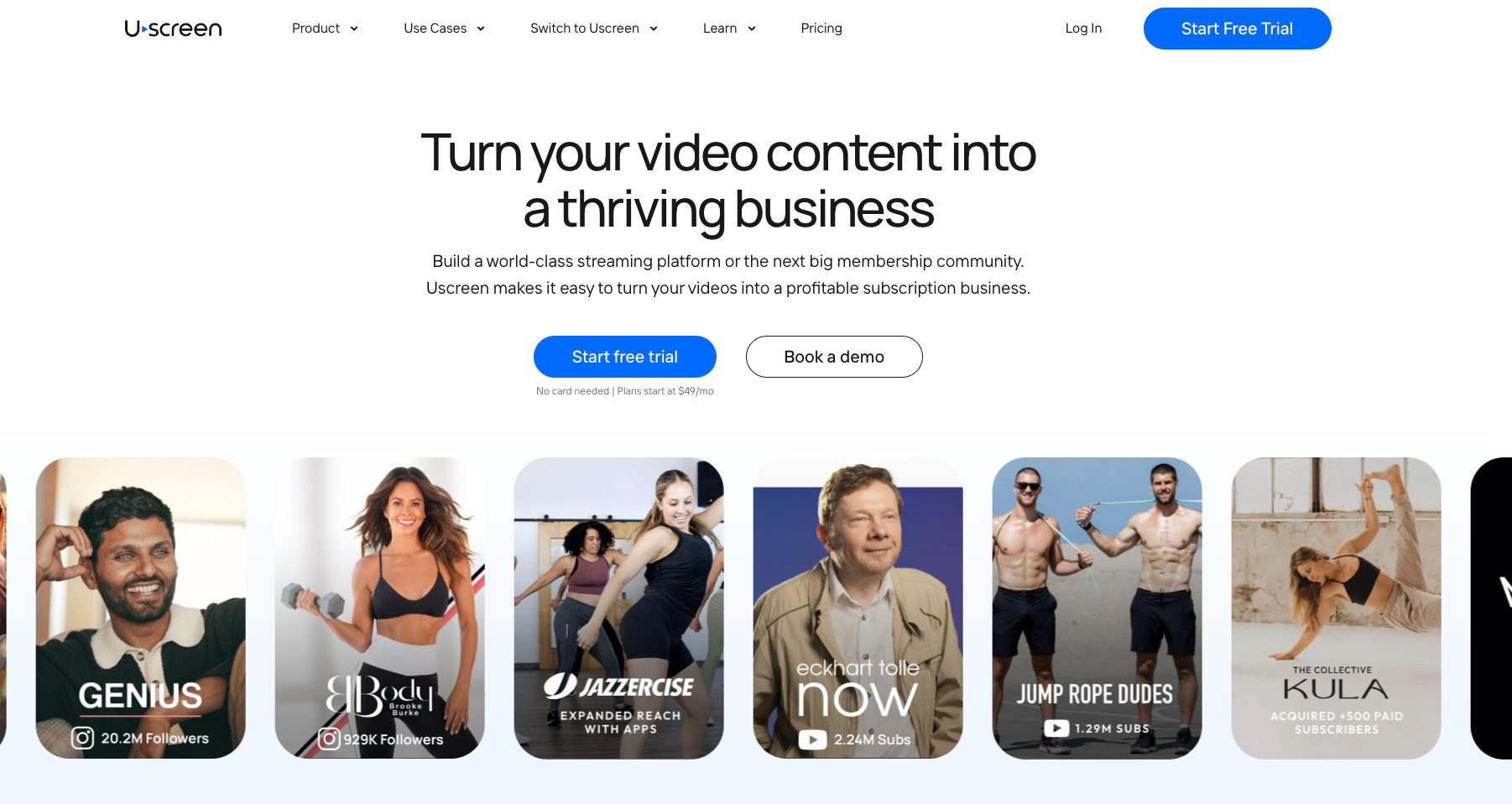
What is it? (opens in new tab) Uscreen (opens in new tab) is an all-in-one video membership platform built from the ground up for recurring subscription businesses. You get a branded website, native mobile and TV apps, live streaming, community, email marketing, and analytics under one login.
When to choose it? You have a paying or nearly-paying audience and want to build a subscription business under your own brand. Uscreen works best for fitness instructors, educators, and independent media businesses targeting $1K or more in monthly recurring revenue. If you want branded apps that your members download from the App Store under your name, Uscreen is the only platform on this list that offers this at scale.
Key features
- Branded mobile and TV apps: Branded iOS and Android apps are included from the App Essentials plan. TV apps (Roku, Apple TV, Fire TV, Android TV, and Samsung TV) are available on the Custom plan. Both are published under your own developer account. Members download from the App Store and see your brand, not Uscreen’s. Video businesses with apps sell 1.6x more annual subscriptions and retain 15% more members.
- Community built into content (Custom plan): Channels, polls, challenges, DMs, and member profiles live inside the same space as your videos. Video businesses with active communities see 2x less churn and 50% higher engagement.
- Native live streaming: Members can RSVP, get automated email reminders, and watch with live chat. Video business owners who go live regularly see 2.5x more monthly revenue.
- Built-in marketing and CRM: Email automations, broadcasts, abandoned cart recovery, and subscription upsell tools are included on every paid plan. Abandoned cart alone has generated $24M+ across the platform.
- Dedicated Migration Team: We’ve completed thousands of successful migrations. Uscreen’s Migration Team handles your content, subscribers, and app setup. For most members, payment methods transfer automatically. They sign in via a magic link and their subscription continues without interruption. Members coming from platforms that don’t share payment data, such as Patreon, may be asked to confirm their details at renewal. Most migrations take 30 to 60 days, tailored to your goals and timeline.
Pricing
Starter is $49/mo with a 100-subscriber cap. Growth is $149/mo billed annually (or $199/mo monthly) plus $1.99 per active subscriber. App Essentials, the first plan with branded mobile apps, is $449/mo billed annually (or $499/mo monthly) plus $0.99 per active subscriber. Custom is quote-based.
2. Patreon: best for fan-supported memberships across mixed content formats
Best for: Video business owners who want a simple, recognizable way to earn fan support across multiple content formats without building a standalone platform.
What is it? (opens in new tab) Patreon (opens in new tab) is a fan membership platform where supporters pay a monthly fee for exclusive perks and content. It launched in 2013 and remains one of the most recognized membership brands in the market, reducing signup friction for your audience. It supports video, podcasts, writing, and digital products under one membership structure, with native video hosting and livestreaming added in recent years.
When to choose it? You publish across multiple formats and want a lightweight membership layer your audience already knows. Patreon works best as a fan-support model for video business owners still building their audience or testing recurring revenue. If you want to run a branded video subscription business with apps, owned subscriber data, and advanced retention tools, you will hit its ceiling fairly quickly.
Key features
- Flexible membership tiers: Set multiple price points with different perk levels. In many cases, supporters can browse tiers and join without creating a separate account, keeping the barrier to entry low.
- Native video hosting and livestreaming: Upload videos directly to Patreon and go live to paying members. Storage is 100 hours per month, and livestreaming is now available to video business owners on the platform.
- Digital product sales: Sell downloads, bundles, and one-time products alongside your membership tiers, without a separate storefront.
- Built-in discovery: Patreon has its own browse and explore layer, which gives your page some organic visibility to people already on the platform looking for memberships to support.
- Posts, polls, and direct messaging: Publish exclusive content and communicate with members directly through the platform. Group chat and community features have expanded in recent years, though they are not integrated with video content the way a dedicated membership platform would be.
Pricing
Free to start. Patreon takes 10% of everything you earn on the standard plan for new accounts (launched after August 4, 2025), plus payment processing fees of 2.9% plus $0.30 per transaction. The all-in rate works out to around 14-16% of gross, depending on your tier price. Video business owners on legacy plans before August 2025 may be on an 8% or 12% rate instead.
3. Kajabi: best for course-first educators who want to add recurring membership revenue
Best for: Coaches and educators who sell structured courses and want to add a recurring membership without managing separate tools for email, funnels, and payments.
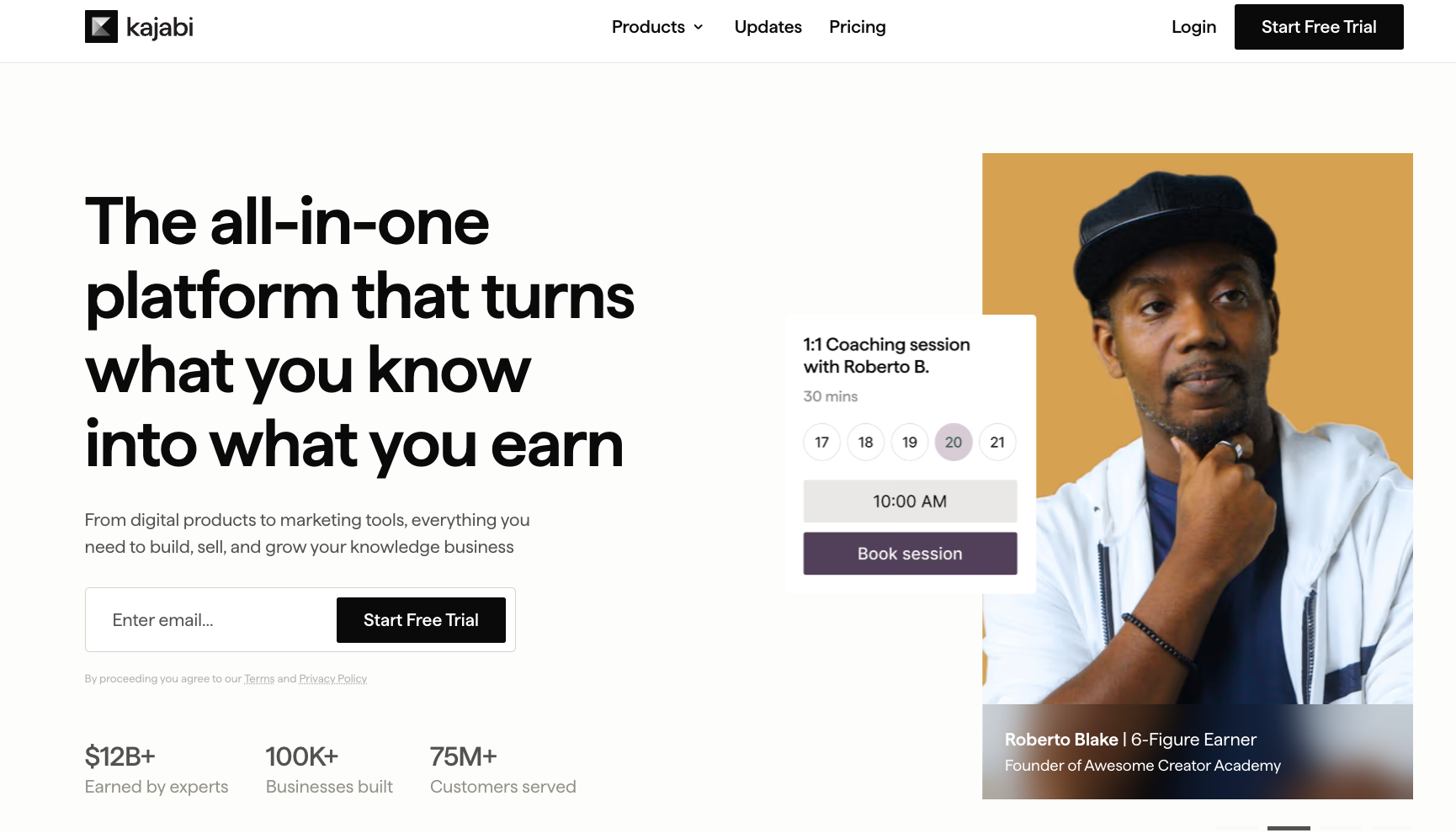
What is it? Kajabi (opens in new tab) is an all-in-one platform for building and selling knowledge-based products, like courses, coaching programs, memberships, digital downloads, and communities. It connects your content, email marketing, sales funnels, and payments into a single login, with no revenue share. It is built around structured expertise delivery, making it a strong fit for educators and coaches who lead with a course and want membership layered on top.
When to choose it? You sell courses or coaching as your primary product and want a membership to generate recurring revenue alongside it. Kajabi’s funnel builder, email automation, and checkout pages make it well-suited for businesses that actively sell to an audience rather than passively retain one. If your core business is a high-volume video library, note that Kajabi hosts video through Wistia, a third-party video platform, rather than its own native infrastructure.
Key features
- Courses and membership builder: Create tiered subscriptions, structured course modules, drip content, and access groups all within the same platform. No third-party course tool required alongside your membership.
- Email marketing and funnels: Automated welcome sequences, re-engagement flows, and sales funnels are built in. You can run your entire email list without a separate tool like Mailchimp or ConvertKit.
- Community spaces: Private, branded community channels where members post, discuss, and engage. Access groups let you gate specific channels behind different membership tiers or offers.
- Website builder and landing pages: Drag-and-drop pages, checkout flows, and your full website live inside Kajabi. No separate web hosting or page builder needed at any plan level.
- Branded mobile app: A white-labeled app where members access your content and community on mobile. Included on the Pro plan ($399/mo annual) and above. TV apps are not available on any plan.
Pricing
Three plans, billed annually: Basic at $143/mo (5 products, 2,500 contacts), Growth at $199/mo (50 products, 25,000 contacts, branded mobile app), Pro at $399/mo (unlimited products, API access, custom code editor). Monthly billing runs $179, $249, and $499, respectively. No revenue share on any plan. If you use a third-party payment provider instead of Kajabi Payments, an additional fee of 2%, 1%, or 0.5% applies depending on your plan.
4. Vimeo Streaming: best for clean video streaming without community or retention tools
Best for: Independent media businesses and entertainment channels that want a clean video streaming service with flexible monetization models and no monthly platform fee to start.
What is it? (opens in new tab) Vimeo Streaming (opens in new tab) is a video streaming platform for building subscription, pay-per-view, and ad-supported channels directly to your audience. It has nearly 20 years of brand recognition in professional video and is now owned by Bending Spoons following its 2025 acquisition. The platform focuses on content distribution and video quality, with customers including Dropout, National Theatre, and Martha Stewart.
When to choose it? You run a media or entertainment business with a large content library and want a straightforward streaming channel that your audience can subscribe to or rent. Vimeo Streaming works well when clean video delivery and monetization flexibility are the priorities. Community tools, email marketing, and member retention features are not part of the product, so businesses that rely on those to keep subscribers engaged will need to source them separately.
Key features
- Multiple monetization models: Subscriptions (SVOD), pay-per-view rentals (TVOD), free registration (FVOD), and live pay-per-view (PPV) are supported. Ad-supported streaming (AVOD) is listed as available on select plans (confirm directly with Vimeo).
- Broad app distribution on Enterprise: Mobile and TV apps across iOS, Android, Apple TV, Android TV, Roku, Fire TV, Samsung, LG, Vizio, and Xbox are available on the Enterprise plan. The Starter plan is web-only.
- High-quality video playback: Clean, ad-free video player with full HD playback. Bandwidth is included at all tiers, with no overage surprises on Starter. Enterprise bandwidth is custom.
- Subscriber data ownership: You own and manage your customer data, with built-in analytics to track how subscribers watch and what drives churn.
- Live streaming and linear channels: Live events, pay-per-view streams, and 24/7 live linear channels are available on Enterprise, making it a fit for event broadcasters and sports organizations alongside on-demand libraries.
Pricing
Starter has no monthly base fee. You pay $1 per subscriber per month plus 10% on one-time purchases. There are no upfront costs, and bandwidth is included. Enterprise requires an annual subscription with custom pricing and includes branded mobile and TV apps, API access, DRM, dedicated account management, and 24/7 support.
5. Ko-fi: best for low-commitment fan support alongside your existing content
Best for: Video business owners who want a low-effort way to let fans financially support their work without committing to a full membership platform.
What is it? (opens in new tab) Ko-fi (opens in new tab) is a fan support platform that lets you accept tips, sell digital products, take commissions, and offer monthly memberships from one page. It started as a digital tip jar and has grown into a lightweight all-in-one tool for independent video business owners who want to monetize a loyal fanbase without the overhead of a standalone platform. Setup takes minutes, and your supporters pay you directly through PayPal or Stripe.
When to choose it? You want to give your audience a simple, no-pressure way to support your work financially, and you are not yet ready for a full membership platform. Ko-fi works well alongside a YouTube channel or social presence to start earning recurring income from your most loyal followers. It is not a replacement for a video membership business. Ko-fi lacks video hosting, a branded app, and a community built around your content.
Key features
- Membership tiers: Set multiple price points, each with custom perks and exclusive content. Members are charged immediately upon joining, then monthly on the same date each month. You can export your supporter data at any time.
- One-time tips with 0% fee: Supporters can send a one-time tip with no Ko-fi service fee, making it one of the lowest-friction ways for your audience to support you without a subscription commitment.
- Digital shop and commissions: Sell digital downloads, physical products, and custom commissions alongside your membership, all from the same page and without a separate storefront.
- Discord roles and integrations: Automatically grant Discord roles to paying members and connect to YouTube and Twitch. Useful for video business owners who already run an active Discord community.
- Supporter-only posts and content: Gate specific posts, galleries, and updates behind membership tiers without needing a separate tool or paywall service.
Pricing
Free to use with no monthly charge. Ko-fi takes 0% on one-time tips and 5% on memberships, shop sales, and commissions. Payment processor fees from PayPal or Stripe apply on top of that, typically around 3% plus $0.30 per transaction. There is no premium plan with a monthly fee. The 5% model applies to all accounts using memberships or shop features.
How to choose the best YouTube membership alternative
The best YouTube membership alternative matches the type of video business you are actually building, not just the one with the lowest fee or the longest feature list. A fitness instructor running a high-volume library needs different things than an educator selling structured courses. Getting this decision right upfront saves you from migrating twice.
Here is what actually matters when comparing your options:
- Revenue share and fee structure: Platform fees compound fast as your membership grows. A 10% cut on $2,000 a month is $2,400 a year. At $10,000 a month, it is $12,000. Run the math at the revenue level you are targeting, not where you are today, and factor in per-subscriber fees and payment processing on top of any base plan cost.
- Audience ownership: Ask whether you can export your full subscriber list, including emails, at any time. Platforms that control your audience relationship leave you with no direct line to your own members if you ever want to move or if the platform changes its terms. You built the audience; you should own the relationship.
- Branded experience: Your members should feel like they joined your business. Check whether your app appears in the App Store under your name or the platform’s name, and whether you can remove the platform’s logo entirely from your website and apps. The difference matters more than it sounds once your membership starts to scale.
- Video infrastructure: A meaningful gap exists between platforms built around video from day one and those that added it later. Look for native live streaming, TV app support, offline viewing, and a clean on-demand library. If video is the product, the infrastructure needs to match that.
- Community tools: Members who interact with your content and with each other churn at a lower rate than those who only watch. The most effective community setups live inside the same space as your content.
- Migration support: If you already have paying members elsewhere, migration (opens in new tab) is where most platforms quietly let you down. Ask specifically whether the platform has a dedicated migration team, how many moves they have handled, and what the process looks like for your subscribers on day one of the switch.
Ready to move your membership to Uscreen?
If you have a paying audience and want to stop splitting revenue with a platform you don’t own, Uscreen lets you build a standalone video membership business under your own brand.
Here is what the process looks like when you get started:
- Start a free trial or book a demo: You can explore Uscreen’s plans (opens in new tab) and start a free trial with no credit card required, or book a demo if you want to see how the platform fits your specific business before committing.
- Get a tailored migration plan: If you are moving from another platform, Uscreen’s (opens in new tab) dedicated Migration Team (opens in new tab) handles your content, subscribers, and apps. Most migrations take 30 to 60 days and are built around your goals and timeline. For most members, payment methods transfer automatically. Subscribers sign in via a magic link, and their subscriptions continue without interruption. Members coming from platforms that don’t share payment data may be asked to confirm their details at renewal.
- See how other video businesses made the switch: The (opens in new tab) Uscreen migration success stories (opens in new tab) (opens in new tab) are real examples from fitness instructors, educators, and media businesses who migrated their memberships and grew afterward.
Start with a 14-day free trial (opens in new tab) , no credit card required.