
Vodlix is broadcast infrastructure, made to run a large streaming channel across every device. Whereas Uscreen is a complete video membership platform, made to turn your audience into recurring revenue and long-term relationships.
That difference is the whole decision. On Uscreen, your members, your pricing, your apps, and your data belong to you, on infrastructure you control. Your members watch, chat, and stream inside your own branded site and apps, and that daily engagement is what keeps them subscribed month after month.
Vodlix earns its place for broadcast-style operations that need flat pricing, ad-supported video, and wide TV reach from day one. But if you want a membership business, with community, live streaming, and retention built in, Uscreen was built for that.
Below, you will see a breakdown of each platform’s costs, what each is genuinely built to do best, and how to tell which one fits the business you are running today.
Uscreen vs Vodlix: side-by-side comparison
| Features | Uscreen | Vodlix |
|---|---|---|
| Best for | Membership businesses building recurring revenue through community, live streaming, and member engagement | Broadcast-style over-the-top (OTT) operations that need flat pricing, ad monetization, or wide device reach |
| Native community and live chat | Yes, built in | No |
| Mobile and TV apps | Mobile from $499/month (App Essentials); TV apps on Custom plan | Mobile from Professional ($1,550/month); TV apps from Business tier up |
| AVOD (ad-based monetization) | No | Yes, from Web & API Launch plan |
| Multi-platform DRM | Yes, paid add-on; confirm tier and pricing with Uscreen sales | Available from Scale tier up, subject to terms and conditions; not included on entry plans |
| 4K video support | Yes, 4K supported | 4K from Scale and Apps+ tiers; Grow supports 2K; Launch capped at 1080p |
| API access | Available on Custom plan | Basic API from Grow tier; Full REST API and Headless API from Scale tier up |
| Migration support | Included from App Essentials ($499/month) up; Uscreen’s team works with you through every step. The team sets up your subscribers, moves your content, and tailors the timeline to your goals. Subscribers log in via email magic link. Billing continues automatically; payment history doesn’t transfer | Migration support available on select plans (confirm directly with Vodlix) |
What is Vodlix?
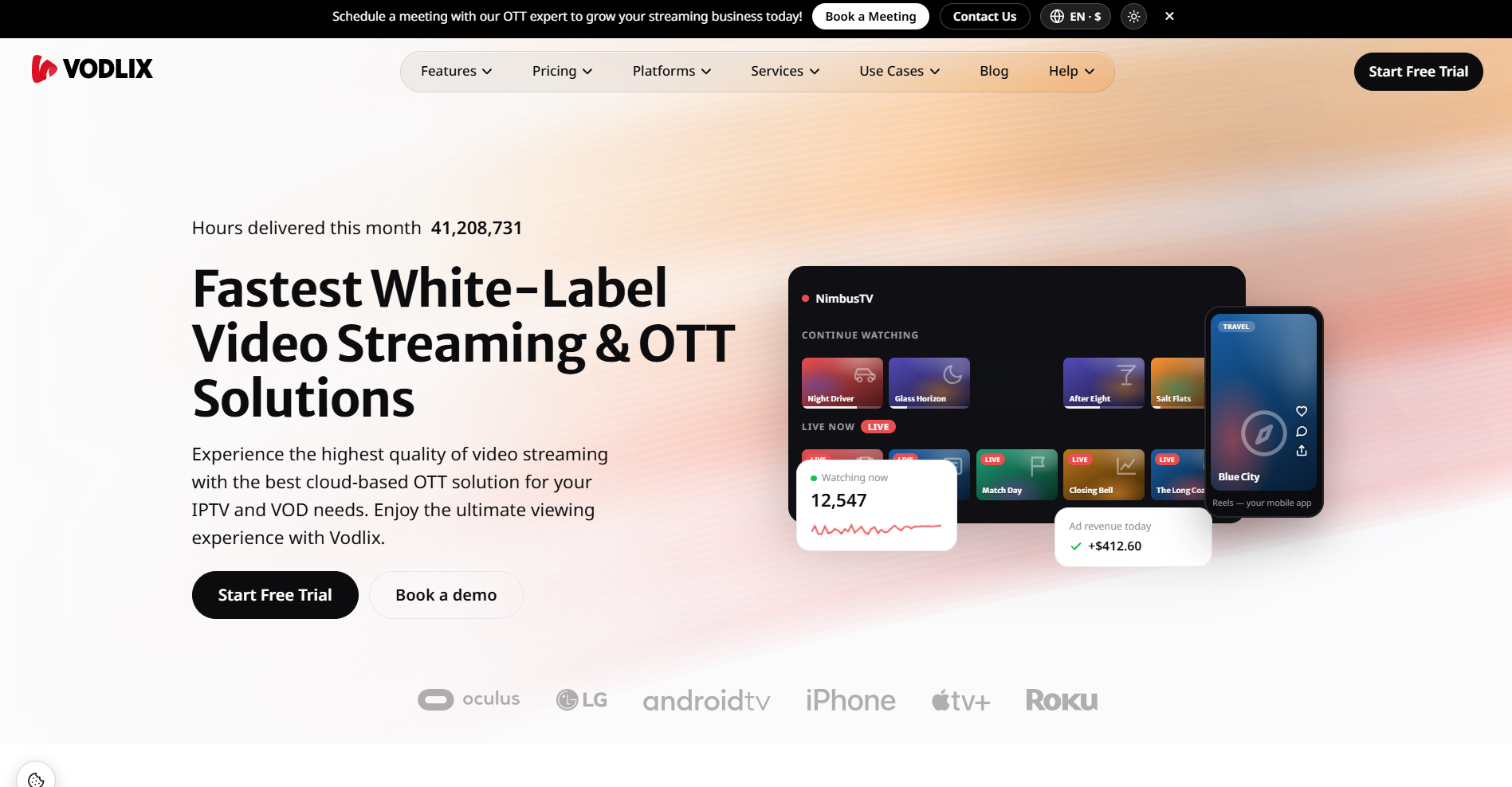
Vodlix (opens in new tab) is a white-label over-the-top (OTT) platform built for companies that want to launch a fully branded streaming service across web, mobile, and TV without building the infrastructure themselves. You get your name on the apps, your branding throughout, and Vodlix handling everything behind the scenes.
The platform supports subscriptions (SVOD), rentals and one-time purchases (TVOD), and ad-supported video (AVOD) in one system. It also includes multi-platform DRM on higher tiers, a full REST API, and native apps across Android, iOS, Apple TV, Roku, Fire TV, and select smart TV platforms depending on your plan.
Pricing is flat monthly with no per-subscriber fees on fixed plans, which is Vodlix’s main argument against platforms like Uscreen. That structure may work in your favor at scale. At lower subscriber counts, the entry cost is higher than comparable tools.
Vodlix’s customer list tells you who it’s genuinely built for: STIRR, Pavilion+, and IkonoTV are companies that run live channels and large-scale streaming operations. If that’s the shape of what you’re building, Vodlix is worth a serious look.
What is Uscreen?
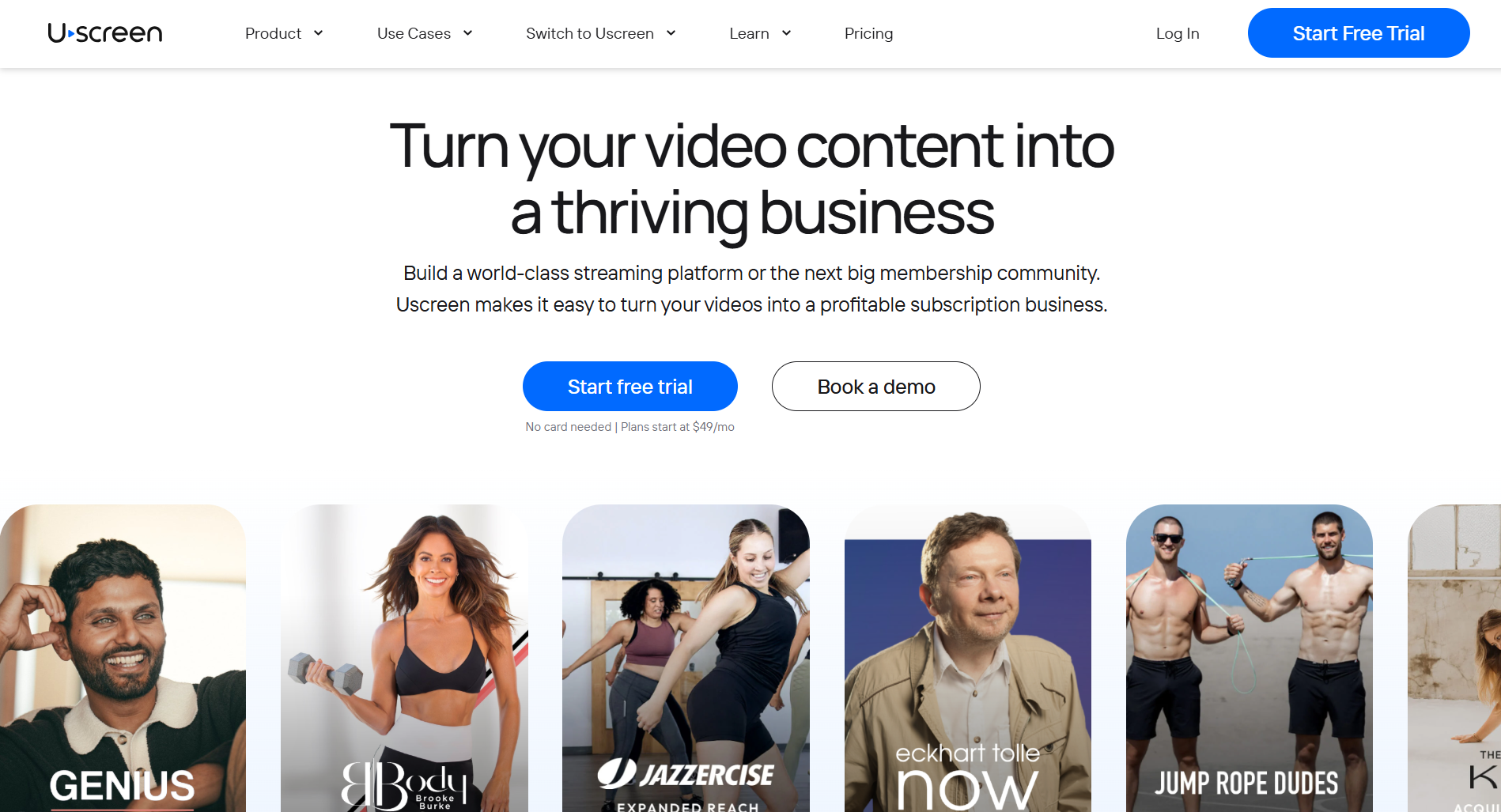
Uscreen (opens in new tab) is a video membership platform built for people who want to turn their content library into a recurring revenue business they actually own. Not a channel on someone else’s platform or a course tool with video bolted on. A membership business, with your brand, your subscribers, and your revenue sitting on infrastructure you control.
The platform puts everything in one place: a branded website, native mobile and TV apps (opens in new tab) , a built-in community with live chat (opens in new tab) and live streaming (opens in new tab) , and marketing tools (opens in new tab) to attract and retain paying members. You don’t need five separate tools stitched together. You build, launch, and grow from one dashboard.
Uscreen spans across fitness, education, entertainment, faith, and media, so it’s not built for a single vertical. It’s built for anyone with a video library and an audience that’s hungry for their content.
Vodlix pricing
Vodlix pricing (opens in new tab) runs on three separate tracks, and which one you’re on changes everything. Web-only plans are flat monthly with no apps. Apps+ bundles branded mobile and TV apps into the price. Pay as You Grow charges per subscriber, with no upfront platform fee.
The right option depends entirely on whether you need native apps and how comfortable you are committing to a fixed monthly bill before you’ve proven the model.
But know that AVOD and TVOD aren’t available on the per-subscriber track. If ad revenue is part of your plan, you need a fixed Web & API plan from day one.
Vodlix plans by track (monthly billing):
| Track | Plan | Monthly price | Key inclusions |
|---|---|---|---|
| Web & API (no native apps) | Launch | $99/month | Web player, SVOD/TVOD/AVOD, white-label domain |
| Grow | $299/month | Everything in Launch, REST API and webhooks, advanced analytics | |
| Scale | $499/month | Everything in Grow, 4K, multi-DRM, headless API | |
| Apps+ (branded mobile and TV apps) | Professional | $1,550/month | iOS and Android apps, live TV and FAST channels, no TV apps |
| Business | $2,450/month | Everything in Professional, Android TV and Fire TV apps | |
| Enterprise | $3,850/month | Everything in Business, Apple TV and Roku, LG and Samsung on agreed terms | |
| Pay as You Grow | Web only | $0.99/subscriber | Web player, SVOD only, no platform fee |
| With apps | $299/month + $0.99/subscriber | iOS and Android apps, SVOD only, upgrade path to Professional |
Uscreen pricing
Uscreen pricing (opens in new tab) combines a flat monthly base with a per-subscriber fee that scales with your audience. The Starter plan is the only one with no subscriber fee, but it caps you at 100 subscribers and takes 10% on one-time sales. It’s a starting point, not a long-term home.
From Growth up, there’s no cap, but you’re paying per head. That fee drops once you hit App Essentials, where mobile apps also come in.
If you’re under 100 subscribers, Starter is genuinely the cheapest way to get started. Beyond that, your subscriber count drives the bill, so run your own numbers before comparing plans.
Uscreen plans at a glance (monthly billing):
| Plan | Monthly price | Subscriber fee | Key inclusions |
|---|---|---|---|
| Starter | $49/month | None | Web platform, 100-subscriber cap, 10% fee on one-time sales |
| Growth | $199/month | $1.99/subscriber | Unlimited subscribers, custom branded domain, marketing and automations, 5% fee on one-time sales |
| App Essentials | $499/month | $0.99/subscriber | Everything in Growth, 2 mobile apps (iOS and Android), onboarding and migration support |
| Custom | Custom pricing | $0.99/subscriber | Everything in App Essentials, 5 TV apps, community features, API access, dedicated success manager, end-user support |
Which platform should you choose, and what happens when you switch?
The honest answer is that these two platforms are not really competing for the same customer. Uscreen is built for video-based membership businesses where community, recurring subscriptions, and member engagement are the core product. Vodlix is built for broadcast-style streaming operations that need flat pricing, AVOD, and wide device coverage from day one.
Most people reading this comparison belong clearly in one camp or the other. Here is how to find out which one you are and what switching actually looks like if you go with Uscreen.
Here is who belongs on which platform, and what migration looks like if you move:
- You should pick Uscreen if your business runs on recurring subscriptions and member relationships. If community, live chat, live streaming, and retention tools are central to how you deliver value, Uscreen has them all built in. It also makes more sense at lower subscriber counts, where the per-subscriber fee is manageable and the $49/month Starter plan gives you a no-risk starting point.
- You should pick Vodlix if you are running a TV-first, broadcast-style operation with a large or fast-growing audience. Flat pricing means your bill doesn’t climb as subscribers do, and AVOD support lets you mix ad revenue with subscriptions in ways Uscreen simply doesn’t support.
Ready to move? Here is where to start.
Here is the right move depending on where you are right now:
- Just getting started: Try Uscreen free on the (opens in new tab) Starter plan (opens in new tab) . No subscriber fee, no commitment, and your content is live in minutes. It is the lowest-risk way to see whether the platform fits before you put real money behind it.
- Ready to build with mobile apps or community? Book a demo (opens in new tab) to get real numbers for your business on App Essentials or Custom. A demo is also the right move if you want to understand exactly how community or (opens in new tab) live streaming fits into your setup before committing.
- Switching from another platform: Uscreen’s Migration team works with you through every step. They move your content, set up your subscribers, and tailor the transition to your goals and timeline. Most migrations take 30 to 60 days. Your subscribers are set up from day one. They log in via an email magic link (no password reset needed). Their billing continues automatically.
One thing to note: payment history doesn’t transfer from your previous platform, so members will be prompted to re-enter their payment details on their renewal date.
Read through (opens in new tab) how the migration process works (opens in new tab) , or look at (opens in new tab) real stories from businesses that have already made the switch (opens in new tab) .