
Choose Uscreen if you want a Netflix-style catalog, branded apps under your own name, and a platform where the video library is the product. Go for Teachable if you want to sell structured courses with quizzes, certificates, and completion tracking, and memberships are something you’re layering on top of that.
If you want the full breakdown of pricing, apps, features, and migration before you decide, here’s everything you need to know.
Uscreen vs Teachable at a glance
| Uscreen | Teachable | |
|---|---|---|
| Built for | Video-first membership businesses | Course-first businesses (now also memberships) |
| Starting price | $49/month | $39/month |
| Transaction/subscriber fees | $0 to $1.99 per subscriber, plus 5-10% on one-time sales | 7.5% on Starter, 0% on Builder and above |
| Video-first viewing experience | Yes, Netflix-style catalog | Secondary to the course structure |
| Structured courses (quizzes, certificates, compliance) | Limited, via Collections | Core feature |
| Branded mobile apps (published under your name) | From App Essentials | Not offered (shared Teachable-branded app only) |
| TV apps | Custom plan only | Not offered on any plan |
What is Uscreen?
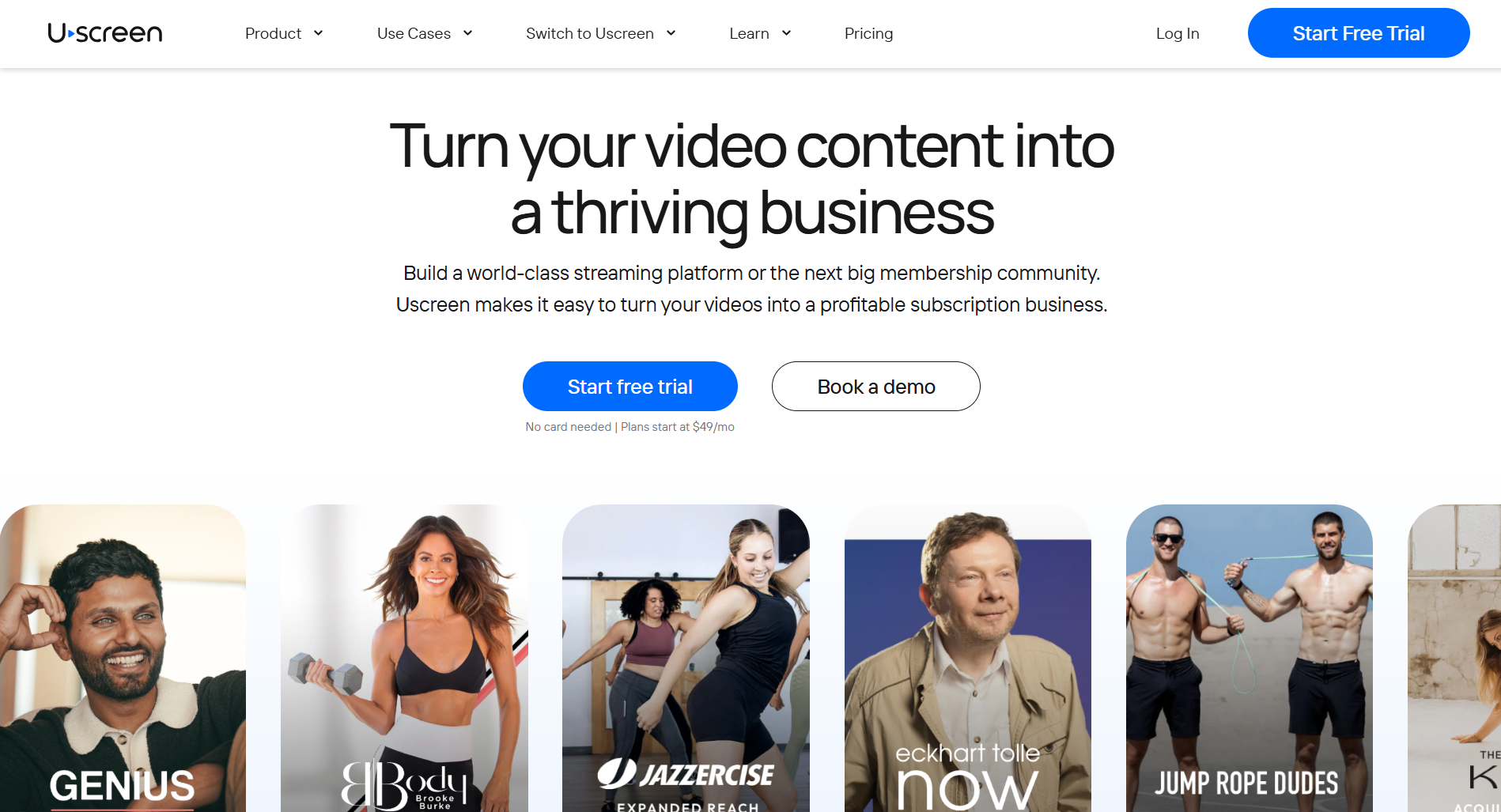
Uscreen (opens in new tab) is a video membership platform that lets you run your content like a streaming service. Your members get a browsable on-demand catalog to watch and pick up where they left off, across your website, mobile app, and TV.
Everything sits in one place, including your video library, live streams, and marketing tools. There’s no need to stitch together a video host, an email tool, and a community platform. Uscreen handles it all under your brand, on your developer account. Fitness instructors, educators, faith communities, and media companies use it to build recurring revenue from the content they already create.
What is Teachable?
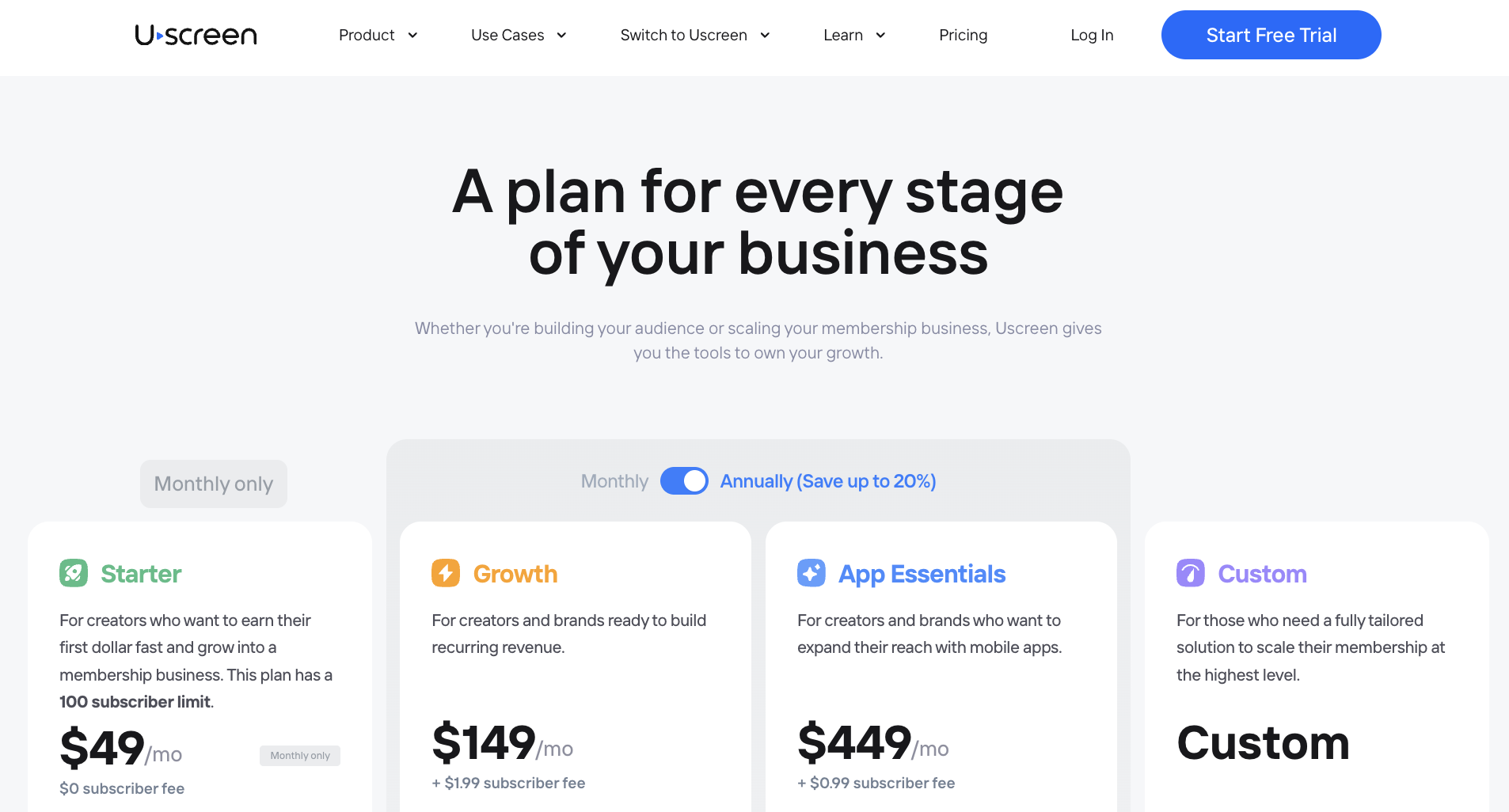
Teachable (opens in new tab) is a course platform built for selling structured online education. You create a curriculum, students enroll, and they work through it in order: sections, modules, quizzes, and certificates at the end. It’s a strong fit for coaches and educators whose product is a defined learning outcome.
Teachable recently added memberships and community, but its foundation is still course architecture built for one-time completion rather than an ongoing library members return to every week.
How does Uscreen pricing compare to Teachable?
Uscreen pricing has three components: a base plan fee, a per-subscriber fee, and a percentage on one-time sales. Teachable charges a flat platform cut only on its entry tier, then drops it entirely on higher plans. Which structure costs you more depends entirely on how many members you have and how much of your revenue comes from one-time sales versus recurring subscriptions.
How much does Uscreen cost?
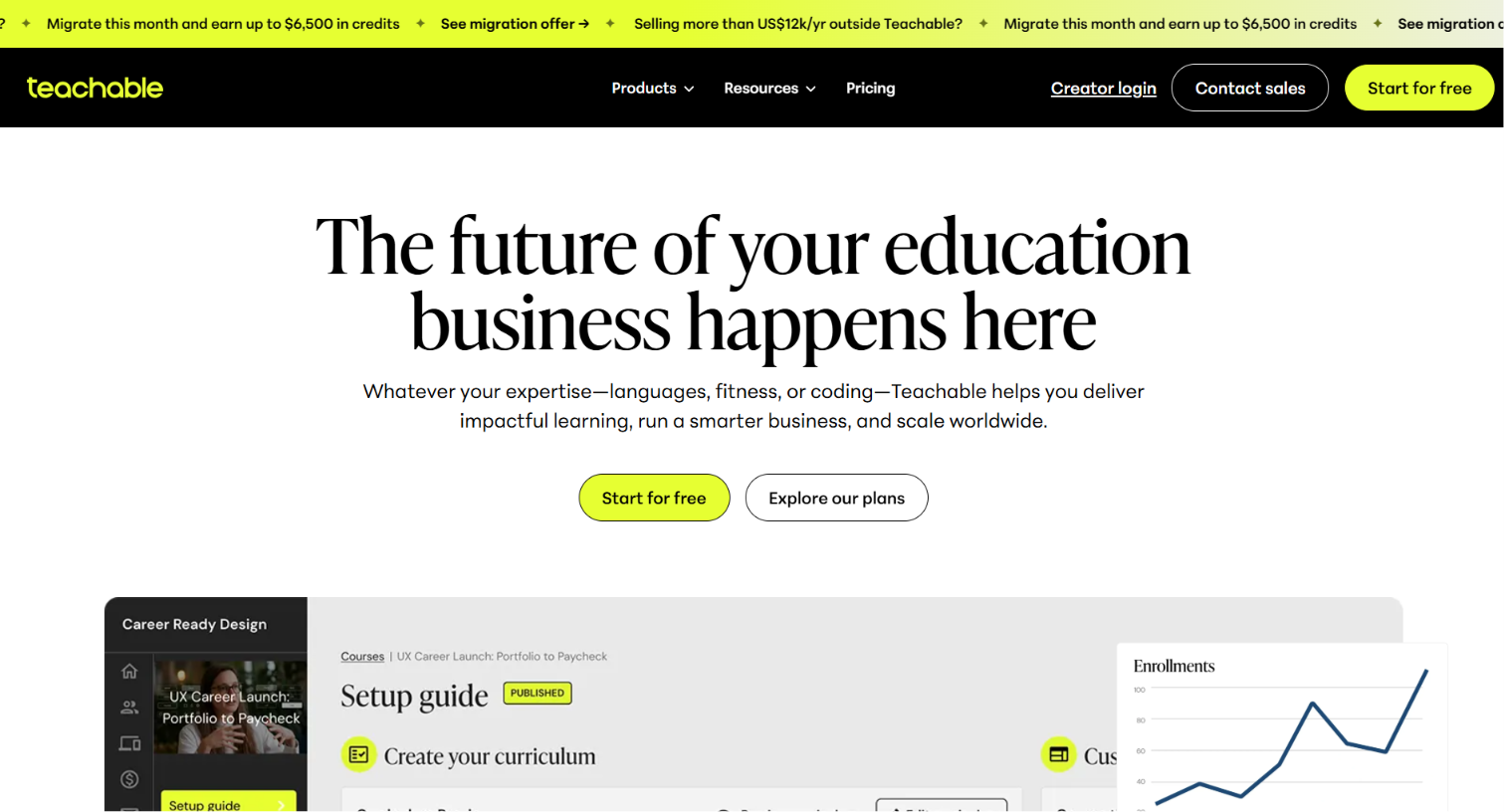
- Starter ($49/month, monthly only): The entry point. Capped at 100 subscribers, with no per-subscriber fee and a 10% cut on one-time sales. You get a Netflix-style catalog, native live streaming (1 free hour/month on Starter), marketing tools, and 20 hours of video storage. The fastest way to get your first paying members on a platform that looks and works like a real streaming product from day one.
- Growth ($149-$199/month + $1.99/subscriber): Unlimited subscribers, custom branded domain, 100 hours of video storage, and a 5% fee on one-time sales. This is where most growing memberships land.
- App Essentials ($449-$499/month + $0.99/subscriber): Everything in Growth, plus two branded iOS and Android mobile apps published under your own developer account. Migration support for users, payments, and content is also included here.
- Custom (custom pricing + $0.99/subscriber): The full platform. Adds five TV apps (Apple TV, Roku, Fire TV, Android TV, Samsung TV), community tools (DMs, challenges, channels), Calendar, Streaks and Badges, whitelabeling, a dedicated success manager, and end-user support.
How much does Teachable cost?
- Starter ($39/month or $29/month annually): One published product, up to 100 students, and a 7.5% transaction fee on every sale. Memberships, community spaces, and bundles are available, but the transaction fee applies to all. Fine for validating a single course idea, expensive once you’re selling regularly.
- Builder ($89/month or $69/month annually): Five published products, up to 1,000 students, 0% transaction fee. Adds affiliate marketing, custom domain, real-time support, and CSS customization. The 0% fee is the main reason to upgrade from Starter.
- Growth ($189/month or $139/month annually): 50 published products, unlimited students, 0% transaction fee. Adds course certificates, bulk student imports, custom admin permissions, Zapier, webhooks, and the ability to remove Teachable branding from your school.
- Custom (contact sales): Built for high-volume education businesses. Includes a dedicated success manager, flexible product and student limits, priority SLA-based support, automated international tax handling, white-glove onboarding, and migration assistance.
Marketing tools: Uscreen vs Teachable
Teachable’s (opens in new tab) (opens in new tab) marketing tools (opens in new tab) are designed to sell courses with coupons, order bumps, lead magnets, affiliate programs, and tracking pixels to push one-time enrollments. Uscreen’s (opens in new tab) are built to grow and retain recurring memberships with behavior-triggered automations, a built-in CRM, churn-reduction tools, and win-back sequences that run without you touching them.
The overlap is real (both have abandoned cart and upsells), but the depth and intent behind each stack are different. If your revenue model is recurring subscriptions, one of these was actually built for that problem.
Here’s how each platform approaches marketing:
- Uscreen: Broadcast campaigns and pre-built email sequences from Growth and above. A reduce-churn tool that intercepts cancellations with a win-back offer, and a Try Again for Free re-engagement sequence on Custom. Integrates with Mailchimp, Google Analytics, Zapier, Stripe, and Facebook.
- Teachable: Lead magnets, product detail pages, coupons, order bumps, and upsells on all paid plans. Affiliate program from Builder and above. Tracking pixels, Zapier, and webhooks from Growth. Third-party integrations are capped at 1 on Starter, 3 on Builder, and 5 on Growth, with unlimited on Custom. Email marketing connects via third-party tools on Starter, while Builder includes built-in email.
Can you run a membership business on Teachable now?
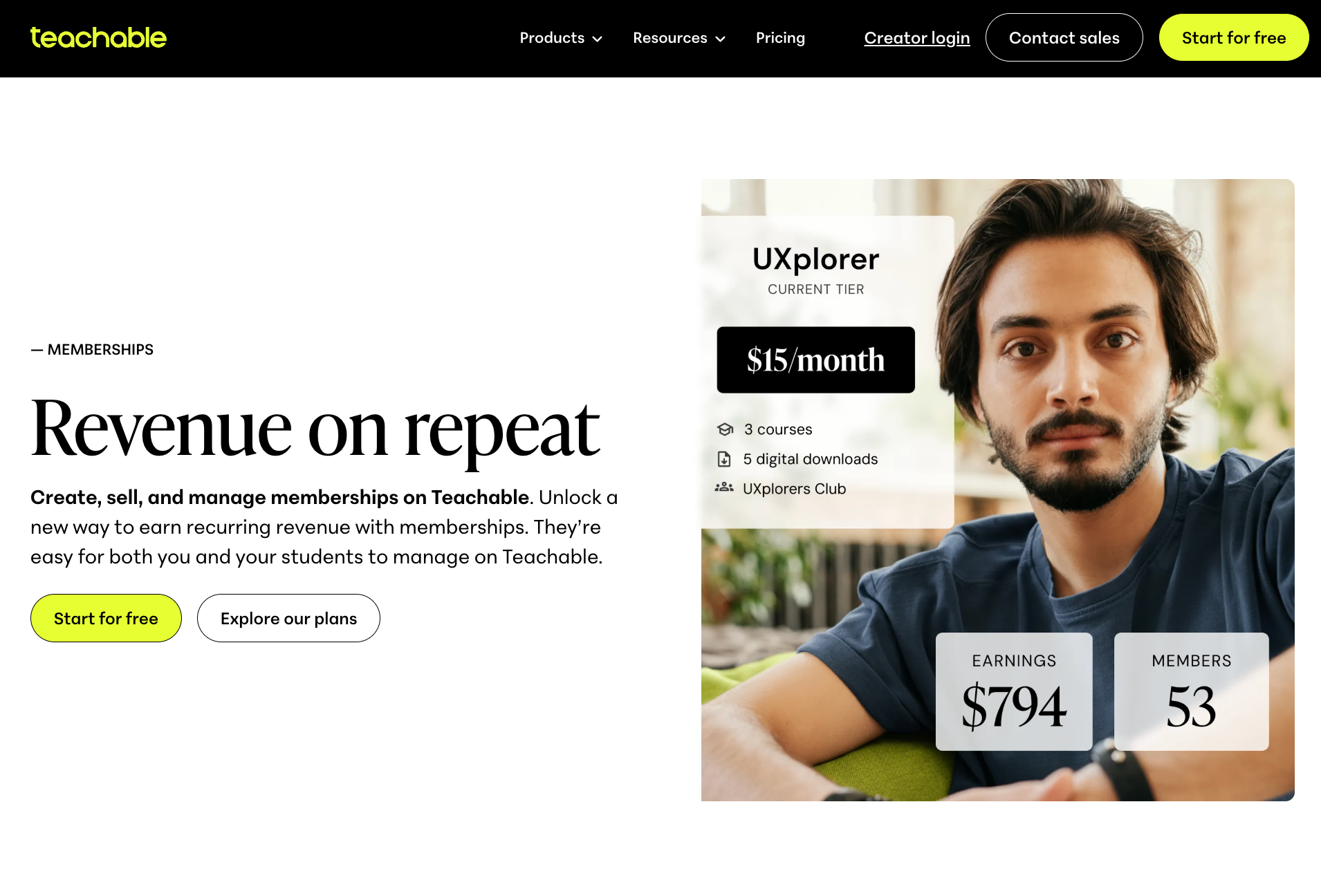
Teachable supports membership tiers (opens in new tab) on every paid plan, with monthly or annual pricing, free trials, and upgrade or downgrade options managed directly from the student’s account.
The membership experience is still organized around Teachable’s course structure. Members navigate a school, access gated courses, downloads, coaching, and community spaces, all within the same product and module framework the platform has always run on.
Uscreen members land on a streaming-style catalog, browse by collection, and pick up where they left off. On the App Essentials plan and above, they can watch on branded iOS and Android apps published under your name. On the Custom plan, that extends to five TV apps across Apple TV, Roku, Fire TV, Android TV, and Samsung TV. The video library is the core product, not a wrapper around one.
How do their migration processes compare?
Both platforms offer migration support, but the scope reflects what each is built for. Uscreen moves a video membership business, which means content, users, billing, and apps all transfer together. Teachable moves a course school, covering products, subscriptions, and integrations.
Here’s how each platform handles the move:
- Uscreen: A dedicated Migration Team (opens in new tab) works with you across four stages: understanding your current setup, building a tailored migration plan, executing the content and user migration, and supporting your launch with communication templates and best practices. Payment methods transfer automatically for most members. Migration is included at no additional cost from App Essentials and above, with a typical timeline of 30 to 60 days, tailored to your goals and timeline.
- Teachable: A specialist reviews your products, subscriptions, and integrations on a single call, then builds a migration plan (opens in new tab) you approve before anything moves. Your current platform stays live throughout, so there’s no downtime. Teachable covers migration assistance only on the Custom plan. The process also includes automatic tax handling across 45+ countries and payment processing fees as low as 1.5% once you’re live.
How do Uscreen and Teachable compare feature by feature?
| Feature | Uscreen | Teachable |
|---|---|---|
| Video hosting | Catalog with collections, resume-watching, and filters across all plans | Basic video hosting built for course lessons; no browsable catalog |
| Native live streaming | Native live streaming (capped at 1 free hour per month on Starter) | Not available natively; requires third-party integration |
| Structured courses | Supported via Collections; no quizzes, certificates, or compliance tracking | Core feature: quizzes, auto-graded assessments, compliance tracking, and certificates on Growth and above |
| Memberships and recurring billing | Core feature across all plans | Available on all paid plans; unlimited memberships not counted in product cap |
| Community | Custom plan only (DMs, challenges, channels) | Available on all paid plans including Starter |
| Branded mobile apps | 2 branded iOS and Android apps from App Essentials, published under your developer account | Shared Teachable-branded iOS and Android app only; no branded app on any plan |
| TV apps | 5 TV apps (Apple TV, Roku, Fire TV, Android TV, Samsung TV) on Custom only | Not available on any plan |
| Custom domain | From Growth and above | From Builder and above |
| Remove platform branding | Whitelabeling on Custom | Growth and above only |
| Marketing automation | Built-in CRM across all plans; abandoned cart recovery, subscription upsell, and email automations from Growth and above | Cart recovery and upsells from Starter; affiliate program from Builder |
| Analytics | Content, subscriber, financial, and marketing analytics; advanced reporting on higher plans | Standard sales and student analytics on all plans; custom reporting on Custom |
| Third-party integrations | Available across plans; full integrations on Custom | 1 on Starter, 3 on Builder, 5 on Growth, unlimited on Custom |
| Migration support | Dedicated Migration Team, 30-60 days, tailored to your goals and timeline | Migration assistance on Custom plan only |
| Customer support | Email and chat on all plans; dedicated success manager and end-user support on Custom | Email on all plans; real-time support from Builder; priority support on Custom only |
Which one should you choose?
The right pick comes down to what your members are actually paying for. If they’re expecting to access a growing video library, watch on their TV, and stay engaged through live streams and community, Uscreen is built for that model from the ground up. If they’re want to work through a structured curriculum and walk away with a certificate or a skill, Teachable is the stronger fit.
Here’s what should drive the decision:
- What your content model looks like: Uscreen is built for an evergreen video library that members browse and return to every week. Teachable is built for structured courses with a defined start, middle, and end. If your content has a completion point, Teachable’s architecture fits. If it keeps growing and members keep coming back, Uscreen does.
- Whether you need branded apps: Teachable offers a shared, Teachable-branded iOS and Android app on all plans. Uscreen offers branded mobile apps published under your own developer account from App Essentials, and five TV apps across Apple TV, Roku, Fire TV, Android TV, and Samsung TV on Custom. If you want the app to carry your brand, that gap matters.
- How your revenue model works: Uscreen is built around recurring subscription revenue, with tiered plans, pay-per-view, and rentals all supported natively. Teachable supports memberships and recurring billing, but its monetization tools are broader and more oriented toward one-time course sales, bundles, and digital downloads.
- What community means for your business: Community tools on Uscreen, including DMs, challenges, and channels, are available only on Custom. Teachable includes community spaces on all paid plans. If community is central to your membership at an earlier stage, that’s a plan-level consideration worth factoring in before you decide.
Ready to move your video membership to Uscreen?
If you’re coming from Teachable, the decision usually comes down to one thing: you want a platform built around a growing video library.
Here’s how to move forward.
- Start a free trial on the Starter plan: The Starter plan (opens in new tab) costs $49 a month with no credit card required. You get a streaming catalog, a branded website, and native live streaming from day one, so you can see the platform running before you commit.
- Book a demo for App Essentials or Custom: If you already have a paying audience and want branded mobile apps or TV apps as part of your launch, book a demo (opens in new tab) instead. The team will walk you through the plan that fits your current member count and growth goals.
- Migrate with dedicated support: Uscreen’s Migration Team handles the full move. Your members are set up on Uscreen and can log in right away via a magic link sent to their email, no password needed. Payment methods carry over automatically, so there’s no disruptive billing ask during the transition.