
You might not have picked a course platform yet, and you’re comparing Podia (opens in new tab) against the field before committing. Or you’re already on Podia and have hit a specific wall: usually a missing mobile app, limited community tools, or product caps on a lower-priced plan.
Podia is a genuinely good fit for solo course owners and small teams just getting started. It’s simple and affordable, bringing courses, digital downloads, and community into one place for people just starting out. This guide isn’t here to talk you out of that if it’s working.
Instead, it breaks down 8 real Podia competitors, when each one makes sense, and where Podia’s limits actually show up so you can decide whether to stay or switch.
Why do people look for Podia alternatives?
People look for a Podia alternative when they hit a specific limitation rather than a general dissatisfaction with the platform. The most common triggers are the lack of a mobile app, product and video caps on the entry-tier Mover plan, and course tools that stay basic by design. Podia works well for simple, budget-conscious setups; the search usually starts once a business outgrows one of these limits.
There are a few limitations experienced by people on Podia generally:
- No native mobile app: Podia is browser-only for both you and your audience, which is the single most repeated complaint across independent reviews of the platform.
- Courses and community live separately: There’s no unified activity feed tying course progress to community engagement, so the two often feel like separate products rather than one experience.
- Transaction fees on the entry-tier: A 5% fee applies to the Mover plan until you move up to the pricier Shaker or Earthquaker tiers, which drop it to 0%.
- Product and video caps on lower tiers: Mover currently caps at 50 products and 500 videos, which can feel tight once a catalog grows.
- Course tools stay intentionally simple: Quizzes, drip content, and certificates exist, but they’re basic, multiple-choice only, no advanced grading, and no automatic progress tracking.
- Community and analytics are functional but light: Both work fine day to day, but they stay noticeably lighter than what dedicated community or analytics tools offer.
Podia alternatives at a glance
| Platform | Best for | Starting price | Mobile app | Community depth | Course/LMS depth |
|---|---|---|---|---|---|
| Uscreen | Video-first course and membership businesses ready to scale | $49/mo | Native, branded apps (iOS & Android), included from App Essentials up | Native (channels, challenges, DMs) | No quizzes or certificates; supports drip content, challenges, and course-like collections |
| Kajabi | Course creators who also want built-in marketing tools | $143/mo (annual) | Included on the Pro plan | Kajabi’s community features (chats, challenges, gamification) | Quizzes, assessments, drip content |
| Teachable | Strong LMS features on a budget | $29/mo (annual) | Shared student app (not white-labeled), included on every tier | Basic discussion board and course comments; Teachable has paused further community investment | Quizzes, drip content, certificates, per-question analytics |
| Thinkific | Course creators planning to scale a course business | $36/mo (annual) | $199/mo add-on, not included on standard tiers | 1 community on Basic, up to 3 on Grow | Quizzes on Basic, certificates and assignments require Start |
| Mighty Networks | Community-first businesses | $79/mo | Web, iOS, and Android app on all plans, branded apps require Mighty Pro (custom) | Deep native community (Spaces, events, leaderboards, activity feeds) | Quizzes, tests, badges, and certifications included, all tiers |
| LearnDash | Businesses already running WordPress | $259/yr | None built in | Requires add-on, limited to message boards | Quiz builder and certificate builder, both included in the Essentials plan |
| MemberPress | WordPress users who want a simple paywall | $199.50 for the first year | None | None on Launch, ClubSuite included from Growth tier up | None on Launch, quizzes, certificates, drip content, and gradebook require Growth tier or above |
| Circle | Community-first businesses separating community from content hosting | $89/mo (annual) | Native, standard on all plans, white-labeled apps require Circle Plus (custom) | Deep, modern community tools (Spaces, live events, profiles) | Included from Professional plan up, no certificates without a third-party integration |
1. Uscreen (opens in new tab) : Best for video-first course and membership businesses ready to scale
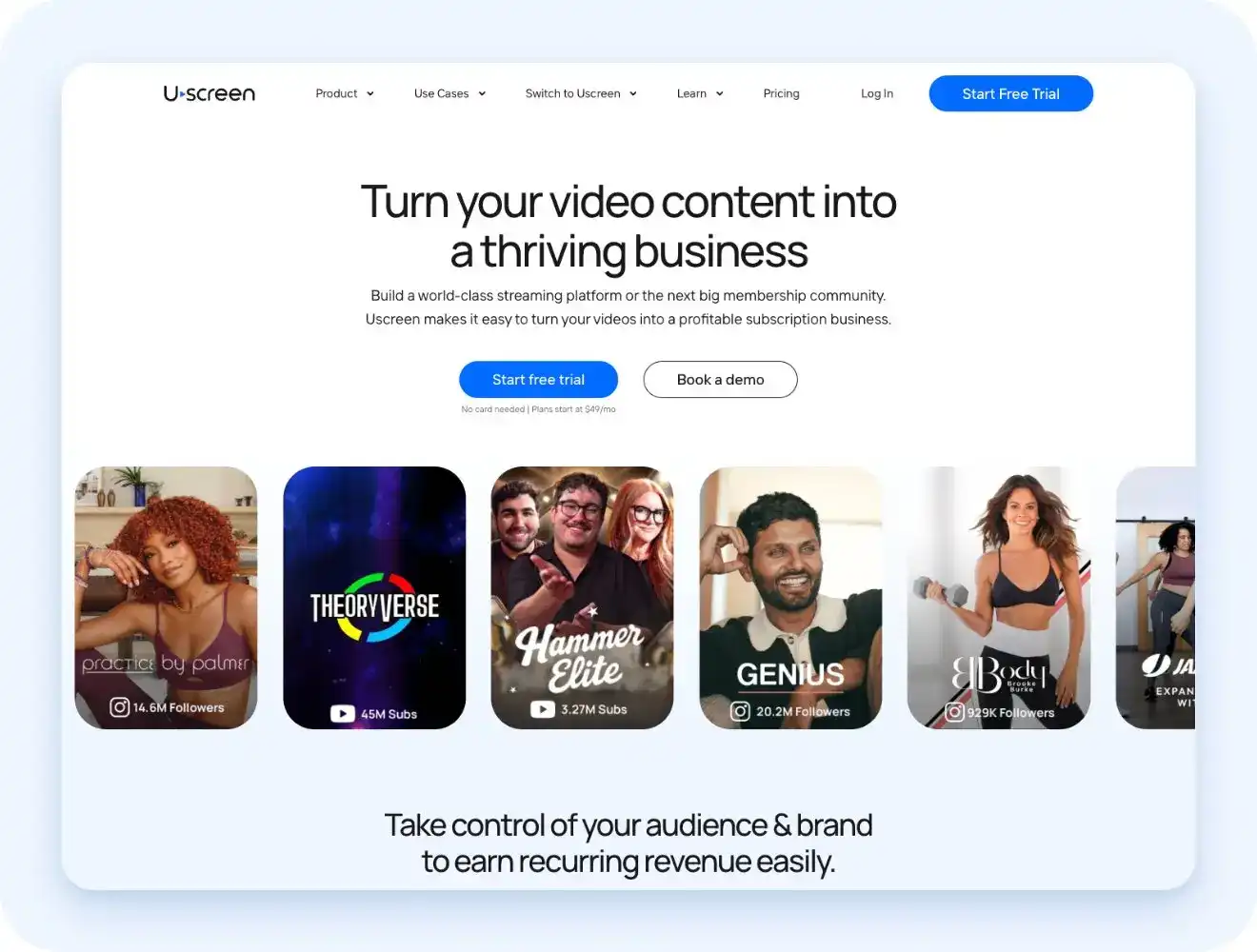
If the real complaint about Podia is that it’s browser-only, this is the clearest fix on this list. Uscreen’s native branded apps span iOS and Android, included from the App Essentials plan up. TV apps — Roku, Apple TV, Fire TV, Android TV, and Samsung TV — come with All-Access and are available as an add-on on other plans.
Uscreen also closes gaps Podia doesn’t touch. A real community platform runs alongside the video experience rather than being bolted on, with channels, challenges, and direct messages. Native live streaming includes real-time chat and interactive calendars. Monetization covers recurring memberships as well as one-off digital products and pay-per-view content.
Uscreen doesn’t offer quizzes, certificates, or graded assessments, but it does support drip content and course-like collections with play-next sequencing. Pricing suits a more established business than Podia’s typical starting customer.
Uscreen also includes marketing and membership tools, email automations and payment options built in, so this isn’t a gap you’d be trading one platform’s strength for another’s.
2. Kajabi (opens in new tab) : Best for course creators who also want built-in marketing tools

Kajabi bundles sales funnels, email automation, and a built-in CRM alongside course hosting, closing the marketing gap that Podia leaves to third-party tools. Its Community now adds chats, challenges, and gamification, going well beyond Podia’s basic community setup.
That depth comes at a cost. Kajabi’s pricing starts at $143/month billed annually, a steep jump from Podia’s entry tier, and the platform carries a steeper learning curve for a business that just needs to sell a course or two.
3. Teachable (opens in new tab) : Best for strong LMS features on a budget

Teachable leans into course-building depth. Quizzes, drip content, completion certificates, and per-question analytics come standard, along with a shared student app (not white-labeled), included on every tier. For a Podia user who specifically wants stronger LMS tools without paying enterprise prices, this is a direct upgrade.
The entry-tier Starter plan carries a 7.5% transaction fee, dropping to 0% once you move up to Builder. Community features stay basic, and Teachable itself has paused further investment there, steering users toward course comments or third-party tools like Discord instead.
4. Thinkific (opens in new tab) : Best for course creators planning to scale
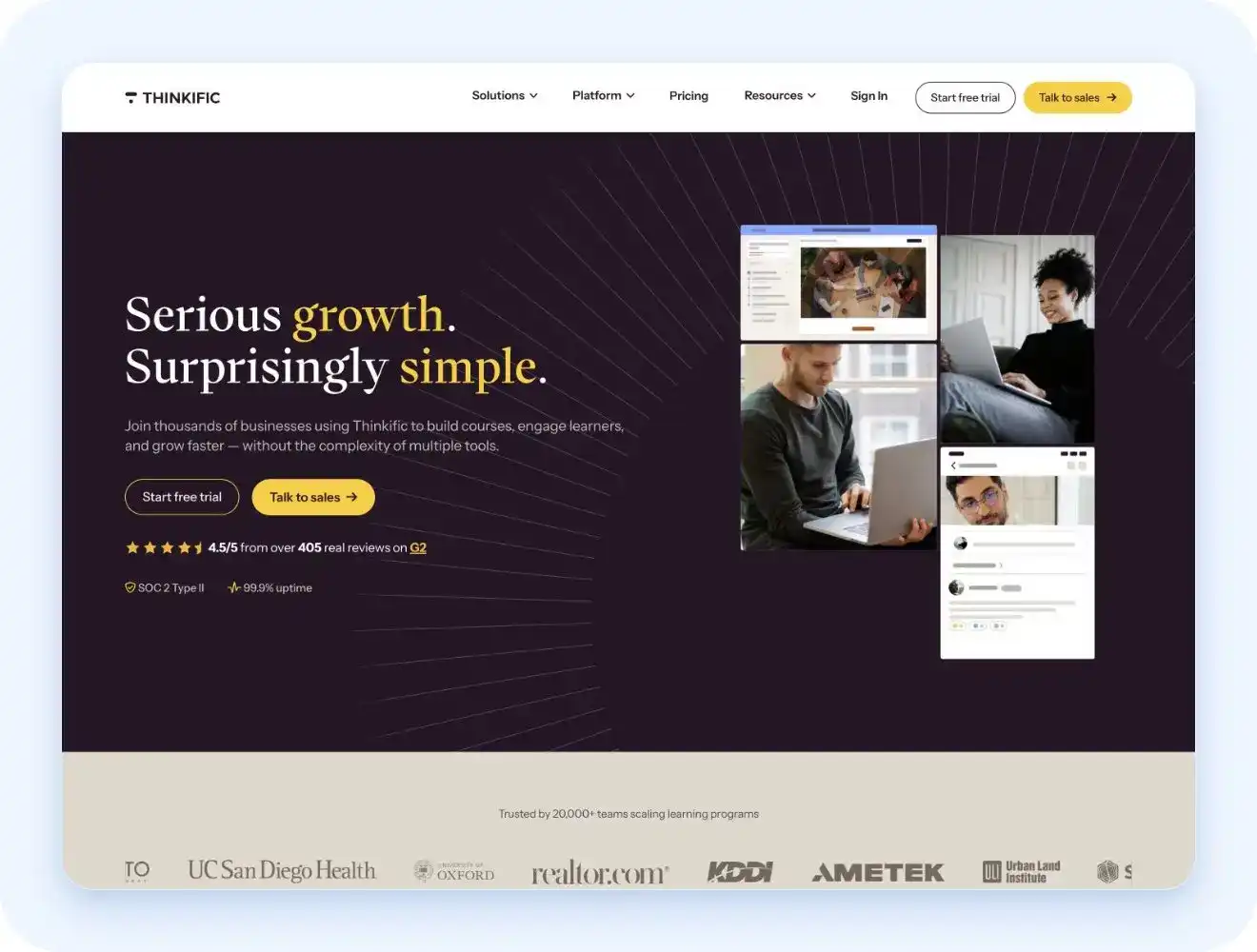
Thinkific’s Basic plan starts at $36/month billed annually. Using Thinkific’s own payment processor carries no added transaction fee, a real cost advantage over Podia’s 5% Mover fee, though a separate gateway fee applies if you use Stripe or PayPal instead. Quizzes come standard from Basic, though completion certificates and assignments require moving up to Start.
Branded mobile apps aren’t included on any regular tier. They run as a separate $199/month add-on, activated from the admin panel, which changes the total cost picture if a mobile app is the actual reason you’re leaving Podia.
5. Mighty Networks (opens in new tab) : Best for community-first creators
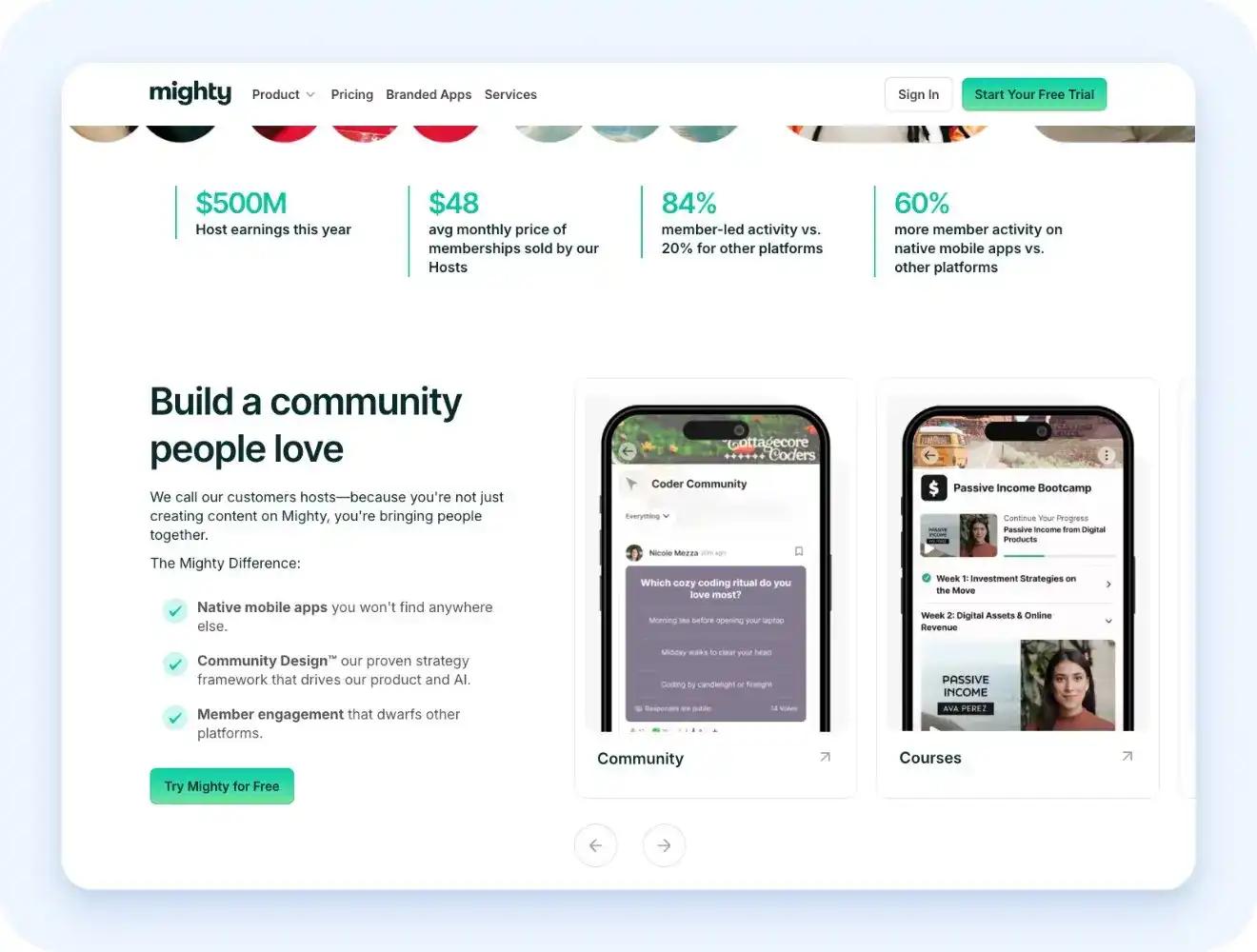
Mighty Networks starts at $79/month, plus a 2% transaction fee that never drops to 0% on any tier (falling to 0.5% at the top). Quizzes and badges are included from the entry Launch tier; automatic certifications appear on Mighty’s current pricing page, but the exact tier it starts on isn’t confirmed.
Community depth goes further than Podia out of the box, with Spaces, live events, and activity feeds built in. Web, iOS, and Android access come standard on every plan.
A fully branded app under your own name requires Mighty Pro, a custom-priced tier that only makes sense once the business has outgrown Podia-level pricing entirely.
6. LearnDash (opens in new tab) : Best for businesses already running WordPress

LearnDash turns an existing WordPress site into a full course platform. The Essentials plan runs $259/year and includes quiz building, certificates, memberships, and Stripe and PayPal payments out of the box.
The catch is what’s missing. There’s no built-in community layer to match Podia’s, and gamification, groups, and advanced reporting require the pricier Pro plan ($399/yr), rather than staying on the entry Essentials tier, a jump for a business used to one flat Podia bill.
7. MemberPress (opens in new tab) : Best for WordPress users who want a simple paywall
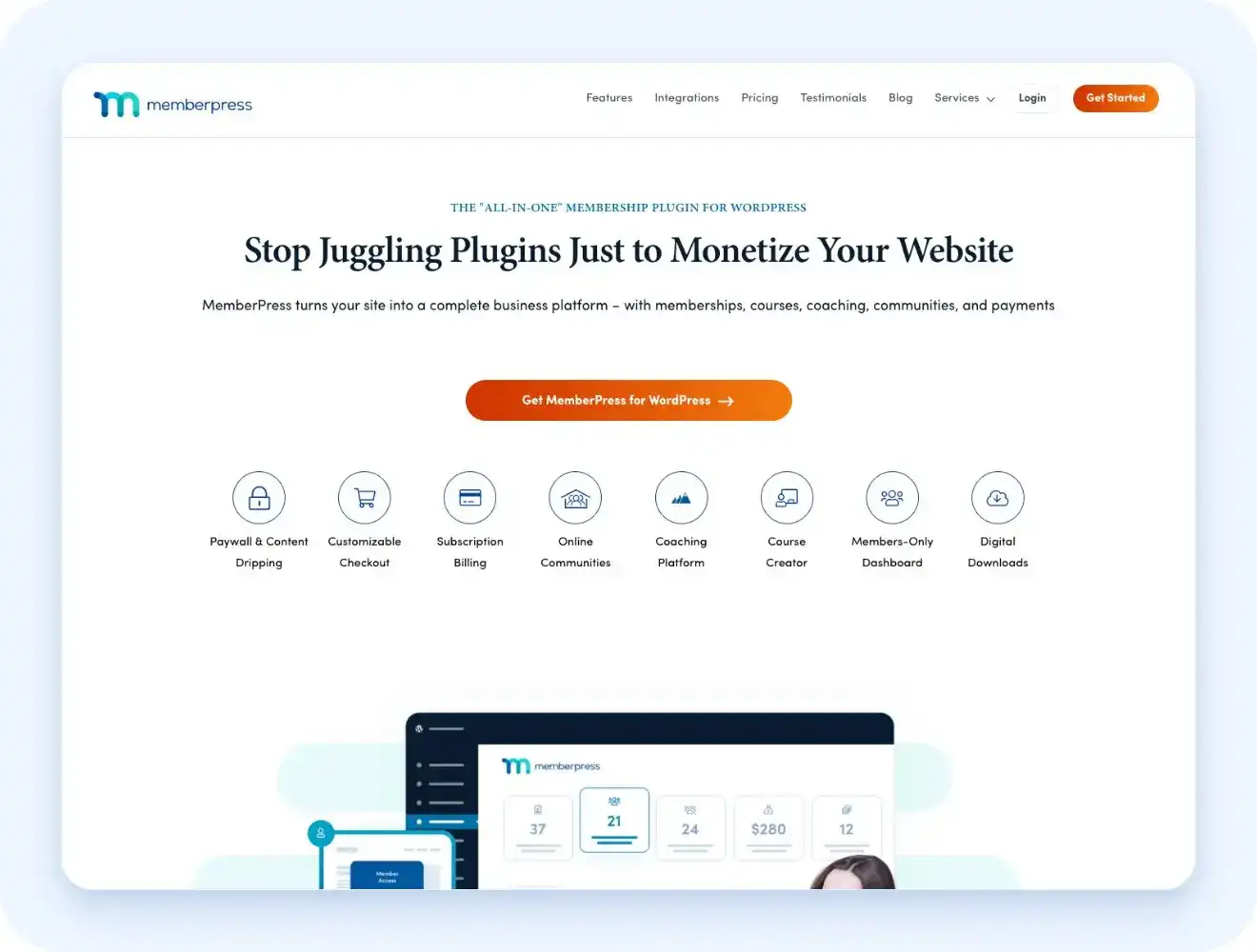
MemberPress starts at $199.50 for the first year on the Launch plan, gaining access to your WordPress content behind a paywall with Stripe payments built in. The Launch tier carries a 4.9% transaction fee.
Course and community features don’t come with Launch. Quizzes, certificates, drip content, and the gradebook, along with ClubSuite community tools, all require upgrading to the Growth plan or above, a real gap from Podia’s all-in-one setup at any tier.
8. Circle (opens in new tab) : Best for community-first creators who separate community from content hosting
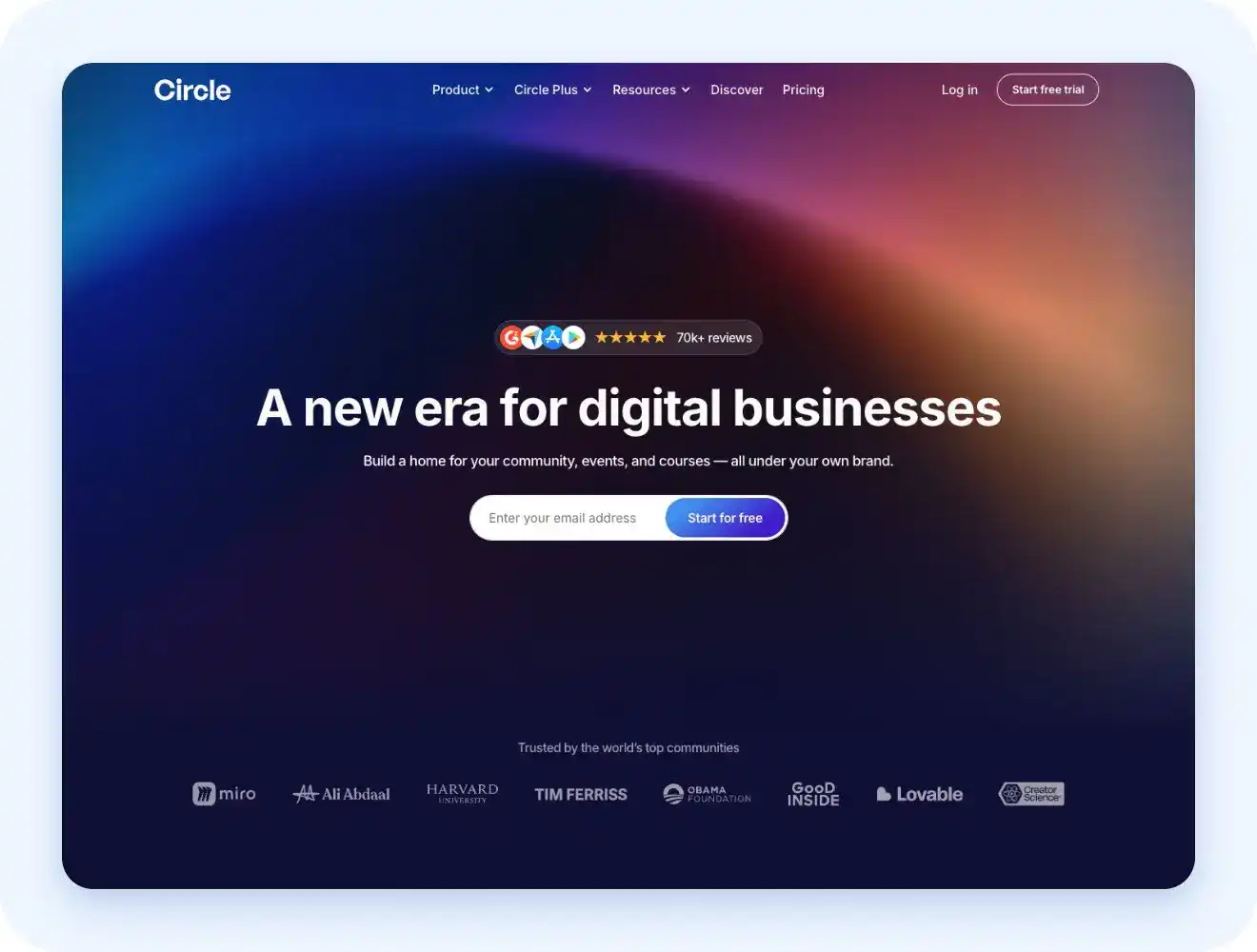
Circle starts at $89/month billed annually, with courses included from the Professional plan up, alongside quizzes and enforced lesson completion. Native iOS and Android apps come standard on every plan.
Course depth stays lighter than a dedicated LMS. There’s no built-in certificate feature without a third-party integration, and Circle isn’t built for hosting a full video course library the way Podia or a video-first platform is.
How to choose the right Podia alternative
Most Podia complaints don’t have one clean root cause. Someone hits the product cap on Mover and upgrades to Shaker for the fee relief. Only then do they notice the mobile app gap was there the whole time. That’s not five different problems; it’s one reader noticing the same limitation at a later stage.
Podia optimizes for launch simplicity, not depth in any single area, so the “right” alternative often depends less on which limit is loudest right now, and more on which one will matter most once the business grows past where it is today.
The right answer depends on which specific limit is actually driving the search:
- If the complaint is no mobile app and thin video or community depth, Uscreen fits best.
- If the priority is an all-in-one marketing suite and budget allows, Kajabi fits best.
- If the need is strictly strong course or LMS tools, Teachable or Thinkific fit best.
- If community is the actual product, not a supporting feature, Mighty Networks or Circle fit best.
- If the business already runs on WordPress, LearnDash or MemberPress fit best.
The right Podia alternative depends on which limit you’re actually running into, not on which platform has the flashiest feature list. Podia remains the simpler, more affordable choice if you’re not feeling any of these limits yet, and staying put is a reasonable call if it’s still working.
Why Uscreen is worth a look if you want a real OTT setup
If you’ve read this far because a mobile app, live community, or video depth is the actual gap in your search, Uscreen is built specifically to close it. It’s not a course platform with video bolted on. It’s a video-first membership platform, so an OTT-style setup is the default, not an upgrade you have to fight for.
Here’s what that looks like in practice:
- Your content lives in a Netflix-style catalog (opens in new tab) , not a flat folder of files, and if structure matters, you can still group videos into collections that function like a course or series.
- You get branded mobile and TV apps (opens in new tab) , published under your own name, with no separate app-builder subscription to manage. Mobile apps for iOS and Android are native and included from App Essentials up. TV apps for Roku, Apple TV, Fire TV, Android TV, and Samsung TV come with All-Access and are available as an add-on on other plans.
- Live streaming (opens in new tab) runs natively, with a content calendar, live chat, and donation support built in, so you’re not stitching Zoom or a third-party streaming tool onto the platform.
- Community (opens in new tab) sits right next to your video library, not in a separate app your members have to remember to open.
- Marketing and membership tools (opens in new tab) come with the plan, from email automations to payment options, so you’re not paying for a CRM on top of everything else.
- If you want to see it in context first, the Uscreen homepage (opens in new tab) and the resource library (opens in new tab) walk through real customer examples across fitness, education, and media before you talk to anyone.
If video, apps, or community depth is genuinely the reason Podia isn’t cutting it anymore, it’s worth seeing what a setup built for that from day one actually looks like. (opens in new tab) Book a demo (opens in new tab) or (opens in new tab) start a free trial (opens in new tab) to check it out for your business.