
The best Brightcove alternative depends on what you’re trying to do next. Wistia is a strong fit if you’re using video to generate leads. Muvi works well if you want OTT monetization with public pricing. Dacast suits live streaming and broadcast use cases. Uscreen is designed for businesses building recurring video memberships.
Brightcove serves several different roles, so no single replacement fits every business. The right choice depends on whether you need video for marketing, OTT streaming, internal communications, or a paid membership business.
In November 2024, Bending Spoons agreed to buy Brightcove for $233 million. The deal closed on February 4, 2025. Brightcove is now privately held and no longer trades on Nasdaq (opens in new tab) . Quarterly filings are gone. Public scrutiny is gone. Pricing and product direction are now entirely behind closed doors.
Bending Spoons (opens in new tab) has said it plans to run Brightcove for the long term. What that actually means for your contract, your pricing, and your roadmap is anyone’s guess.
If you’re on Brightcove and weighing your options, this guide breaks down the real alternatives by use case, pricing, and trade-offs.
6 Best Brightcove Alternatives In 2026: TL;DR
| Platform | Best for | Starting price |
|---|---|---|
| Uscreen (opens in new tab) | Recurring video memberships and branded apps | $49/month |
| Muvi (opens in new tab) | OTT with public pricing and flexible monetization | $399/month |
| Vimeo (opens in new tab) | Simple, ad-free video hosting | $12/month(annual) |
| Wistia (opens in new tab) | Marketing video and lead generation | $0/month |
| Gumlet (opens in new tab) | Secure video delivery on an existing website | $0/month |
| Dacast (opens in new tab) | Live streaming and broadcast OTT | $39/month |
What is Brightcove?
Brightcove (opens in new tab) is a leading cloud-based online video platform (OVP) that helps large businesses, media organizations, and enterprises securely host, stream, manage, and monetize video content across multiple devices and digital channels.
Brightcove OTT is the part of Brightcove’s platform built for businesses that want to stream video directly to audiences and charge for access. It spans two tools: Beacon Studio (opens in new tab) , which handles branded streaming apps, and Media Studio, (opens in new tab) which is built for publishers who need subscriptions, ads, or pay-per-view built in.
Brightcove’s other two products serve completely different needs:
- Marketing Studio (opens in new tab) is for marketing teams that embed video in campaigns.
- Communications Studio (opens in new tab) handles internal employee video.
If you’re looking for a Brightcove OTT alternative, you’re looking to replace Beacon Studio or Media Studio.
In practice, Brightcove OTT works well for media companies and broadcasters that need scalable video delivery across mobile, TV, and web. The tradeoff is cost and complexity. Brightcove’s OTT products use custom pricing, so you’ll need to contact sales to discuss your requirements.
Brightcove pricing
Brightcove does not publish standard pricing for its platform. Costs are based on the products you use, video volume, storage, bandwidth, plays, and other usage requirements, so you’ll need to contact sales (opens in new tab) for a custom quote.
There is no reliable public monthly price to compare directly with the alternatives below. Brightcove’s post-acquisition pricing and packaging are also not fully transparent, making a direct cost comparison difficult.
1. Uscreen: best for recurring memberships
Uscreen (opens in new tab) is built for businesses that want to own their audience relationships, their data, and their revenue in a fully branded app, without stitching together a separate video host, community tool, live-streaming setup, and an app developer to get there. Video, community, live streaming, and marketing tools are all built in.
It makes the most sense when you already have an audience and want to run a subscription business you actually own, not one that lives inside a platform like YouTube or Patreon, where the audience relationship belongs to someone else.
Uscreen is used by thousands of businesses today, generating over $210M in earnings in 2025. Together, they’ve launched 4,000+ branded apps.
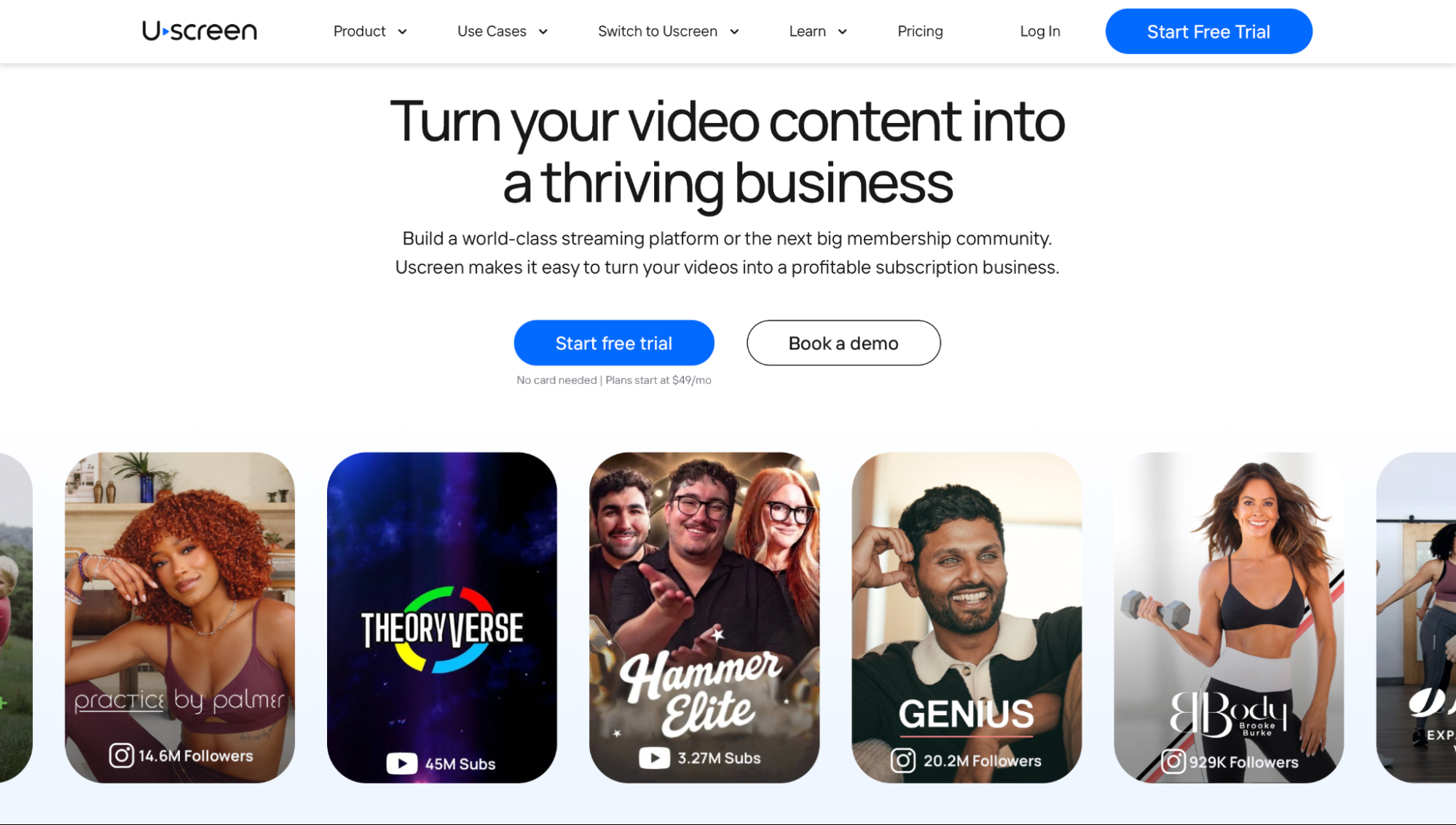
You can give members a Netflix-style viewing experience (opens in new tab) , add live streaming and community features, and publish branded mobile and TV apps. Built-in marketing (opens in new tab) and CRM tools also help you capture leads, re-engage inactive members, and promote upgrades. Customers using email automations earn 2.5x more monthly revenue, and abandoned cart recovery alone has generated over $24M across the platform.
Uscreen has four plans. Starter costs $49/month (opens in new tab) with no subscriber fee. Growth costs $149/month (annual) or $199/month** (monthly), plus $1.99 per subscriber. Community and branded TV apps are only available on the Custom plan; Starter and Growth cover web and mobile apps.
Pros
- Strong engagement features: Community, live streaming, email automation, and abandoned cart recovery give businesses more ways to retain subscribers and increase revenue.
- Public pricing: You can see the starting cost and understand the basic pricing model before contacting sales.
- Purpose-built membership tools: Subscriptions, payments, content access, and member management are built into the platform rather than requiring separate tools.
- Migration support: Uscreen has completed thousands of successful migrations (opens in new tab) , including transfers of content, subscriber data, and payment methods.
Cons
- More expensive than basic hosting: Businesses that only need video storage and playback may end up paying for features they don’t use.
- Limited LMS functionality: It is less suitable for businesses that require advanced course creation and learning management features, such as SCORM compliance, quizzes, or certifications.
- Subscriber fees at scale: Growth adds $1.99 per subscriber, which can make costs rise as your membership base grows.
2. Muvi: best for an OTT platform with public pricing
Muvi (opens in new tab) lists its pricing and plans on its website, so you can compare costs before contacting sales. By comparison, Brightcove uses custom pricing based on each customer’s setup.
That transparency makes Muvi a useful option for businesses that want to budget for an OTT platform upfront. It may be less suitable for companies that prefer a highly customized enterprise contract or specifically want Brightcove’s long-standing focus on media and broadcasting.
Muvi lets businesses sell and distribute video across websites and apps, supporting multiple revenue models. Its platform includes branded apps, subscriptions, pay-per-view, advertising, and a CMS that can manage video, audio, and eLearning content. This makes it a broader fit for businesses that want to manage multiple types of digital content on a single platform.
The Standard plan costs $399/month (opens in new tab) . Professional costs $1,499/month, while Enterprise costs $3,900/month.
Pros
- Public pricing: You can compare plans and estimate your starting costs without going through a sales process first.
- Flexible monetization: Subscriptions, pay-per-view, and advertising let businesses choose how they generate revenue from their content.
- Broad content management: The same CMS supports video, audio, and eLearning, helping businesses manage diverse content formats.
Cons
- App costs can add up: Each plan includes one app, so businesses targeting multiple platforms may see their total costs increase.
- Steeper learning curve: Muvi offers a broad set of tools, but that range of functionality can make the platform more difficult to learn and manage.
3. Vimeo: best for simple video hosting
Brightcove can be more than you need if all you want is reliable, ad-free video hosting. Vimeo (opens in new tab) offers a simpler setup for businesses that want more control than YouTube offers but don’t need a full enterprise video platform.
Vimeo is a good choice for teams that want professional, ad-free playback without managing a complex streaming setup. It provides a cleaner environment for hosting and sharing videos, but is less suitable if you need built-in community, advanced marketing, or membership tools.
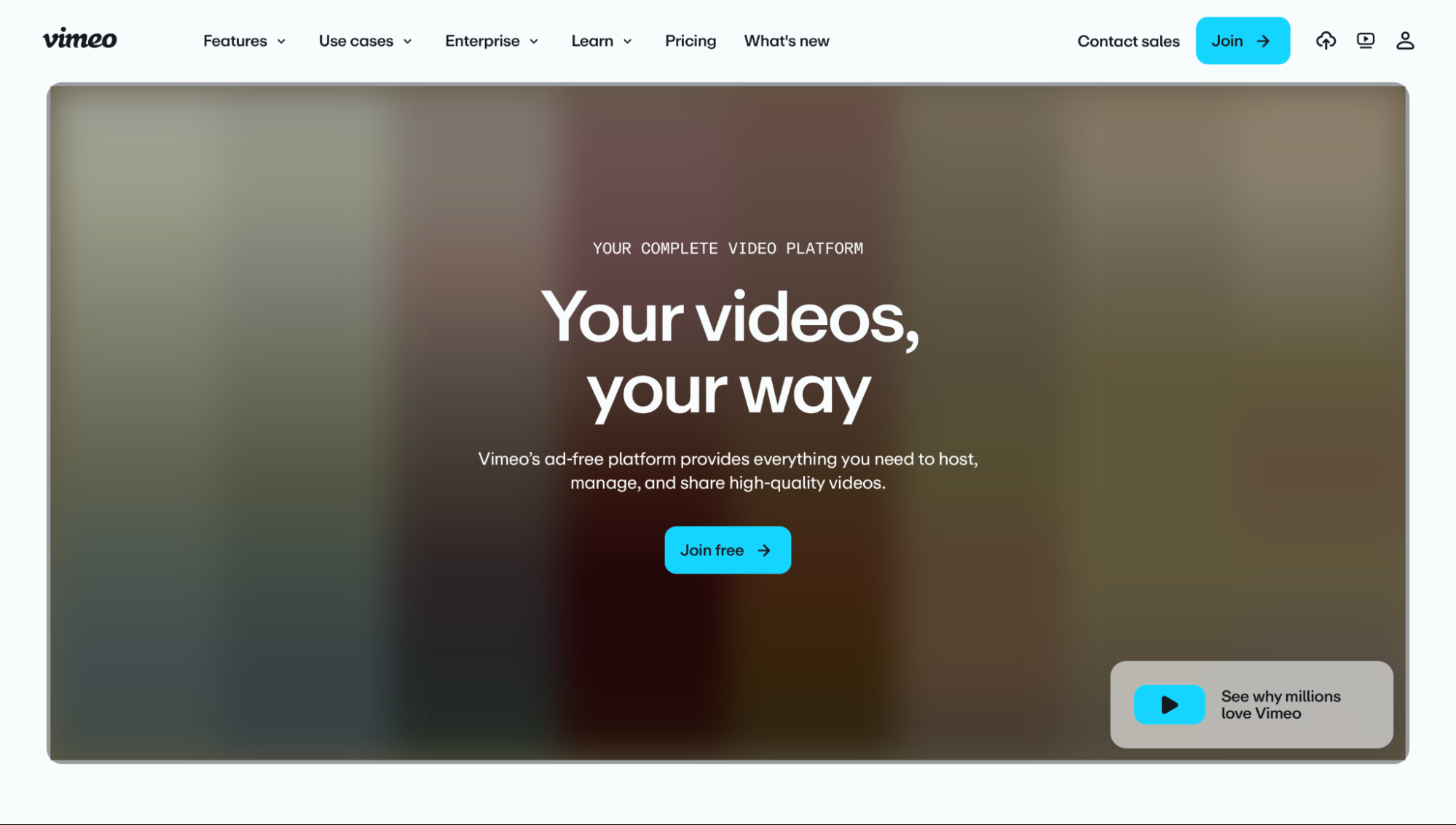
Vimeo works well for businesses that want professional video hosting with the option to monetize later. Its standard plans focus on hosting, collaboration, branding, and video management. At the same time, its Vimeo Streaming option lets businesses add paid content and subscriptions when they are ready to build a revenue stream around their library.
Vimeo offers four paid plans (opens in new tab) . Starter costs $12/month billed annually ($20/month billed monthly), Standard costs $25/month billed annually ($41/month billed monthly), and Advanced costs $75/month billed annually ($125/month billed monthly). Enterprise uses custom pricing. The paid plans differ mainly in storage, users, branding, and live streaming features. All self-serve plans share a 2 TB/month bandwidth cap; exceeding it can trigger a required upgrade.
Pros
- Simple setup: Vimeo is easier to get started with than a dedicated video-membership platform like Uscreen, making it a practical choice for teams focused mainly on hosting and sharing video.
- Ad-free playback: Videos play without third-party ads, giving businesses more control over the viewing experience.
- Room to monetize: Businesses can start with standard video hosting and add OTT capabilities later if they decide to sell video content.
Cons
- Limited community and marketing tools: Vimeo is less suitable for businesses that need built-in community engagement, memberships, or extensive audience-growth features.
- OTT is separate: Paid video and subscription capabilities sit outside the standard hosting plans, so businesses building an OTT service may need an additional product or setup.
Vimeo is now also owned by Bending Spoons, the same company that bought Brightcove. If you’re leaving Brightcove specifically because of the ownership change, Vimeo isn’t a clean break.
4. Wistia: best for marketing teams
Wistia (opens in new tab) focuses on marketing video rather than OTT streaming. That makes it a better Brightcove alternative for teams that primarily use video for lead generation, sales, and content marketing rather than for running a consumer streaming service.
Wistia works well for marketing teams that want to understand how viewers interact with their videos and turn those interactions into leads. It is less suitable for businesses that need subscriptions, branded streaming apps, or a full OTT platform.
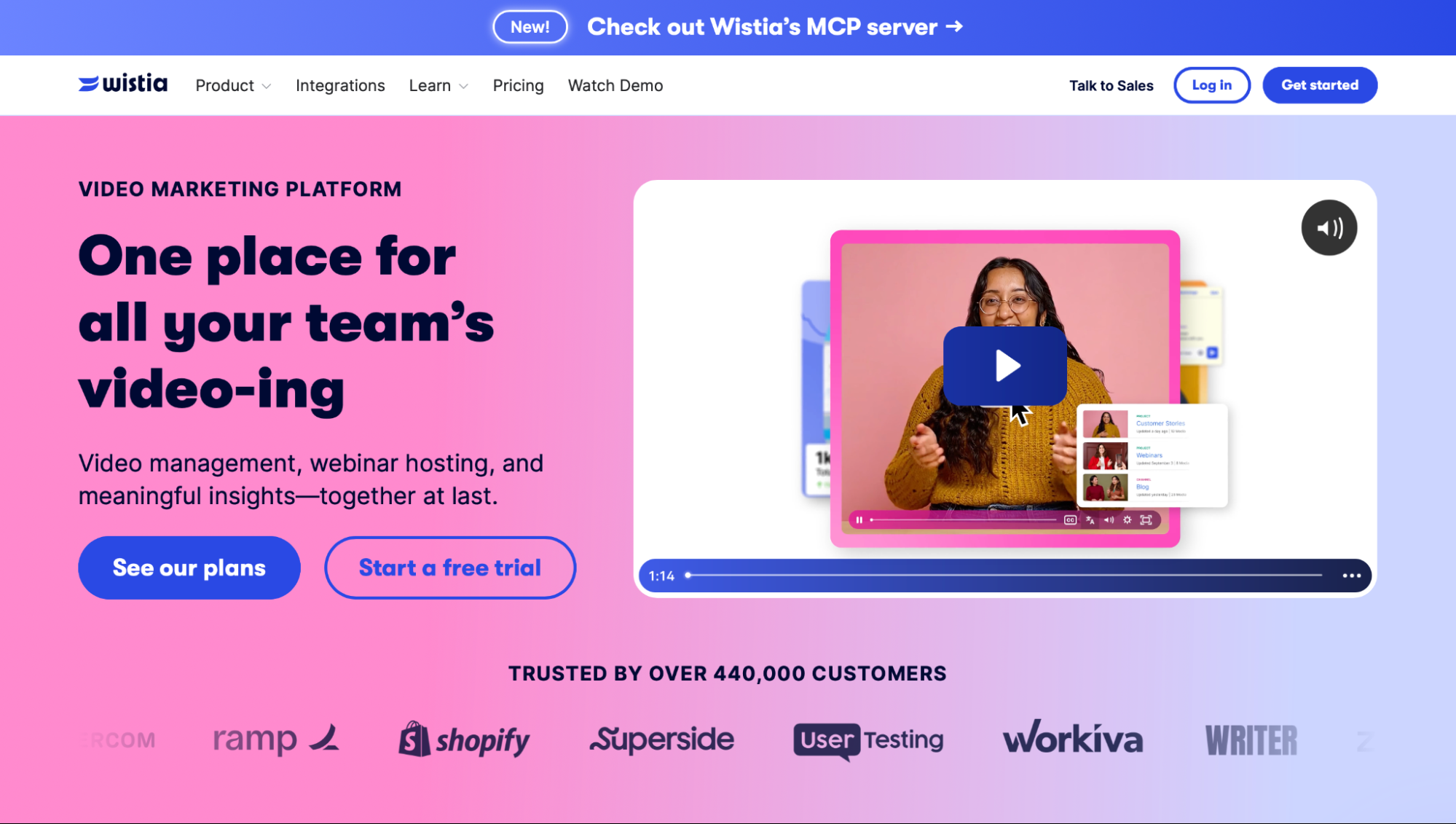
Wistia combines video hosting with marketing tools such as lead capture, CRM integrations, video heatmaps, and A/B testing. Integrations with platforms such as HubSpot and Marketo help teams connect video engagement to their existing marketing workflows, while heatmaps show where viewers watch, skip, or stop.
Wistia plans start for Free, followed by $99/month (opens in new tab) for Business and $412/month for Business + Lead Gen (both billed monthly; annual billing saves 20%). Enterprise pricing is custom.
Pros
- Built for marketing teams: Video hosting and analytics are designed around lead generation, content performance, and audience engagement.
- Strong CRM integrations: Connections with tools such as HubSpot and Marketo make it easier to connect video activity with existing sales and marketing workflows.
- Detailed video analytics: Heatmaps and A/B testing help teams identify which content performs best and where viewers lose interest.
Cons
- No community or membership features: Wistia is focused on marketing workflows rather than building a paid audience or member community.
- Not designed for subscription video: Businesses looking to sell recurring access to a video library will need a more specialized OTT or membership platform.
5. Gumlet: best for teams with an existing website
Gumlet (opens in new tab) is a good option when you already have a website and mainly need video hosting, delivery, and content protection. Instead of replacing your existing site with a new video platform, you can add Gumlet’s video infrastructure to your existing setup.
Gumlet works well for teams that need to deliver paid or private video securely from an existing website. It is less suitable if you want an all-in-one platform with a website builder, community features, or built-in live streaming.
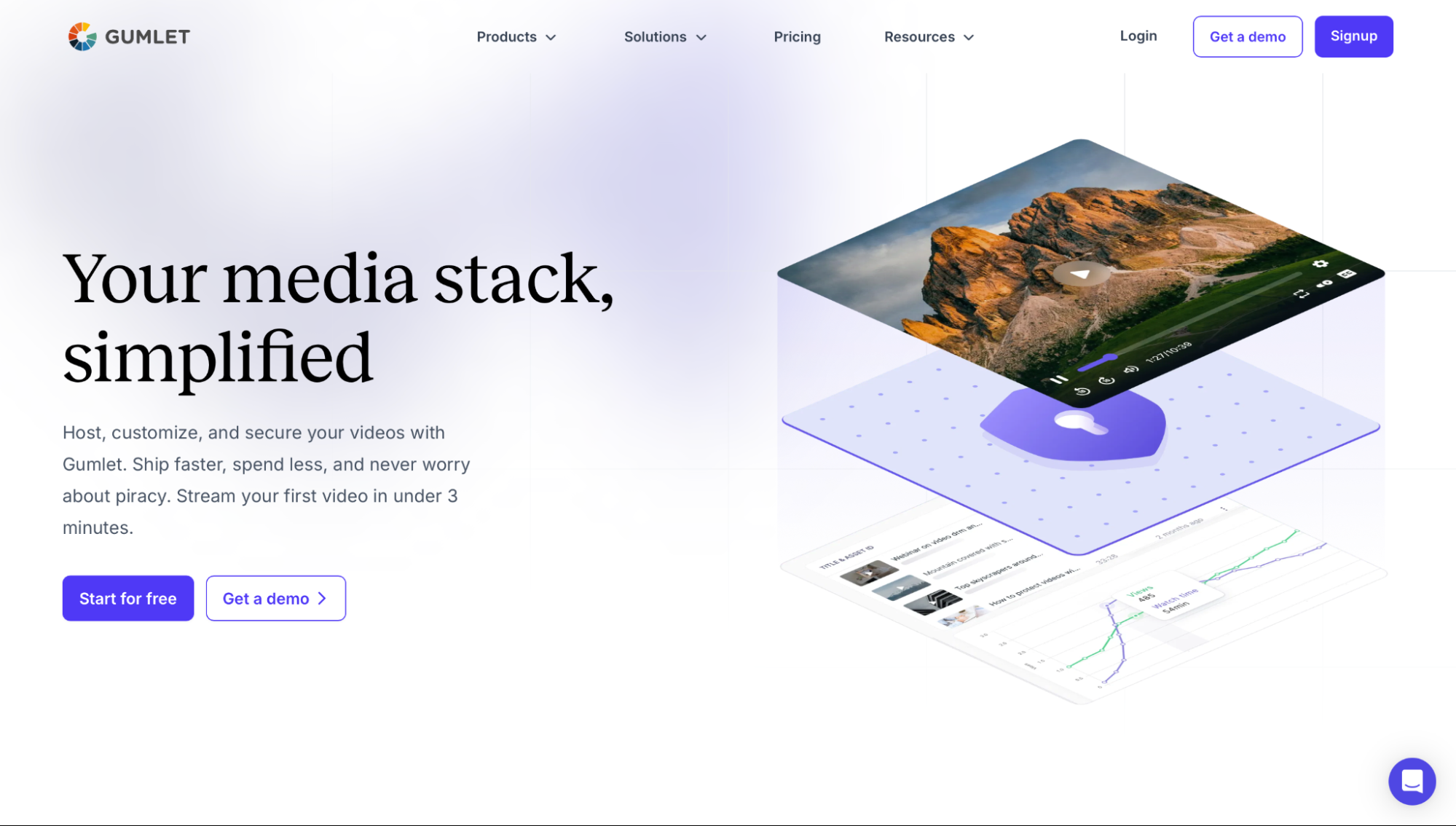
Gumlet gives businesses several ways to control access to their video. DRM, domain restrictions, and geo-blocking can help prevent unauthorized playback and limit where protected content can be accessed. This makes it particularly useful for businesses selling courses, premium content, or other video that should not be freely accessible.
Gumlet has four video hosting plans (opens in new tab) . The paid plans follow a Free plan. Creator costs $6/month, Growth costs $19/month, and Business costs $99/month.
Pros
- Strong content protection: DRM, domain restrictions, and geo-blocking give businesses more control over access to paid or private video.
- Works with an existing website: You can add video hosting and delivery without rebuilding your website or moving your broader content setup.
- Scales across team sizes: The range of plans makes it accessible to smaller businesses while providing options for larger video operations.
Cons
- No website builder: Gumlet handles the video infrastructure, so you still need your own website or front end to present the content to viewers.
- No community or live streaming: Businesses that need audience engagement features or a built-in live streaming workflow will need additional tools.
6. Dacast: best for live streaming and OTT
Dacast (opens in new tab) focuses on video delivery, including OTT, VOD, and live streaming. It suits businesses that need reliable streaming infrastructure without adding membership or community features they may not need.
Dacast works well for broadcasters, event organizers, and businesses that need to deliver both live and on-demand content. It is less suitable for businesses that want to build a paid community or membership site around their videos.
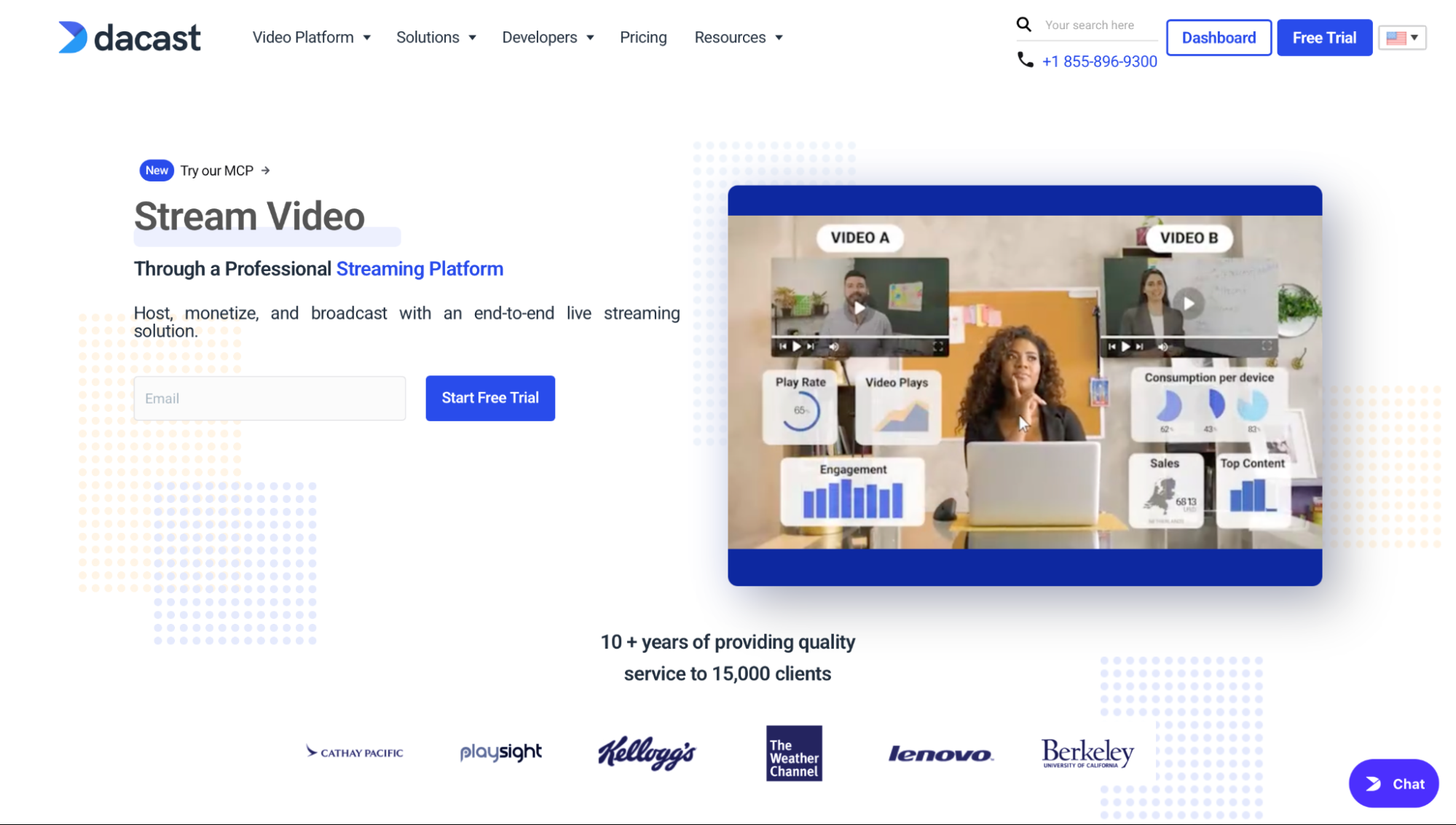
Features include live streaming, VOD, OTT delivery, and ad-free playback, giving businesses the infrastructure to broadcast live events and distribute recorded content across multiple channels. This makes it a closer fit to Brightcove when streaming and content delivery are the priority rather than audience management.
Dacast offers three standard plans (opens in new tab) plus a Custom option. Starter costs $39/month, Event costs $63/month, and Scale costs $165/month (annual) or $250/month (month-to-month). Starter and Event are only available with annual billing, while Scale can be paid month-to-month.
Pros
- Ad-free playback: Viewers can watch content without third-party advertising interrupting the experience.
- Live, VOD, and OTT in one platform: Businesses can manage live broadcasts and recorded content without relying on separate video delivery platforms.
- Lower entry price: Its starting plans can be more accessible than enterprise-focused video platforms for businesses that don’t need a full membership or community system.
Cons
- No website builder or community features: You need other tools to build the broader website and audience experience around your video content.
- Limited membership tools: Dacast focuses on streaming and delivery rather than on subscriptions, member management, and community engagement.
How to choose the right Brightcove alternative
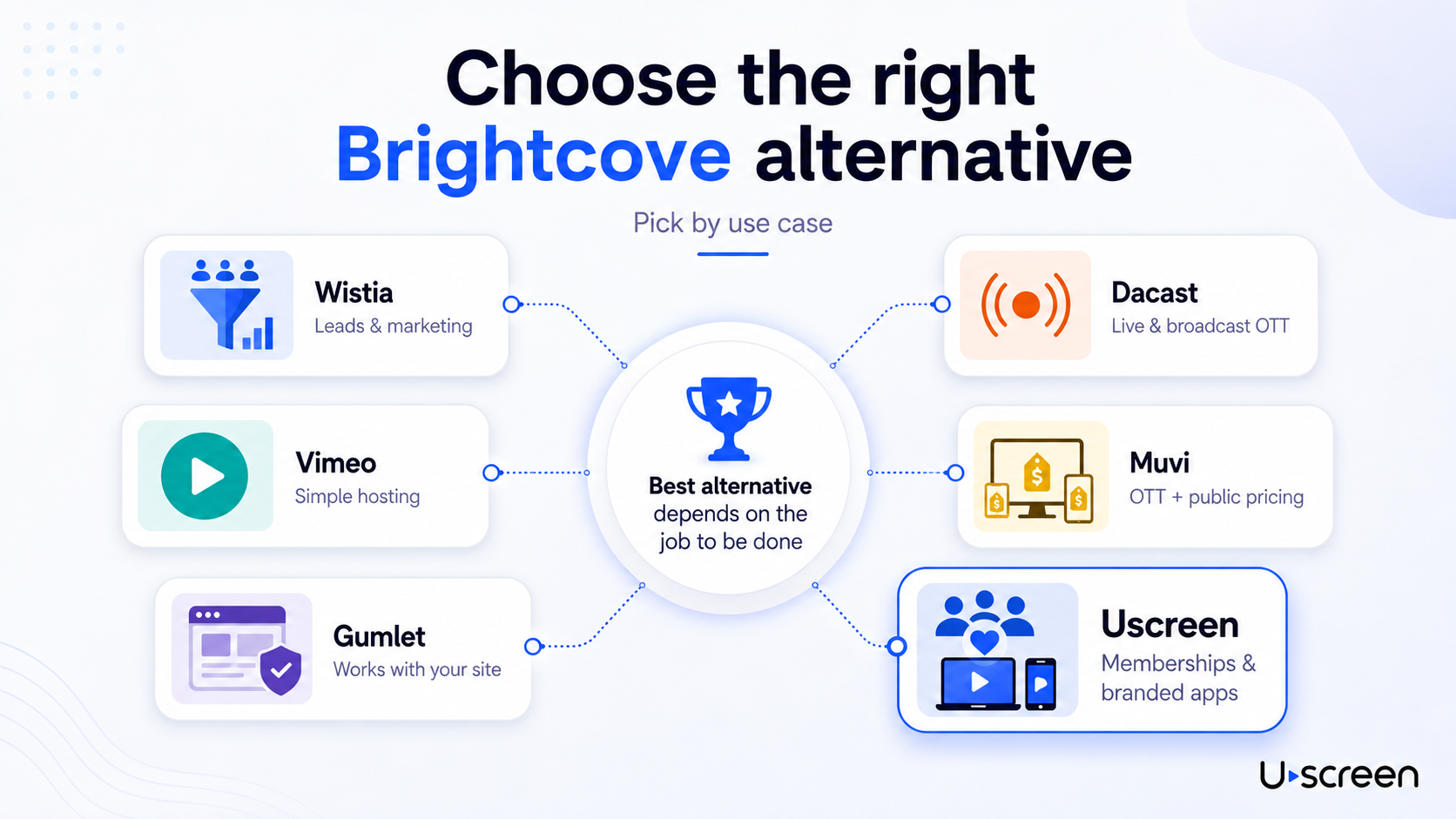
Choosing the right Brightcove alternative comes down to one question: what job do you actually need the platform to do? Brightcove covers marketing video, OTT monetization, and internal communications, so the right swap depends on which of those you’re replacing. Picking based on a ranked list without matching your use case first is how you end up on the wrong platform six months later.
Here’s how to match your need to the right option:
- Marketing video and lead capture: Wistia is a strong fit when video is part of your sales funnel. Its CRM integrations, lead capture, heatmaps, and A/B testing help marketing teams see which videos attract and convert prospects. It makes more sense for marketing-led businesses than companies building a paid video membership (opens in new tab) .
- Simple, ad-free video hosting: Vimeo is a good fit when you need professional video hosting without building a full membership business. Its branded player, privacy controls, and analytics give teams more control than a basic public video platform.
- Video delivery on an existing website: Gumlet works well when your website is already in place, and you mainly need secure video delivery. Features such as domain restrictions, geo-blocking, analytics, and DRM help protect paid or private content without moving your site.
- Live streaming and broadcast OTT: Dacast fits broadcasters and businesses that need both live and on-demand video. It focuses on streaming infrastructure, so you can deliver events and VOD without adding a separate membership layer.
- OTT with public pricing: Muvi publishes its plans, which makes it easier to compare costs before contacting sales. It supports subscriptions, pay-per-view, advertising, and other OTT monetization options across web and apps.
- Recurring memberships and branded apps: Uscreen is built for businesses that want to turn video into recurring revenue. It brings video, community, live streaming (opens in new tab) , marketing tools, and branded apps (opens in new tab) into a single platform, so you can manage the member experience and revenue model in one place.
When Uscreen is the right Brightcove alternative
Brightcove is built for enterprise media teams and broadcasters. But if you already have an audience and want to own it, monetize it with recurring subscriptions, and stop depending on platforms you don’t control, that’s exactly the gap Uscreen fills.
Here’s when it’s the right move:
- You’re ready to run a subscription membership: You have an existing audience that pays for access, and you want predictable monthly recurring revenue instead of custom contracts or usage-based billing you can’t forecast.
- You want community alongside your video: Channels, challenges, direct messages, and member profiles, all inside the same platform as your content.
- You need branded mobile and TV apps: Published under your own developer account. Your members tap your app, see your brand, and never know Uscreen exists.
- You’re migrating from another platform: Uscreen’s (opens in new tab) Migration team (opens in new tab) handles content, subscriber data, and payment method transfers. Most migrations take 30 to 60 days, but the team builds the plan around your goals and timeline, with scheduled calls and a dedicated point of contact throughout.
If that’s where you are, (opens in new tab) start a free trial (opens in new tab) without a credit card, or (opens in new tab) book a demo (opens in new tab) to see the platform before committing. If your primary need is enterprise video delivery, internal comms, or marketing video, the breakdown above covers exactly which platform makes sense for your use case.